
The lab
here is how portswigger describes it
To solve the lab, change the email address for the user administrator. You can log in to your own account using the following credentials:
wiener:peter. We have provided a list of possible delimiter characters to help you solve the lab: Web cache deception lab delimiter list.
the new pieces in this lab#
this lab changes two things from the earlier WCD labs: the cache rule we abuse, and the goal (we steal the admin's CSRF token, not an API key, then use it to change their email).
- an exact-match cache rule caches a specific, named resource rather than a directory prefix or a file extension. common examples are
/robots.txt,/favicon.ico,/sitemap.xml, well-known files a cache is often configured to store by their exact path. so there's no.jsextension rule and no/resourcesdirectory rule here; the only thing the cache stores is/robots.txtby name. - the exploit still relies on a normalization discrepancy: the cache decodes and resolves dot-segments (so a crafted path collapses to
/robots.txtand matches the exact-match rule), while the origin does not resolve them and, thanks to a delimiter, serves/my-accountinstead. same stacking idea as the cache-normalization lab, but the cache's target is a filename, not a directory. - a CSRF token is a per-user secret the app embeds in forms to prevent cross-site request forgery; to submit the admin's email-change form on their behalf we need their token. the account page (
/my-account) contains it, so if we can cache the admin's/my-accountresponse, we can read their token out of it. - the endgame is a CSRF attack: once we have the admin's token, we build a form that POSTs a new email with that token and deliver it so the admin's browser submits it, changing their email.
the plan: find the origin's delimiters (
;,?), find that the cache has an exact-match rule on/robots.txtand resolves dot-segments, craft a path that the cache normalizes to/robots.txtbut the origin serves as/my-account, cache the admin's account page, read their CSRF token, and use it to change their email.
why the exact-match rule leaks the CSRF token#
the flaw is the familiar cache/origin normalization split, narrowed to a single filename. the cache will store a response only if the path resolves to exactly /robots.txt, and it does decode and resolve dot-segments, so /my-account;%2f%2e%2e%2frobots.txt collapses, in the cache's view, to /robots.txt and gets cached. the origin, meanwhile, treats ; as a delimiter and does not resolve dot-segments, so it reads only /my-account and returns the logged-in user's account page, CSRF token and all. one request is "/robots.txt" to the cache and "/my-account" to the origin. when the admin is lured to that URL, the cache stores their personalised account page under the /robots.txt key, and we fetch it to read their token. the secret leaks because the exact-match rule is satisfied by a normalized path that the origin never actually served.
Step 1 - note the CSRF-protected form#
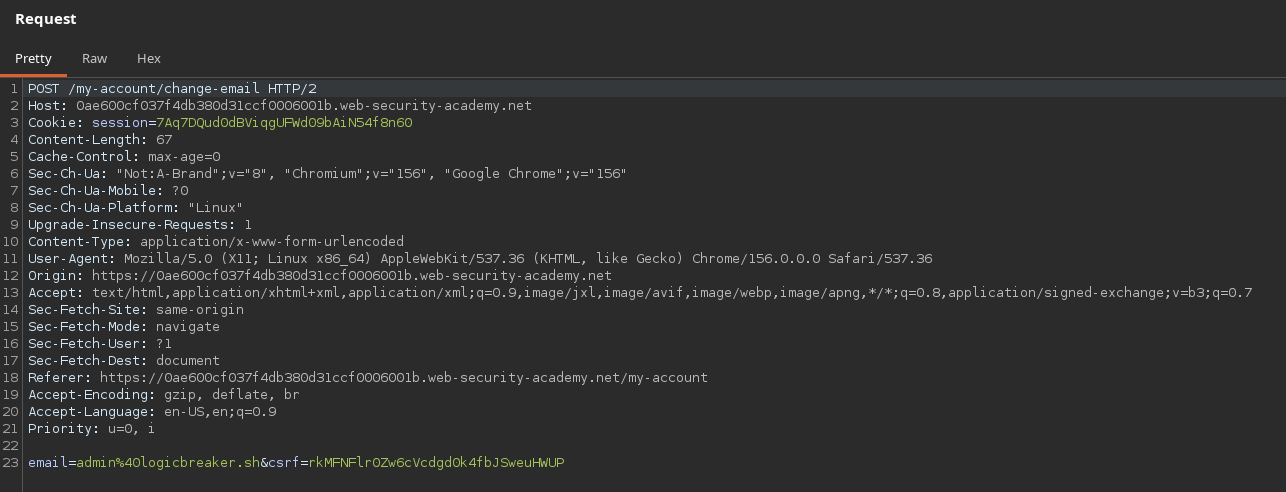
we log in as wiener:peter and change our email. in Proxy > HTTP history we see the email-change form in the /my-account response carries a CSRF token as a hidden parameter, that's the secret we'll need from the admin.
Step 2 - find the origin's delimiters#
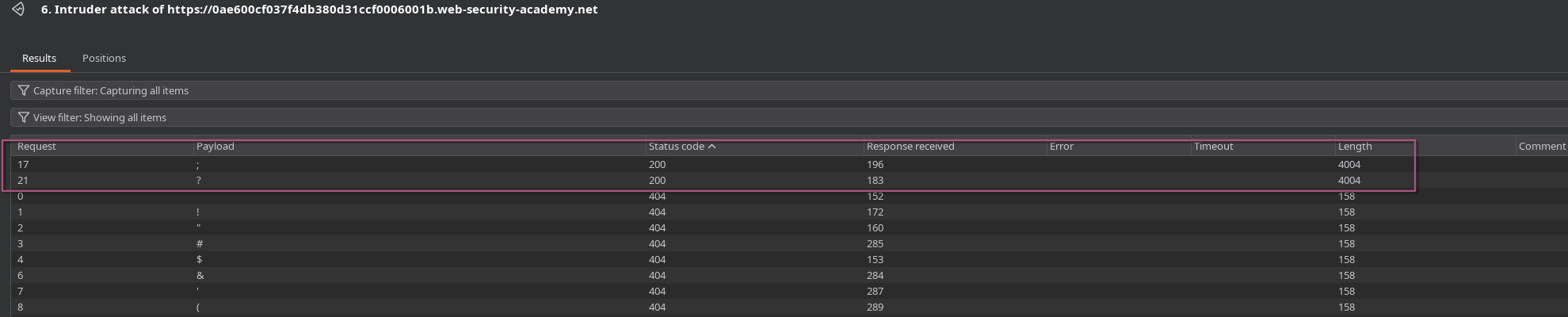
we send GET /my-account to Repeater. /my-account/abc returns 404 (no path abstraction) and /my-accountabc returns 404 uncached (our reference). we send it to Intruder, Sniper, payload position after /my-account (/my-account§§abc), URL-encoding deselected. ; and ? are both used as delimiters by the origin.
Step 3 - rule out extension caching#
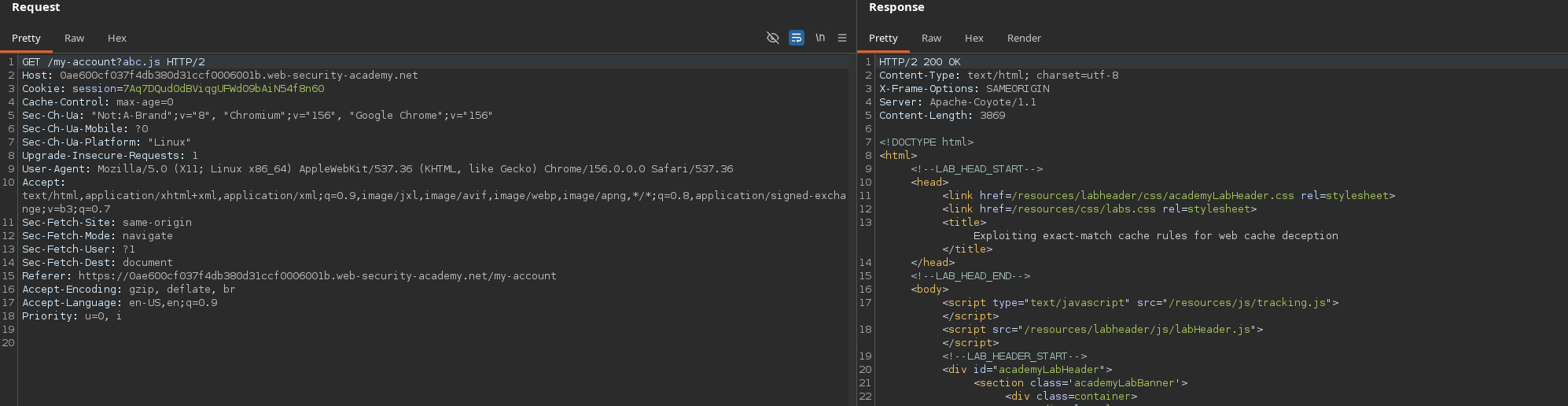
in Repeater we test /my-account?abc.js, no caching. we repeat with ; (/my-account;abc.js), also no caching. so there's no static-extension rule to abuse.
Step 4 - confirm the origin doesn't resolve dot-segments#
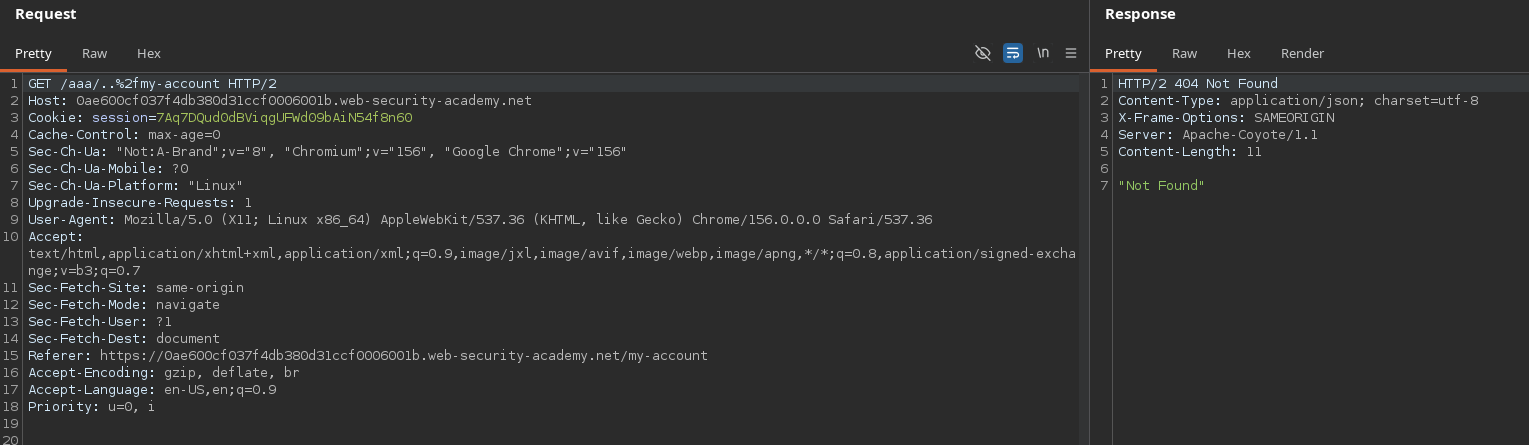
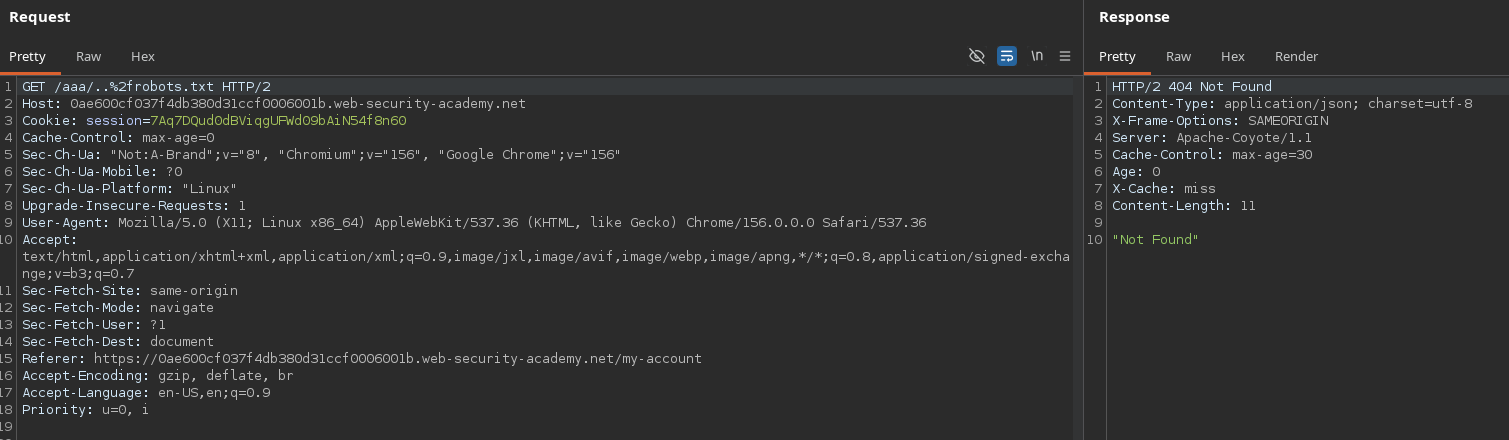
we prepend an arbitrary directory and encoded dot-segment, /aaa/..%2fmy-account, and send, 404. so the origin does not resolve the dot-segment to /my-account. we also note in history that /resources static assets are not cached, so there's no static-directory rule either.
Step 5 - find the exact-match rule on /robots.txt#
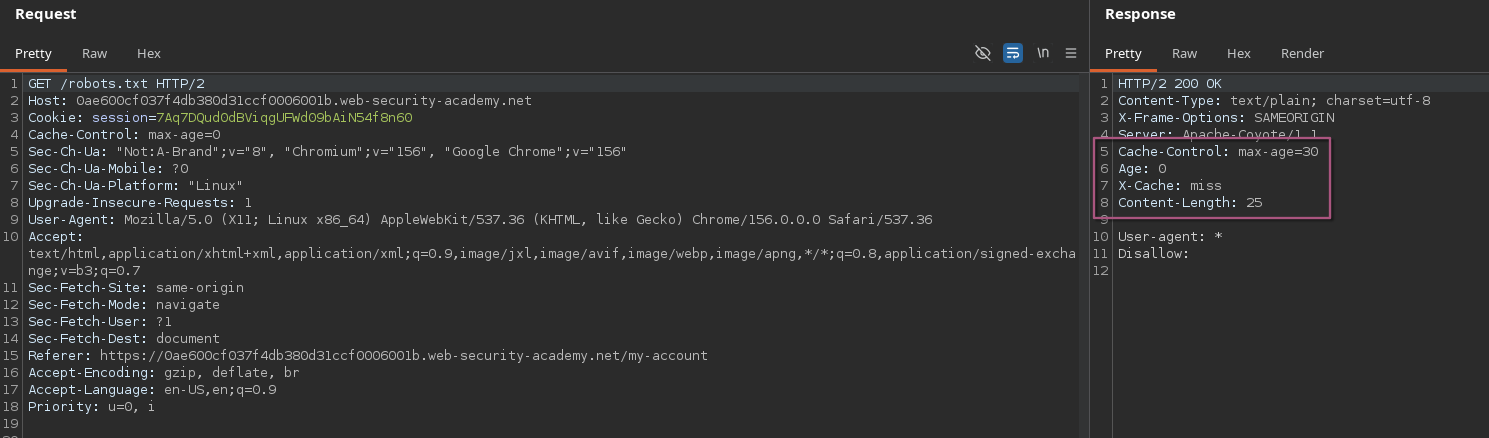
we change the path to /robots.txt and send, X-Cache: miss, then hit on resend. so the cache has an exact-match rule that stores responses for the /robots.txt filename.
Step 6 - confirm the cache resolves dot-segments to /robots.txt#
we prepend an encoded dot-segment and arbitrary directory, /aaa/..%2frobots.txt, and send, the 200 response is cached. this proves the cache decodes and resolves the dot-segment (collapsing /aaa/../robots.txt → /robots.txt) and still matches the exact-match rule.
Step 7 - test the exploit with ?#
we try to combine a delimiter with the cache-resolvable dot-segment:
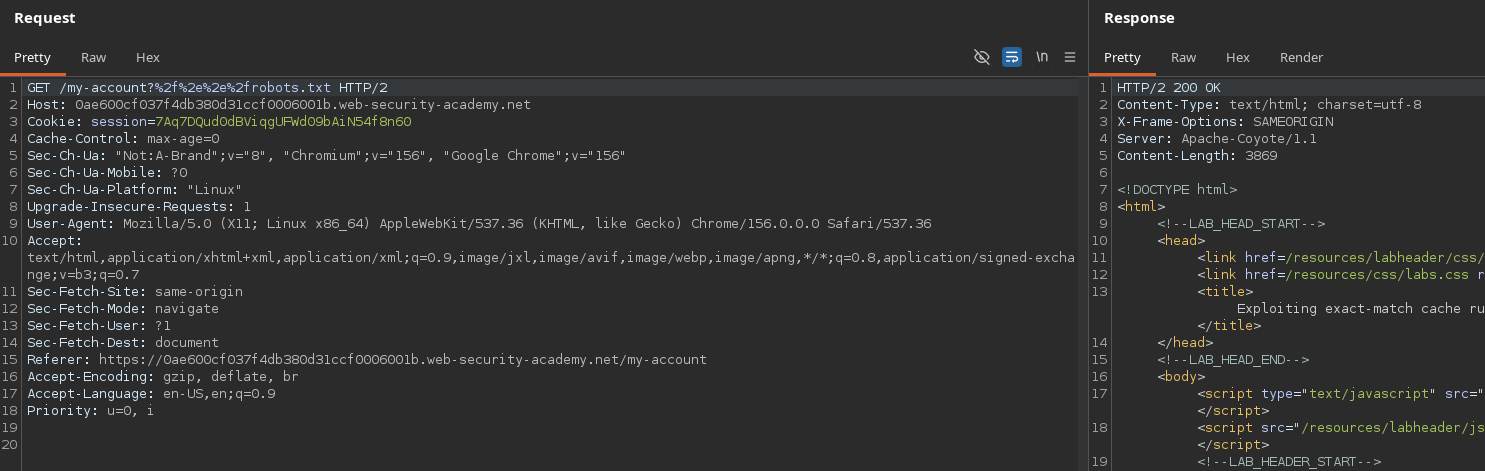
/my-account?%2f%2e%2e%2frobots.txt
this returns 200 but no caching, because the cache also treats ? as a delimiter, so it truncates to /my-account before resolving to /robots.txt, missing the rule.
Step 8 - land the exploit with ;#
we repeat with the ; delimiter:
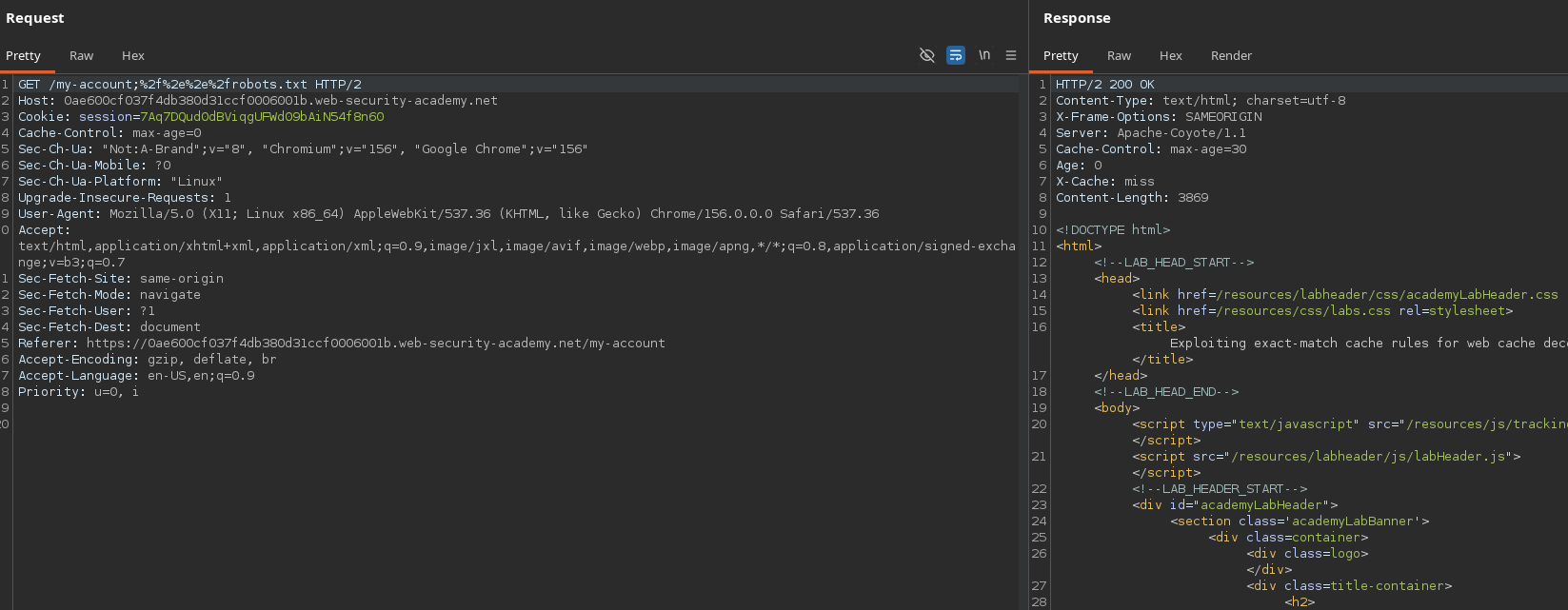
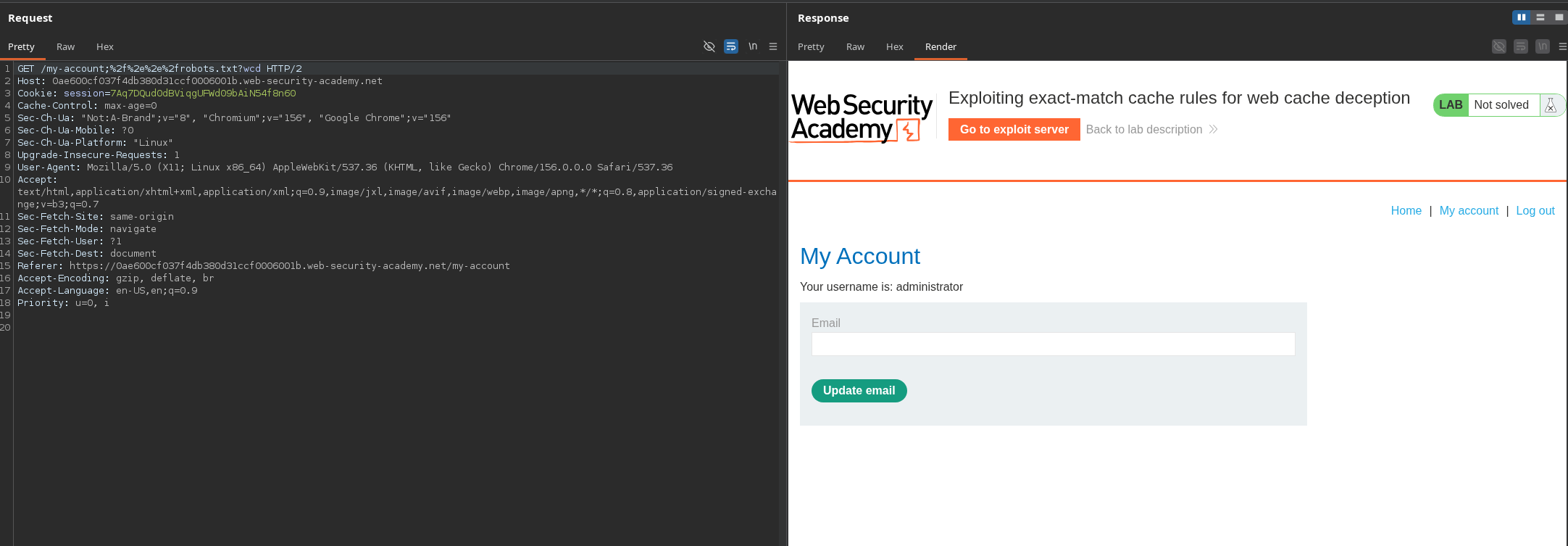
/my-account;%2f%2e%2e%2frobots.txt
this returns 200 with our account data and X-Cache: miss; resending flips to hit.
why it works. the origin treats ; as a delimiter, so it reads /my-account and returns the account page. the cache does not treat ; as a delimiter, keeps the whole path, and resolves /my-account;/../robots.txt down to /robots.txt, matching the exact-match rule and caching. ; is the delimiter the origin honours but the cache ignores.
Step 9 - steal the admin's CSRF token#
we go to the exploit server and deliver a redirect to the malicious URL, with an arbitrary cache-buster parameter:
<script>document.location="https://YOUR-LAB-ID.web-security-academy.net/my-account;%2f%2e%2e%2frobots.txt?wcd"</script>
after delivering, we fetch the same URL ourselves:
https://YOUR-LAB-ID.web-security-academy.net/my-account;%2f%2e%2e%2frobots.txt?wcd
in Burp's browser this may redirect to the login page (the browser redirects requests with invalid session data), so we request it in Burp Repeater instead. the cached response is the admin's account page, containing the administrator's CSRF token. we copy it.
Step 10 - change the admin's email via CSRF#
in Proxy > HTTP history we send the POST /my-account/change-email request to Repeater, replace the CSRF token with the administrator's, and set an email that differs from our own. we use Engagement tools > Generate CSRF PoC > copy html to build the form:
<html>
<body>
<form action="https://YOUR-LAB-ID.web-security-academy.net/my-account/change-email" method="POST">
<input type="hidden" name="email" value="admin1@logicbreaker.sh" />
<input type="hidden" name="csrf" value="ADMIN-CSRF-TOKEN" />
<input type="submit" value="Submit request" />
</form>
<script>
history.pushState('', '', '/');
document.forms[0].submit();
</script>
</body>
</html>
we paste this into the exploit server's Body and click Deliver exploit to victim. the admin's browser submits the form with their own token, changing their email.
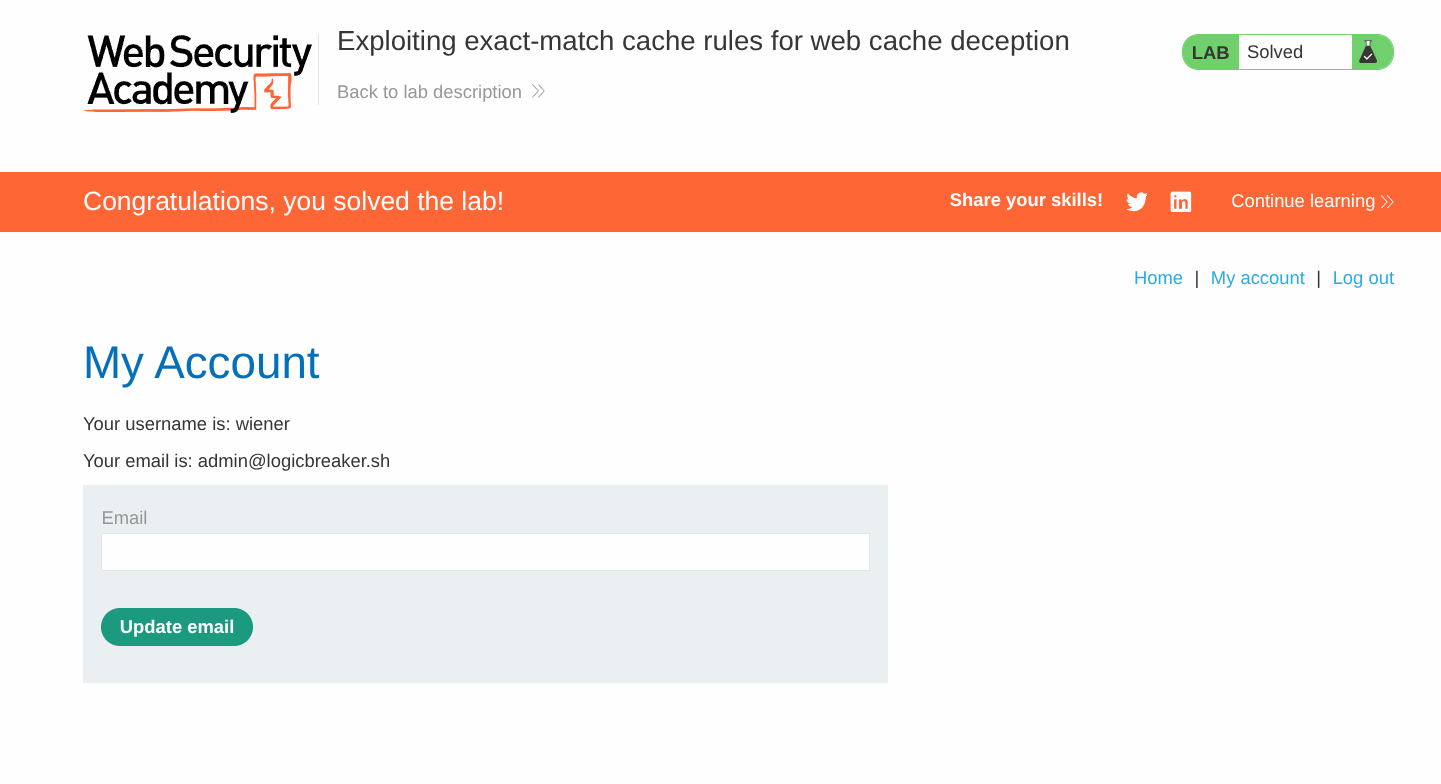
with this, the lab is solved!