
The lab
here is how portswigger describes it
This lab is vulnerable to server-side template injection due to the way it unsafely uses a Tornado template. To solve the lab, review the Tornado documentation to discover how to execute arbitrary code, then delete the morale.txt file from Carlos's home directory.
You can log in to your own account using the following credentials: wiener:peter
what code context actually means?#
server side template injection happens when something you control gets dropped into a template that the server then renders. template engines exist to take expressions like {{ user.name }} and swap them out for real values before the page goes back to you. if your input reaches that rendering step without being treated as plain data, the engine will cheerfully evaluate whatever you hand it.
there are two shapes this takes. sometimes your input lands in plaintext, sitting outside any expression, so you can drop a fresh {{ 7*7 }} in and watch it resolve. that was the flavour of the previous lab. this one is not so generous. here your value is placed inside an expression that already exists, so the engine is really rendering something close to {{ user.name }} with your text sitting where user.name goes. that is code context. you are already inside the braces, so before you can inject anything useful you first have to climb out of the expression you are trapped in.
the engine here is tornado, which is a python web framework with its own template syntax. that matters because once we prove we have code execution, the path to running system commands runs through plain python.
Step 1 - Log in and find the features#
we log in with the provided wiener:peter credentials. there are a few blog posts on the site but nothing on them jumps out, so the interesting surface is going to be somewhere our own input gets reflected.
that surface turns out to be the account page. on my account you can choose whether the site shows your full name, your first name, or your nickname above your comments.
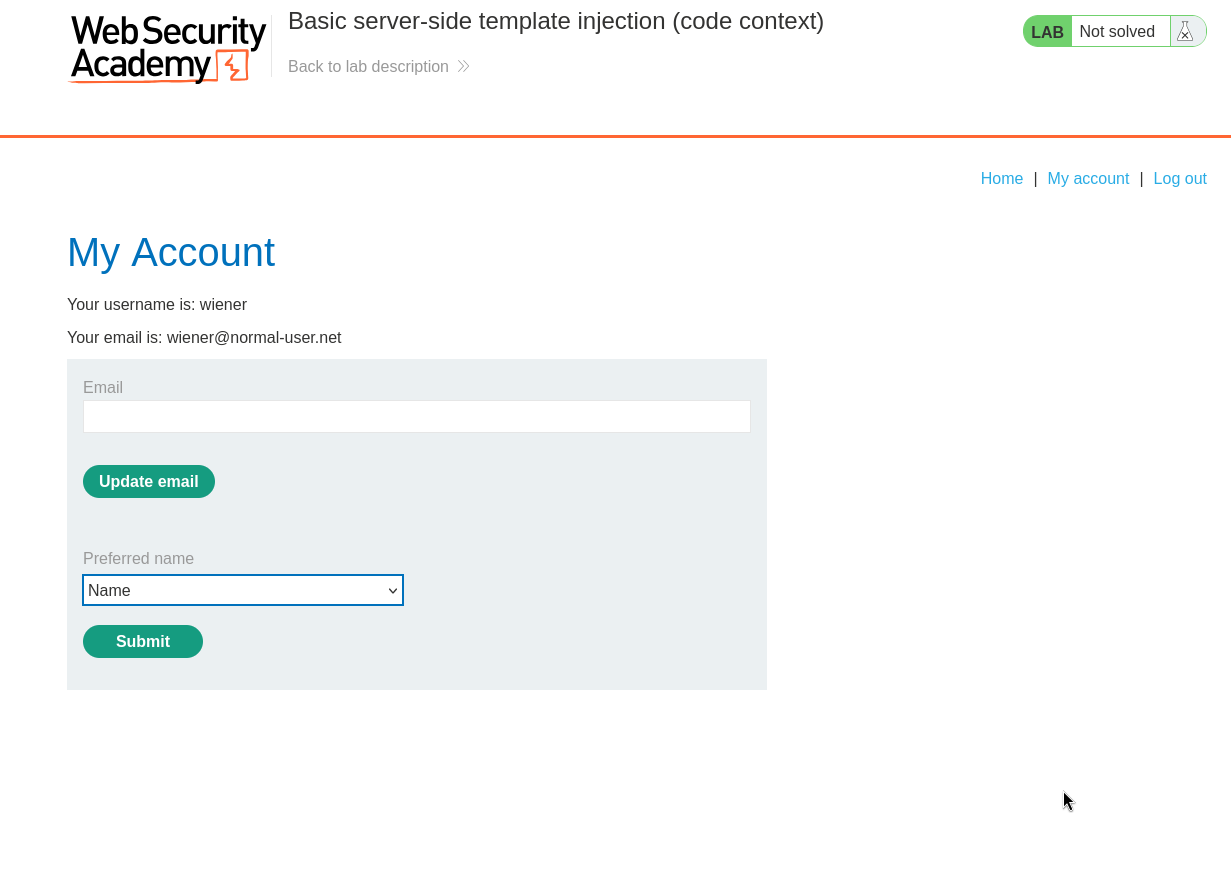
when you pick one, a POST request fires and sets a parameter called blog-post-author-display to one of user.name, user.first_name, or user.nickname. those values are the tell. they are not strings like "Peter", they are object attributes being read live. whatever you send in that parameter gets dropped into a template expression and evaluated when the comment is rendered, which is exactly the setup for code context injection.
the request we care about is POST /my-account/change-blog-post-author-display, so we send it to burp repeater to work on it in isolation.
Step 2 - Break out of the expression and Confirm injection#
because our value lands inside an existing expression, sending something ordinary just comes back as text. the trick is to close the expression we are stuck inside first, then open a brand new one of our own.
tornado wraps its expressions in double curly braces, so the way out is to send the closing }} ourselves, then follow it with a fresh {{ 7*7 }} of our own making.
blog-post-author-display=user.name}}{{7*7}}
reading that left to right, user.name finishes the expression the server set up for us, the }} slams the door on it, and then {{7*7}} is a completely new expression that the engine has no reason not to evaluate. the multiplication is just a harmless probe. if the page comes back with the literal text we will know nothing happened, but if it comes back with the answer we know the engine did maths for us, which means it is evaluating our input.
we send the request, then go back to a post and leave a comment so the author name renders. the name above the comment now reads Peter Wiener49}}.

that 49 is 7*7, which is the proof. the trailing }} is just the leftover brace from the original expression that we did not account for, and it is cosmetic. the engine evaluated our expression, so we have confirmed server side template injection.
Step 3 - From Evaluating expressions to running python code#
printing 49 is nice but it does not delete a file. for that we need to run actual python, not just resolve an expression.
tornado has a second piece of syntax for this. expressions in {{ }} get printed, but statements in {% %} get executed. that difference is the whole game. {% %} lets us run python that does not return a printable value, which is exactly what you need for things like imports.
python ships with the os module, and os has a system() method that hands a string straight to the operating system shell to run. so the plan is to import os with a statement block, then call os.system() to run the command that removes carlos's file.
putting it together, the payload looks like this:
{% import os %}{{os.system('rm /home/carlos/morale.txt')}}
the {% import os %} block pulls in the module without printing anything, and the {{os.system(...)}} expression actually fires off the rm command against /home/carlos/morale.txt.
Step 4 - Wrap the payload in the breakout and solve#
now we stitch the breakout from step two together with the payload from step three and drop the whole thing into the blog-post-author-display parameter.
since this is going into a POST body, the special characters need to be url encoded or they will not survive the trip. spaces become +, and the percent signs in the statement braces get encoded too. the final parameter value is this:
blog-post-author-display=user.name}}{%25+import+os+%25}{{os.system('rm+/home/carlos/morale.txt')
the user.name}} closes the original expression just like before, then {%25+import+os+%25} is the url encoded version of {% import os %}, and the last chunk calls os.system() with our rm command. send that request.
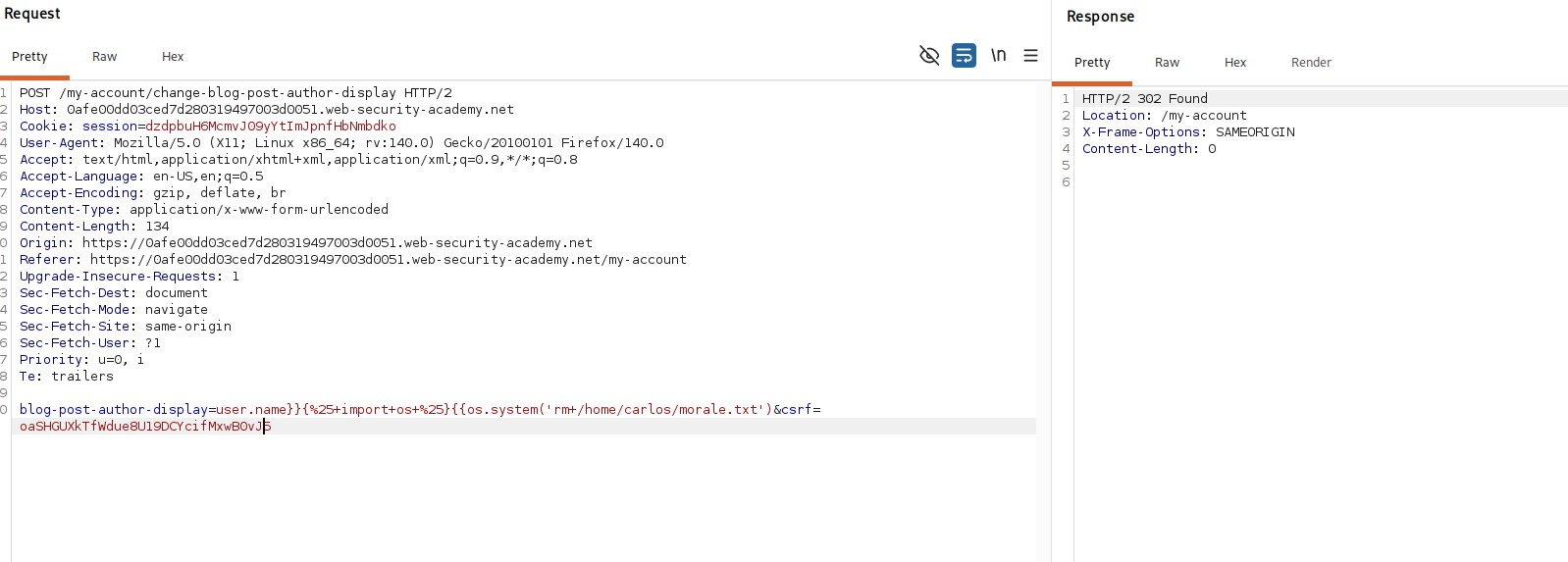
the payload only runs when the template is rendered, and the template renders when the comment is shown, so we reload the page with our comment on it to trigger it. that render executes the import and the os.system() call, the shell runs rm /home/carlos/morale.txt, and the file is gone.
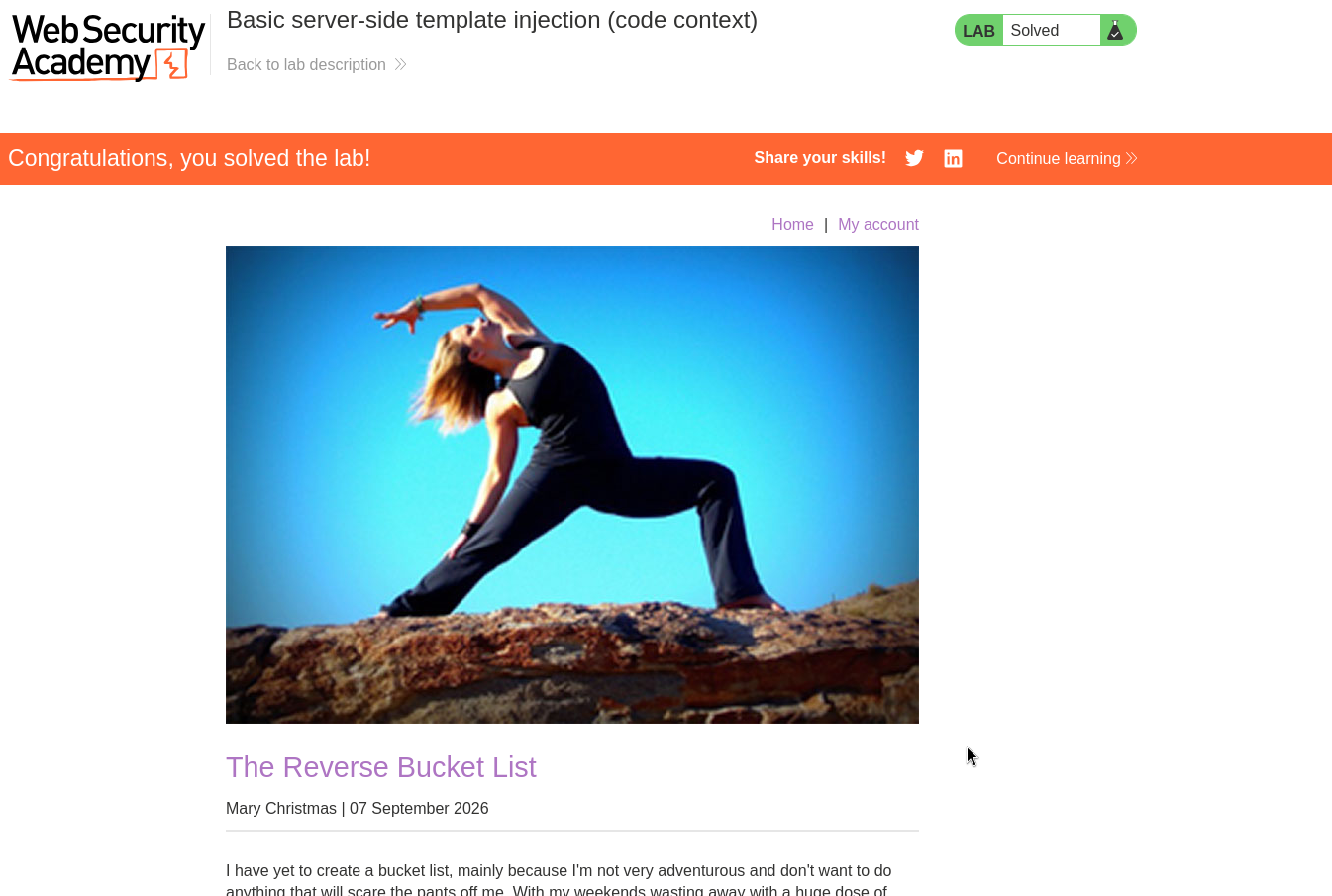
with this, the lab is solved!