
The lab
here is how portswigger describes it
This lab contains a blind OS command injection vulnerability in the feedback function.
The application executes a shell command containing the user-supplied details. The output from the command is not returned in the response.
To solve the lab, exploit the blind OS command injection vulnerability to cause a 10 second delay.
this is about getting the server to run operating system commands we choose. this first lab is blind meaning we never see the command output so we prove the bug by making the server pause instead.
what os command injection is?#
a lot of web applications do their job by quietly running operating system commands behind the scenes. a feedback form might shell out to a mail program to send your message, a network tool might call ping or nslookup, an image feature might call a converter. the danger comes from how the application builds that command. if it glues your input straight into a command string and hands the whole thing to a shell, then the shell does not just see your input as data, it sees it as part of the command.
a shell is built to run several commands in a row, and it has special characters for stringing them together. so if we put one of those characters into our input, we can end the command the application intended and start one of our own. the shell obeys, running our command with whatever privileges the application has. that is os command injection, and it is severe because running arbitrary commands on the server is close to total control of it.
the catch in this lab is that it is blind, the application runs the command but does not show us the output. so we cannot read a file or see a result. the way to prove the command ran anyway is to make it take a measurable amount of time, and watch how long the response takes. if we can reliably add a ten second delay, the command is executing.
Step 1 - Find the feedback feature#
on the home page there are some products and a feedback button.

clicking feedback opens a form for submitting feedback.
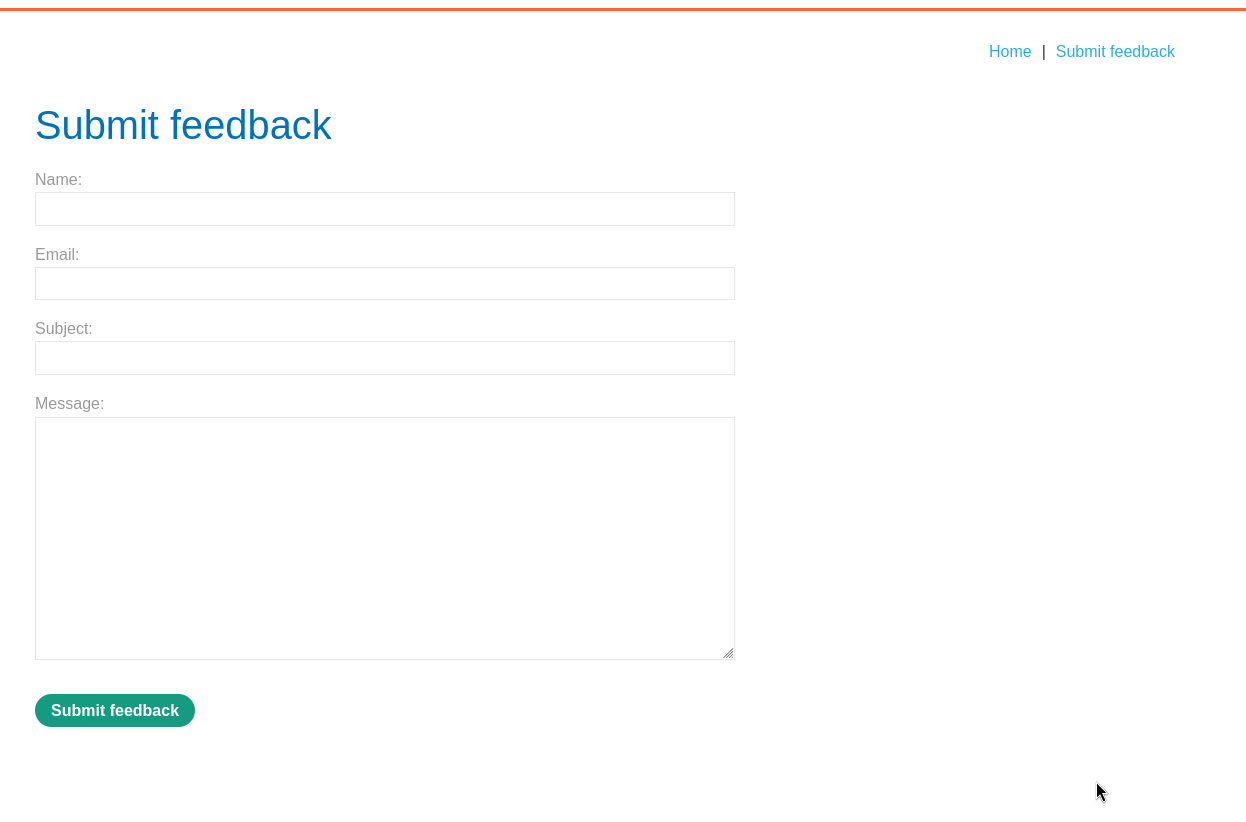
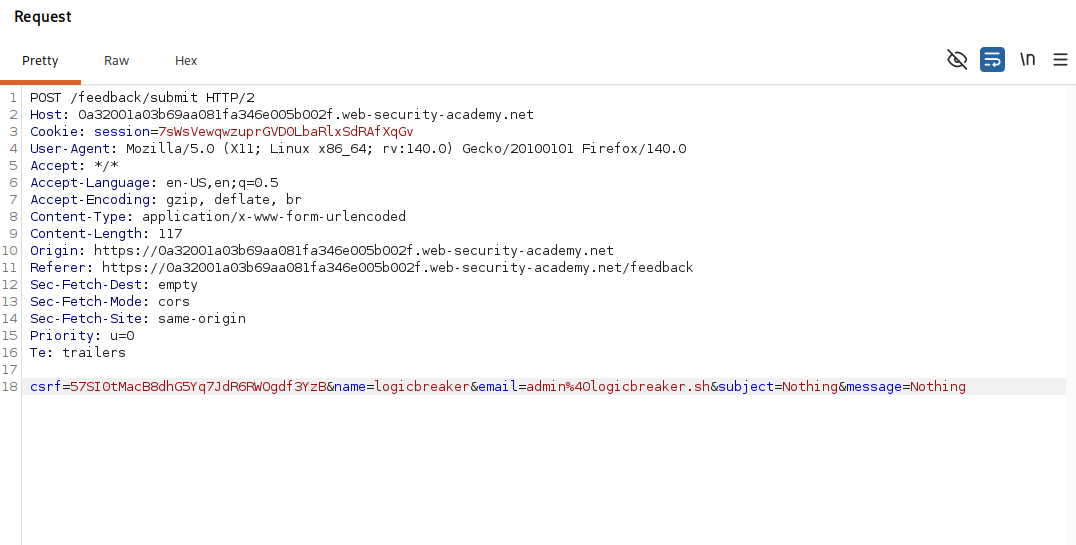
we fill it in, submit it, intercept the request, and send it to repeater to work on it. the request carries the feedback fields, including an email parameter.
Step 2 - Inject time delay#
we change the email parameter to this.
email=x||ping+-c+10+127.0.0.1||
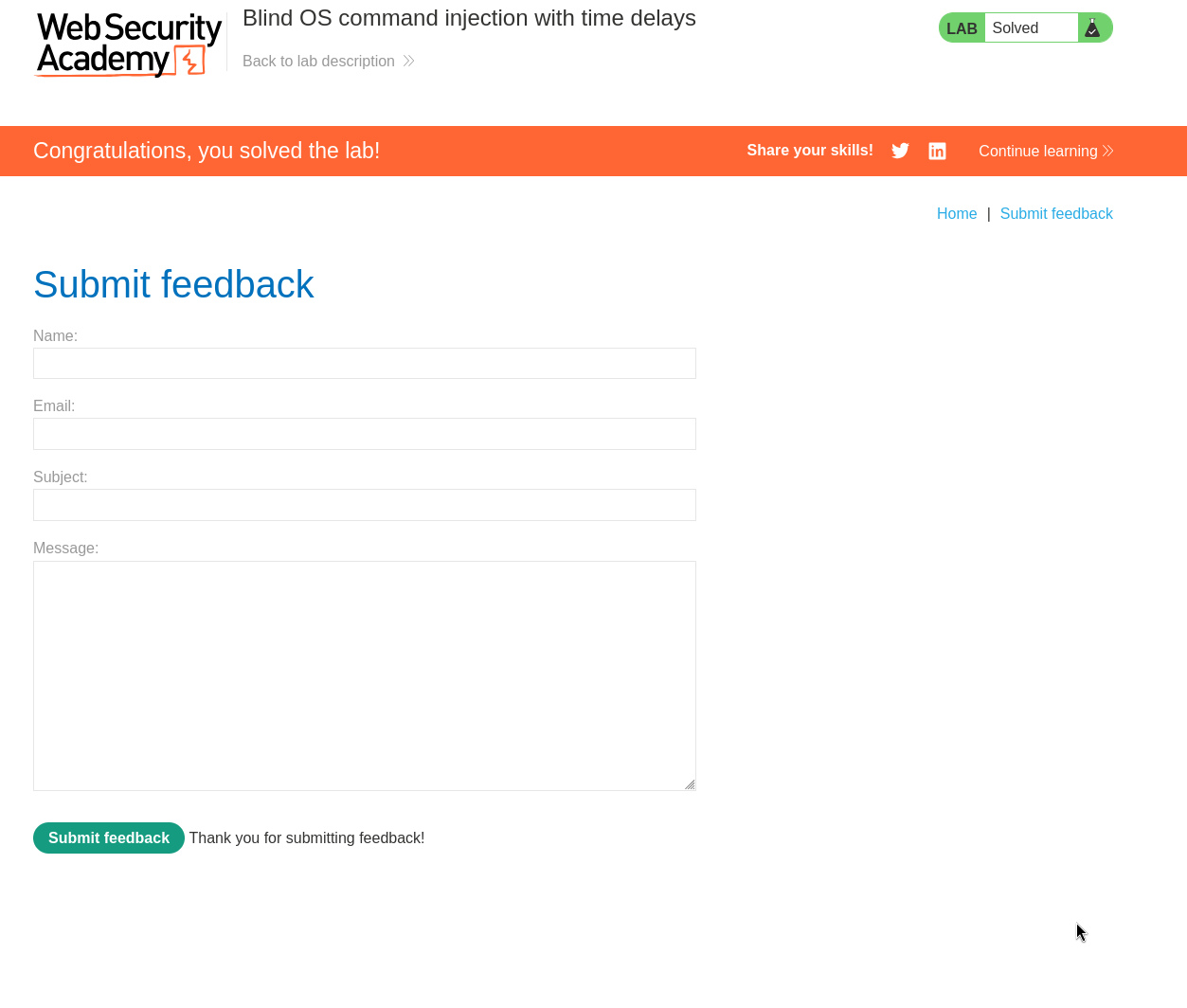
after sending it, the response takes about ten seconds to come back, and the lab is solved.
breaking down the payload#
let me read x||ping+-c+10+127.0.0.1|| piece by piece, because every part has a job.
the x is just a throwaway value for the email, the application probably builds a command like mail using the email we give, so we hand it a harmless x to stand in that slot.
the || is a shell operator that means or, run the next command only if the previous one fails. because our x is not a valid email, the application's intended command fails, and the || makes the shell run our command instead. it is a reliable way to guarantee our part executes whatever the first part was trying to do.
ping -c 10 127.0.0.1 is our command. ping sends network probes to an address, 127.0.0.1 is the machine's own loopback address which always answers, and -c 10 tells it to send exactly ten probes. ping waits about one second between probes, so ten probes take roughly ten seconds, which is our measurable delay. the + characters are just encoded spaces, since this is going inside a url encoded parameter.
the trailing || at the end neutralises whatever the application appended after our input. without it, the leftover tail of the original command might run or cause an error, so we cap our injection with another || so that anything following is treated as a separate branch that does not interfere.
how you would test for this in the real world#
in a real test you would not be told which parameter is vulnerable, so the question is how you find it. the approach is systematic, you try to inject a harmless but measurable command into every input the application sends to the server, one at a time, and watch for the delay.
the inputs to try are everything, every form field, every url query parameter, every header the app might use, and every part of the body, because any of them could end up in a command. for each one, you feed it a payload that chains a delay command, and you cycle through the different shell separators, because you do not know how the input is being placed in the command. the common separators to rotate through are these.
;
&
|
&&
||
`command`
$(command)
a newline
for each separator you append a delay command like ping -c 10 127.0.0.1 or the simpler sleep 10, send the request, and time the response. if one combination makes the response consistently take ten seconds, that parameter and that separator are your way in. timing is the tell precisely because the output is hidden, you are listening for the pause rather than reading a result.
a cleaner professional method is to make the server reach out to a server you control rather than just sleep, for example using a payload that does a dns lookup to a burp collaborator subdomain. that both proves execution and dodges the problem that a delay can be noisy or mistaken for a slow network, and it is the standard way to confirm truly blind injection at scale. tools like burp intruder let you spray these payloads across many parameters and separators automatically and sort by response time or by collaborator hits.
with this, we solved the lab!