
The lab
here is how portswigger describes it
This lab gives you the option to attach a social media profile to your account so that you can log in via OAuth instead of using the normal username and password. Due to the insecure implementation of the OAuth flow by the client application, an attacker can manipulate this functionality to obtain access to other users' accounts. To solve the lab, use a CSRF attack to attach your own social media profile to the admin user's account on the blog website, then access the admin panel and delete carlos. The admin user will open anything you send from the exploit server and they always have an active session on the blog website. You can log in to your own accounts using the following credentials: Blog website account:
wiener:peterSocial media profile:peter.wiener:hotdog
the new pieces in this lab#
we've met the core OAuth terms already (client app, OAuth service, access token, authorization code). this lab turns on two new ideas.
- account linking is the feature where an existing blog account "attaches" a social-media profile, so you can later log in with either. attaching means the blog records "this social profile now belongs to this blog account". after linking, logging in with that social profile instantly logs you into the linked blog account.
- the
stateparameter is OAuth's built-in CSRF defence. CSRF (cross-site request forgery) is when an attacker makes a victim's browser perform an action on a site where the victim is logged in, abusing the fact that the browser automatically attaches the victim's cookies. in OAuth,stateis a random, unguessable value the client generates at the start of a flow and checks when the flow returns, it ties the returning request to the browser that began it. withoutstate, the client will accept a completed OAuth step from anyone's browser, which is exactly what we abuse. the vulnerability: the linking flow has nostateparameter, so it is CSRF-able. we start linking our social profile and grab the final callback URL (/oauth-linking?code=...) that carries our authorization code (the short-lived credential the OAuth service issues that identifies our social profile). we don't finish the link ourselves, we drop the request so the code stays unused and valid, then trick the logged-in admin's browser into loading that callback. their browser completes our link against their account, attaching our social profile to the admin account. now we log in with social media and land in the admin's account.
why the missing state parameter breaks this#
the flaw is that the linking callback has no state value binding it to the session that initiated it. normally state guarantees "the browser finishing this OAuth flow is the same one that started it", so a callback captured from one person cannot be replayed in another person's session. here there is no such binding, so the /oauth-linking?code=... request is just a URL that says "attach the social profile behind this code to whatever blog account the current session belongs to". if we feed that URL to the admin's authenticated browser, the blog happily attaches our social profile to their account, it has no way to tell the code was minted for us, not them. the authorization code identifies our social identity, the session cookie identifies the victim's blog account, and the unprotected callback staples the two together. after that, "log in with social media" using our own credentials drops us straight into the admin account.
Step 1 - find the linking feature#
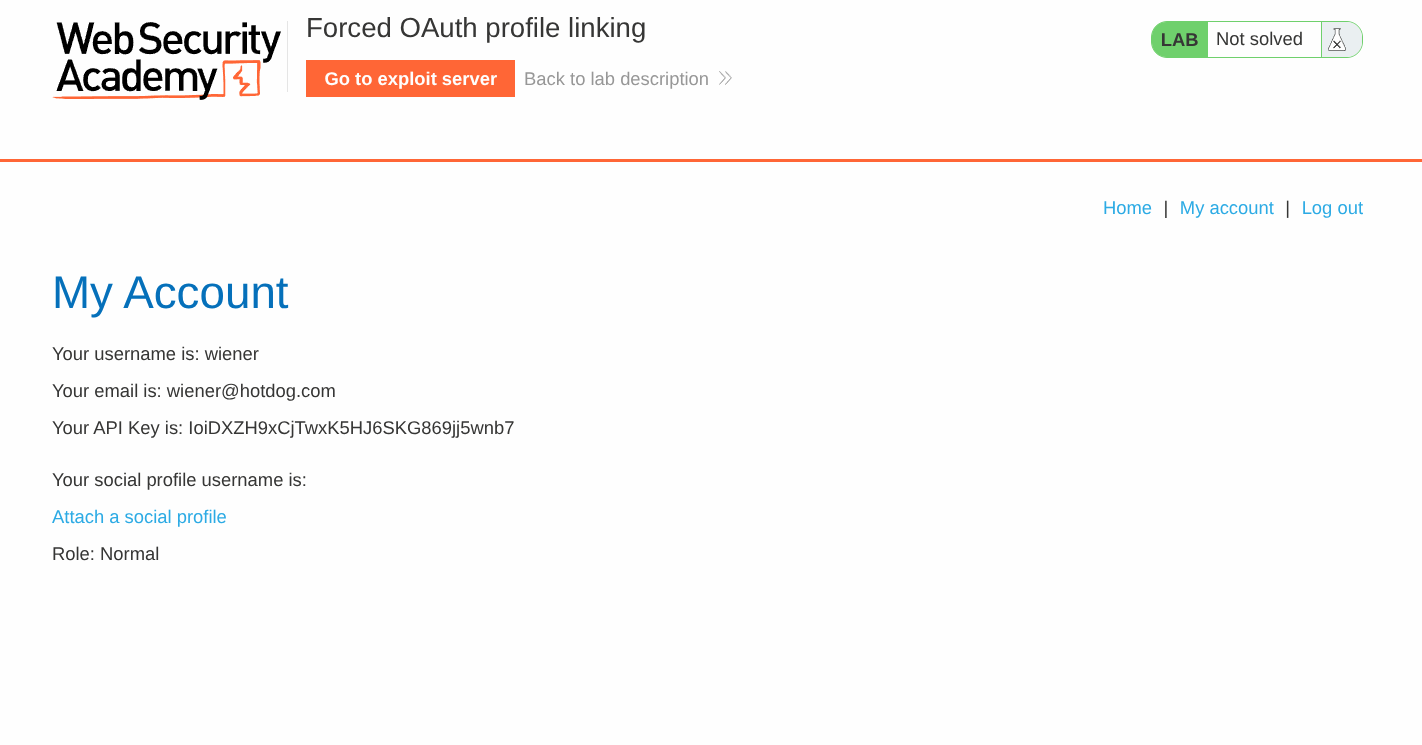
while proxying through Burp, we click My account. we are at the normal login page, but it also offers logging in with a social profile. for now we log in directly with the classic form (wiener:peter) and notice the option to attach a social media profile to our existing account.
Step 2 - link our own profile normally#
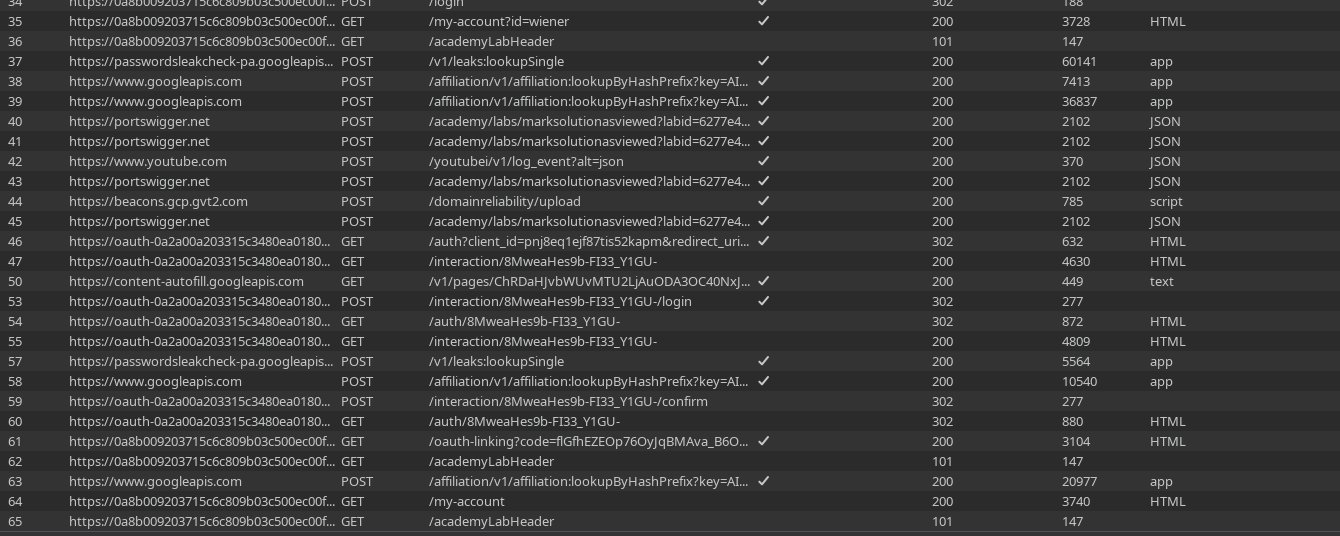
we click Attach a social profile and are redirected to the social media site, where we log in with our social credentials (peter.wiener:hotdog) to complete the OAuth flow, then land back on the blog.
Step 3 - confirm social login works#
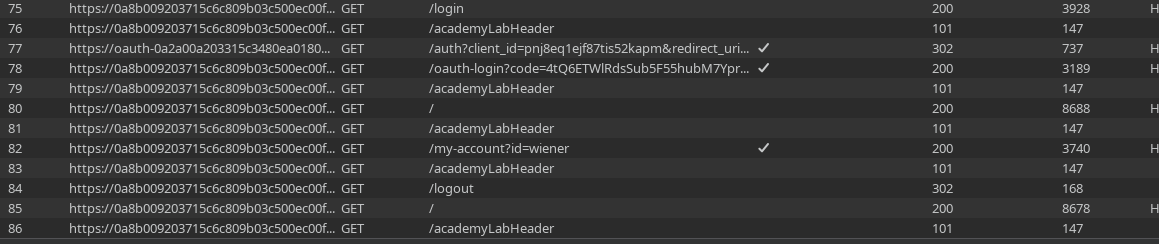
we log out, click My account, and this time choose Log in with social media. we are logged in instantly via our newly linked social account, confirming that a linked profile is a full login path into whatever account it is attached to.
Step 4 - spot the missing state parameter#
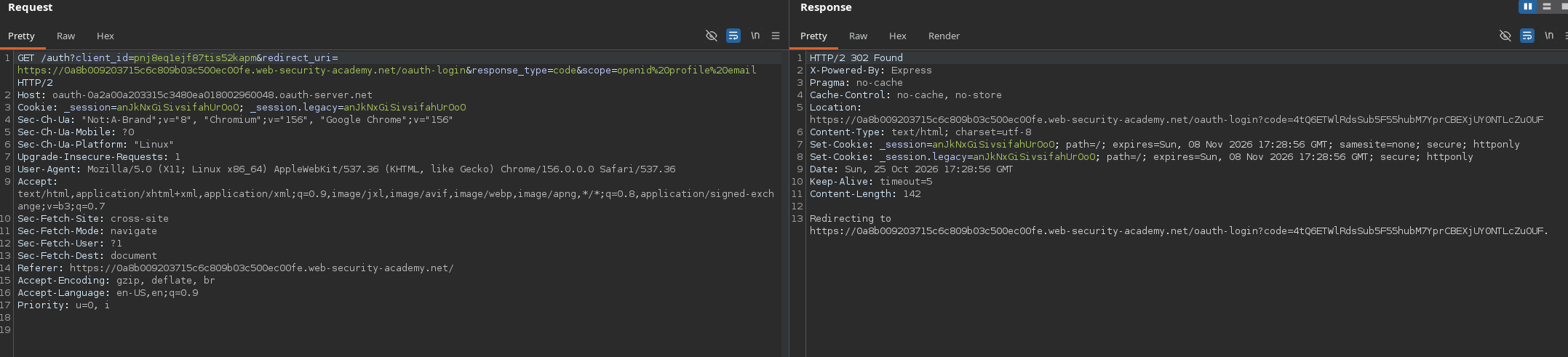
in the proxy history we study the series of requests for attaching a social profile. in the GET /auth?client_id=[...] request we see the redirect_uri for this feature sends the authorization code to /oauth-linking. crucially, the request has no state parameter, so there is no CSRF protection on the linking flow.
Step 5 - capture a valid linking code#
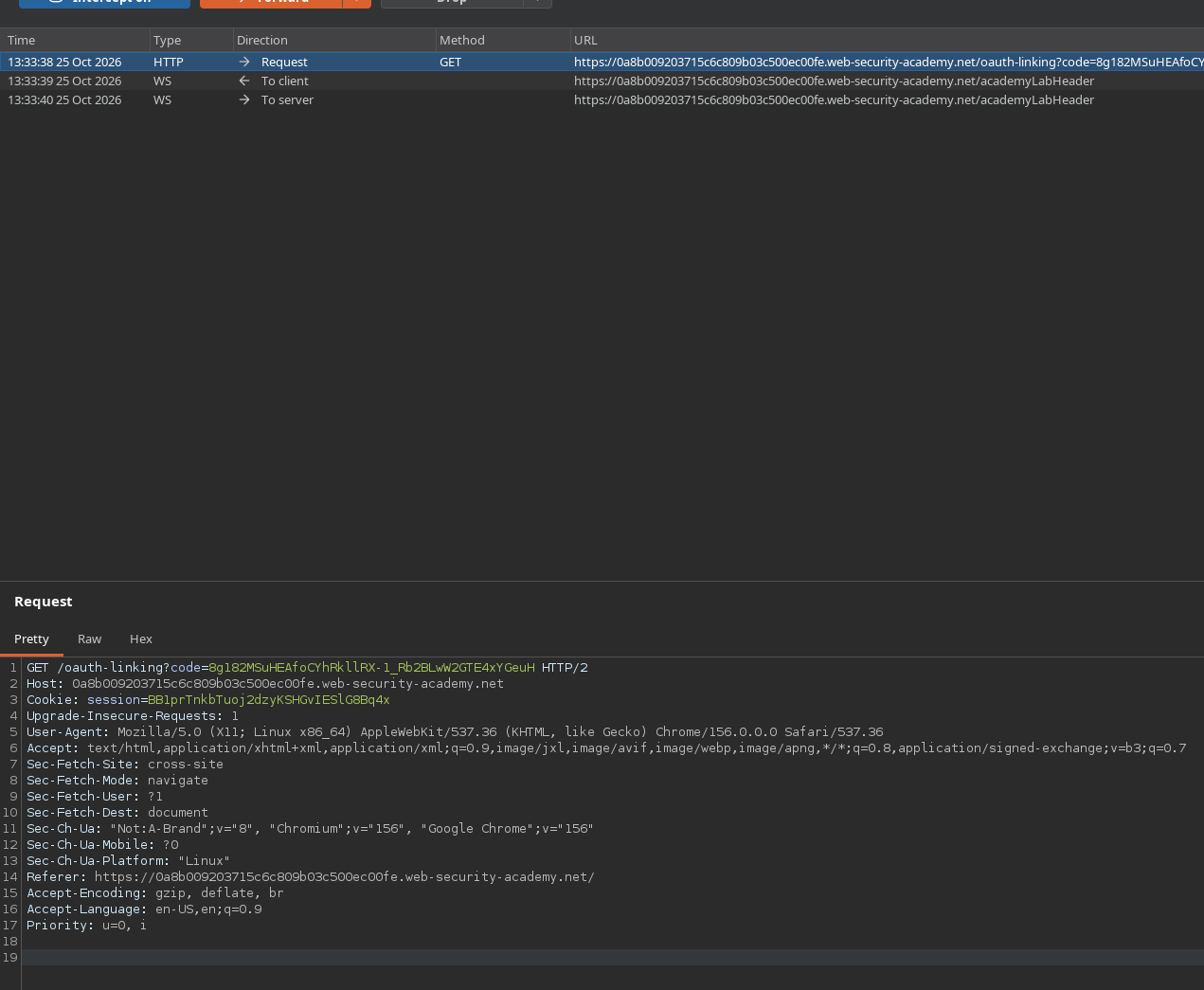
we turn on proxy interception and select Attach a social profile again. in Burp Proxy we forward requests until we intercept the GET /oauth-linking?code=[...] request. we right-click it and choose Copy URL.
Step 6 - build the CSRF iframe#
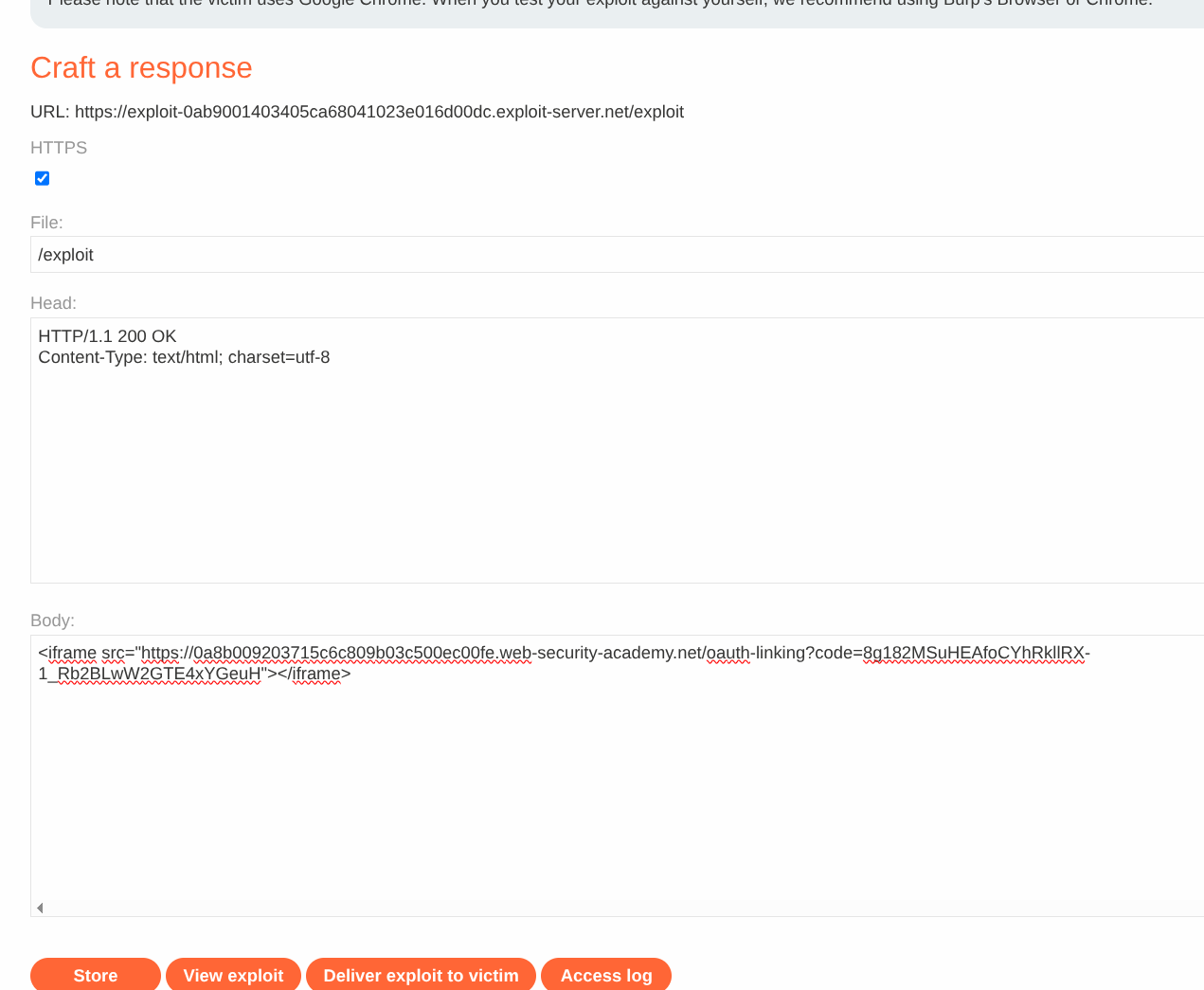
we drop the intercepted request, important, so the code is never used and stays valid. we turn off interception and log out of the blog. on the exploit server we create an iframe whose src points at the URL we copied:
<iframe src="https://YOUR-LAB-ID.web-security-academy.net/oauth-linking?code=STOLEN-CODE"></iframe>
Step 7 - deliver to the admin and log in#
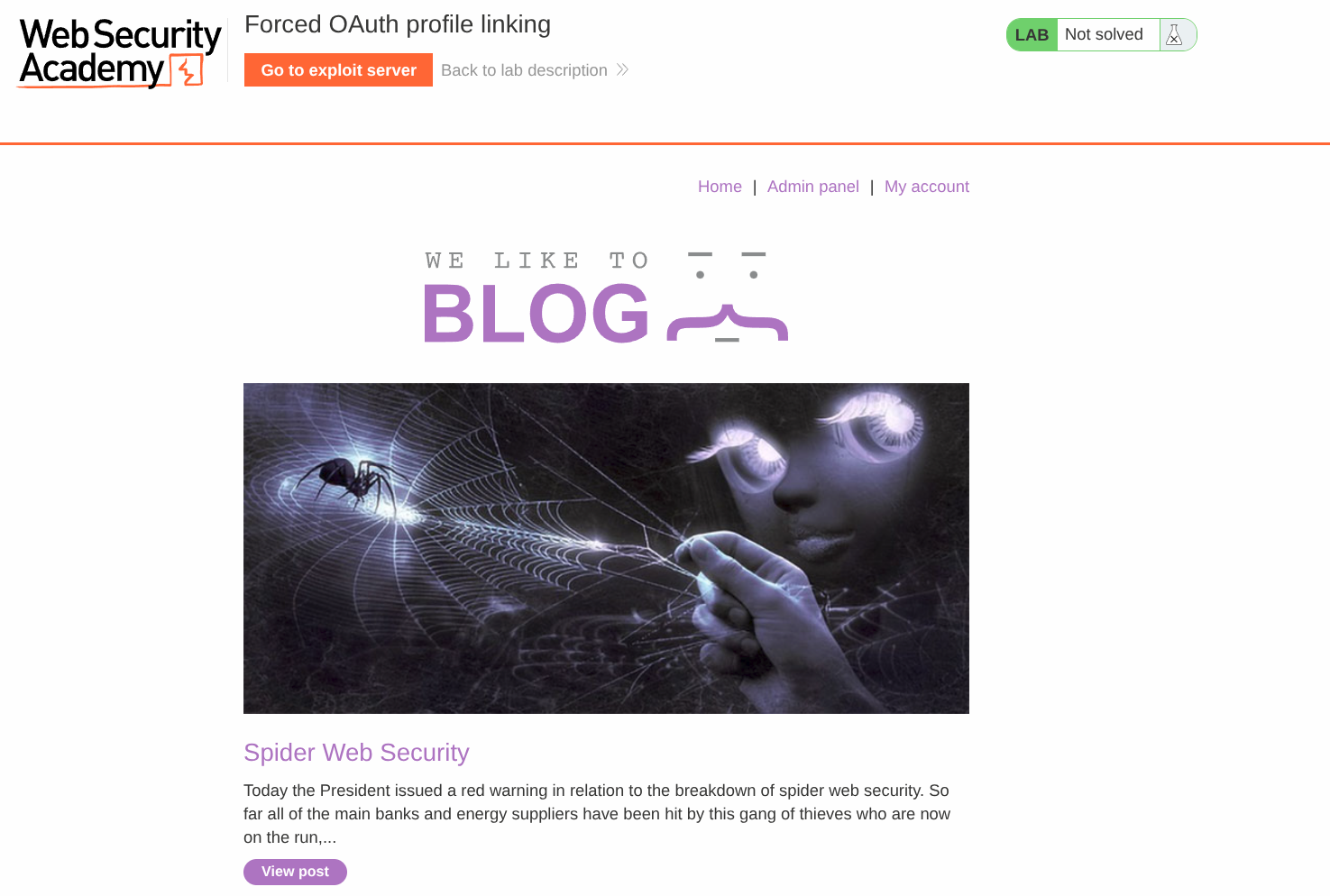
we deliver the exploit to the victim. when the admin's browser loads the iframe, it completes the OAuth flow using our social profile and attaches it to the admin account (their active session supplies the admin cookies). back on the blog we choose Log in with social media and are instantly logged in as the admin.
Step 8 - delete carlos#
we go to the admin panel and delete carlos.
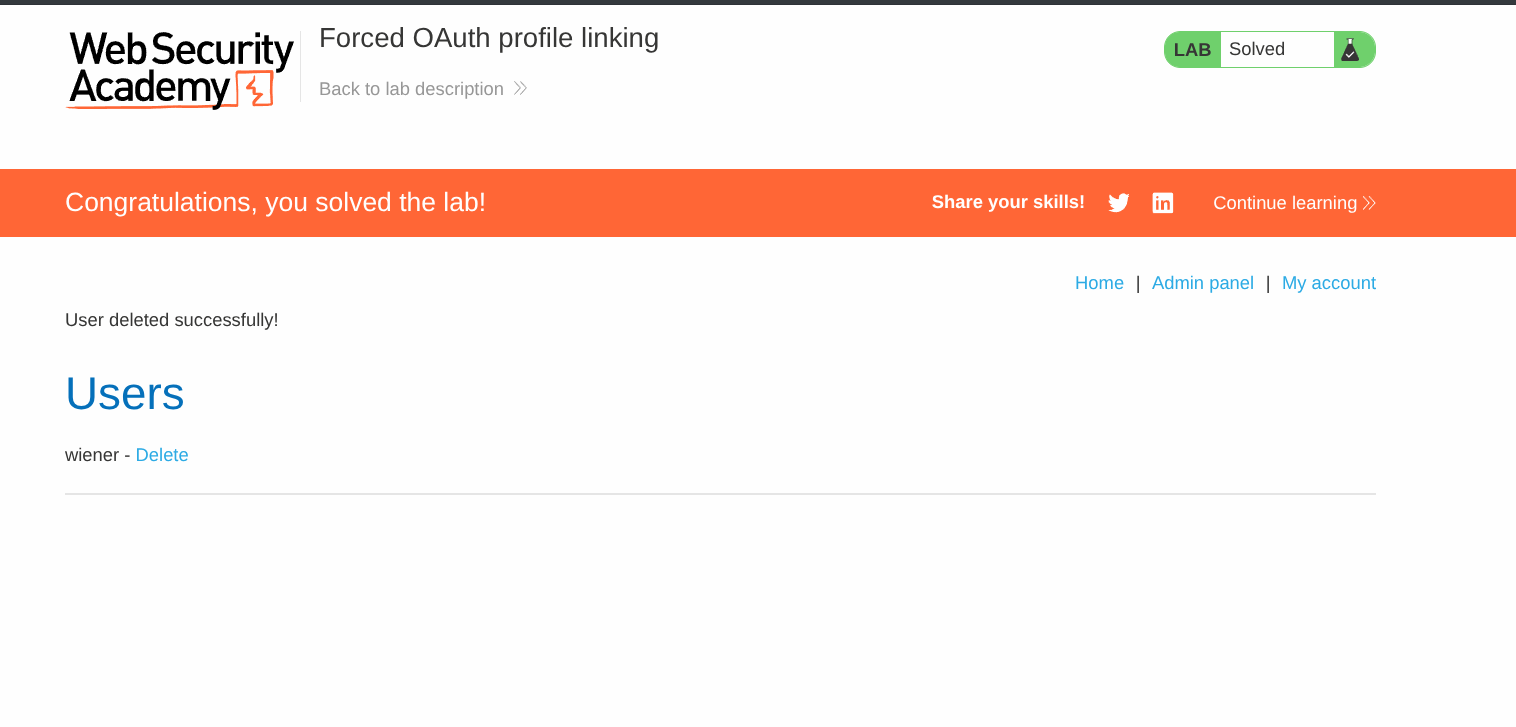
with this, the lab is solved!