
The lab
here is how portswigger describes it
This lab discloses sensitive information via its version control history. To solve the lab, obtain the password for the administrator user then log in and delete the user
carlos.
the whole .git directory has been deployed to the web root, so the project's entire version history is downloadable. someone once committed the admin password straight into a config file, then later committed a fix to swap it for an environment variable. the fix removes the password from the current file but not from history, git keeps every old version forever, so we pull the repo down and read the password out of the earlier commit.
why git history leaks#
deleting a secret from a file is not deleting it from the repository. git stores every commit, and a git diff of the commit that "removed" the password shows both sides of the change, the new environment-variable line and the old hard-coded one it replaced. so the fix that looks like it cleaned up the secret actually preserves it in the diff. the second mistake is exposing .git itself over http, which turns that private history into something anyone can wget and inspect with their own git.
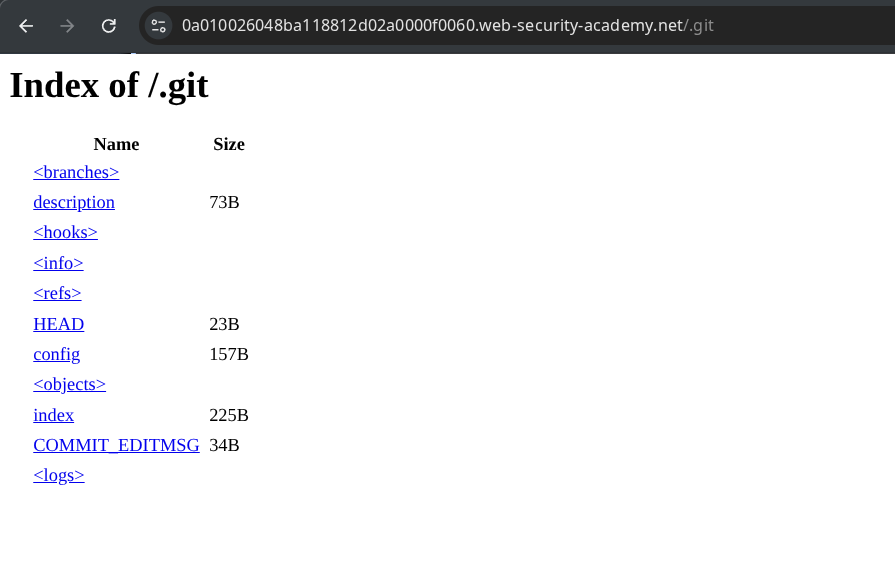
Step 1 - confirm the exposed .git#
we open the lab and browse to the git directory to confirm it is exposed:
/.git
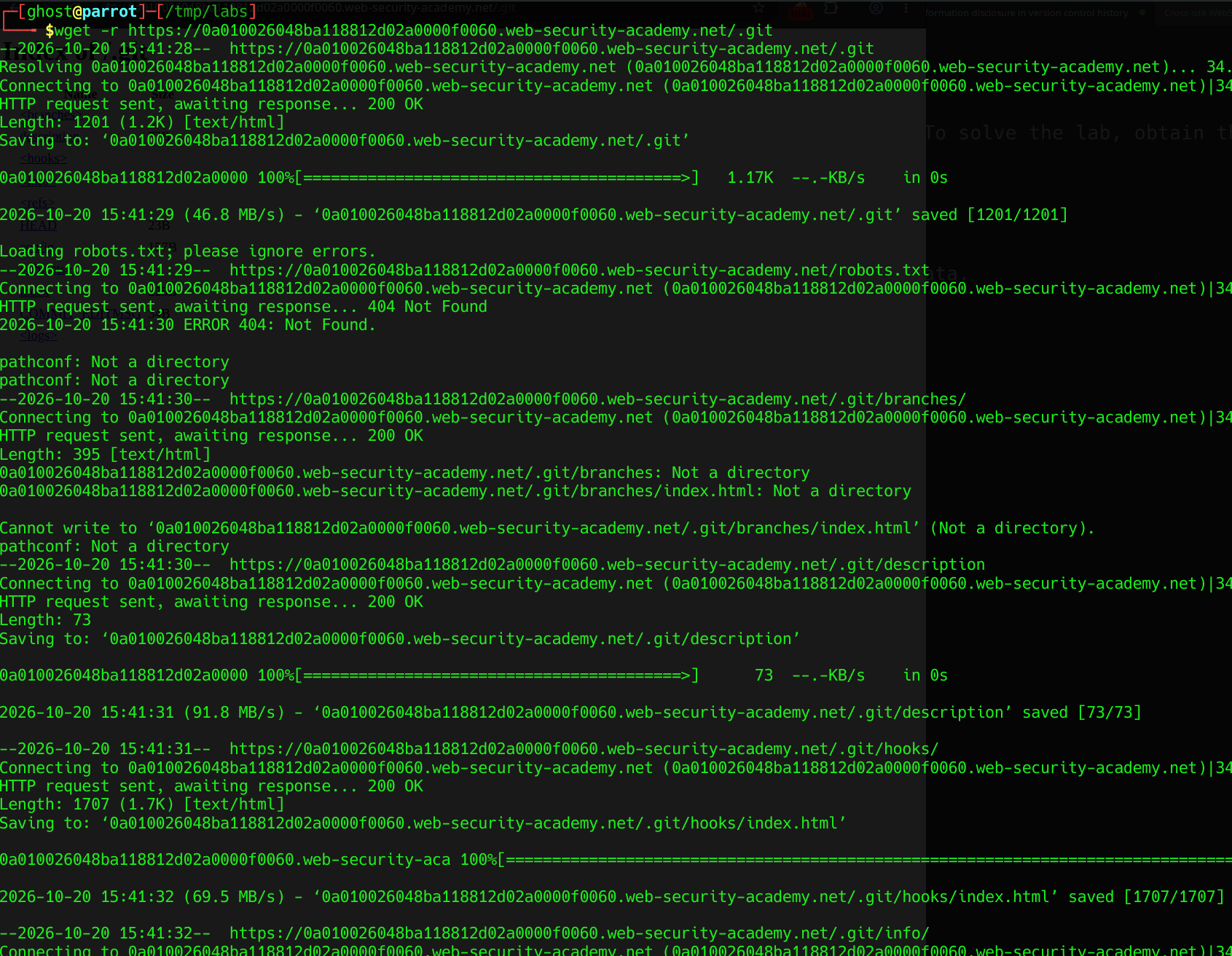
Step 2 - download the repository#
we recursively download the whole directory so we have a local copy of the repo:
wget -r https://YOUR-LAB-ID.web-security-academy.net/.git/
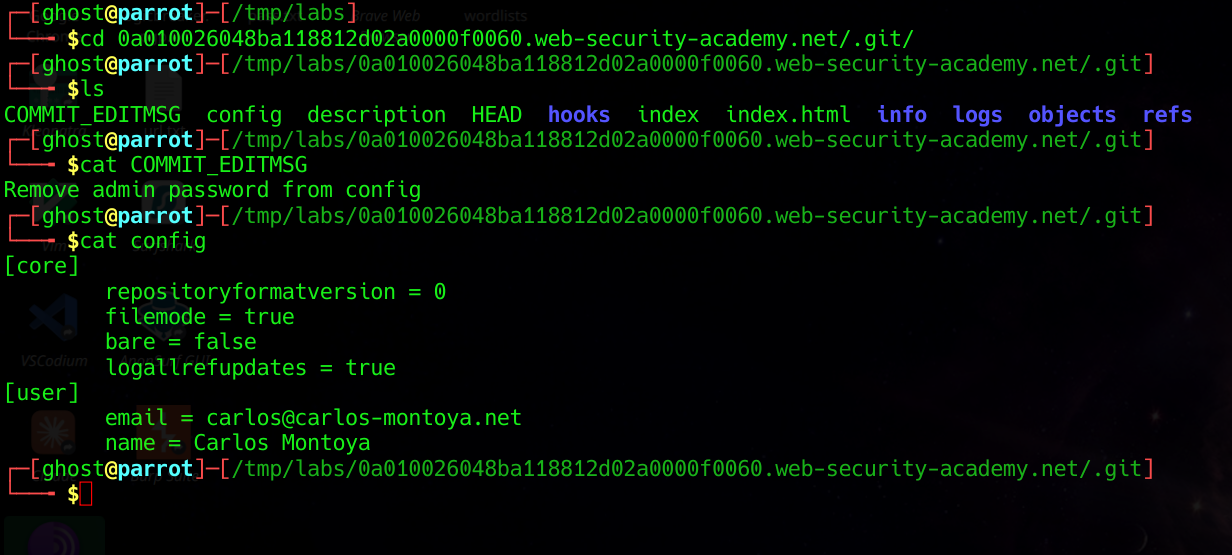
Step 3 - read the commit log#
we explore the downloaded directory with our local git and look through the history. there is a commit with the message "Remove admin password from config", which is exactly the kind of commit that gives away where a secret used to live.
git log
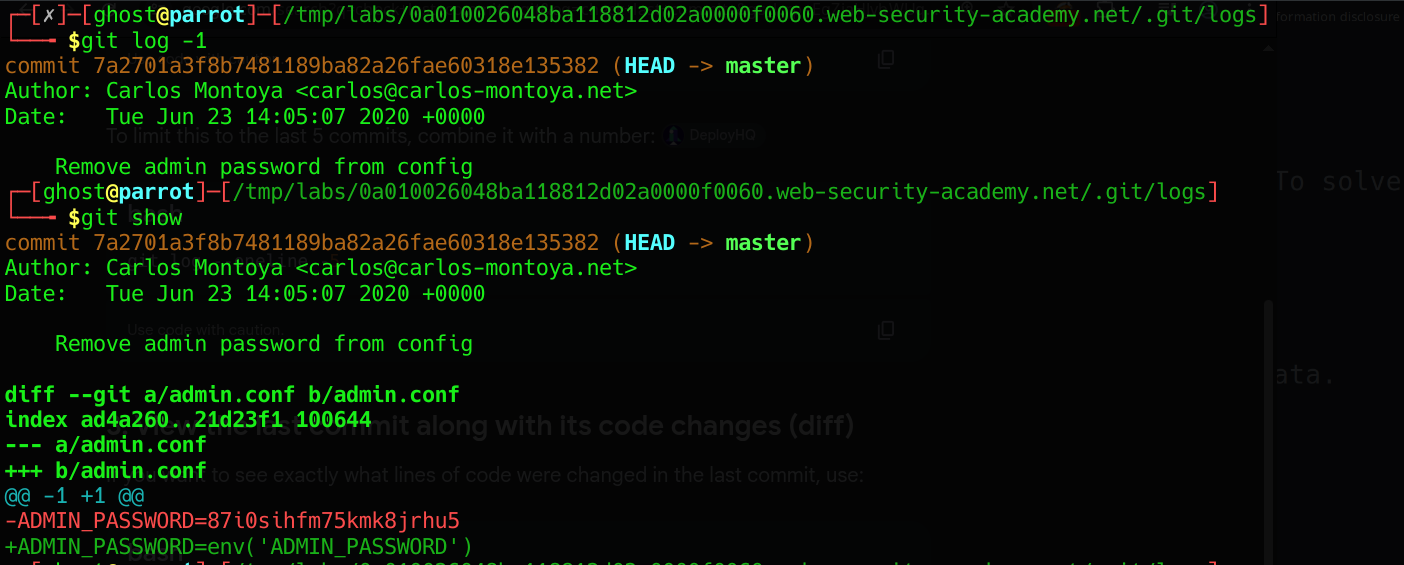
Step 4 - read the password from the diff#
we look at the diff for the changed admin.conf file. the commit replaced the hard-coded admin password with an environment variable ADMIN_PASSWORD, and the diff shows the old hard-coded value on the removed line. we copy it.
git show
Step 5 - log in as administrator#
we go back to the lab and log in to the administrator account with the leaked password.
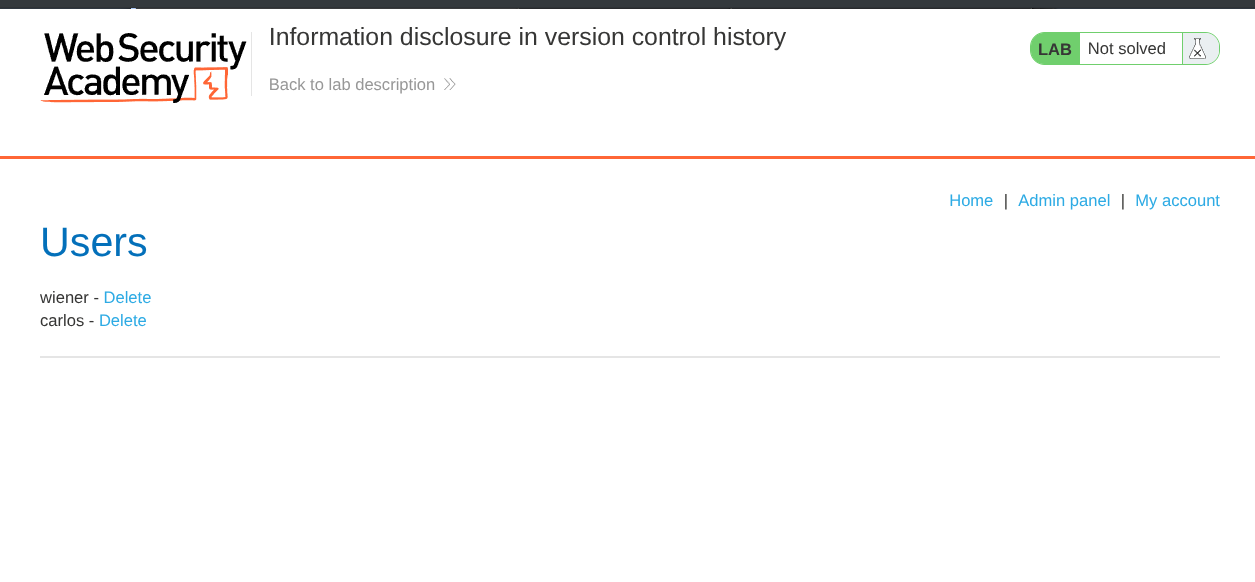
Step 6 - delete carlos#
we open the admin interface and delete the user carlos to complete the objective.
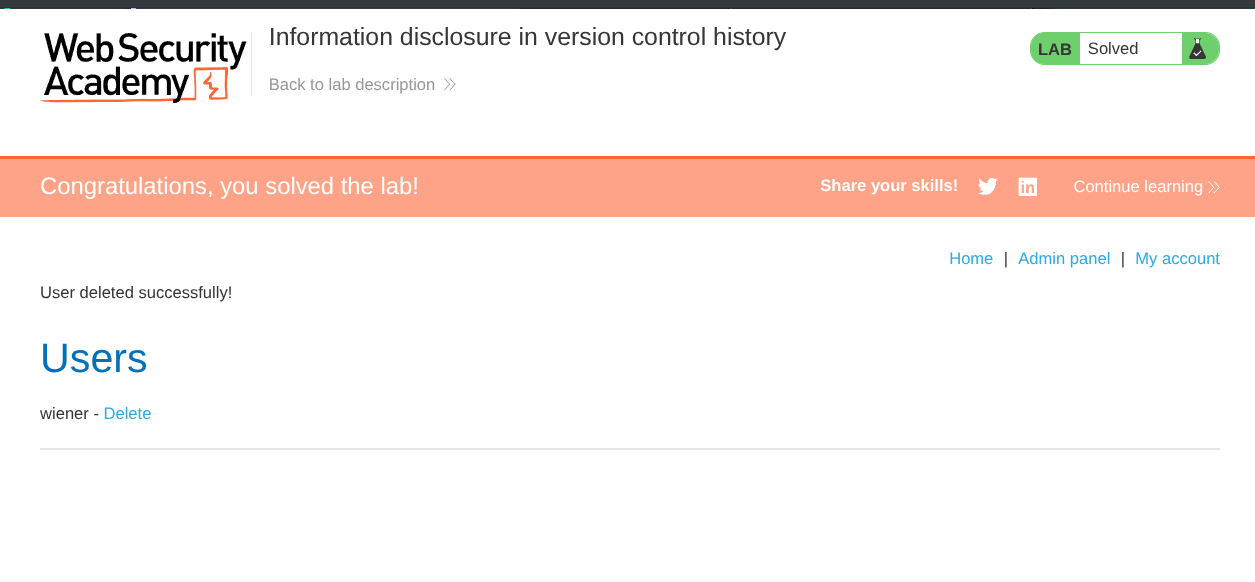
with this, the lab is solved!