
The lab
here is how portswigger describes it
This lab contains a vulnerable image upload function. It doesn't perform any validation on the files users upload before storing them on the server's filesystem. To solve the lab, upload a basic PHP web shell and use it to exfiltrate the contents of the file
/home/carlos/secret. Submit this secret using the button provided in the lab banner. You can log in to your own account using the following credentials:wiener:peter
the new pieces in this lab#
since this is our first file-upload lab, a short introduction to the ideas in play.
- a file upload vulnerability is when a site lets you upload a file and then handles it unsafely, most dangerously, when it stores a file you control somewhere the server will later execute it rather than just serve it.
- a web shell is a small script, written in a server-side language the target runs (PHP here), that performs attacker commands and returns the output over HTTP. once a web shell sits in a web-accessible, executable location, requesting its URL runs the code. that gives us RCE (remote code execution), the ability to run arbitrary code on the server.
- the key fact that makes this work: when a web server is configured to execute
.phpfiles, any.phpfile reachable under the web root runs its code when requested, it does not matter that it was uploaded through an "avatar image" form. the server decides what to execute based on the file, not on how it arrived. this lab does no validation at all, so we simply upload a.phpfile instead of an image, then browse to it. the server executes our PHP, which reads/home/carlos/secretand returns it.
why the missing validation gives us RCE#
the flaw is that the application stores a user-supplied file to a location the web server will execute, without checking what the file actually is. an upload feature has two separate jobs to get right, deciding whether a file is acceptable (type, content, extension) and deciding where and how it is stored. here the first job is skipped entirely and the second is unsafe: the avatar is written into /files/avatars/ under the web root, where the server happily runs .php. so the "image" upload is really an "arbitrary code" upload. because nothing distinguishes our PHP script from a genuine image, we hand the server a program, it saves it in an executable directory, and the moment we request its URL the server runs it with its own privileges, reading a file we could never otherwise reach.
Step 1 - find the upload feature#
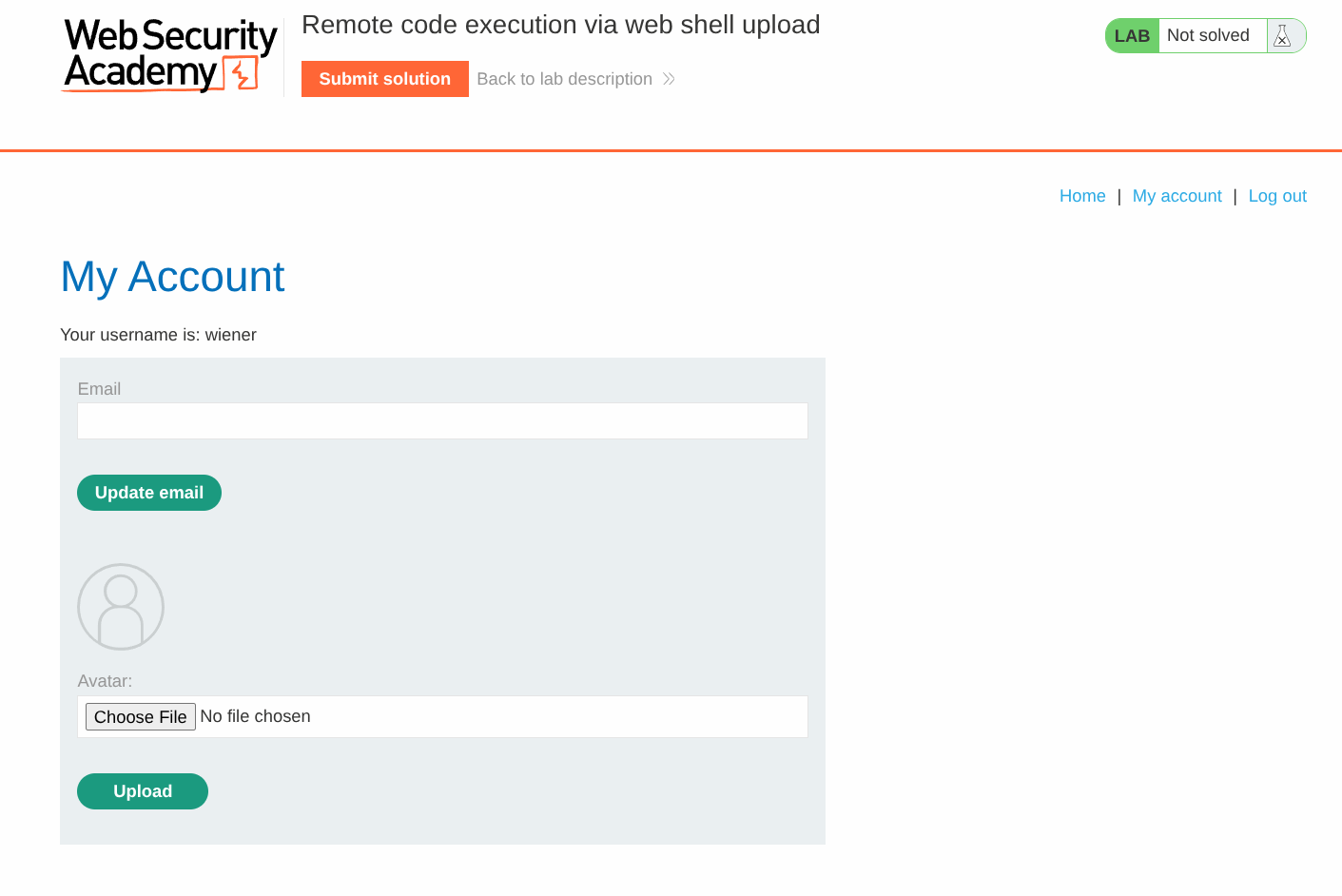
we log in to our account and notice the option for uploading an avatar image.
Step 2 - see where the avatar is served#
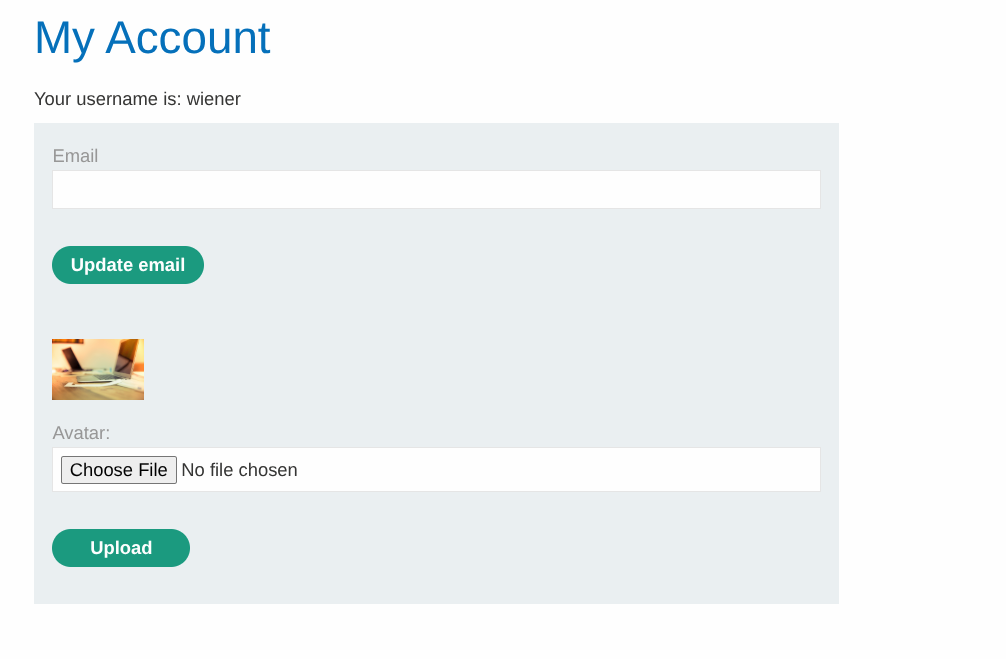
we upload an arbitrary image, then return to our account page, a preview of our avatar is now displayed.
Step 3 - locate the stored-file request#
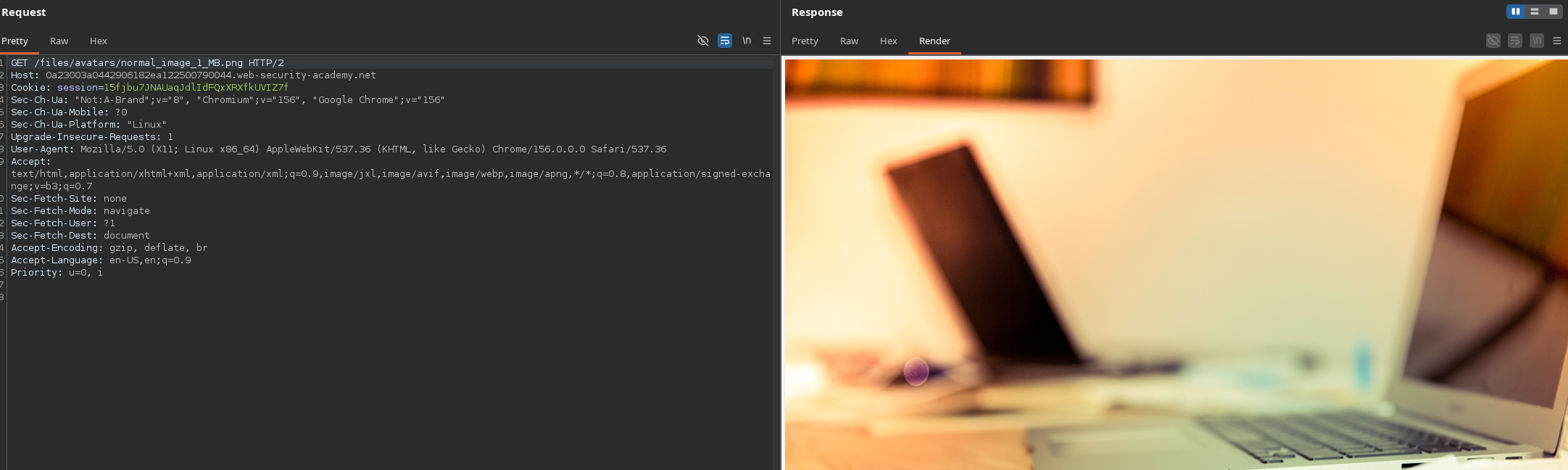
in Proxy > HTTP history we open the filter bar, enable the Images checkbox under Filter by MIME type, and apply. we see our image was fetched with a GET /files/avatars/<YOUR-IMAGE> request, so uploaded files live at a predictable, directly reachable path. we send this request to Repeater.
Step 4 - upload the PHP web shell#
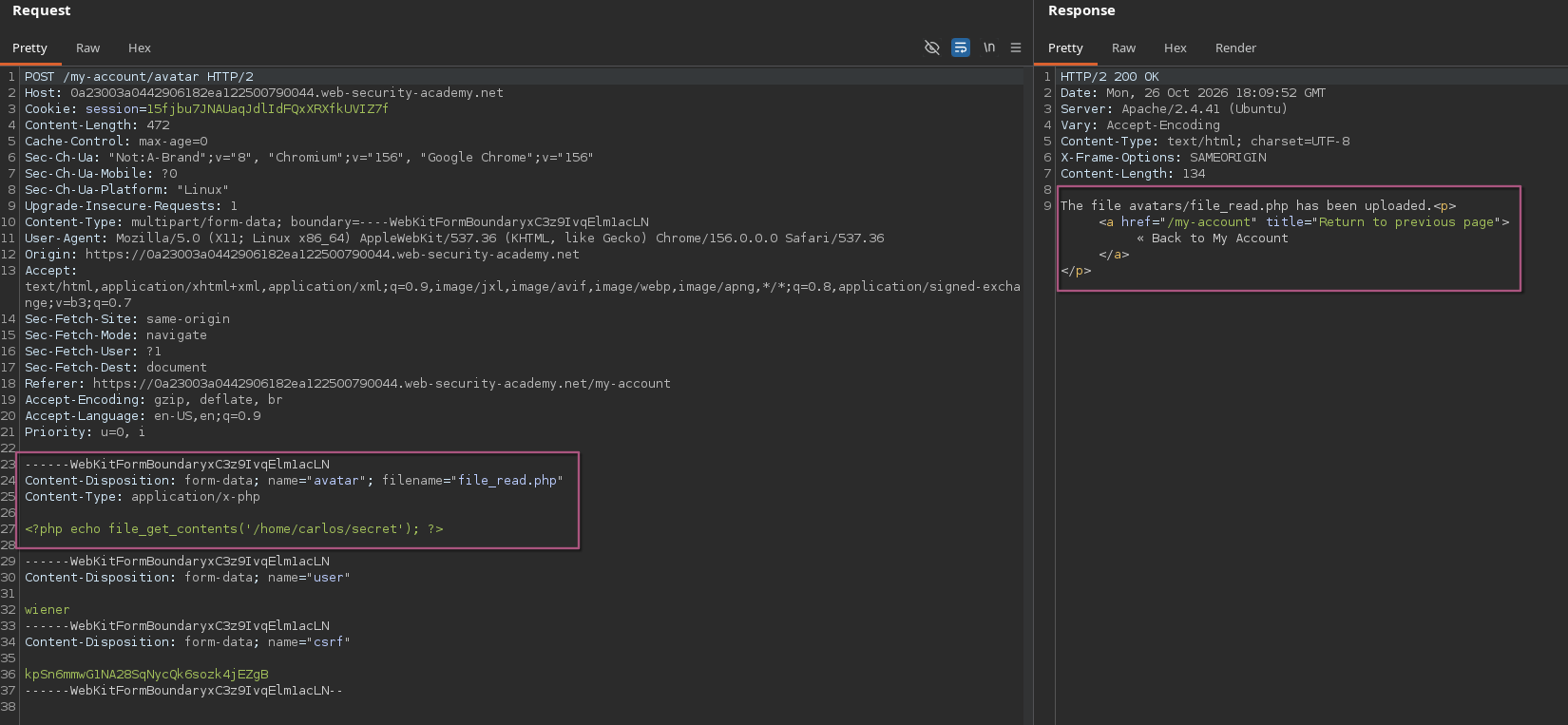
on our system we create exploit.php containing a script that reads carlos's secret file:
<?php echo file_get_contents('/home/carlos/secret'); ?>
we use the avatar upload to upload this PHP file, and the response confirms it was uploaded successfully, no type or extension check stops it.
Step 5 - execute the shell#
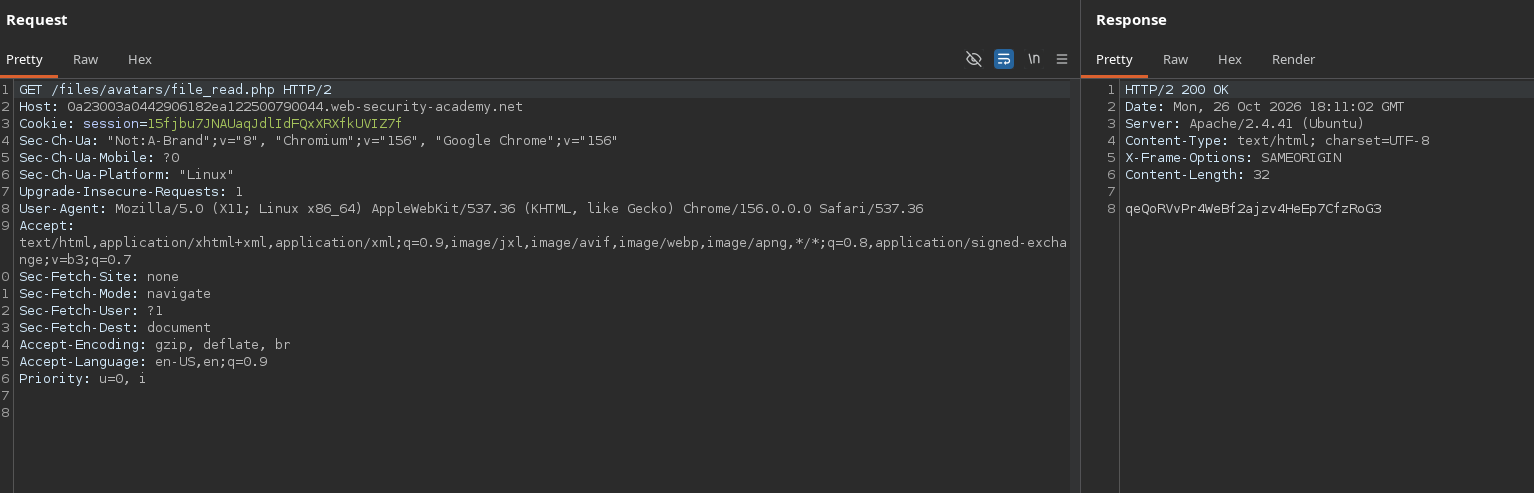
in Repeater we change the request path to point at our PHP file:
GET /files/avatars/exploit.php HTTP/1.1
we send it and the server executes our script, returning its output, carlos's secret, in the response.
Step 6 - submit the secret#
we submit the recovered secret.
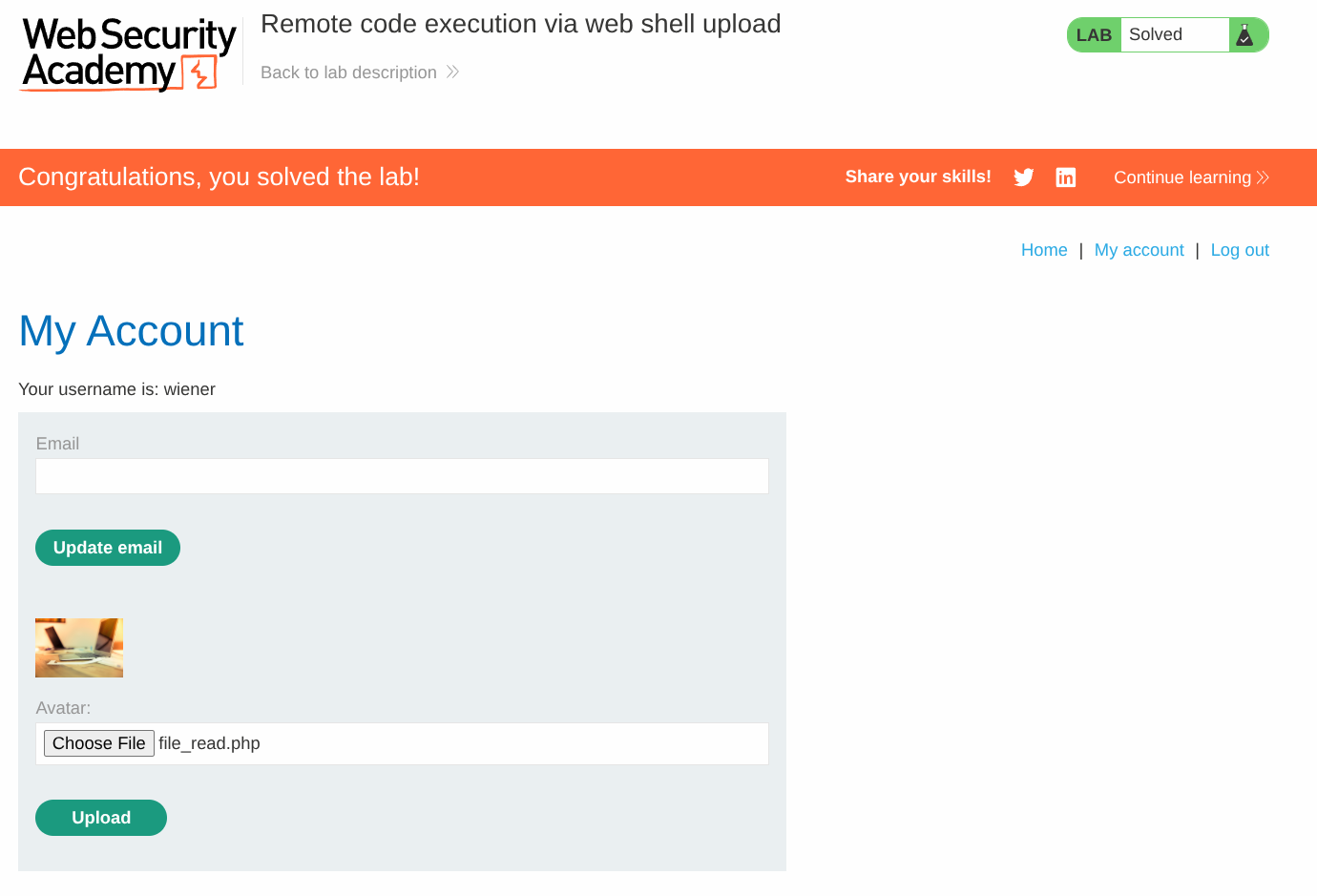
with this, the lab is solved!