
The lab
here is how portswigger describes it
This lab is vulnerable to web cache poisoning. It accepts GET requests that have a body, but does not include the body in the cache key. A user regularly visits this site's home page using Chrome. To solve the lab, poison the cache with a response that executes
alert(1)in the victim's browser.
a GET request is not supposed to carry a body, but this app reads one anyway, a so-called fat GET. the back-end merges parameters from the body with those in the request line, and when a parameter appears in both the body value wins. the cache, meanwhile, keys only on the request line and never looks at the body. so we can send the keyed callback in the url to keep the cache key innocent, and smuggle an overriding callback in the body that the cache never sees, poisoning the jsonp response under the clean key.
why the body is the hole#
the cache key here is built from the request line, the method and url, and the body is left out of it entirely because bodies on GET are unexpected. the back-end does not share that assumption, it parses the body too and lets a body parameter override the matching query parameter. that split is the whole bug. the value that actually shapes the response, the body callback, is invisible to the cache, while the value the cache keys on, the url callback, is the harmless original. so the poisoned response gets filed under the same entry a normal request produces, and every visitor is served it.
Step 1 - find the jsonp callback#
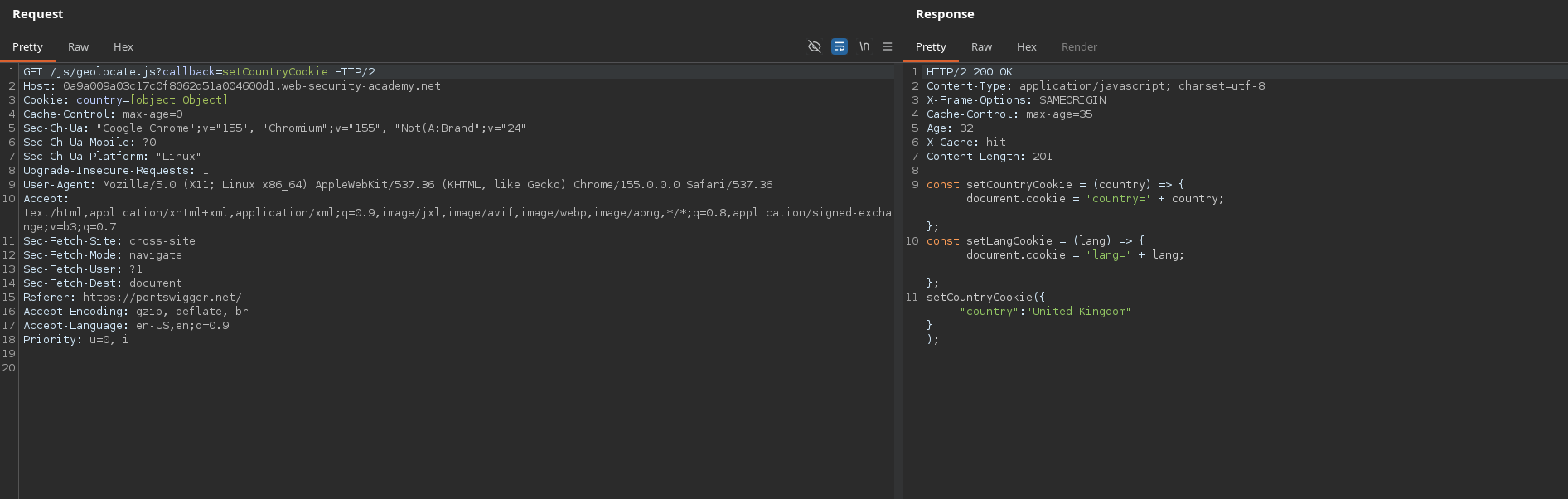
every page imports the script /js/geolocate.js, which executes the callback setCountryCookie(). we send GET /js/geolocate.js?callback=setCountryCookie to Repeater, since that callback name is reflected into the response as the function called on the returned data.
Step 2 - Override the callback via the request body#
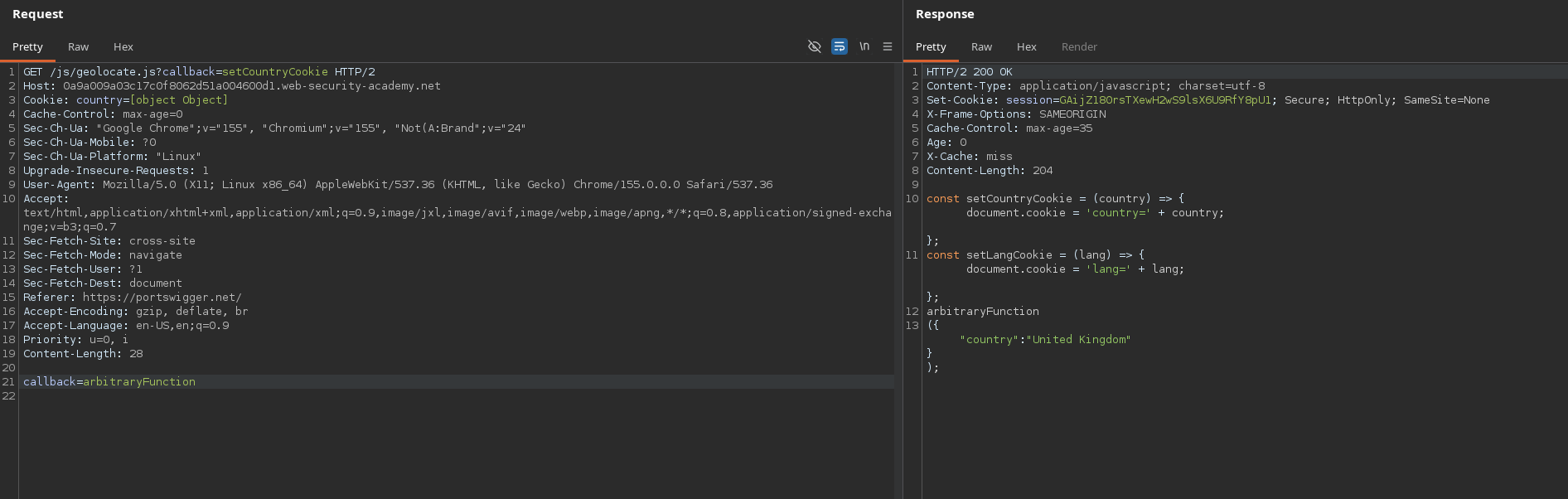
we add a body to the GET request with a duplicate callback parameter. the response now reflects the body's value as the function name, so the body overrides the request-line parameter. and critically the cache key is still derived from the original callback in the request line, the body is unkeyed:
GET /js/geolocate.js?callback=setCountryCookie HTTP/1.1
Host: YOUR-LAB-ID.web-security-academy.net
Content-Type: application/x-www-form-urlencoded
Content-Length: 22

callback=arbitraryFunc
Step 3 - Inject the payload#
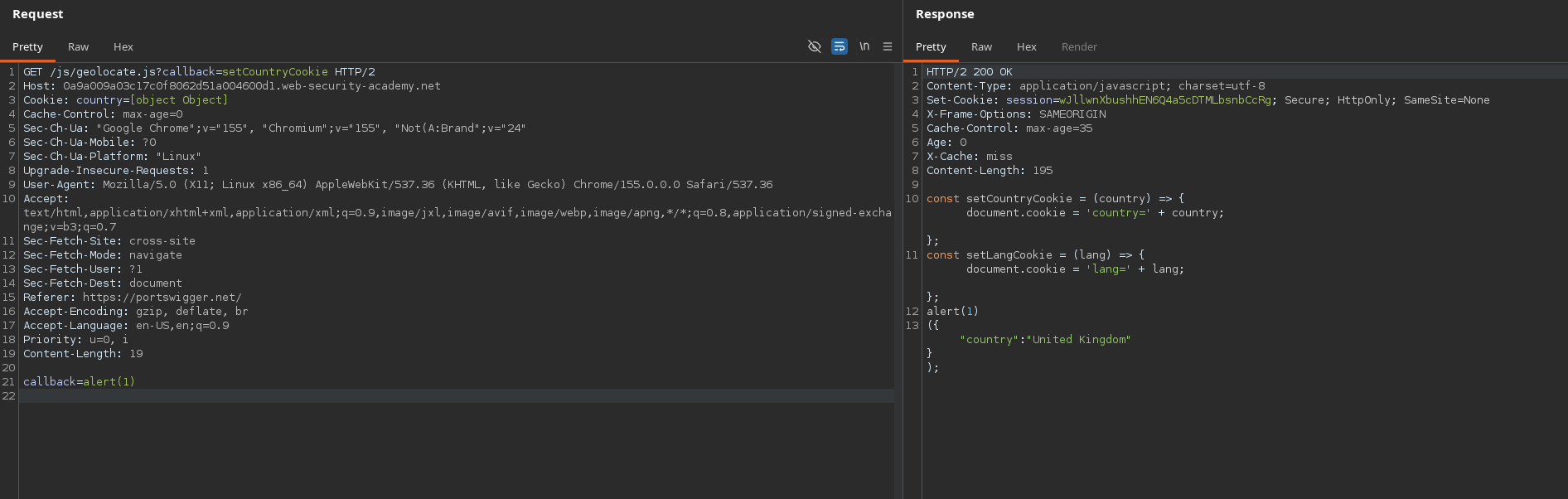
we send the request again with alert(1) as the body callback, so the script the page imports becomes a call to alert(1):
GET /js/geolocate.js?callback=setCountryCookie HTTP/1.1
Host: YOUR-LAB-ID.web-security-academy.net
Content-Type: application/x-www-form-urlencoded
Content-Length: 14

callback=alert(1)
Step 4 - Poison and solve#
we replay until the poisoned geolocate.js response is cached, then load the home page in the browser. the page imports the now-poisoned script, which runs alert(1).
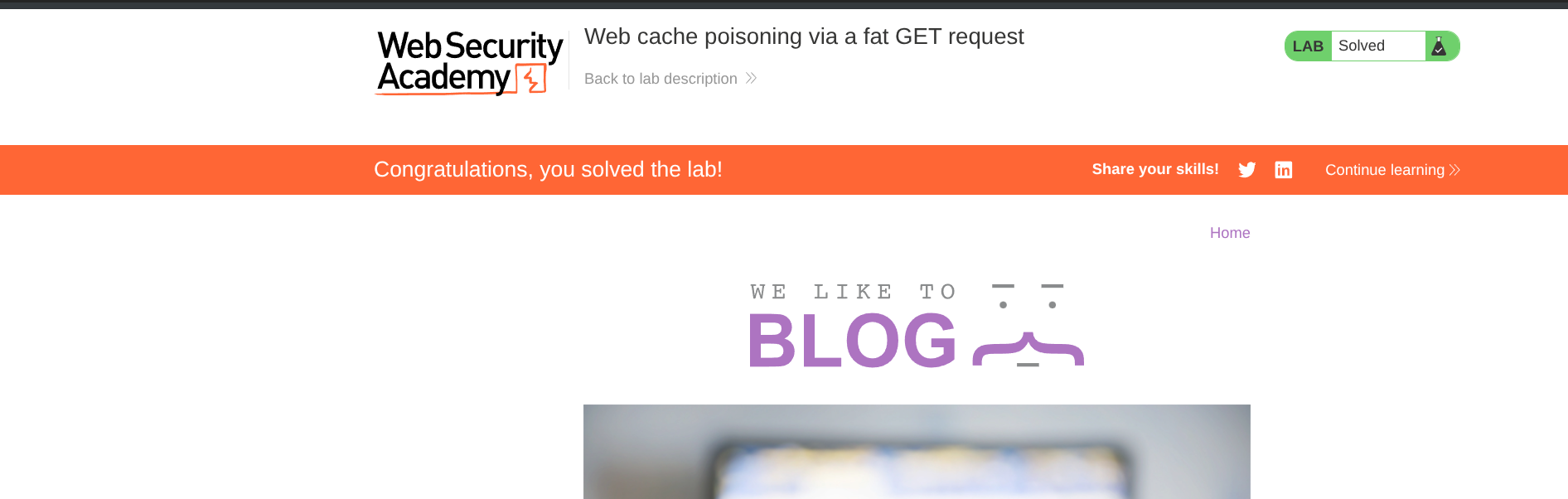
the regular Chrome visitor imports the same cached script and runs our payload
with this, the lab is solved!