
The lab
here is how portswigger describes it
This lab makes flawed assumptions about the sequence of events in the login process. To solve the lab, exploit this flaw to bypass the lab's authentication, access the admin interface, and delete the user carlos. You can log in to your own account using the following credentials:
wiener:peter
the login here is a two-stage state machine, we submit credentials and then we are sent to a role-selection step that assigns what we are allowed to do. the server assumes those stages always run in order. but if we complete the first stage and then never reach the role-selection stage, our role is left at its default, which turns out to be administrator. so we log in normally, drop the role-selection request, and browse straight to the home page as admin.
why the broken state machine breaks this#
authentication is being driven through states, credentials first, role assignment second, home page last, and the server trusts that we move through them one after another. the problem is the role is initialised to a privileged default before the role-selection step runs, and nothing forces that step to actually complete. by forwarding the login but dropping GET /role-selector, we leave the session authenticated yet with its role never downgraded from the default. the application has no check that the state machine finished, it only checks that we are logged in, so the half-finished session walks in with admin rights. that uninitialised default plus the skippable step is the whole flaw.
Step 1 - map the login flow#
we complete the normal login and notice that before reaching the home page we are made to select our role. so login is not a single step, there is a role-selection stage in between.
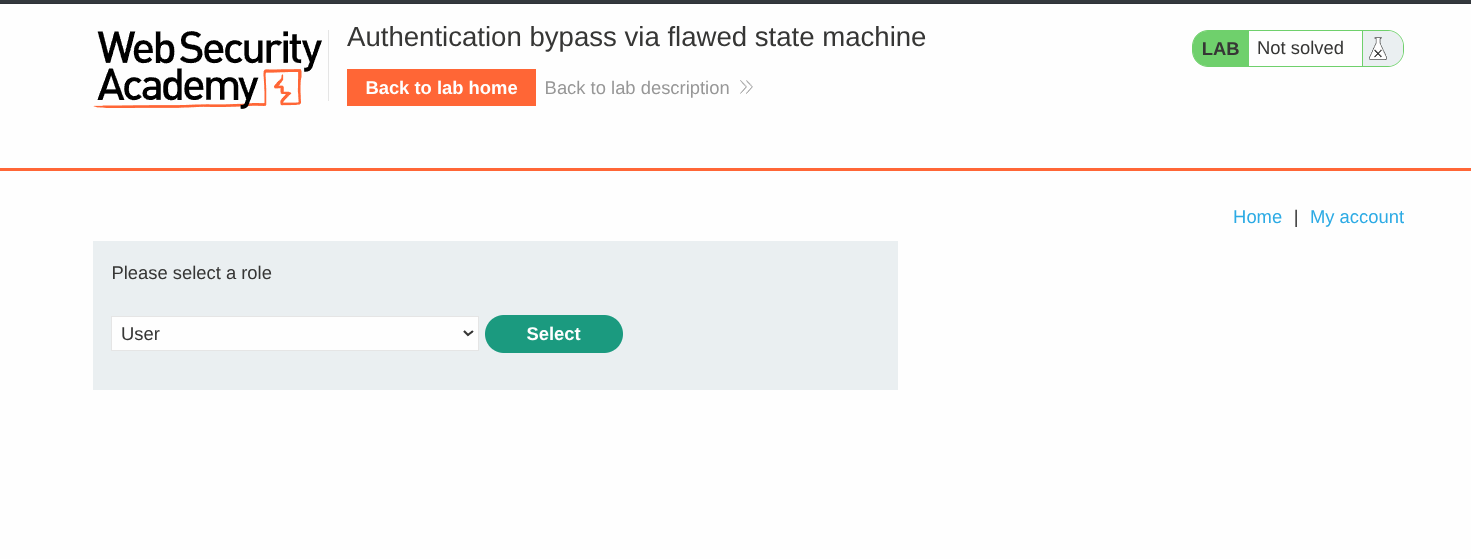
Step 2 - confirm the admin path is gated#
we use the content discovery tool to find the /admin path, then try browsing to /admin directly from the role-selection page. it does not work, so access depends on the role our session holds.
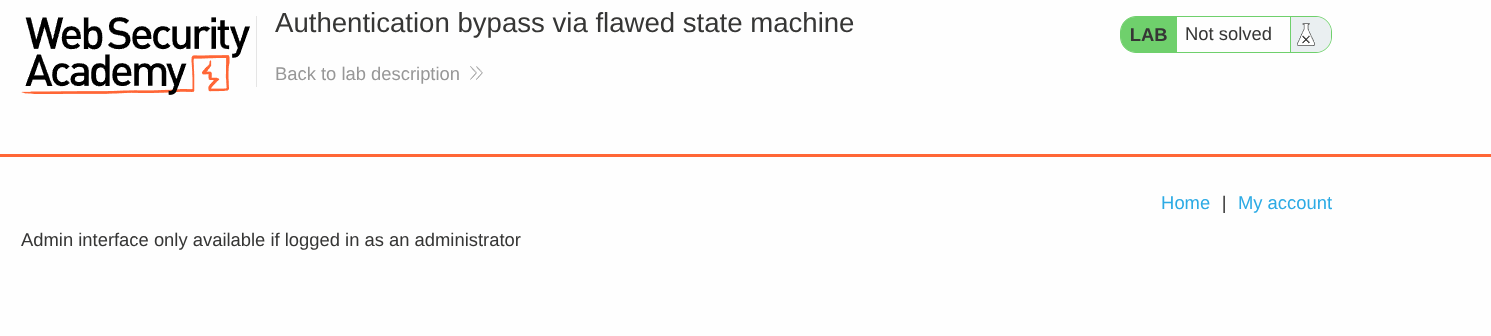
Step 3 - drop the role-selection step#
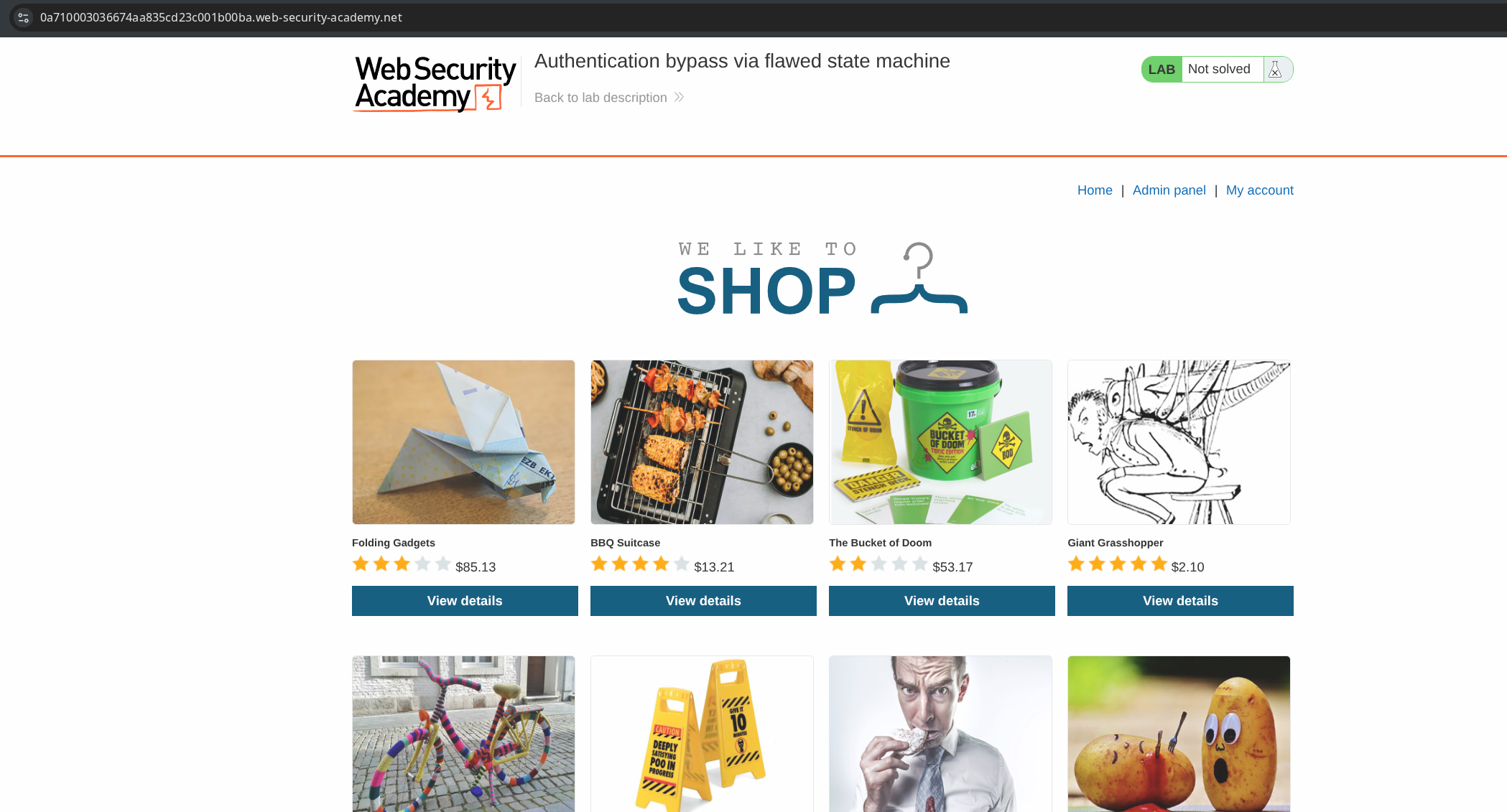
we log out and return to the login page. in Burp we turn on Proxy > Intercept and log in. we forward the POST /login request. the next request is GET /role-selector, we drop this one, then browse to the lab's home page. our role has defaulted to administrator and we have the admin panel.
Step 4 - delete carlos#
we open the admin panel and delete the user carlos.
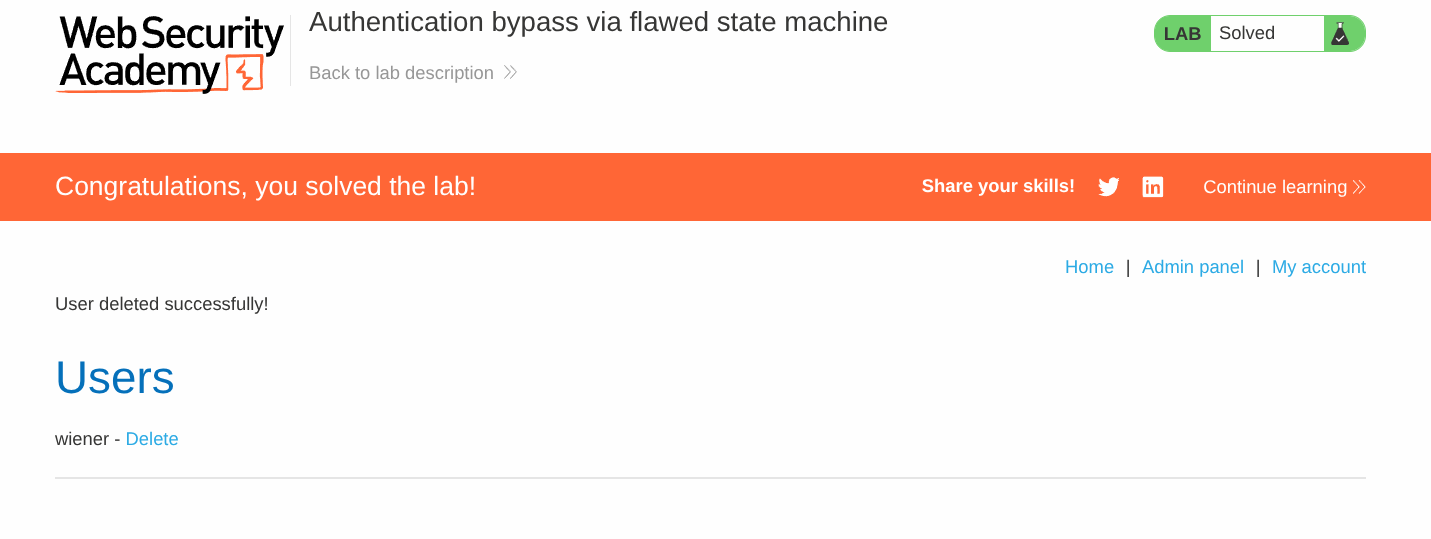
with this, the lab is solved!