
The lab
here is how portswigger describes it
This lab has a logic flaw in its purchasing workflow. To solve the lab, exploit this flaw to buy a "Lightweight l33t leather jacket". You can log in to your own account using the following credentials:
wiener:peter
the shop sells $10 gift cards and lets us pay for them with store credit, then redeem them back into store credit. with the SIGNUP30 coupon a gift card costs us $7 but still redeems for $10, so every cycle nets $3. the loop is pure profit, we just need to run it enough times. we automate the whole buy-and-redeem cycle with a Burp macro and fire it a few hundred times until our credit covers the jacket.
why the loop prints money#
the flaw is that the gift card's redeemable value is fixed at $10 while the price we pay for it can be pushed below $10 with the coupon, and nothing stops us repeating that. the coupon is honoured on every gift-card purchase, so the $3 margin never closes. each full cycle, buy a discounted card, redeem it, deposits more than it cost, and the balance only ever grows. because the whole sequence is just a chain of HTTP requests with the gift-card code carried from the confirmation response into the redeem request, it automates cleanly, turning a $3 edge into unlimited credit.
Step 1 - get the coupon and find the gift cards#
we log in and sign up for the newsletter to obtain the coupon code SIGNUP30. we notice we can buy $10 gift cards and redeem them from the My account page.
Step 2 - run the cycle once by hand#
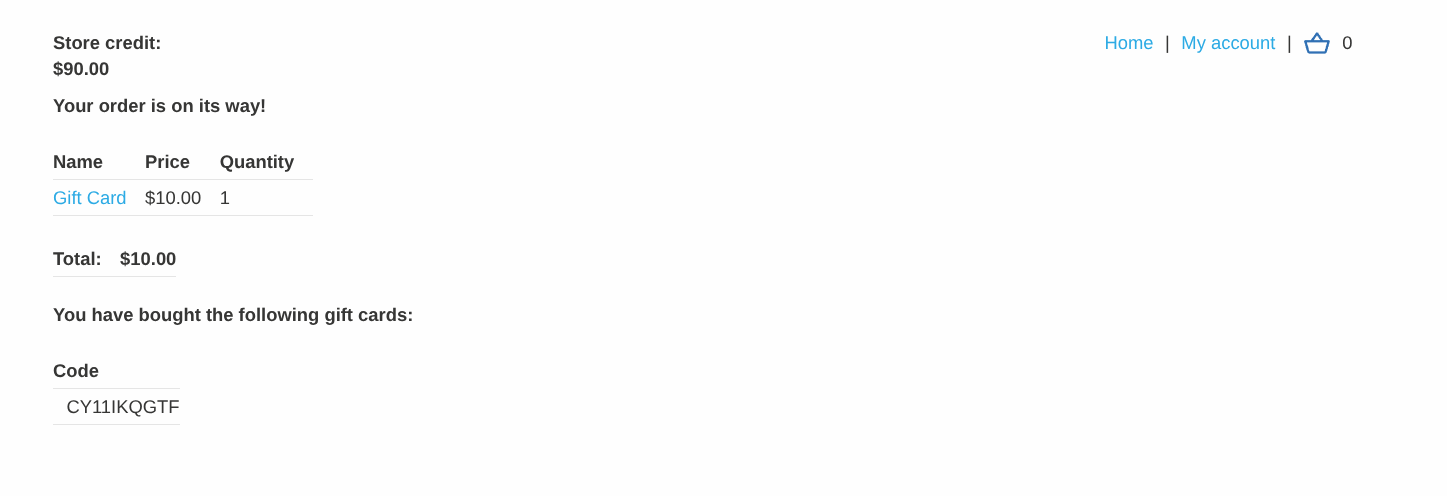
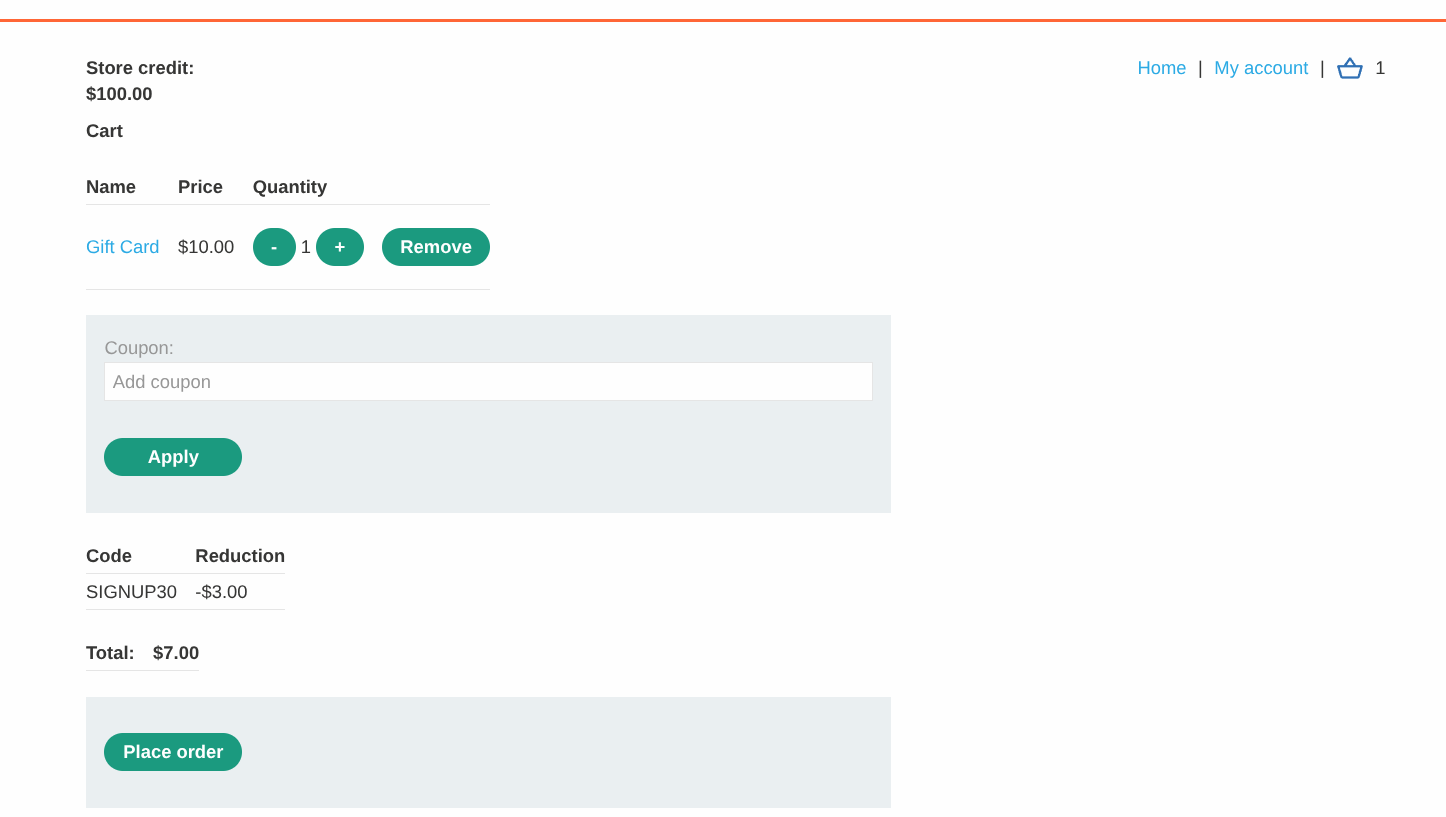
we add a gift card to the basket and proceed to checkout. we apply SIGNUP30 for 30% off, complete the order, and copy the gift card code to the clipboard.
Step 3 - confirm the $3 margin#
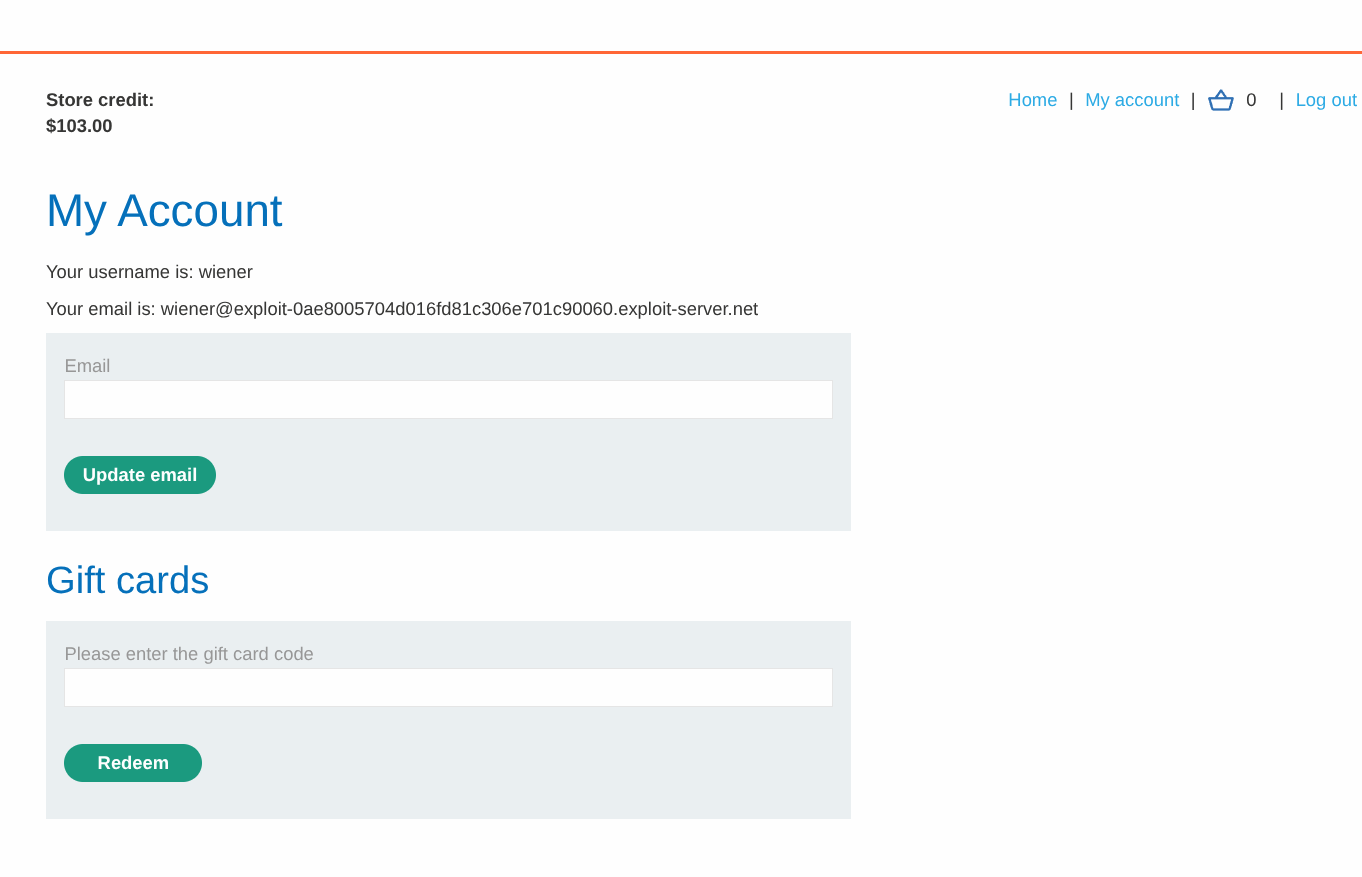
we redeem the card and see that the whole process has netted +$3 of store credit. a discounted $7 card redeemed for $10. now we automate it.
Step 4 - locate the redeem request#
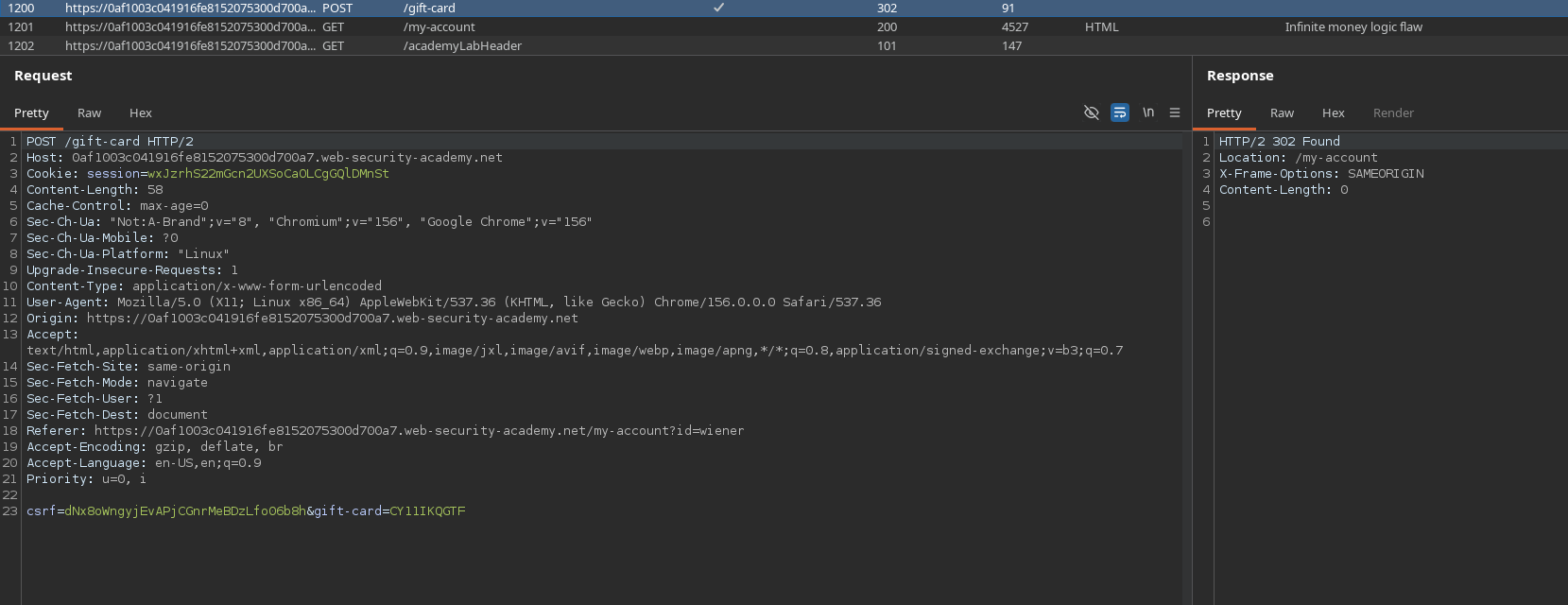
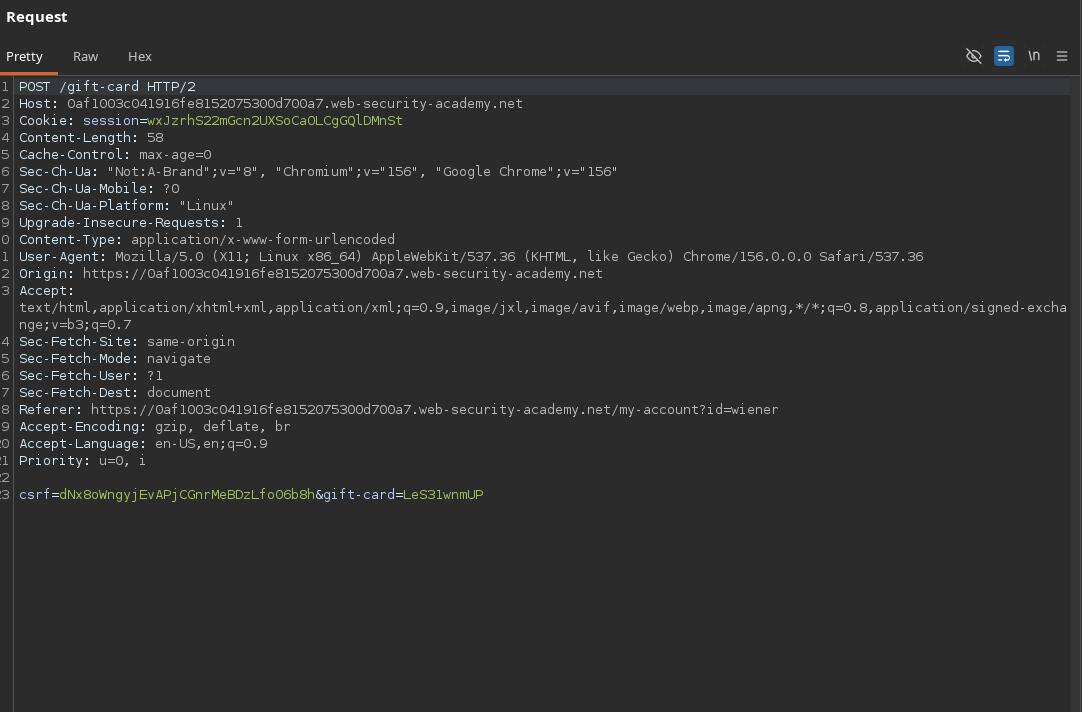
we study the proxy history and notice the gift card is redeemed by supplying its code in the gift-card parameter of the POST /gift-card request.
Step 5 - scope a session handling rule#
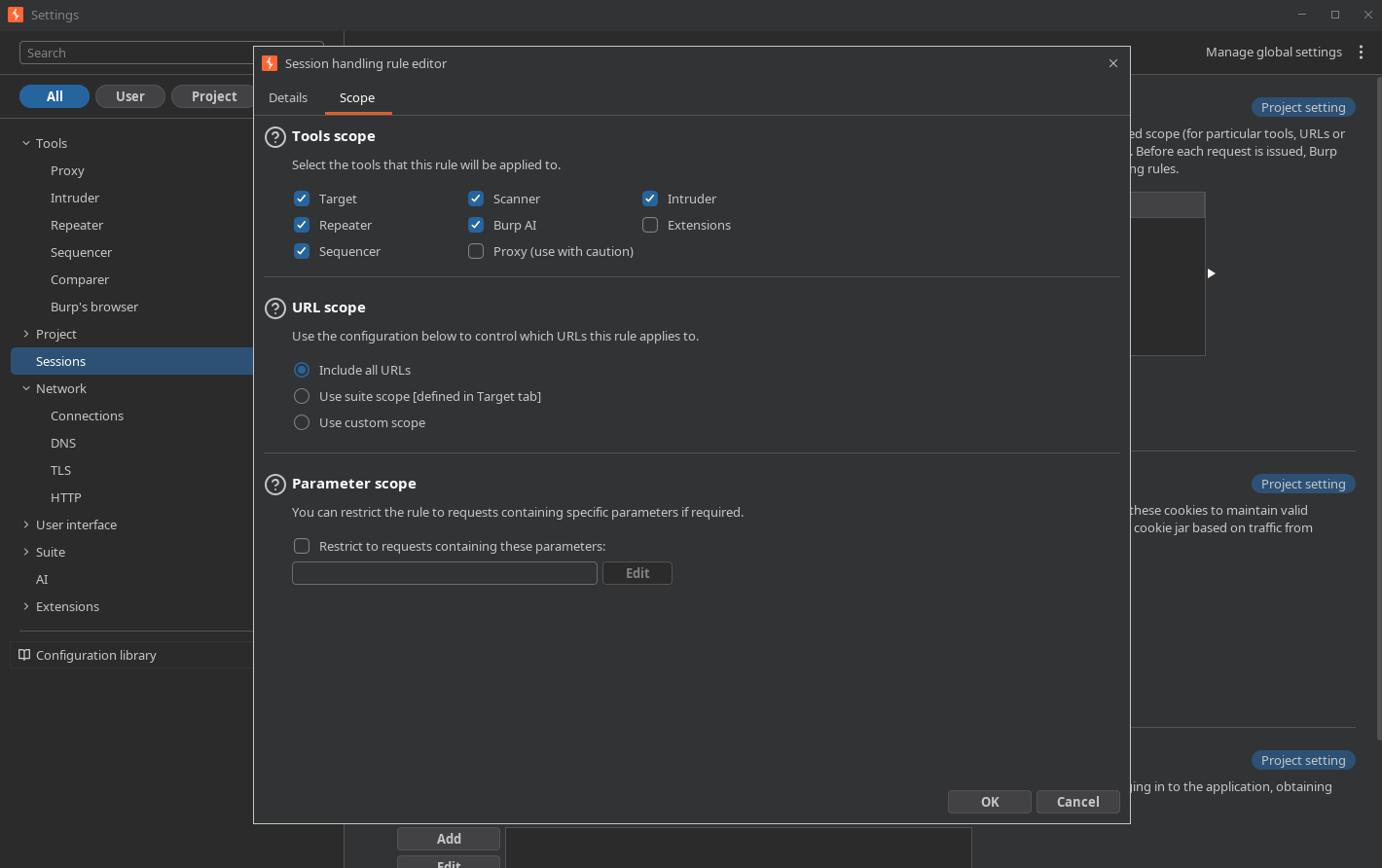
we open Settings from the top toolbar, go to Sessions, and under Session handling rules click Add. in the rule editor we open the Scope tab and under URL scope select Include all URLs.
Step 6 - record the cycle as a macro#
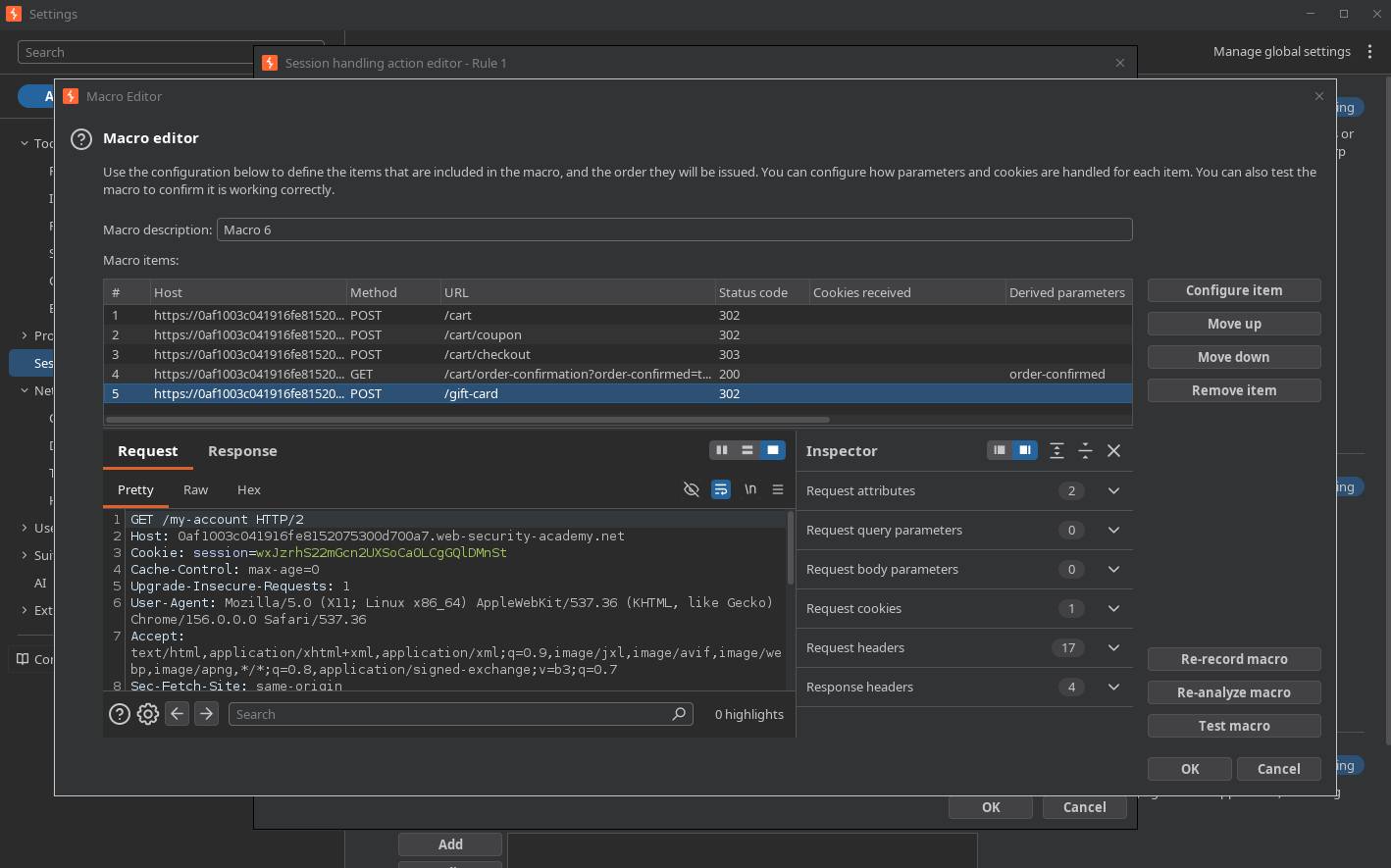
back on the Details tab, under Rule actions we click Add > Run a macro, then under Select macro click Add to open the Macro Recorder. we record the full cycle:
POST /cart
POST /cart/coupon
POST /cart/checkout
GET /cart/order-confirmation?order-confirmed=true
POST /gift-card
then click OK to open the Macro Editor.
Step 7 - wire the gift-card code between requests#
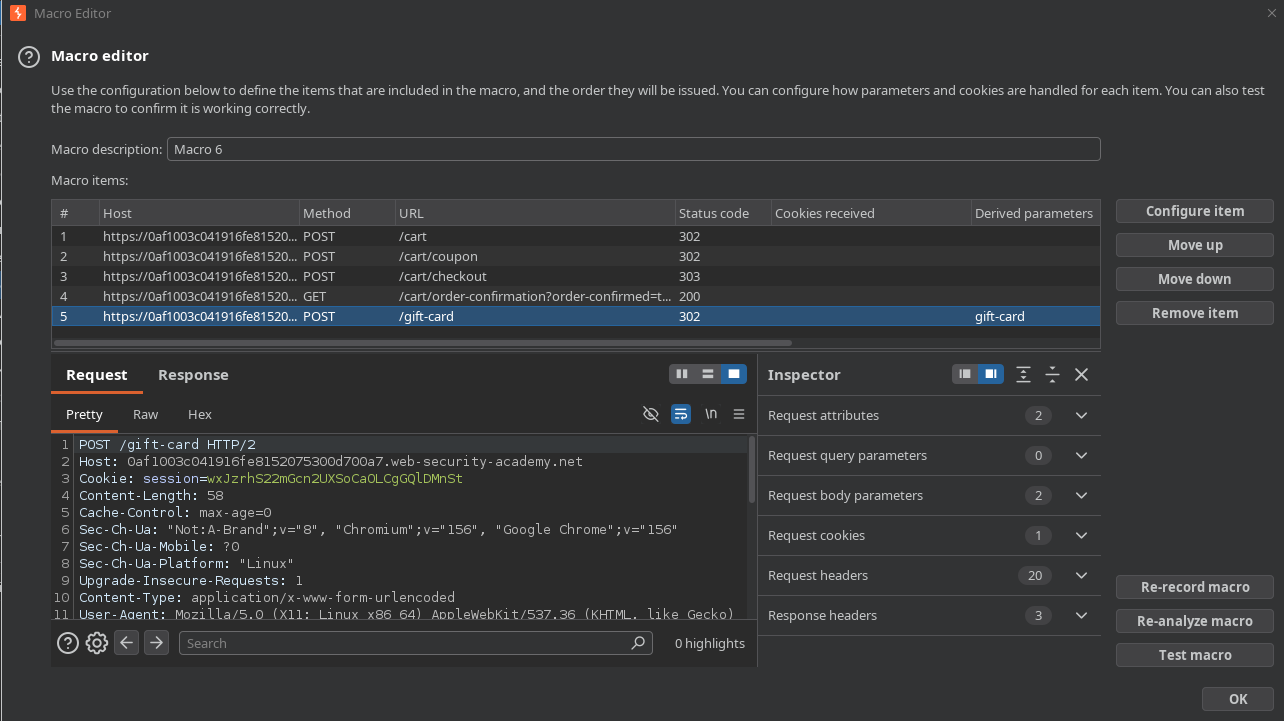
in the request list we select GET /cart/order-confirmation?order-confirmed=true and click Configure item. we Add a custom parameter, name it gift-card, and highlight the gift card code at the bottom of the response. we click OK twice.
we then select the POST /gift-card request, click Configure item again, and in Parameter handling set the gift-card parameter to be derived from the prior response (response 4). we click OK.
we click Test macro, check that the code generated in the confirmation response matches the one sent in POST /gift-card, and confirm that request got a 302. we click OK back to the main window.
Step 8 - set up the Intruder loop#
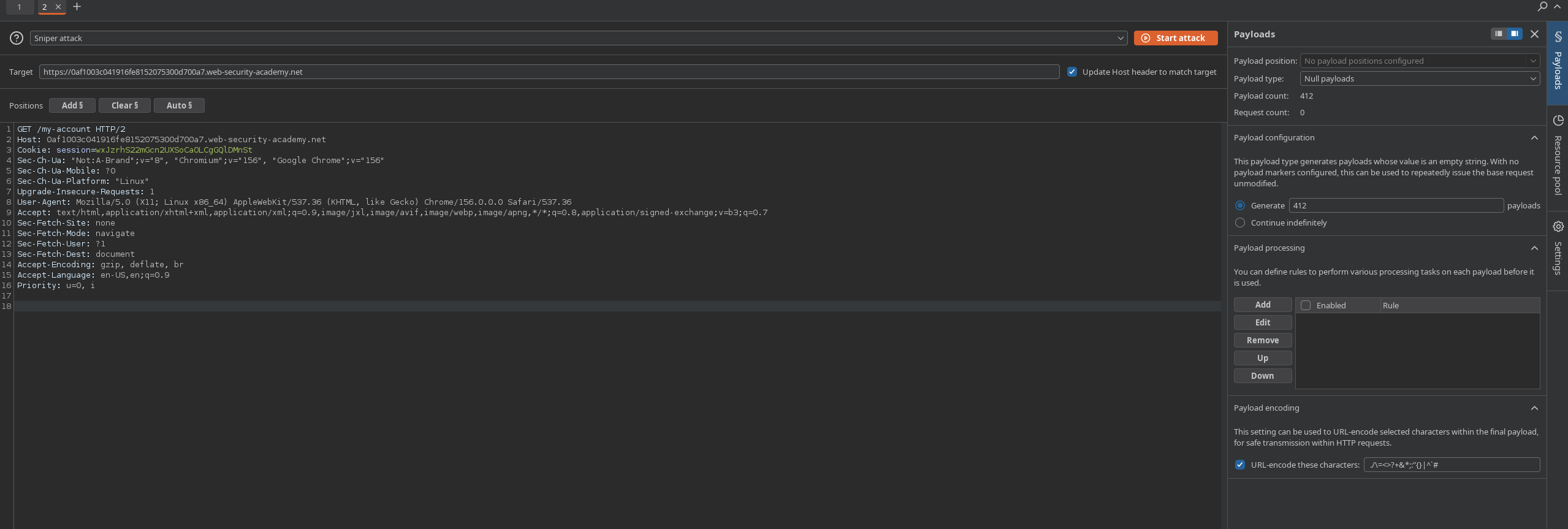
we send the GET /my-account request to Intruder with a Sniper attack. in the Payloads panel, under payload configuration we choose Null payloads and generate 412 payloads, so the macro runs the full buy-and-redeem cycle before each of the 412 requests.
Step 9 - run it one at a time#
we open Resource pool and add the attack to a pool with Maximum concurrent requests set to 1, so the cycles apply in order without racing, then start the attack.
Step 10 - buy the jacket#
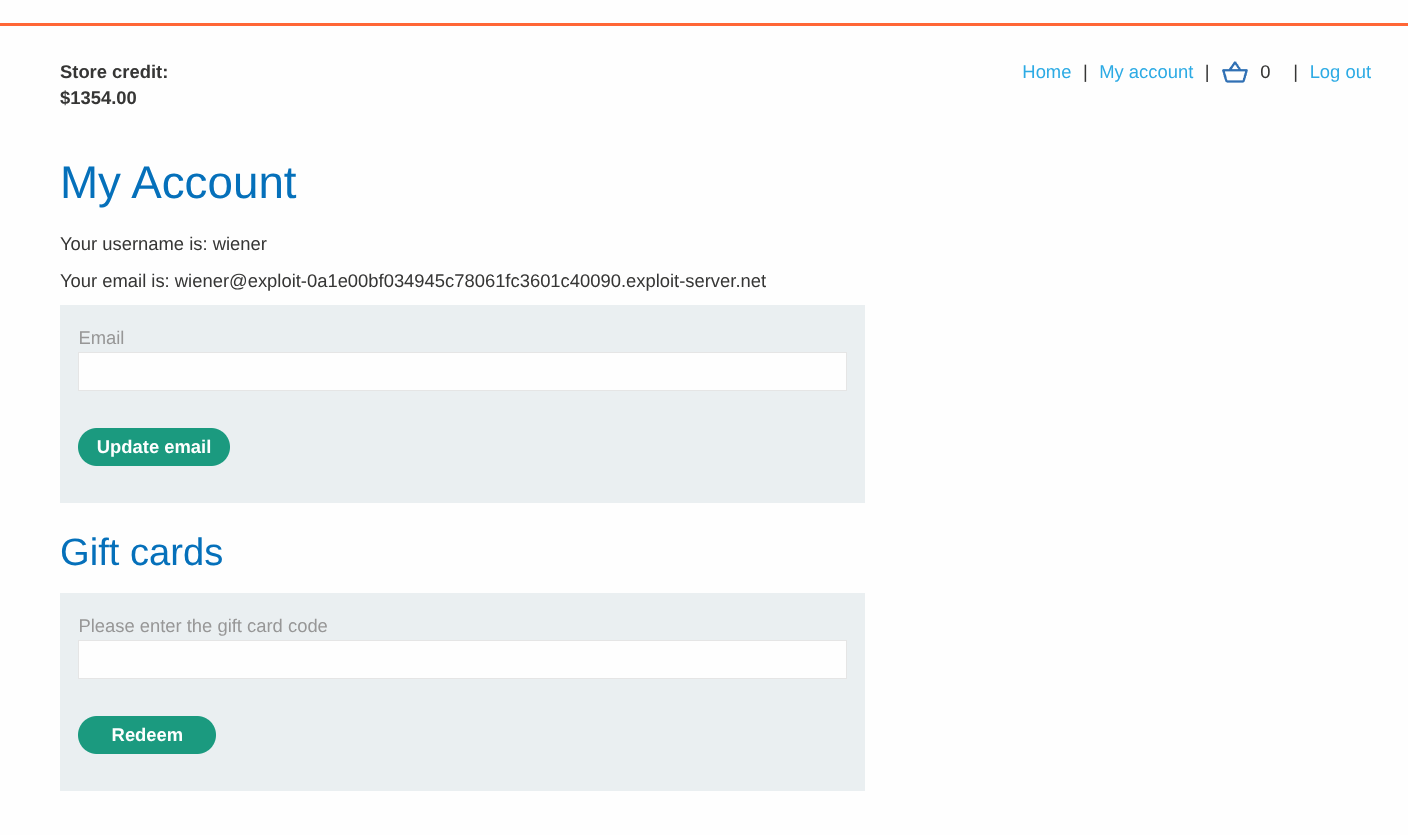
when the attack finishes our store credit has climbed well past the jacket's price, and we buy the "Lightweight l33t leather jacket".
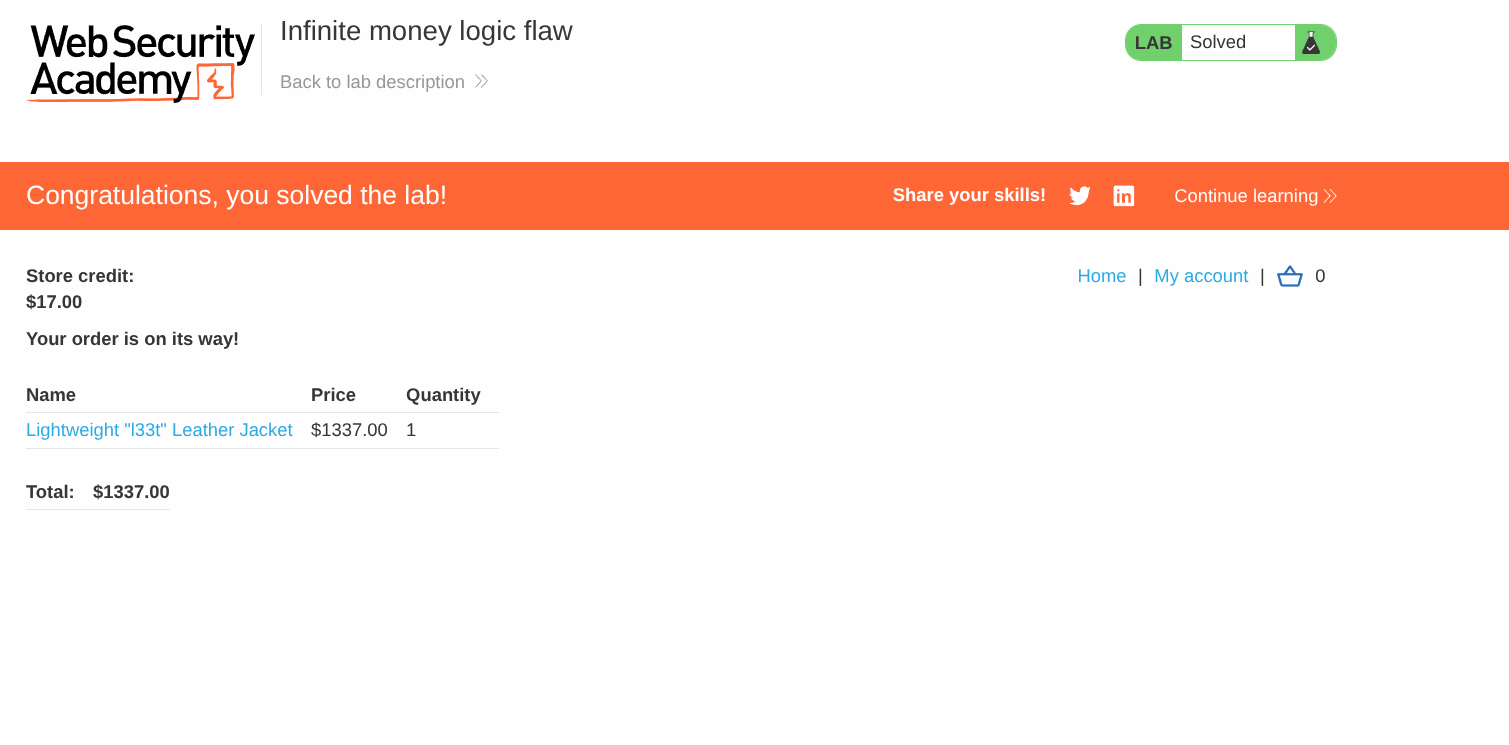
with this, the lab is solved!