
The lab
here is how portswigger describes it
This lab is protected by a frame buster which prevents the website from being framed. Can you get around the frame buster and conduct a clickjacking attack that changes the users email address?
To solve the lab, craft some HTML that frames the account page and fools the user into changing their email address by clicking on "Click me". The lab is solved when the email address is changed.
the last two clickjacking labs framed the account page without any resistance, but this one fights back it runs a frame buster that tries to stop itself being framed at all so before the overlay can work we have to switch that buster off.
The idea#
a frame buster is a small bit of javascript a site runs to defend against clickjacking. it checks whether the page is sitting inside a frame usually by comparing the top window with its own window, and if it finds it is being framed it forces the browser out jumping the top window to the real page so any overlay an attacker set up just vanishes. so if we frame this account page the plain way we did before the buster fires and our attack collapses.
the way around it is the iframe sandbox attribute. sandbox locks a framed page down to almost nothing and you hand specific abilities back by naming them. the key detail is that if you do not include allow-scripts the framed page cannot run any javascript at all and the frame buster is javascript so we sandbox the iframe with allow-forms only which still lets the form inside be submitted when clicked, but leaves scripts switched off, so the buster never runs and the page stays quietly framed for us to overlay. the rest the prefilled email and the overlay alignment, is the same as the previous labs.
Step 1 - Log in and confirm the prefill#
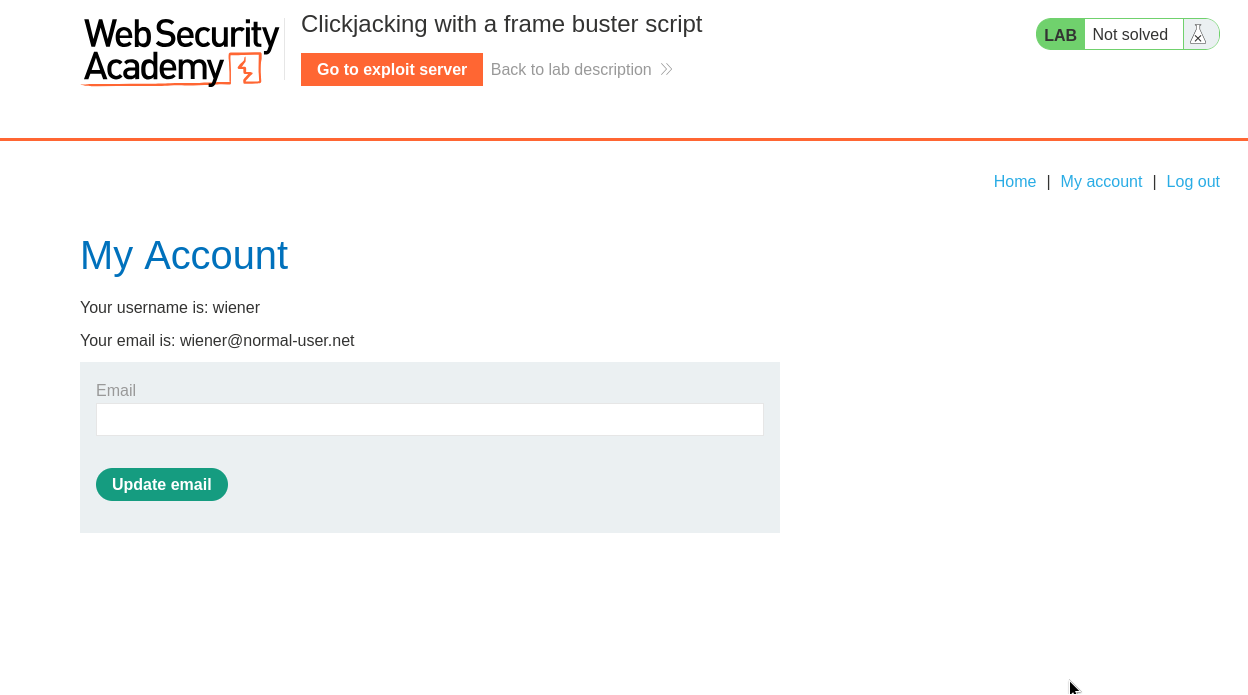
logging in with the provided credentials, the account page has the email change form.
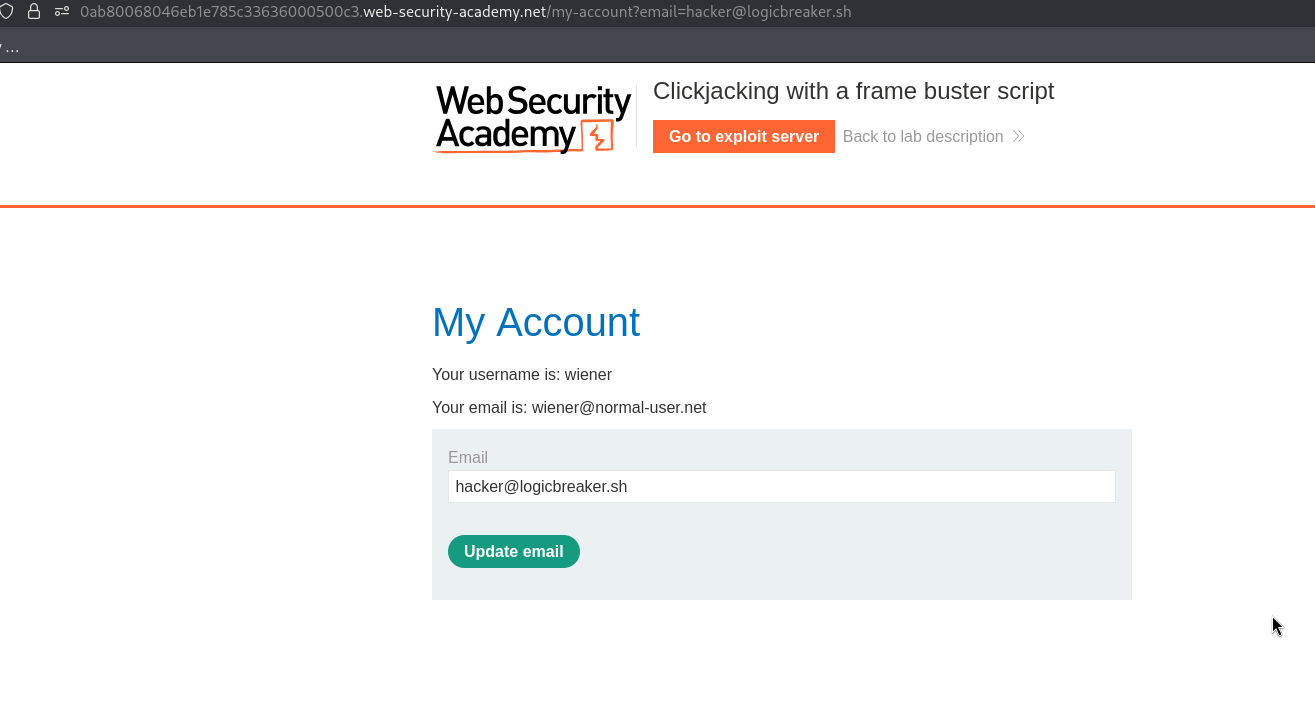
as in the last lab i checked that the email field prefills from a url parameter by loading /[email protected] and it does our value lands in the box.
Step 2 - Frame it inside a sandbox to kill the buster#
on the exploit server we use the same overlay template as before, with one addition on the iframe the sandbox="allow-forms" attribute
<style>
    iframe {
        position:relative;
        width:500px;
        height: 700px;
        opacity: 0.1;
        z-index: 2;
    }
    div {
        position:absolute;
        top:480px;
        left:100px;
        z-index: 1;
    }
</style>
<div>Test me</div>
<iframe sandbox="allow-forms" src="https://your-lab-id.web-security-academy.net/[email protected]"></iframe>
the only new thing here is sandbox="allow-forms" on the iframe. because that sandbox does not include allow-scripts, the framed account page is not allowed to run any javascript, so its frame buster simply never executes and cannot kick us out of the frame. and because we did include allow-forms, the email change form inside can still be submitted, which is the one thing we actually need the victim's click to do. so the page sits framed and inert, exactly what the overlay needs.
Step 3 - align the div and deliver#
from here it is the routine from the earlier labs. keep the div lined up over the update email button, using the top and left values, then set opacity to 0.1 so the real page fades out. change the lure text from Test me to Click me, store, and deliver.
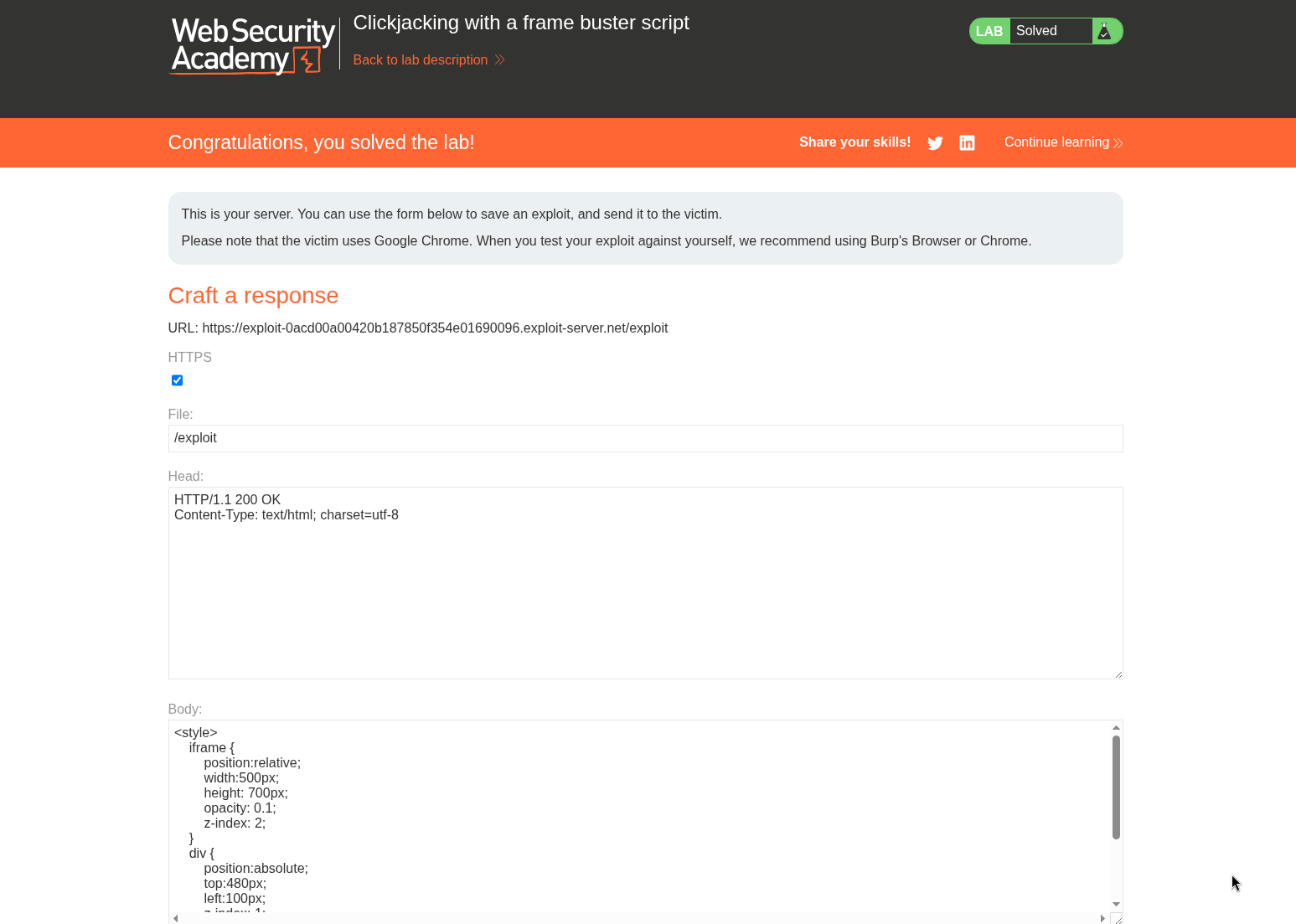
with this, the lab is solved!