
The lab
here is how portswigger describes it
This lab extends the basic clickjacking example in Lab: Basic clickjacking with CSRF token protection. The goal of the lab is to change the email address of the user by prepopulating a form using a URL parameter and enticing the user to inadvertently click on an "Update email" button.
To solve the lab, craft some HTML that frames the account page and fools the user into updating their email address by clicking on a "Click me" decoy. The lab is solved when the email address is changed.
this is a direct follow on from the basic clickjacking lab, same iframe overlay idea, but this time we are not clicking a single button that acts on its own, we need a form filled in first and the new trick is that the account page lets us fill that form ourselves through a url parameter
The idea#
the overlay part is exactly what we did last time frame the account page in a nearly invisible iframe lay a lure on top and line the lure up over the button we want clicked so i will not repeat all of that here. the one new piece is this the account page reads the email field's starting value from an email parameter in the url. so if we load the page as /my-account?email=something the email box is already filled with our value before the victim ever sees it. that lets us frame the page with our own address prefilled and then the only click we need from the victim is the update button that saves it
Step 1 - Log in and check the form#
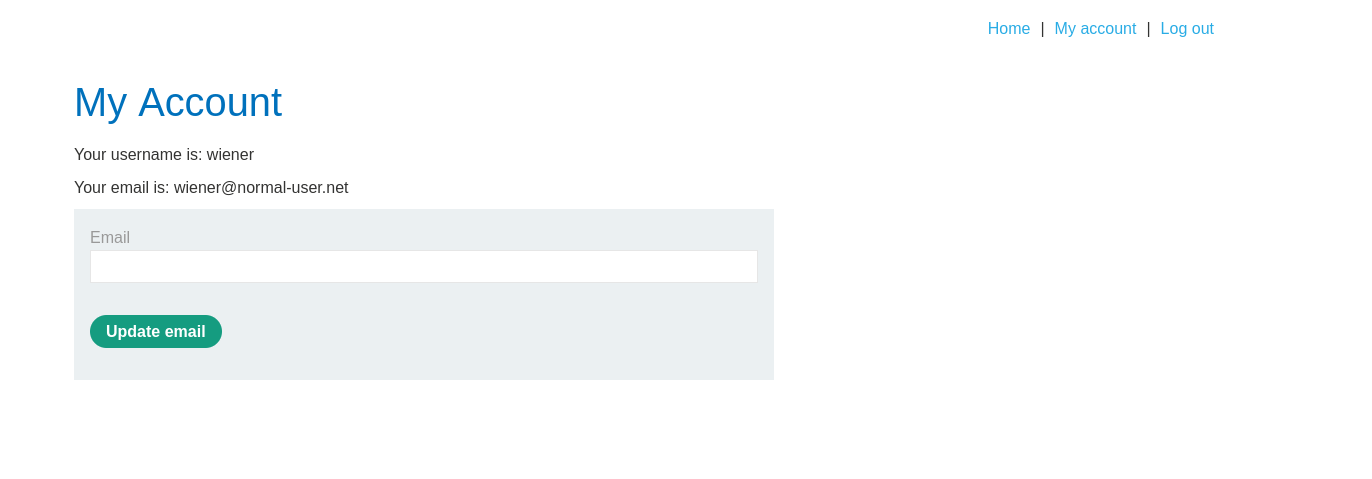
logging in with the provided credentials, the account page has the email change form and no delete button this time, the target is the update email action.
Step 2 - Frame the page with the email prefilled#
on the exploit server we use the same overlay template as before, but we add our email to the iframe's url so the form loads already populated.
<style>
    iframe {
        position:relative;
        width:500px;
        height: 700px;
        opacity: 1;
        z-index: 2;
    }
    div {
        position:absolute;
        top:500px;
        left:300px;
        z-index: 1;
    }
</style>
<div>Test me</div>
<iframe src="https://your-lab-id.web-security-academy.net/[email protected]"></iframe>
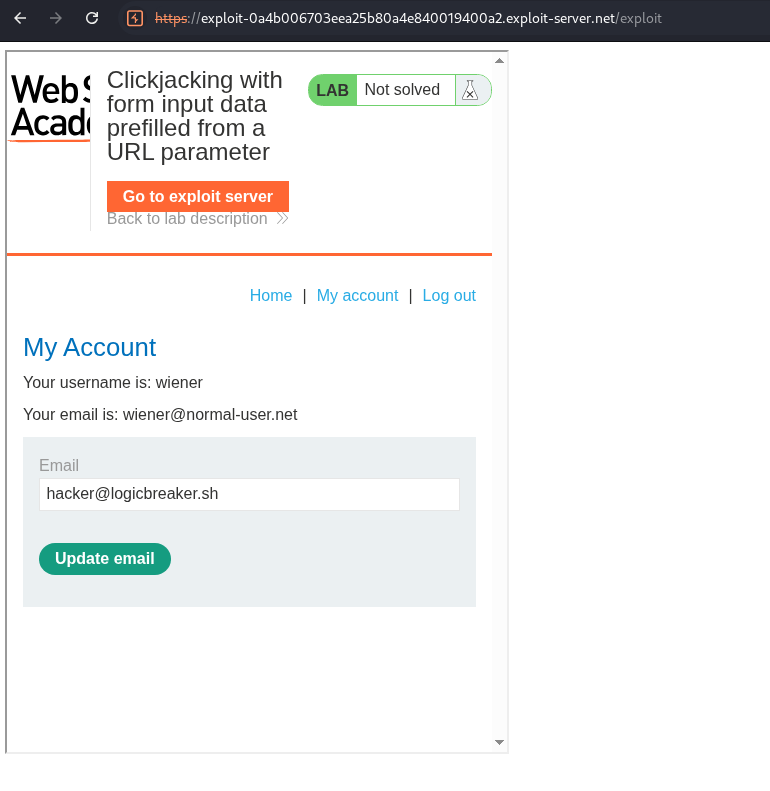
the only real change from the last lab is the [email protected] on the end of the iframe source. when the framed account page loads, it reads that email parameter and drops the value straight into the email field, so the form comes up already holding the address we want to set. storing this and viewing the exploit, you can see our email sitting in the box, which confirms the prefill is working.
Step 3 - Line the lure up with the update button#
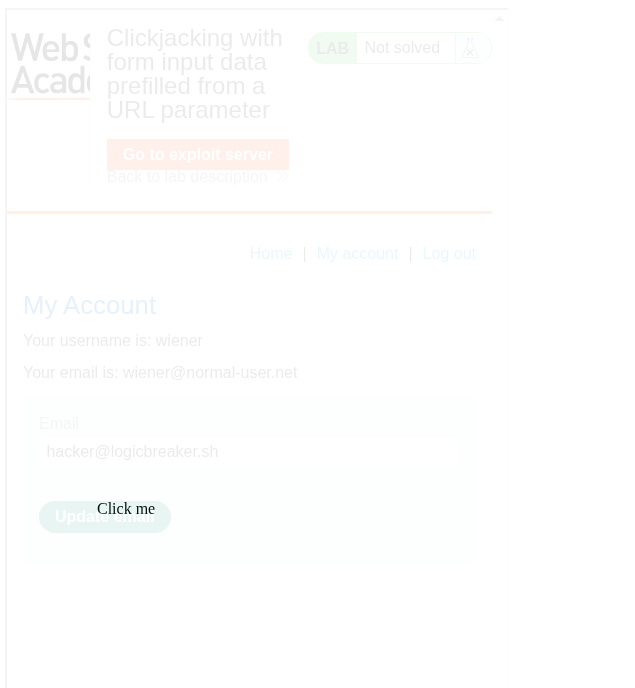
now it is the same alignment routine as before. keep opacity at 1 while you position things so you can see the real page then nudge the div so the lure lands on the update email button. with this template the value that needs changing is left, dropping it to around 100px brings the lure across onto the button. once it is lined up, set opacity down to 0.1 so the real page fades out and only the lure shows.
Step 4 - Label it and deliver#
change the lure text from Test me to Click me so the simulated victim will click it, store the page and deliver it.
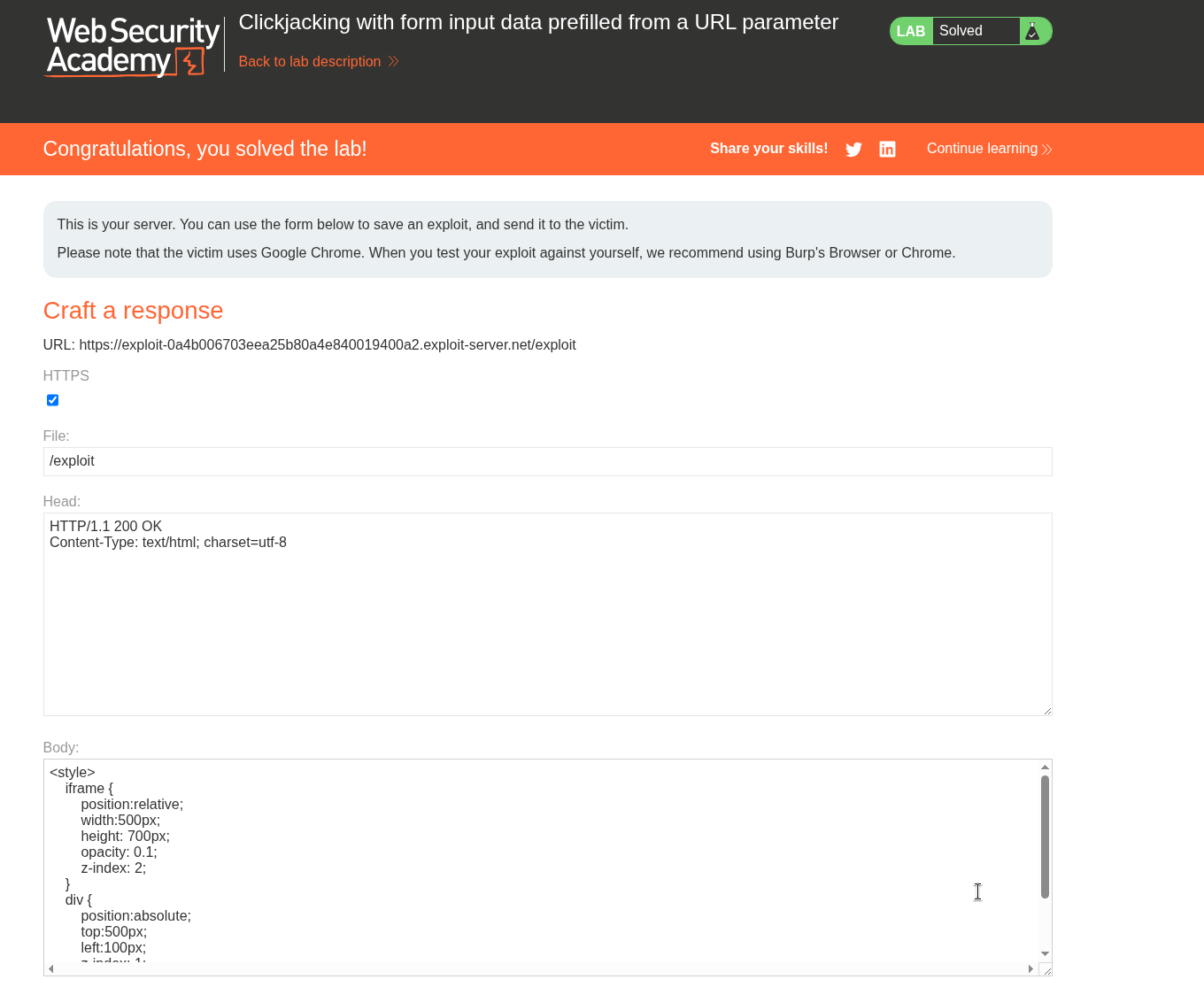
with this, the lab is solved!