
The lab
here is how portswigger describes it
This online shop has a live chat feature implemented using WebSockets. Chat messages that you submit are viewed by a support agent in real time. To solve the lab, use a WebSocket message to trigger an
alert()popup in the support agent's browser.
the chat feature carries our messages to a support agent over a WebSocket, and whatever we send lands in that agent's browser as it arrives. the message text is never sanitised on the server, so if we can get raw html through the socket it renders on the agent's page. the only thing standing in the way is the client side javascript that tidies our input before it ever reaches the wire, and a socket message is just as editable as any other request once burp is intercepting it.
why the encoding happens on the client#
when you type into the chat box the browser does not hand your text straight to the socket. a bit of client side javascript html-encodes it first, so a < you type leaves as <. that encoding is purely cosmetic defence, it runs in our browser, on our machine, entirely under our control. the server trusts whatever bytes actually arrive on the socket, so if we let the javascript encode the message and then rewrite the frame after it has been encoded, nothing ever re-checks it. that is the whole trick, the sanitisation sits on the wrong side of the wire.
Step 1 - Find the chat traffic in the WebSockets history#
we open the lab and click the Live chat button on the home page. we send an ordinary message so there is something to look at.
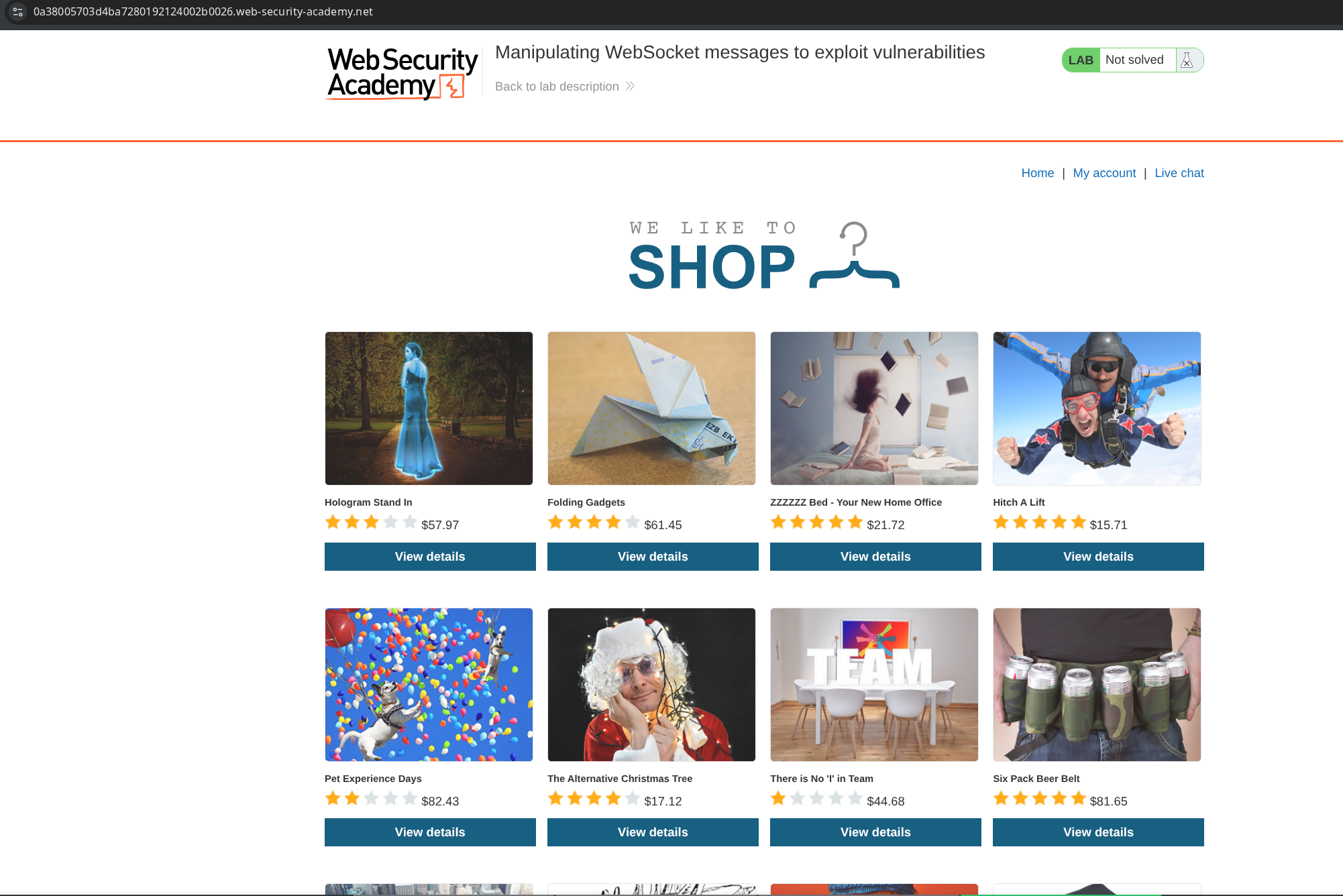
in Burp Proxy we go to the WebSockets history tab and see our message sitting there as a WebSocket message, separate from the normal http history. this confirms the chat is driven by a socket and shows us the exact shape of the frames the client sends.

Step 2 - Probe the field with a single character#
we go back to the chat and send a message containing a single < character.
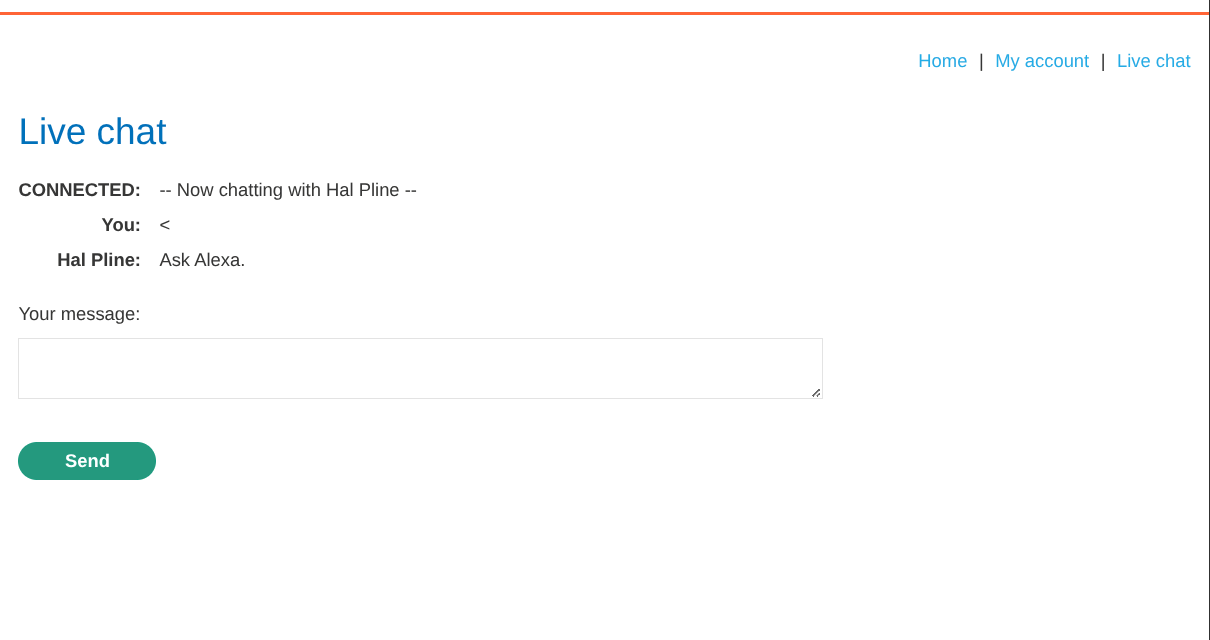
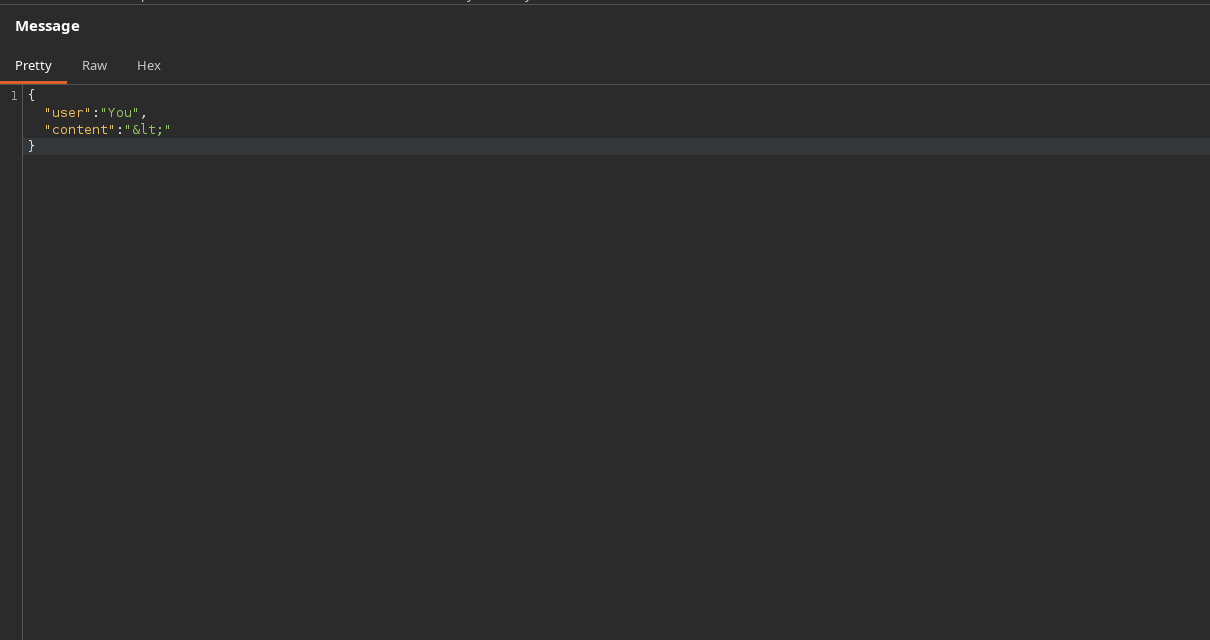
we find the matching frame in the WebSockets history and look at what actually went over the wire. the < has become <, the client html-encoded it before sending. that tells us two things, the server does not encode for us, and the browser side encoding is the only thing turning our angle bracket into a harmless entity. if we skip that step the raw < reaches the agent.
Step 3 - Intercept and swap in the payload#
we make sure Burp Proxy is set to intercept WebSocket messages, then send another chat message from the lab. burp catches the outgoing frame before it leaves, and because we are editing the frame directly we are past the client side encoding entirely.
we replace the intercepted message body with:
<img src=1 onerror='alert(1)'>
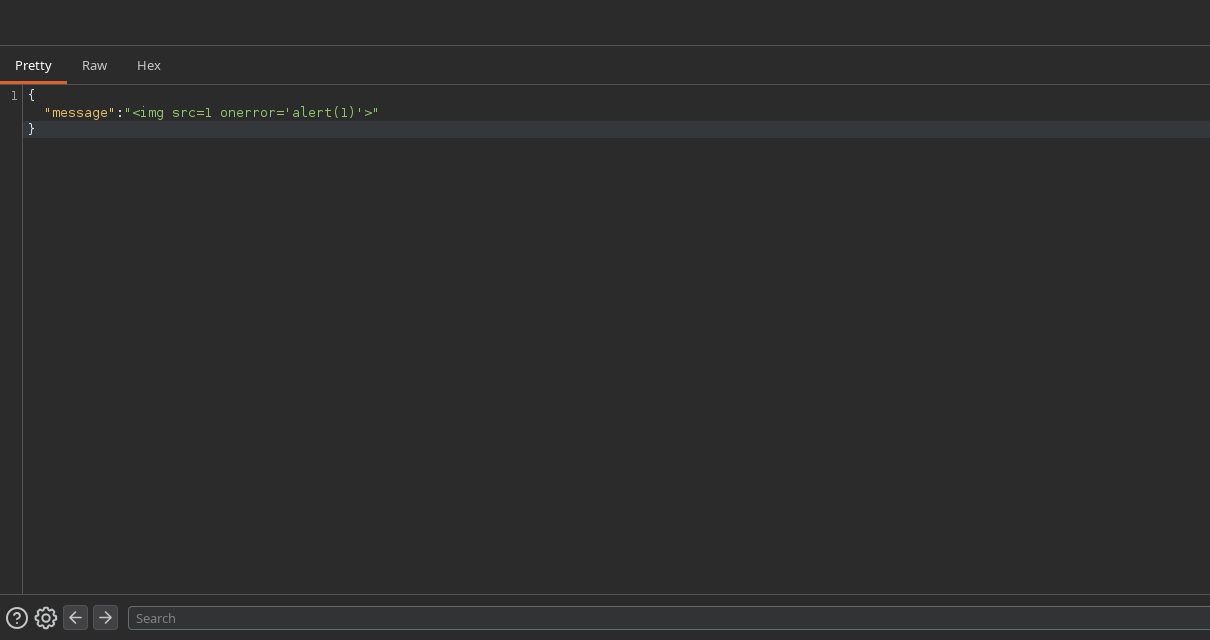
and forward it. the server stores and relays the frame untouched, the agent's browser receives literal html, tries to load an image from src=1, fails, and fires the onerror handler, which runs alert(1) in the agent's session. the popup pops in their browser, not ours, which is exactly what the lab asks for.
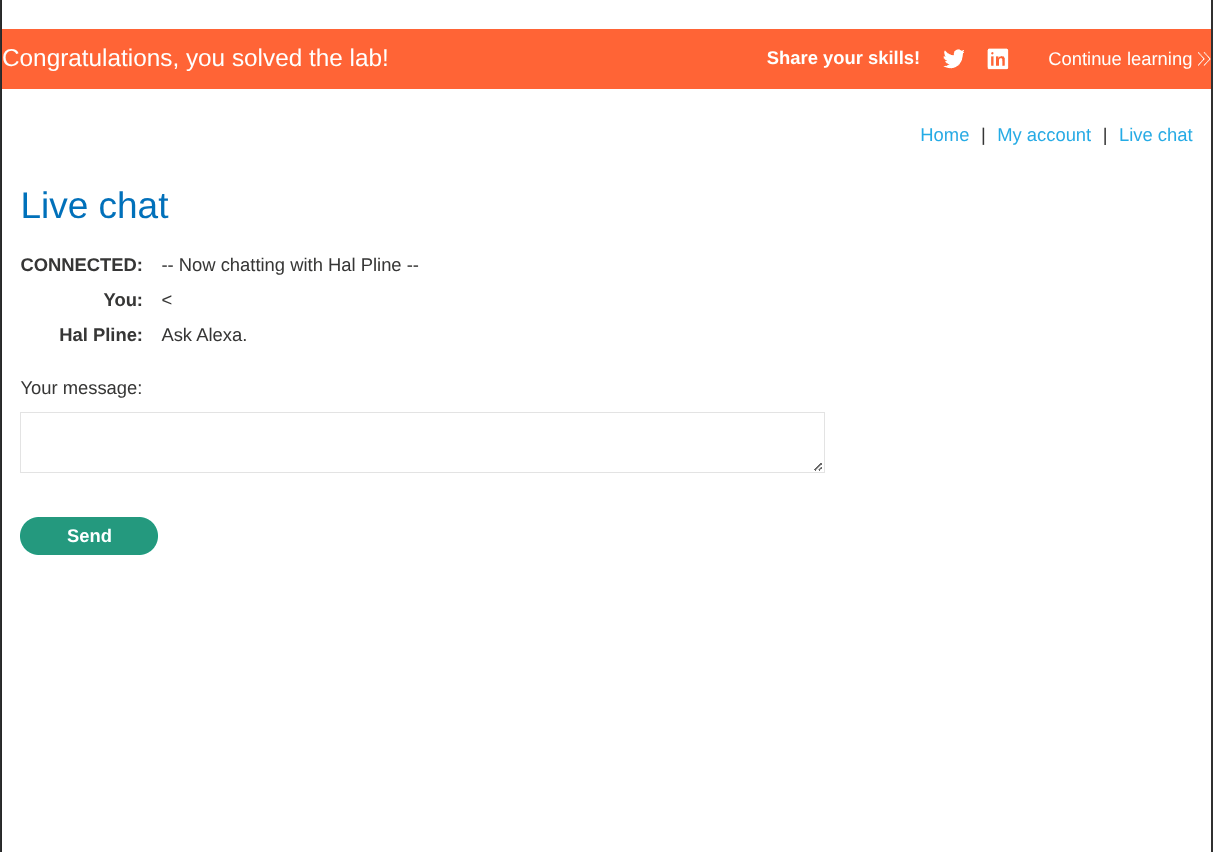
with this, the lab is solved!