
The lab
here is how portswigger describes it
To solve the lab, find the exposed API documentation and delete carlos. You can log in to your own account using the following credentials:
wiener:peter.
the new pieces in this lab#
since this is our first API lab, a short introduction to the terms.
- an API (application programming interface) is the machine-facing side of an app, the set of endpoints the front-end JavaScript (or any client) calls to read and change data. where a normal page returns HTML for humans, an API endpoint usually returns structured data (JSON) for code.
- REST / RESTful is the common style these APIs follow. resources live at endpoints that look like paths, e.g.
/api/user/wiener, and you act on them with HTTP methods (verbs):GETreads a resourcePOSTcreates onePATCH/PUTupdate oneDELETEremoves one so the same path can do very different things depending on the method used against it.
- API documentation describes those endpoints, which paths exist, which methods they accept, what parameters they take. it is meant for developers, but if it is left publicly reachable it hands an attacker a complete map of the attack surface, including dangerous methods like
DELETEthat the UI never exposes. the goal is to find that exposed documentation and use it to issue aDELETEfor carlos, an action the normal interface gives us no button for. we find the docs by walking up the API path, and once we have the full endpoint list, deleting carlos is a single documented request.
why the exposed documentation matters#
the UI only ever shows us the actions the designers chose to surface, we can update our own email, nothing more. but the API underneath can do much more than the UI drives, and the documentation is the key that reveals it. two things combine here. first, the docs are reachable without authorisation, so anyone can read the full catalogue of endpoints and methods. second, those endpoints don't adequately restrict who may call the powerful ones, so a request the UI never makes (deleting another user) still succeeds when we make it by hand. the documentation doesn't create the vulnerability, it exposes it: it tells us the DELETE /api/user/{username} endpoint exists and how to call it, turning "I didn't know that was possible" into a one-line request. probing the path hierarchy (/api/user/wiener → /api/user → /api) is just how we discover that the docs are sitting there.
Step 1 - find an API request to work from#
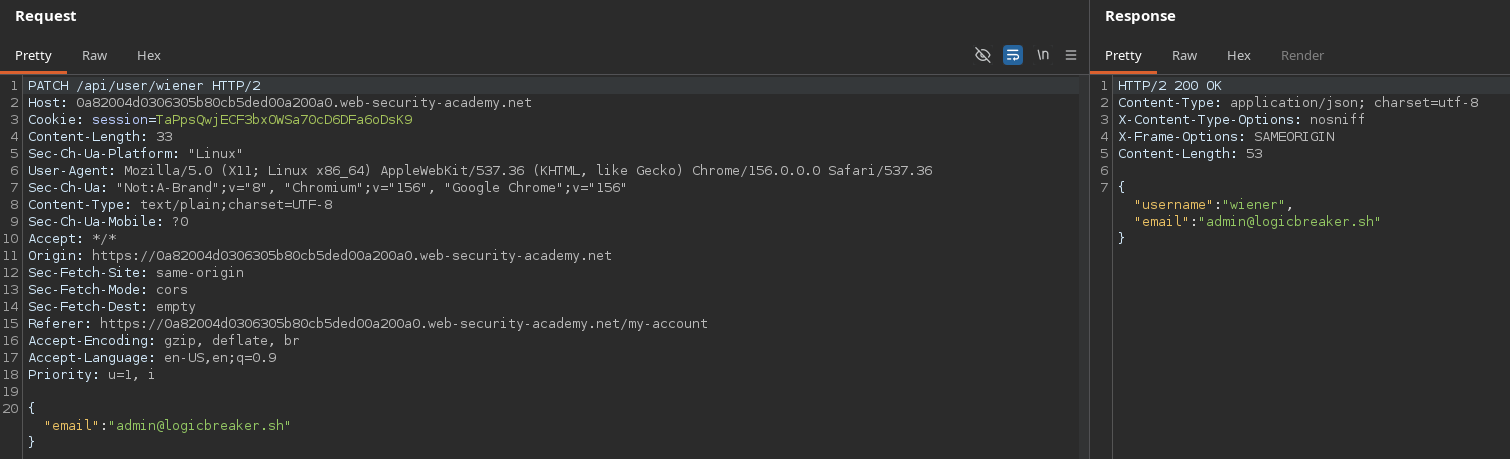
we log in as wiener:peter and update our email address so the app makes an API call. in Proxy > HTTP history we right-click the PATCH /api/user/wiener request and Send to Repeater. sending it, we see it returns data for the user wiener, so /api/user/wiener is a live API endpoint keyed on the username.
Step 2 - walk up the path#
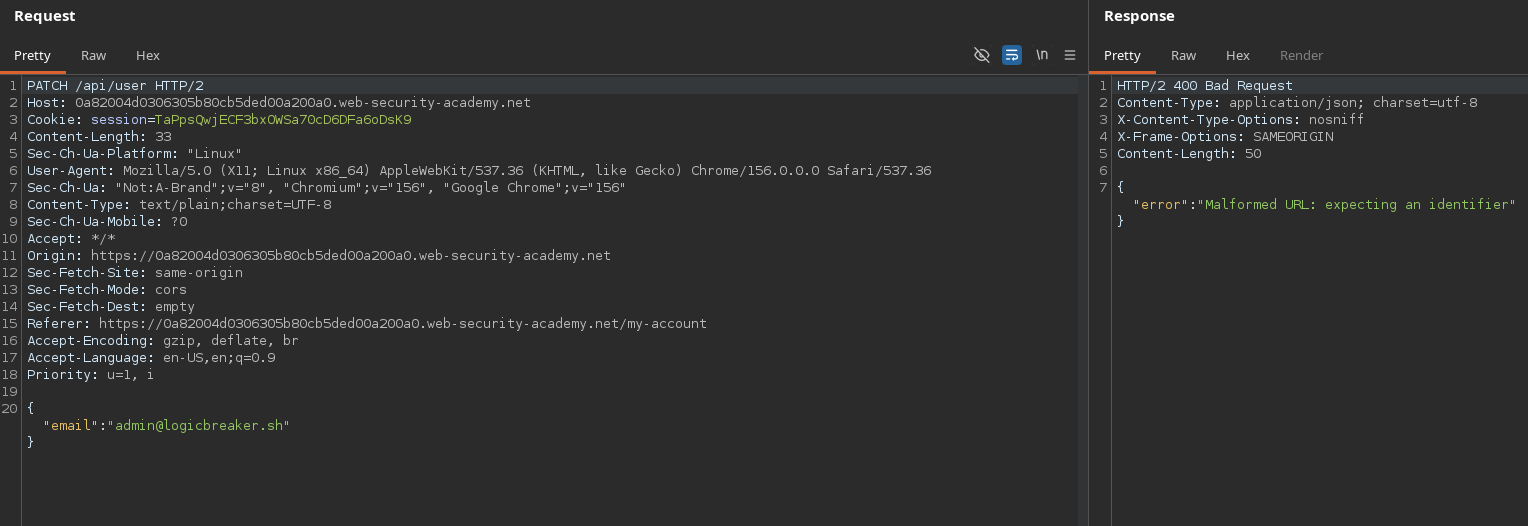
we remove /wiener from the path, leaving /api/user, and send it. it errors because no user identifier was given, confirming the endpoint expects one but that we can poke at the hierarchy.
Step 3 - reach the documentation#
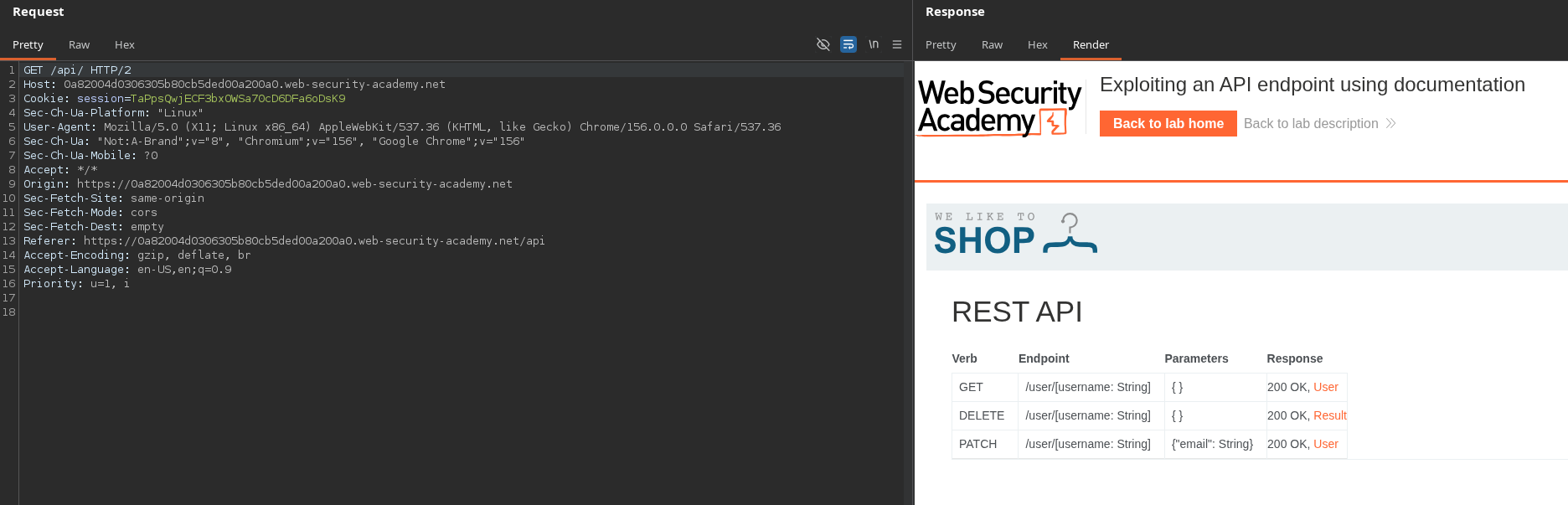
we remove /user too, leaving just /api, and send it. this returns the API documentation. we right-click the response, choose Show response in browser, and copy the URL to open the interactive docs.
Step 4 - use the documented DELETE#
in the documentation we find the endpoints and methods available. to delete carlos we click the DELETE row, enter carlos as the user, and click Send request.
Step 5 - confirm the deletion#
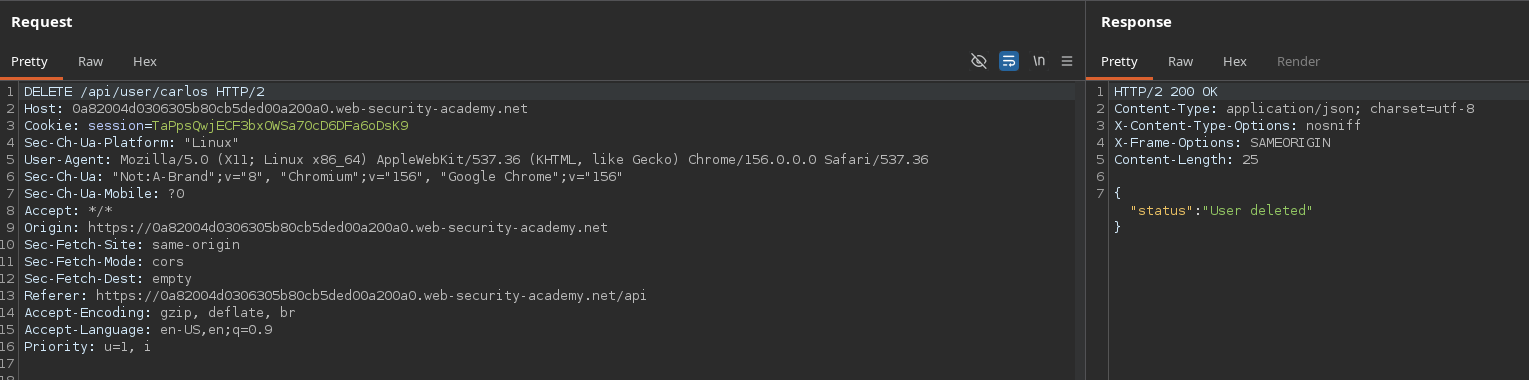
the request succeeds and carlos is deleted, the documented DELETE endpoint let us perform an action the UI never offered.
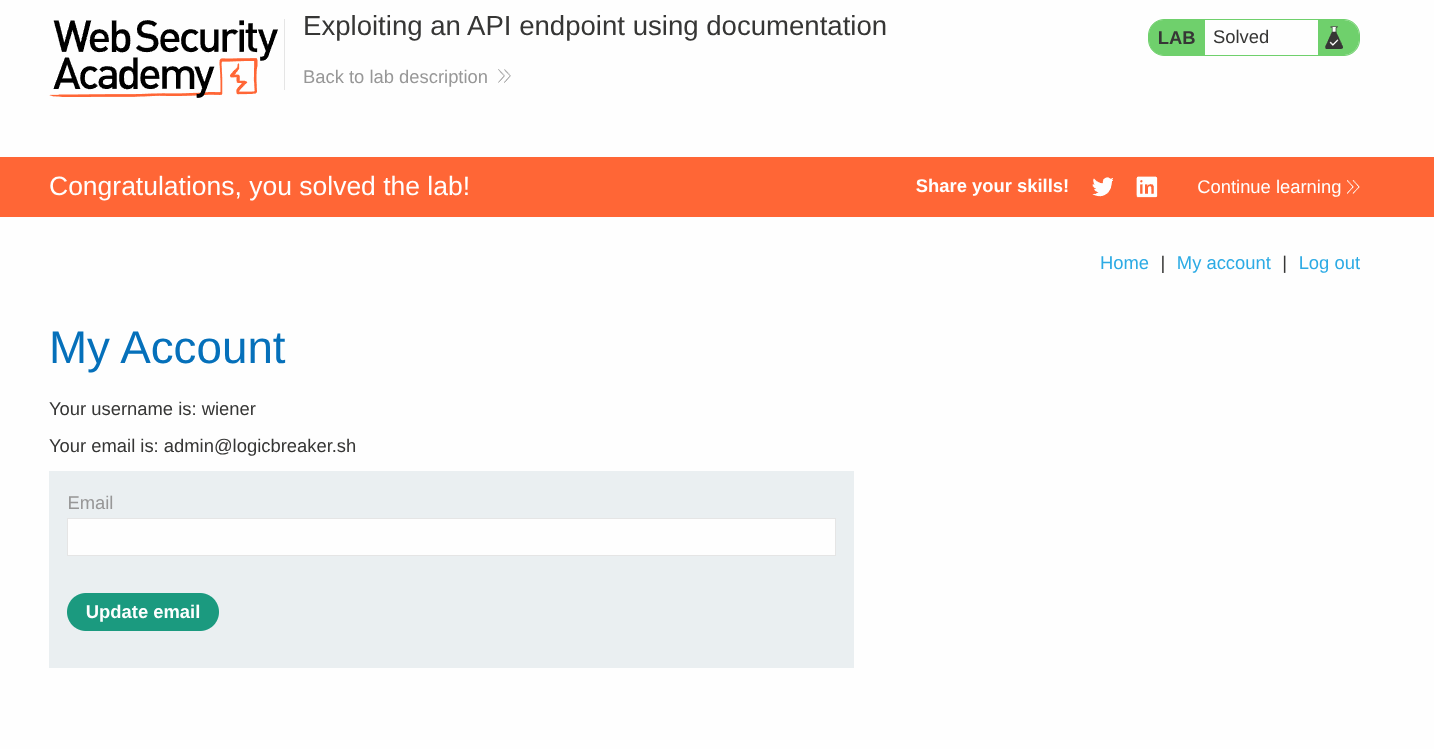
with this, the lab is solved!