
The lab
here is how portswigger describes it
To solve the lab, log in as the administrator and delete carlos.
the new pieces in this lab#
this lab is about what happens behind the endpoint we talk to. the public app isn't the whole story, it forwards our input into a second, internal request.
- an internal / server-side API request: when we submit
POST /forgot-password, the public server doesn't handle everything itself, it builds and sends its own request to an internal API (another service, not reachable by us directly) and relays the result. ourusernamevalue gets embedded into that internal request's query string. - server-side parameter pollution (SSPP): if the app drops our input into the internal query string without sanitising it, we can smuggle query-string syntax, extra parameters and separators, into that internal request. we aren't polluting our request, we're polluting the server's request to its backend. this is the server-side cousin of HTTP parameter pollution.
- the two characters that matter in a query string, and that we inject URL-encoded so the public server passes them through rather than acting on them:
&(%26) separates parameters. injecting it lets us start a new parameter in the internal request.#(%23) starts a URL fragment, everything after it is ignored. injecting it lets us truncate the internal query string, chopping off whatever parameters the server intended to add after ours. the method: by injecting%26and%23we probe the shape of the hidden internal request, discover it carries afieldparameter, brute-force the useful values of that field, and setfield=reset_tokenso the internal API hands back the administrator's password reset token. with the token we reset the admin's password and delete carlos.
why the unsanitised input pollutes the internal query#
the flaw is that the public server builds its internal query string by concatenating our input in as raw text, so from the internal API's point of view our username value and the query-string syntax are indistinguishable. the server intends to send something like username=<ours>&field=<something> to its backend. because it never encodes our value, a & we smuggle in is read by the backend as a real separator and a # as a real truncator, we are editing the internal query, not just filling in a field. that lets us do three things the designers never intended: add parameters (&field=x), delete the trailing ones (#), and ultimately set a sensitive parameter (field=reset_token) that makes the internal API return data it should never expose to us. the error messages leak the structure at each step, so we reconstruct the hidden request and bend it to return the admin's reset token.
Step 1 - capture the reset request#
we trigger a password reset for the administrator. in Proxy > HTTP history we notice the POST /forgot-password request and a related /static/js/forgotPassword.js file. we right-click the POST /forgot-password request and Send to Repeater.
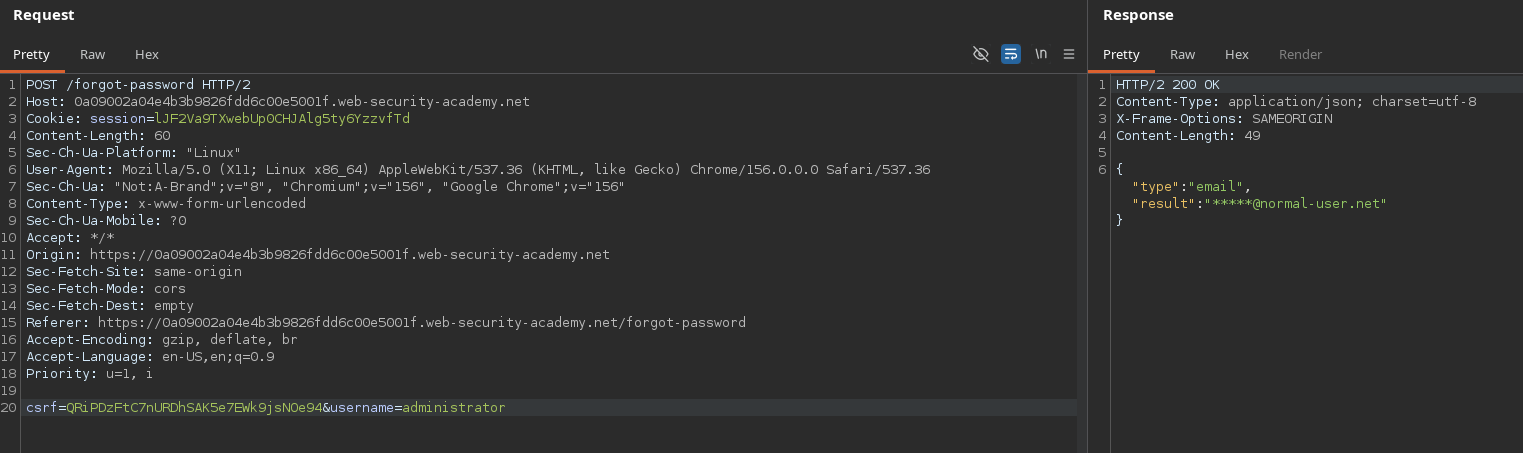
Step 2 - establish the baseline#
we change username from administrator to an invalid value like administratorx and send. we get an Invalid username error, so the server validates the username against its backend, there is an internal lookup happening.
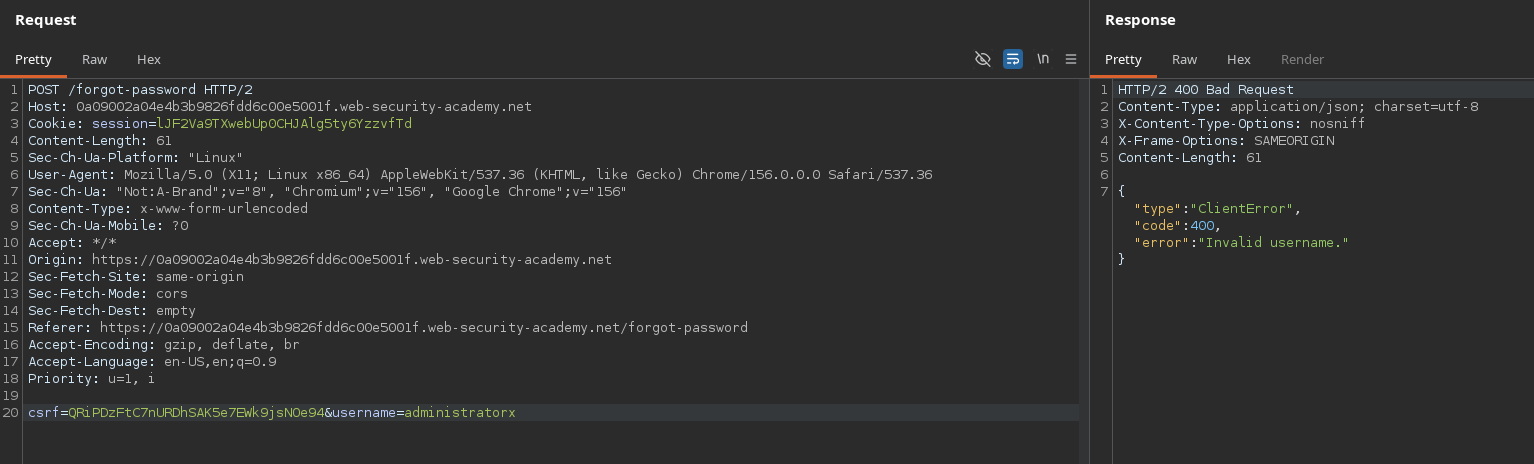
Step 3 - inject a second parameter#
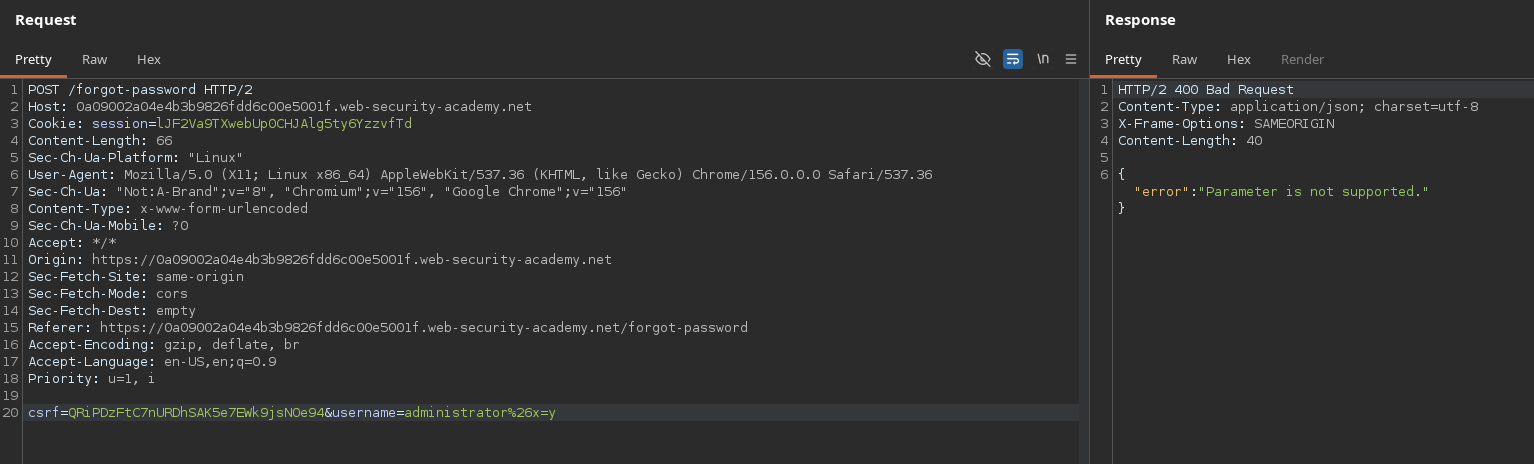
we try adding a parameter to the internal request using a URL-encoded &:
username=administrator%26x=y
the response is Parameter is not supported, which means the internal API read &x=y as a separate parameter, not as part of the username. so our injection reached the internal query string, SSPP confirmed.
Step 4 - truncate with#
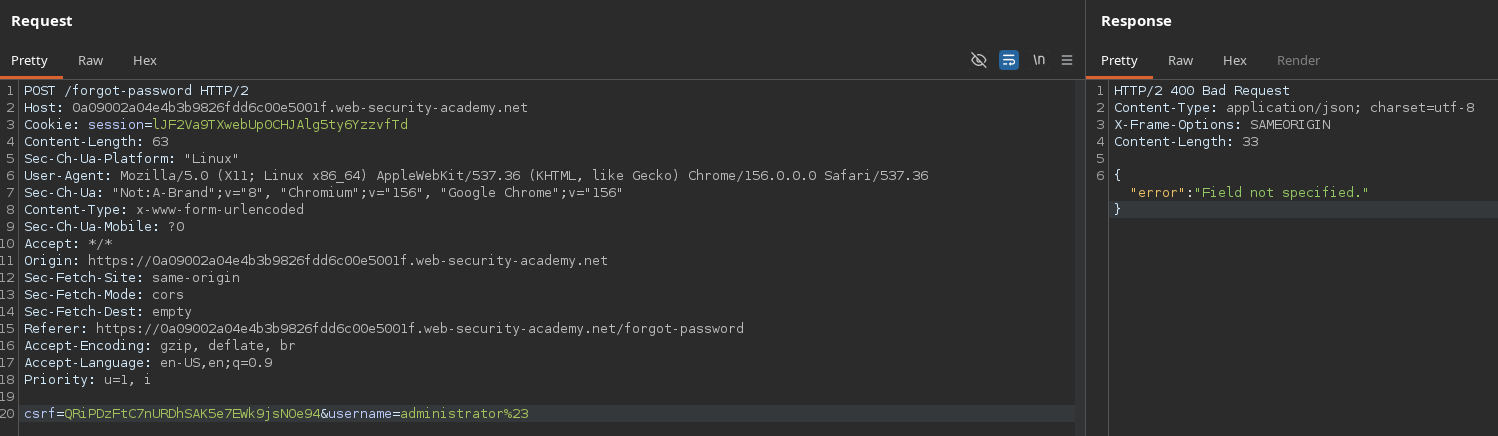
we try truncating the internal query string with a URL-encoded #:
username=administrator%23
this returns Field not specified, which tells us the internal query normally includes a parameter called field, and our # chopped it off.
Step 5 - confirm the field parameter#
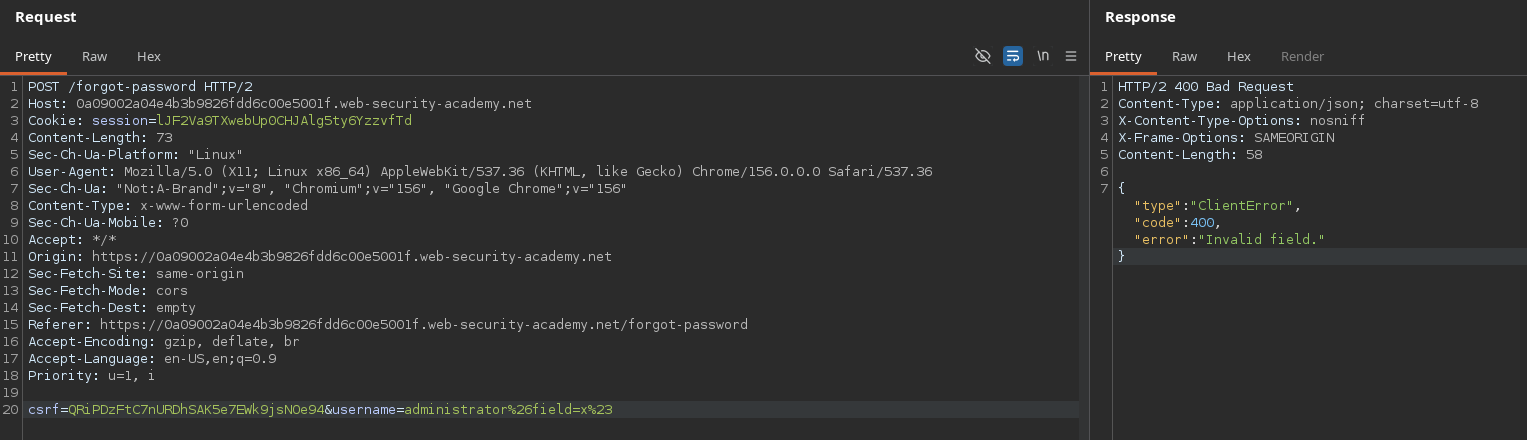
we inject our own field parameter and truncate after it:
username=administrator%26field=x%23
the response is Invalid field, so the internal API recognises field and is validating its value. now we just need a valid value.
Step 6 - brute-force the field value#
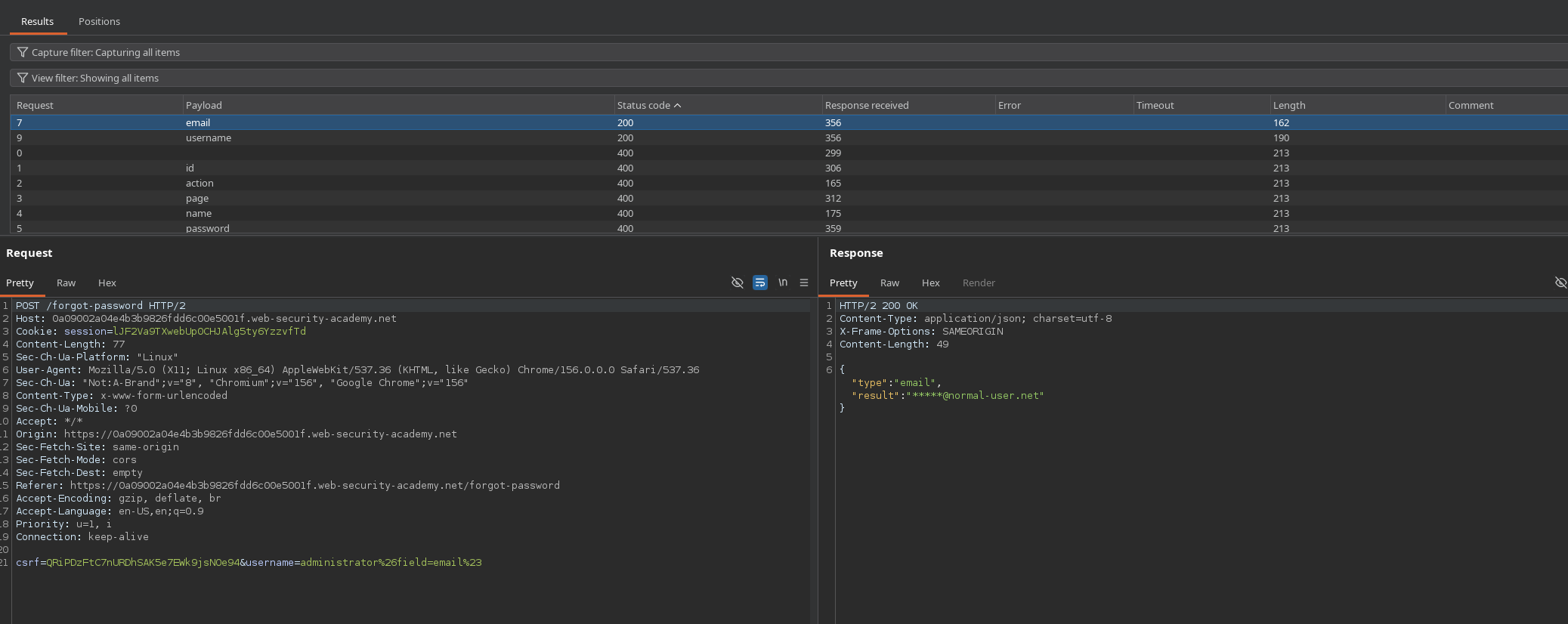
we send the request to Intruder and set a payload position on the field value:
username=administrator%26field=§x§%23
in the Payloads panel we Add from list and choose the built-in Server-side variable names list, then start the attack. reviewing results, the username and email payloads both return 200, so those are valid field values.
Step 7 - verify a valid field#
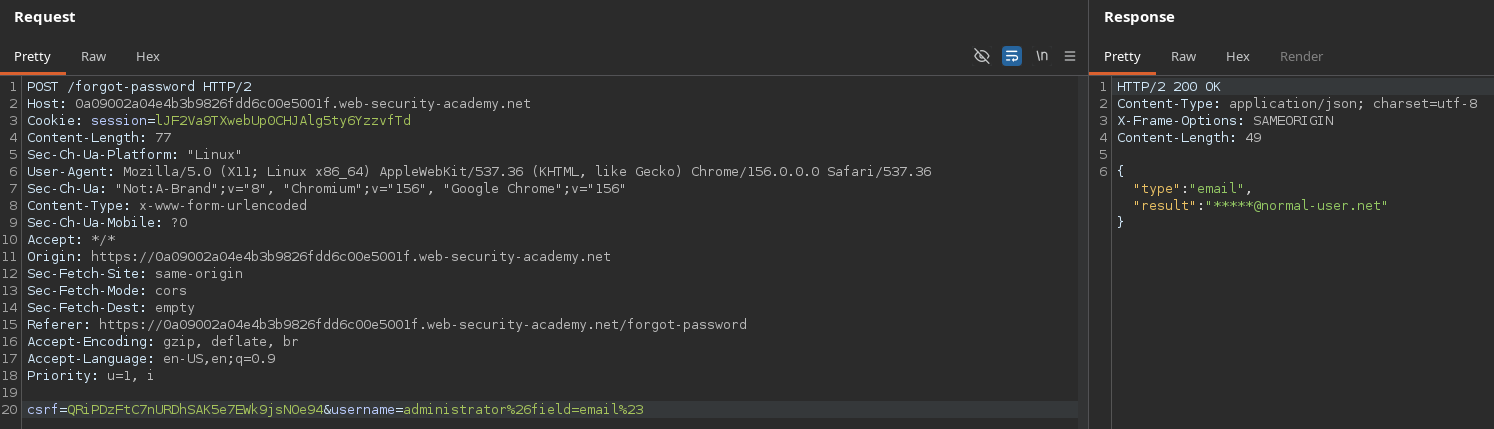
we set field=email and truncate:
username=administrator%26field=email%23
this returns the original (success) response, confirming email is a valid field type and that we can make the internal API return a chosen field.
Step 8 - extract the reset token#
we review /static/js/forgotPassword.js and see the reset endpoint uses a reset_token parameter:
forgotPwdReady(() => {
    const queryString = window.location.search;
    const urlParams = new URLSearchParams(queryString);
    const resetToken = urlParams.get('reset-token');
    if (resetToken)
    {
        window.location.href = `/forgot-password?reset_token=${resetToken}`;
    }
    else
    {
        const forgotPasswordBtn = document.getElementById("forgot-password-btn");
        forgotPasswordBtn.addEventListener("click", displayMsg);
    }
});
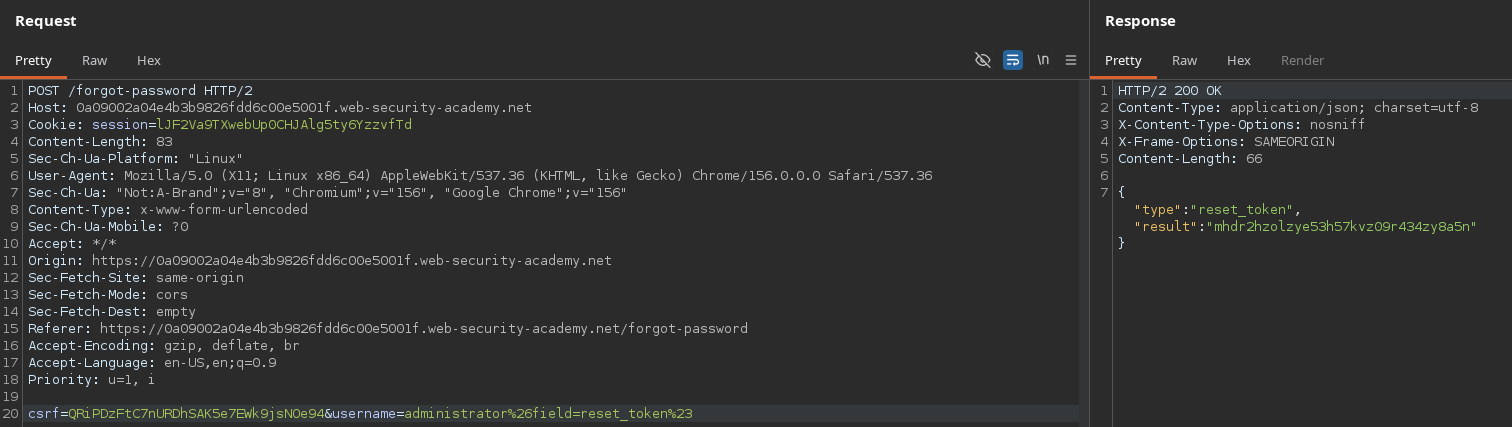
so reset_token is a field the backend knows. in Repeater we set it as the field:
username=administrator%26field=reset_token%23
sending this returns the administrator's password reset token. we note it down.
Step 9 - reset the password and delete carlos#
in the address bar we visit the reset endpoint with our captured token:
/forgot-password?reset_token=123456789
we set a new password, log in as the administrator, go to the admin panel, and delete carlos.
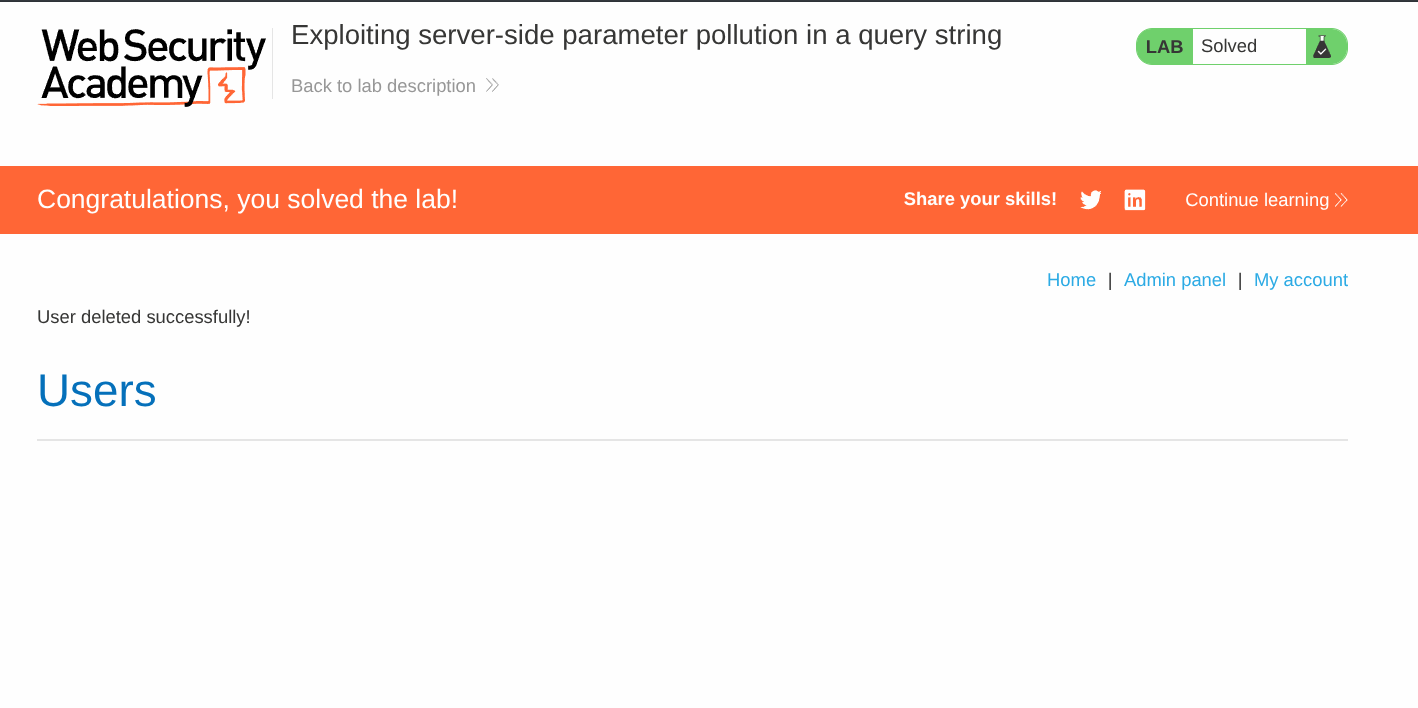
with this, the lab is solved!