
The lab
here is how portswigger describes it
This lab is vulnerable to routing-based SSRF via the Host header. Although the front-end server may initially appear to perform robust validation of the Host header, it makes assumptions about all requests on a connection based on the first request it receives. To solve the lab, exploit this behavior to access an internal admin panel located at 192.168.0.1/admin, then delete the user carlos.
the front-end validates the Host header, but only properly on the first request of a connection. once that first request is accepted, it assumes every later request on the same connection is for the same, already-validated host and skips re-checking. so we open a connection with a legitimate first request, then reuse it to smuggle a second request aimed at the internal 192.168.0.1. the second request inherits the first's trust and is routed to the admin panel, where we craft the delete to remove carlos.
why the connection state breaks this#
the flaw is that validation is done per-connection instead of per-request. the front-end sees the first request, validates its Host, decides "this connection is talking to the main site", and caches that decision for the life of the connection. it is an optimisation, re-validating every request on a keep-alive connection feels redundant, but it is wrong, because each request carries its own Host and can ask for something different. by sending a clean first request to pass the check and a malicious second request on the same connection, the second one is never re-validated, its internal Host sails through, and the routing layer forwards it to 192.168.0.1. the trust was bound to the connection, not to the request, so we borrow it for a request that should never have been allowed.
Step 1 - confirm single requests are blocked#
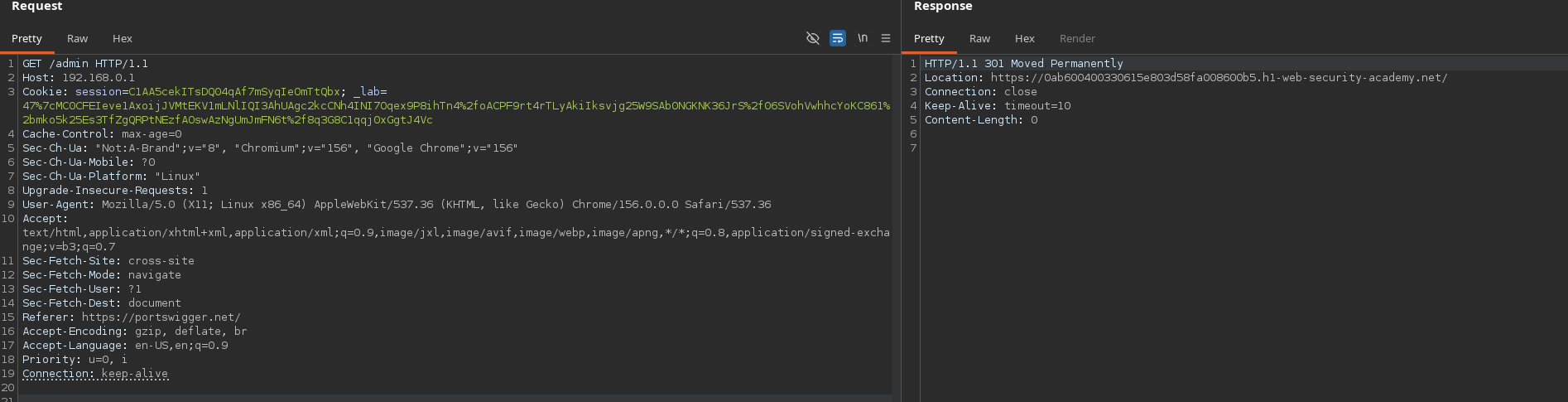
we send the GET / request to Repeater, change the path to /admin and the Host header to 192.168.0.1, and send it. we are just redirected to the homepage, so a lone tampered request is validated and rejected.
Step 2 - smuggle the second request on one connection#
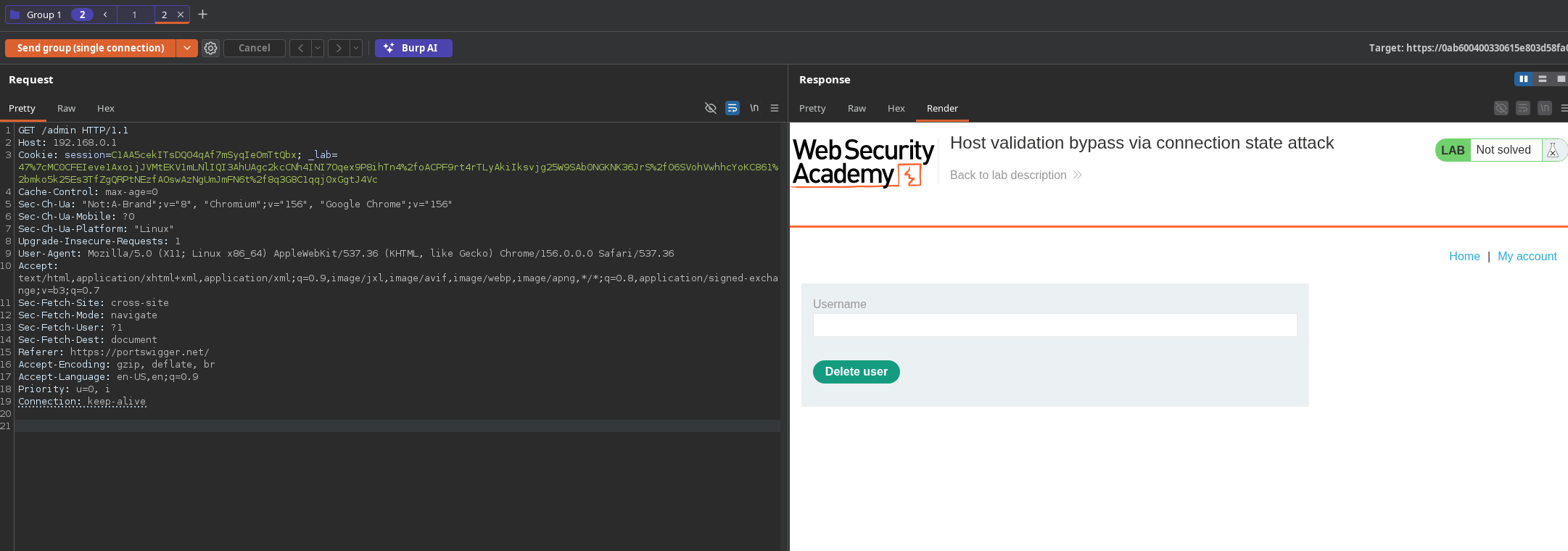
we duplicate the tab and add both tabs to a new group. on the first tab we set the path back to / and the Host back to YOUR-LAB-ID.h1-web-security-academy.net (the clean, validated first request). using the drop-down next to Send, we switch to Send group in sequence (single connection) and set the Connection header to keep-alive. the second tab keeps GET /admin with Host: 192.168.0.1. we send the sequence and see the second request has reached the admin panel.
Step 3 - read the delete form#
we study the admin panel response and note the HTML form for deleting a user: the action (/admin/delete), the input name (username), and the CSRF token.
Step 4 - delete carlos#
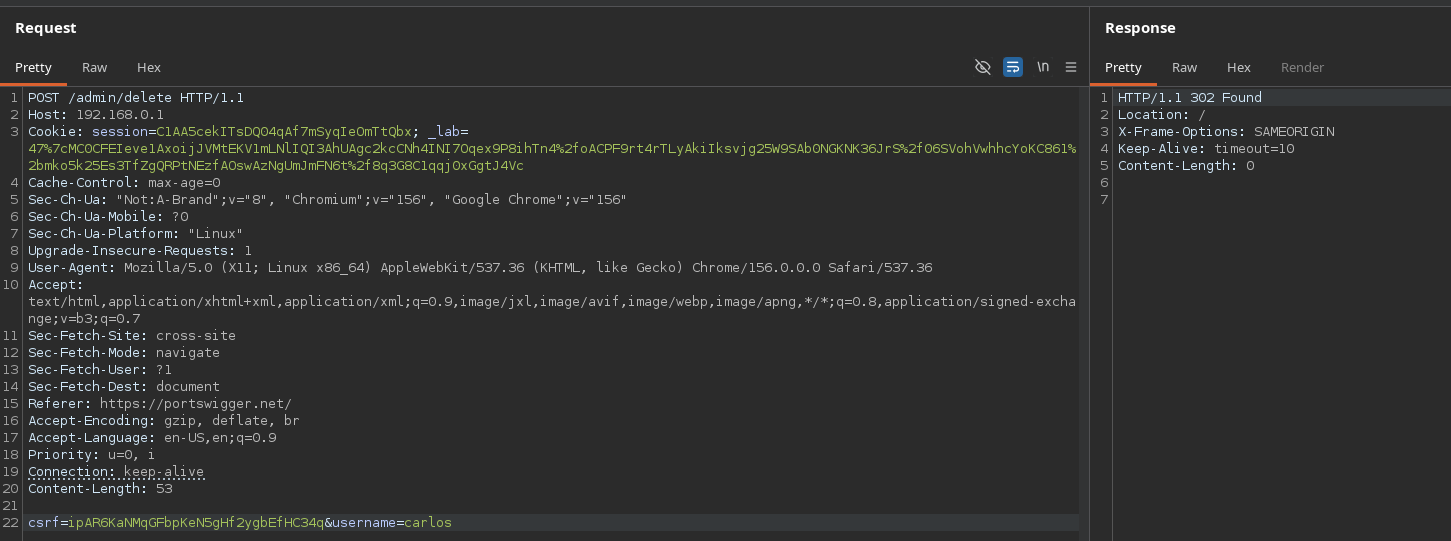
on the second tab we replicate the form submission, keeping the internal Host and sending the request on the same connection sequence:
POST /admin/delete HTTP/1.1
Host: 192.168.0.1
Cookie: _lab=YOUR-LAB-COOKIE; session=YOUR-SESSION-COOKIE
Content-Type: x-www-form-urlencoded
Content-Length: CORRECT

csrf=YOUR-CSRF-TOKEN&username=carlos
sending the sequence deletes carlos.
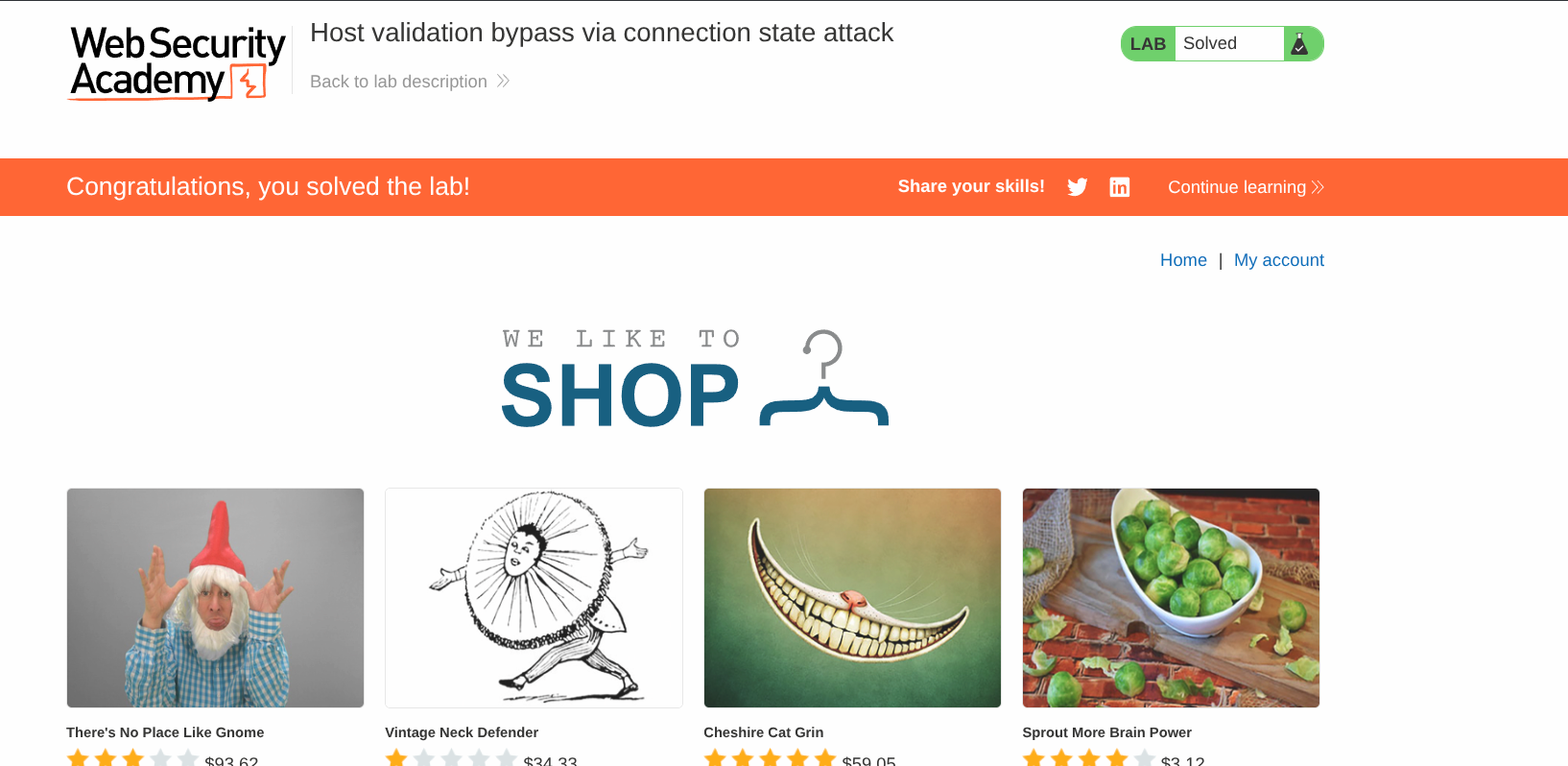
with this, the lab is solved!