
The lab
here is how portswigger describes it
This lab is vulnerable to routing-based SSRF due to its flawed parsing of the request's intended host. You can exploit this to access an insecure intranet admin panel located at an internal IP address. To solve the lab, access the internal admin panel located in the 192.168.0.0/24 range, then delete the user carlos.
the site validates the Host header and blocks any request where it has been tampered with. but we can also ask for the page using an absolute URL in the request line, and when we do, the validation switches to checking that URL instead, leaving the Host header unguarded. the middleware then routes on the now-trusted Host, so we steer it at internal addresses, sweep 192.168.0.0/24 for the admin panel, and craft the delete request to remove carlos.
why the parsing discrepancy breaks this#
the flaw is that two parts of the request can specify the destination, the Host header and an absolute URL in the request line, and the validation and the routing look at different ones depending on how we frame the request. with a normal relative path the server validates the Host header, so tampering is blocked. but supply an absolute URL and the server decides that is the authoritative target and validates it instead, no longer caring what the Host header says. the routing layer, however, still forwards based on the Host header. so by sending a legitimate absolute URL (which passes validation) together with an internal Host (which does the routing), we split the two apart, the check sees something safe while the request is sent somewhere we chose. that is the same routing-based SSRF, reached through a request-parsing discrepancy rather than a naked header.
Step 1 - confirm the host is validated#
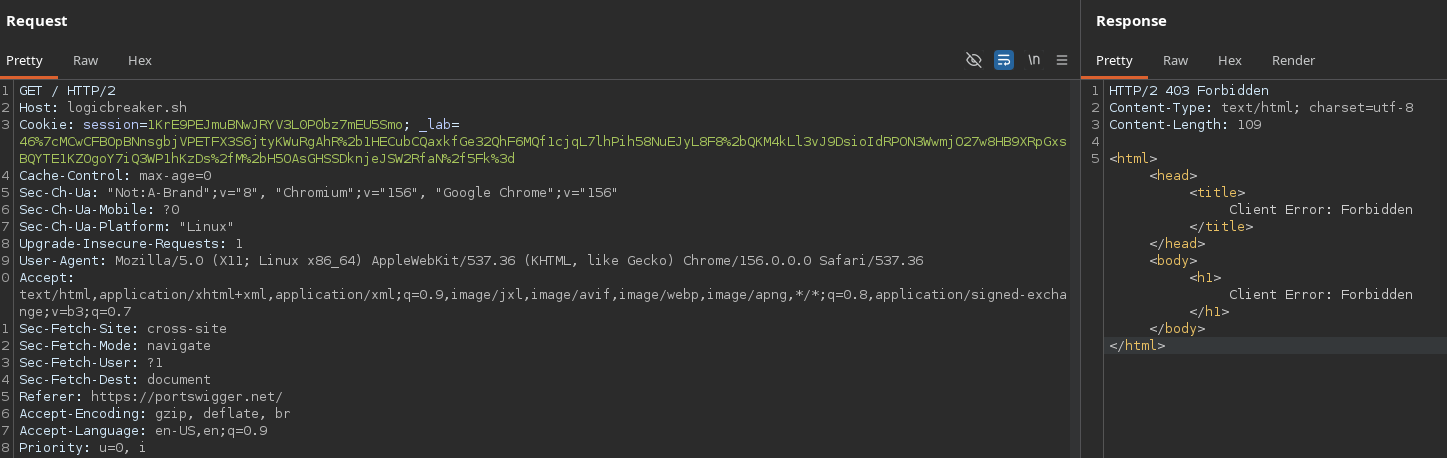
we send the GET / request that returned 200 to Repeater and study it. modifying the Host header gets the request blocked, so the site validates the host on a normal relative-path request.
Step 2 - access via an absolute URL#
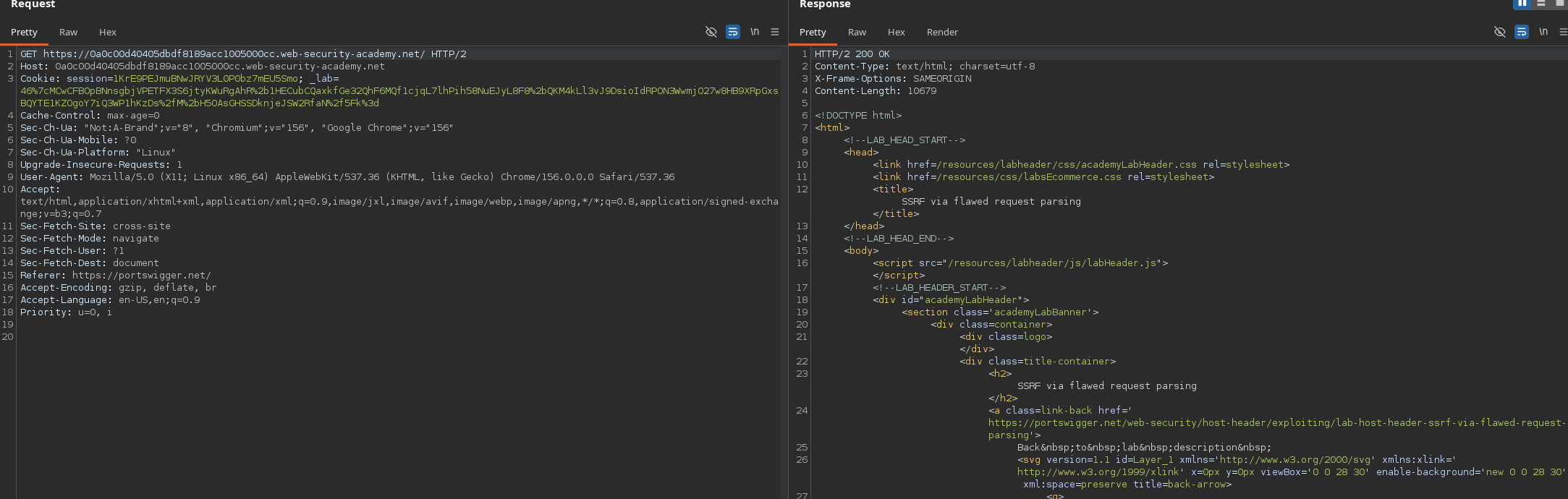
we find we can also load the home page by supplying an absolute URL in the request line:
GET https://YOUR-LAB-ID.web-security-academy.net/
Step 3 - prove the Host is now unguarded#
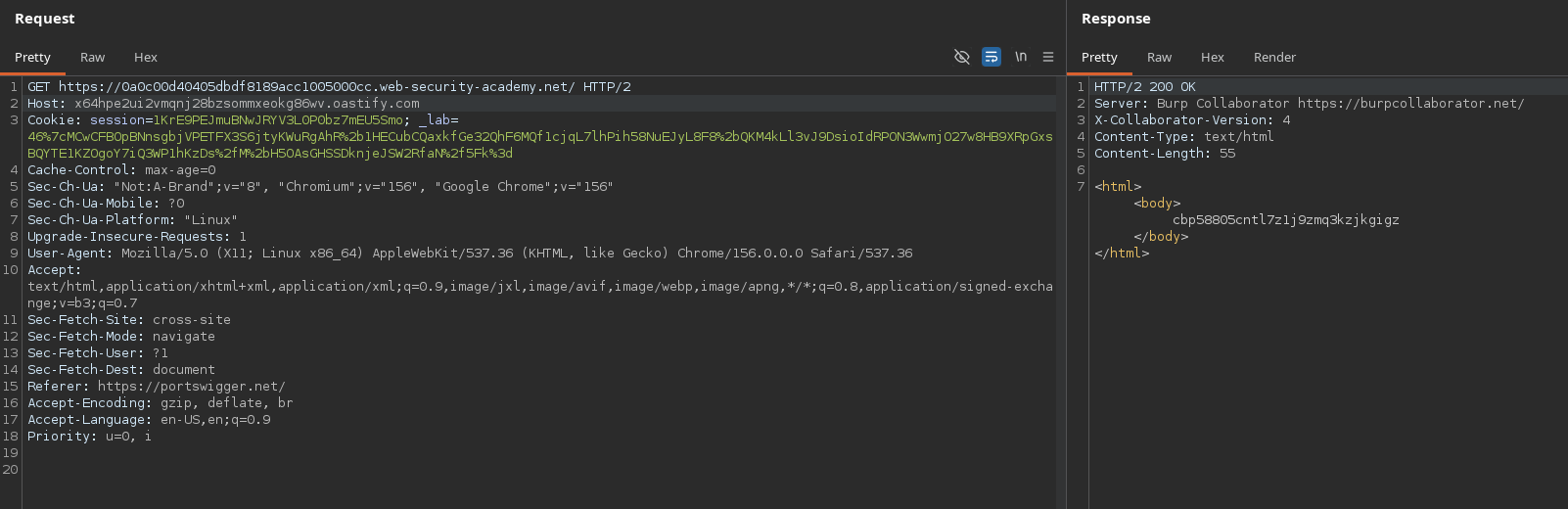
with the absolute URL in place, modifying the Host header no longer blocks the request, instead we get a timeout, which tells us the absolute URL is being validated while the Host is used for routing. we confirm outbound control with Collaborator:
GET https://YOUR-LAB-ID.web-security-academy.net/
Host: BURP-COLLABORATOR-SUBDOMAIN
we right-click and Insert Collaborator payload for the host value, send, and see the interaction, so the middleware will route to an arbitrary server.
Step 4 - sweep the internal range#
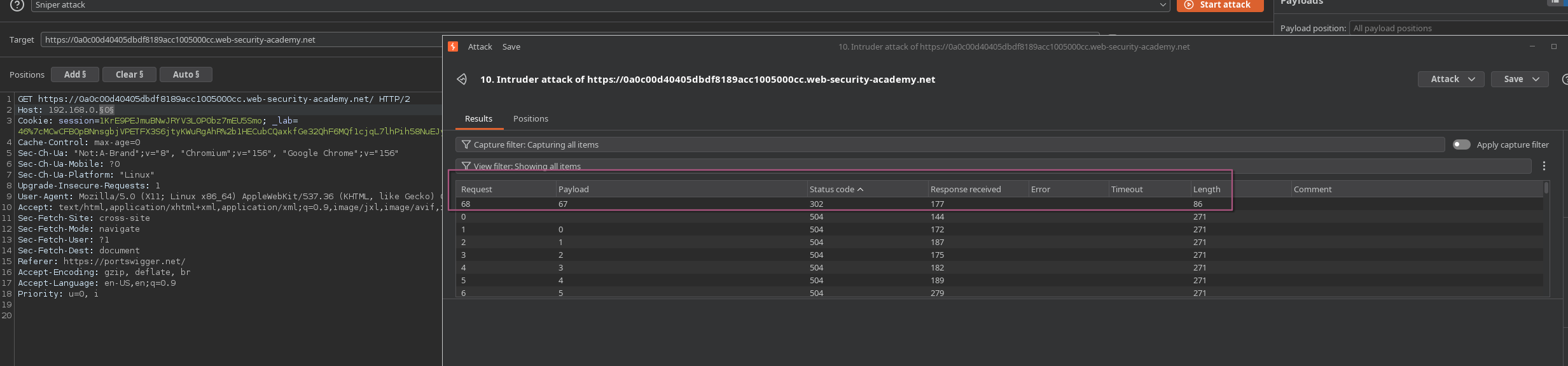
we send the absolute-URL request to Intruder and deselect "Update Host header to match target". we use the Host header to scan 192.168.0.0/24 (payload position on the final octet, Numbers 0–255) and identify the IP hosting the admin interface.
Step 5 - access the admin panel#
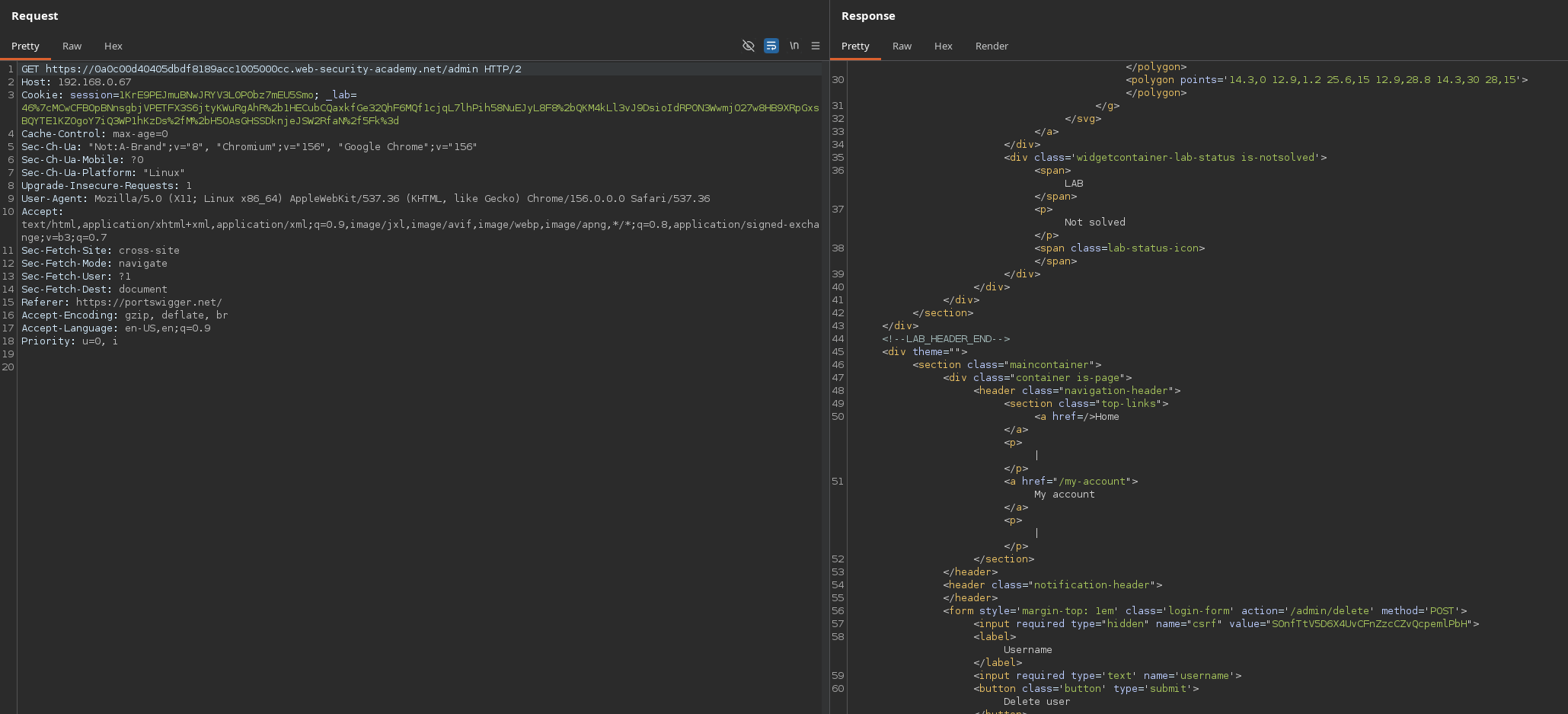
we send that request to Repeater and append /admin to the absolute URL in the request line. the response shows we have reached the admin panel, including a form for deleting users.
Step 6 - delete carlos#
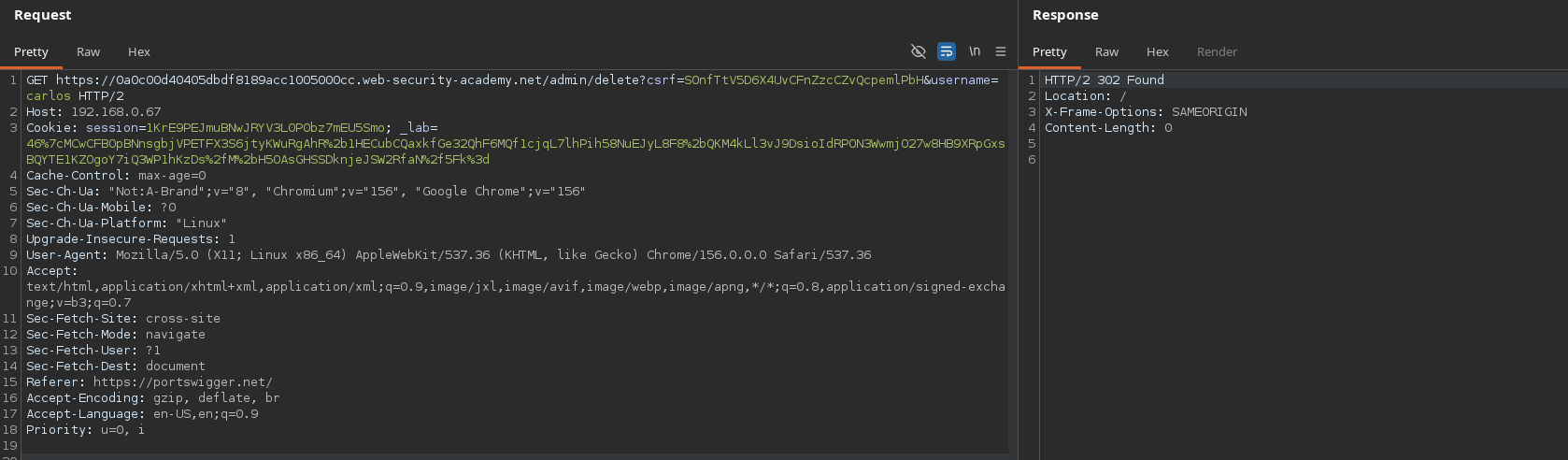
we change the absolute URL to point at /admin/delete, copy the CSRF token from the displayed response, and add it along with a username parameter for carlos:
GET https://YOUR-LAB-ID.web-security-academy.net/admin/delete?csrf=QCT5OmPeAAPnyTKyETt29LszLL7CbPop&username=carlos
(with our own CSRF token). sending it deletes carlos.
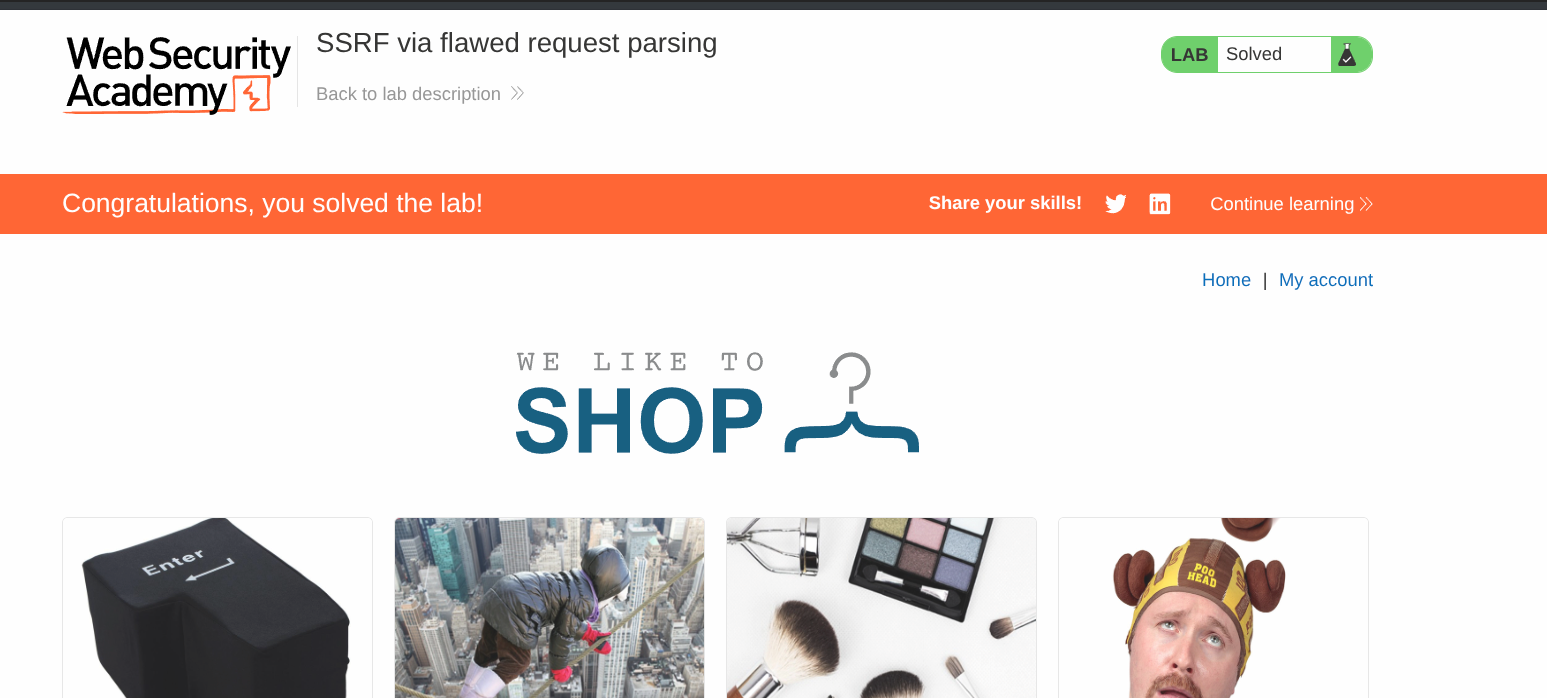
with this, the lab is solved!