
The lab
here is how portswigger describes it
This lab is vulnerable to routing-based SSRF via the Host header. You can exploit this to access an insecure intranet admin panel located on an internal IP address. To solve the lab, access the internal admin panel located in the 192.168.0.0/24 range, then delete the user carlos.
the front-end middleware routes our request onward using the Host header, so whatever host we put there is where it forwards the request. that lets us point it at internal addresses it can reach but we cannot. we first prove it will call out to an arbitrary server with Collaborator, then sweep the 192.168.0.0/24 range for the admin panel, and once we find it we craft the delete request by hand to remove carlos.
why the routing trusts the host header#
the flaw is that the middleware uses the Host header as the routing destination rather than just a name for the intended site. normally the header identifies which virtual host you want, here it actually decides which back-end the request is proxied to. because the front-end sits inside the network, it can reach private 192.168.0.0/24 addresses that are firewalled off from us, and it will dutifully forward our request to any host we name. so the Host header becomes a steering wheel for server-side requests, we hand the trusted middleware an internal IP and it fetches that resource on our behalf. that is routing-based SSRF, the request origin we are borrowing is the server's own network position.
Step 1 - confirm outbound requests with Collaborator#
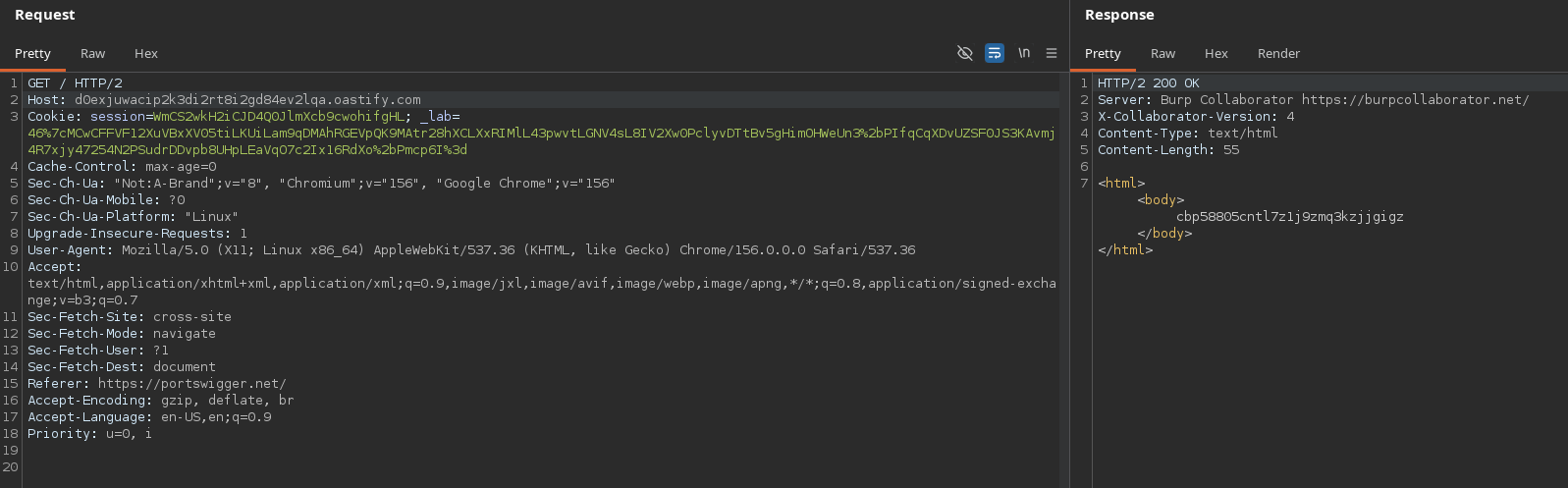
we send the GET / request that returned 200 to Repeater. we select the Host header value, right-click, choose Insert Collaborator payload to replace it with a Collaborator domain, and send the request.
Step 2 - verify the interaction#
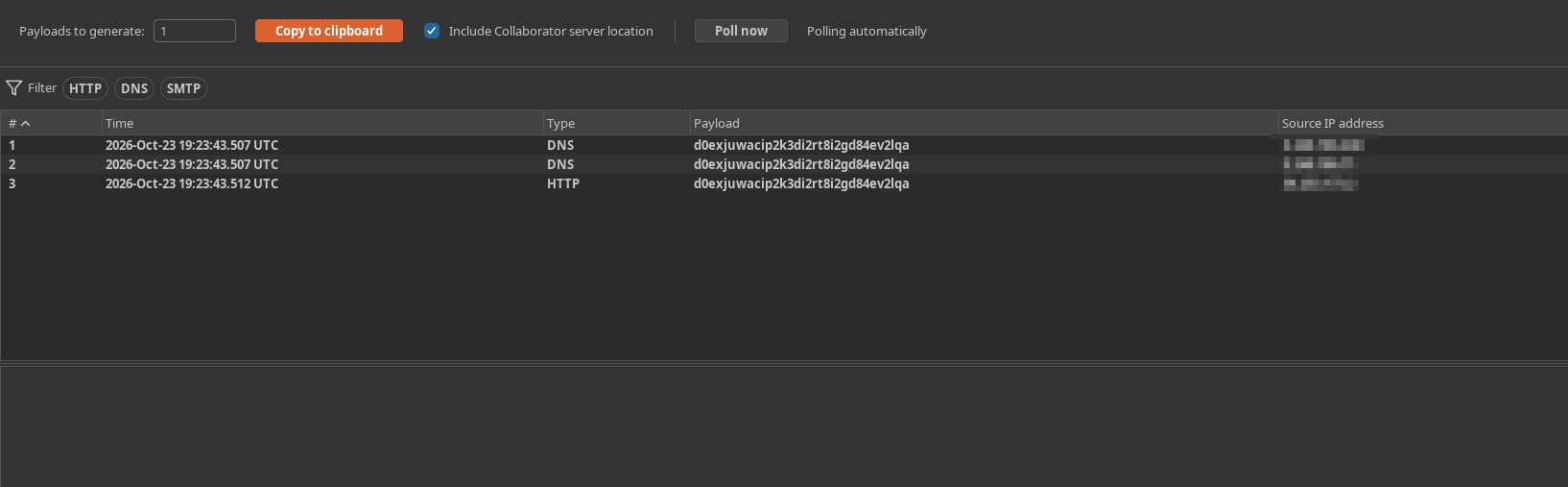
in the Collaborator tab we click Poll now and see network interactions, including an HTTP request. that confirms the middleware will issue requests to an arbitrary server we specify in the Host header.
Step 3 - sweep the internal range#
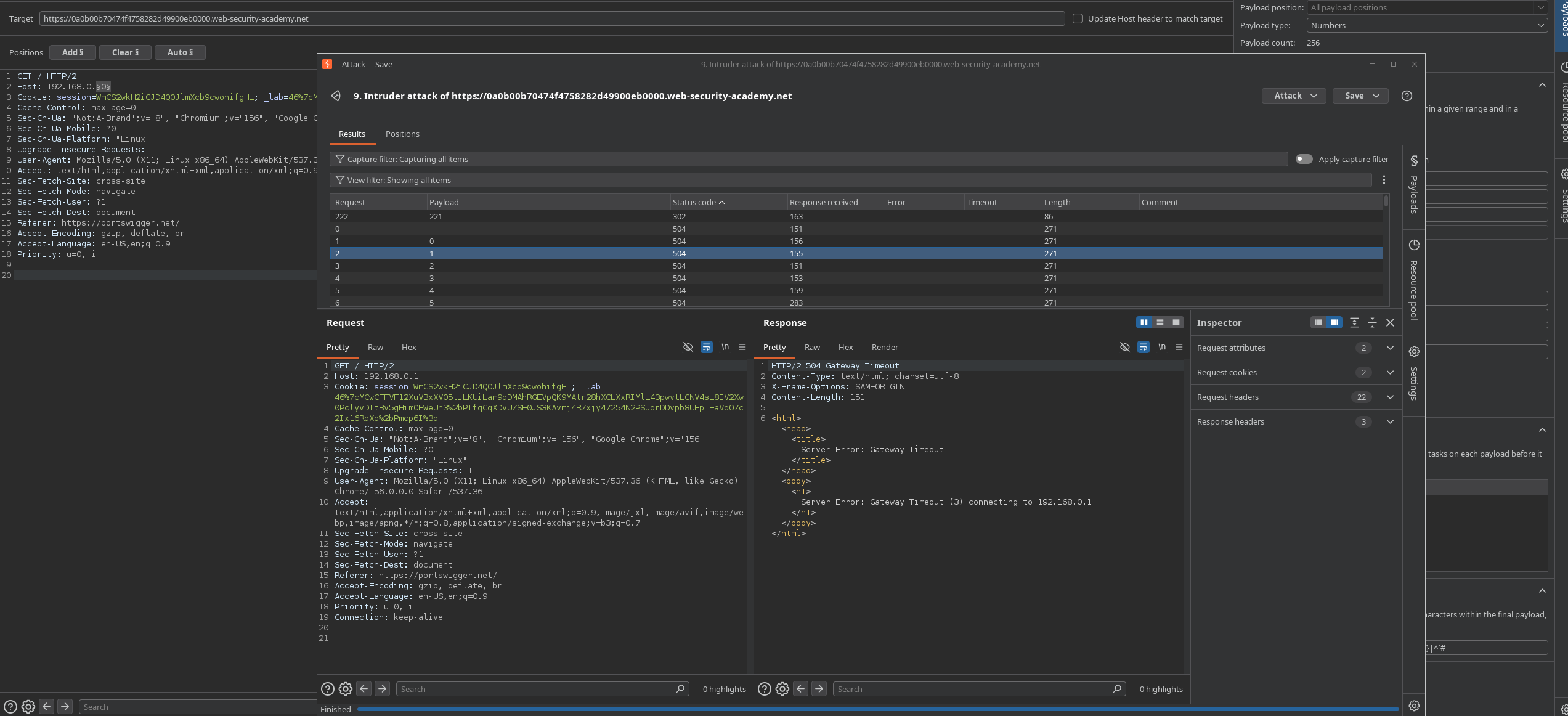
we send GET / to Intruder and deselect "Update Host header to match target". we clear the Host value and set it to 192.168.0.§0§, a payload position on the final octet. in Payloads we pick Numbers, from 0 to 255, step 1, and start the attack (ignoring the warning that the host does not match the target, that is deliberate). sorting by Status, a single request returns 302 redirecting to /admin. we send that request to Repeater.
Step 4 - access the admin panel#
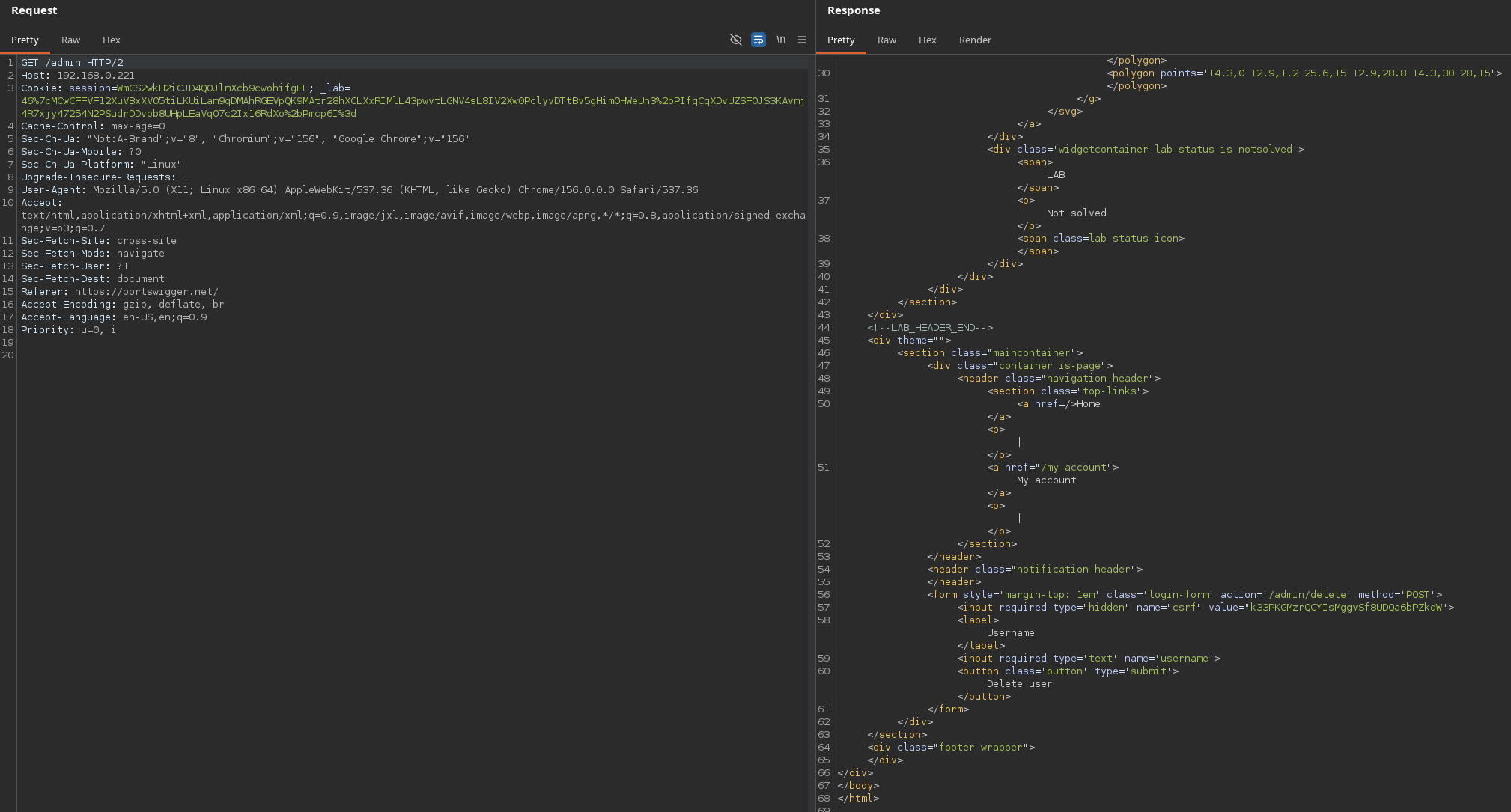
in Repeater we change the request line to GET /admin (keeping the internal IP in the Host header) and send it. the response shows we have reached the admin panel, with a form for deleting users.
Step 5 - delete carlos#
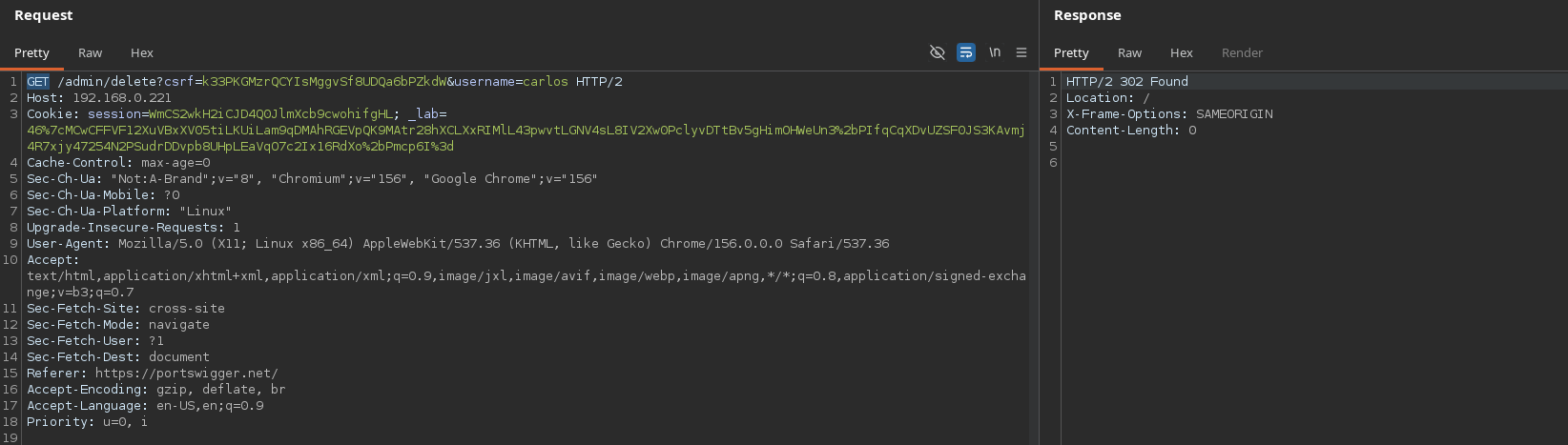
the delete form would normally submit a POST /admin/delete with a CSRF token and a username. we craft an equivalent request by hand, change the path to /admin/delete, copy the CSRF token from the displayed response, and add both as query parameters:
GET /admin/delete?csrf=QCT5OmPeAAPnyTKyETt29LszLL7CbPop&username=carlos
(with our own CSRF token). sending it deletes carlos.
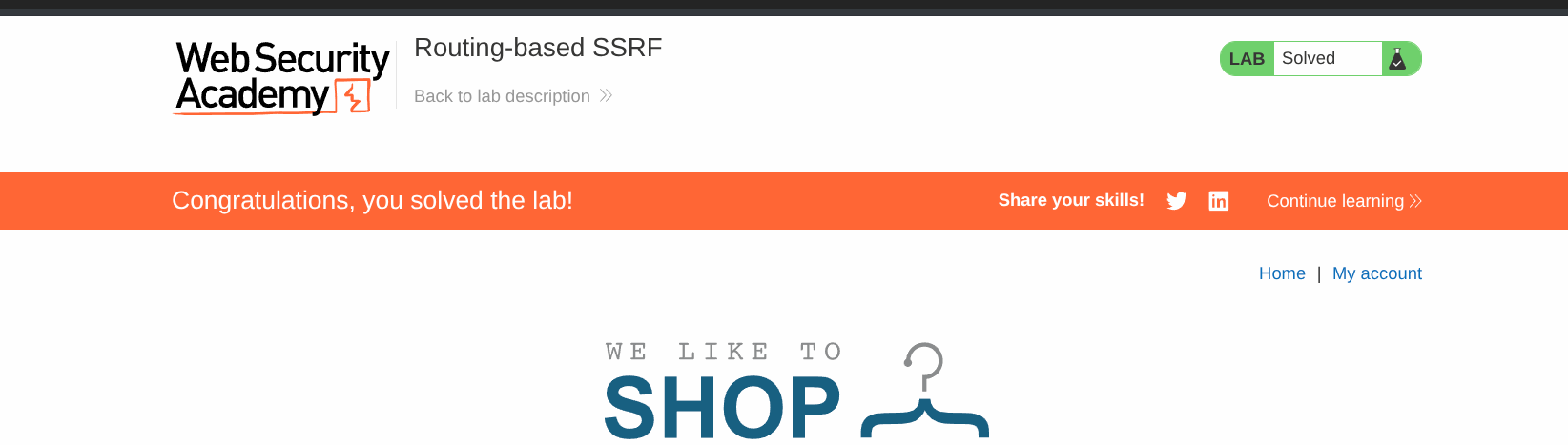
with this, the lab is solved!