
The lab
here is how portswigger describes it
This lab's flawed logic allows arbitrary users to access administrative functionality that should only be available to company employees. To solve the lab, access the admin panel and delete the user
carlos.
admin access is gated on having a company @dontwannacry.com email. registration tries to enforce that, but the account settings let you change your email to anything after you have signed up, and nothing re-checks it. so we register with any email we can actually receive mail at, confirm the account, then quietly switch our email to a company address and inherit admin rights. the control exists, it is just applied inconsistently across the two places email is set.
why the inconsistency is the bug#
the rule "only company staff get admin" is enforced at the front door, registration, but not at the side door, the change-email feature. one path is guarded, the other is not, and they both end up setting the same trusted attribute. an attacker just takes the unguarded path, register with a valid outside address to get a working account, then update the email to the privileged domain where no check is applied. the lesson is that a security control has to be enforced everywhere the sensitive value can change, not just the first time.
Step 1 - discover the admin path#
we open the lab, go to Target > Site map, right-click the lab domain and choose Engagement tools > Discover content to open the content discovery tool.
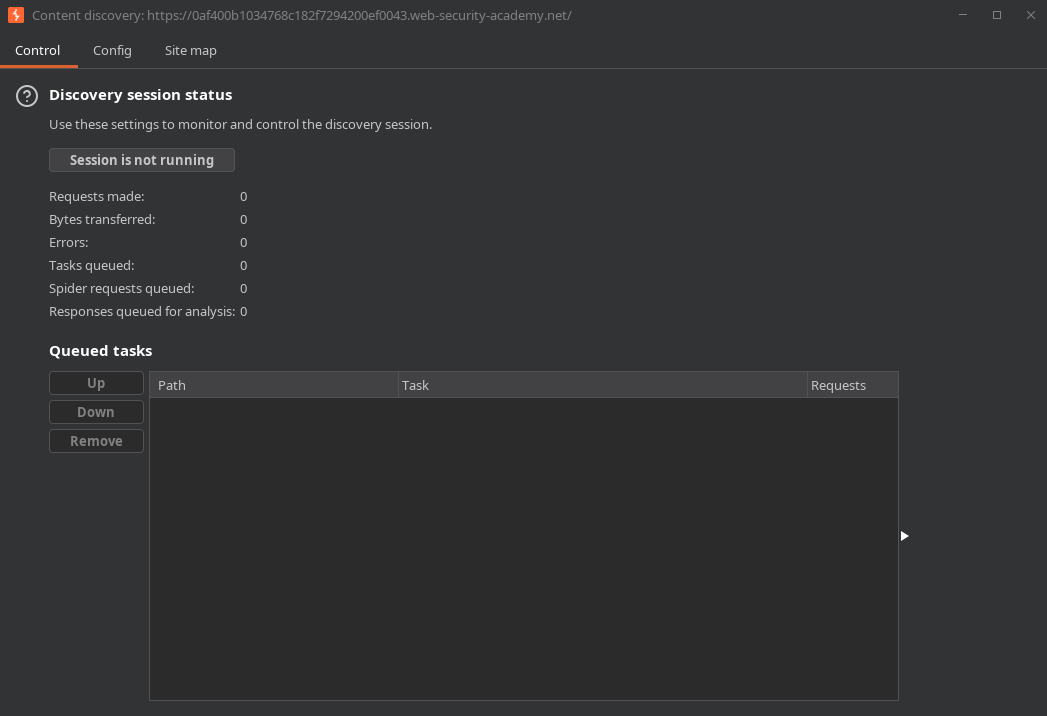
we click Session is not running to start it, and after a short while the site map in the dialog shows a discovered path, /admin.
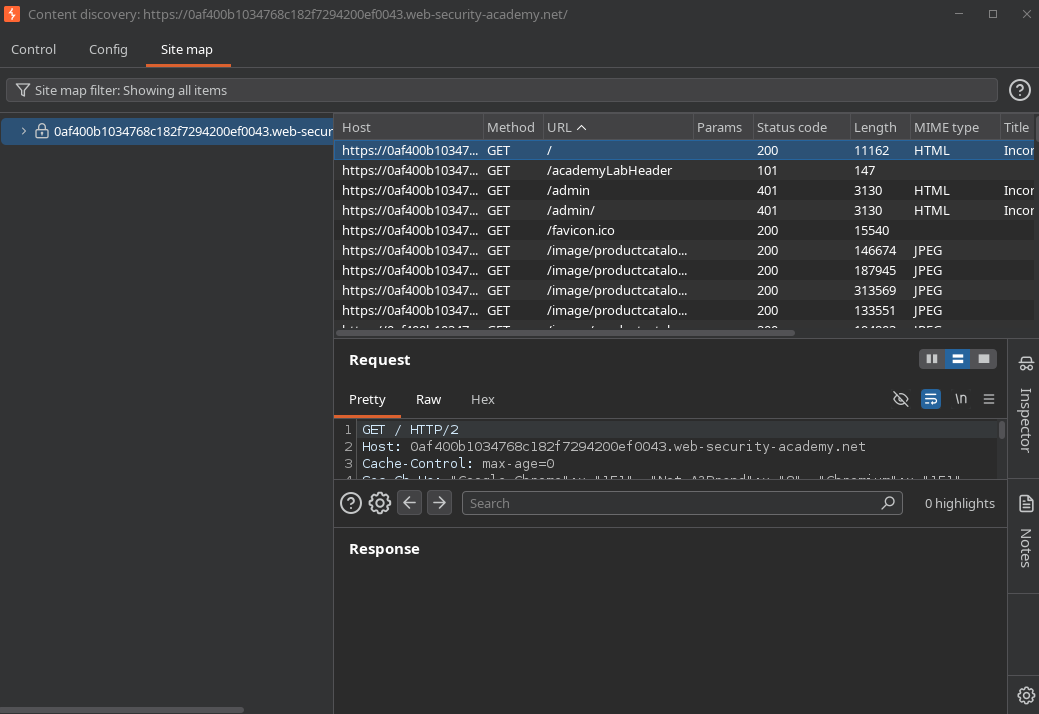
Step 2 - read the access requirement#
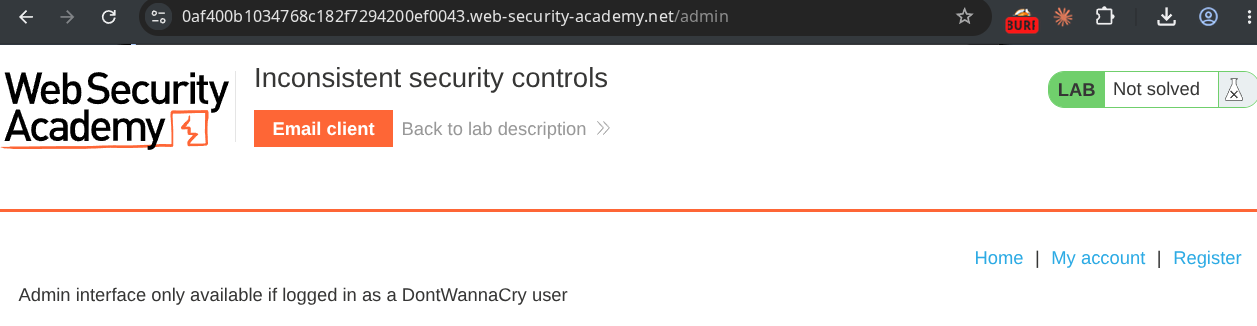
we try to browse to /admin. we do not have access, but the error message tells us that DontWannaCry users do, so admin is tied to being a company employee.
Step 3 - register with an address we control#
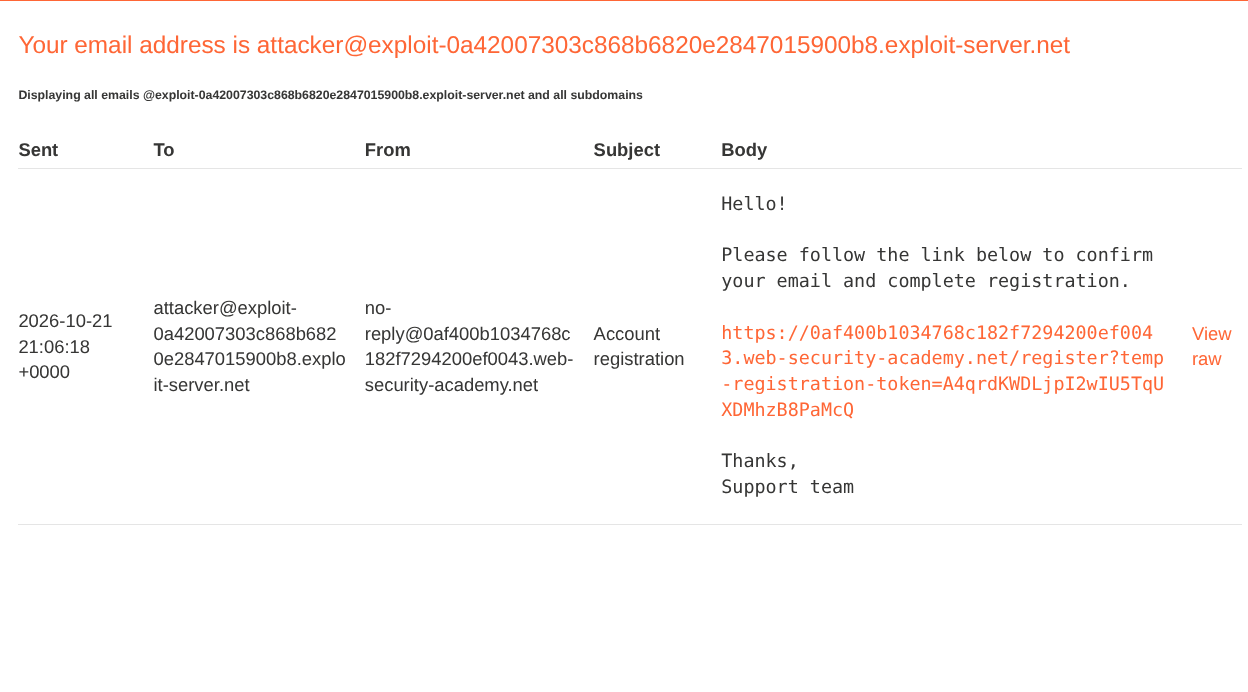
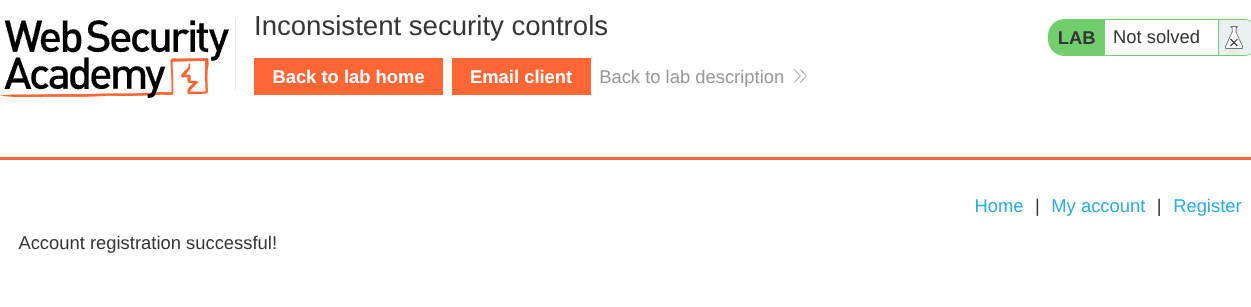
we go to the registration page and see a message telling DontWannaCry employees to use their company email. registration still needs an address we can actually receive mail at, so we register with our lab email domain, found via the Email client button:
Step 4 - change email to the company domain#
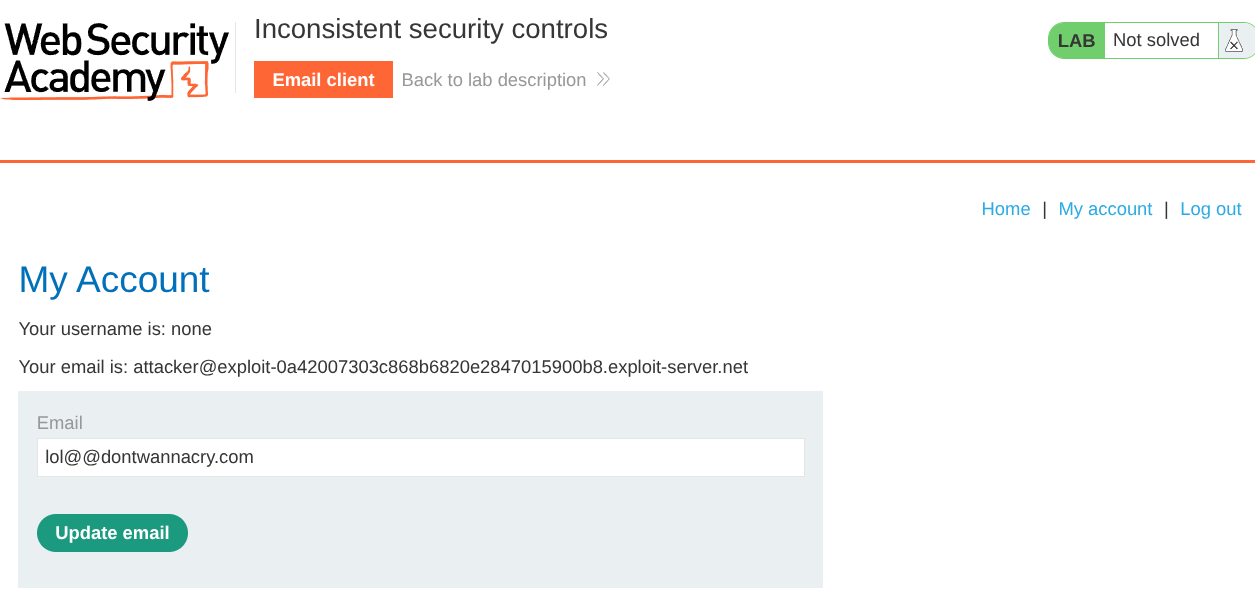
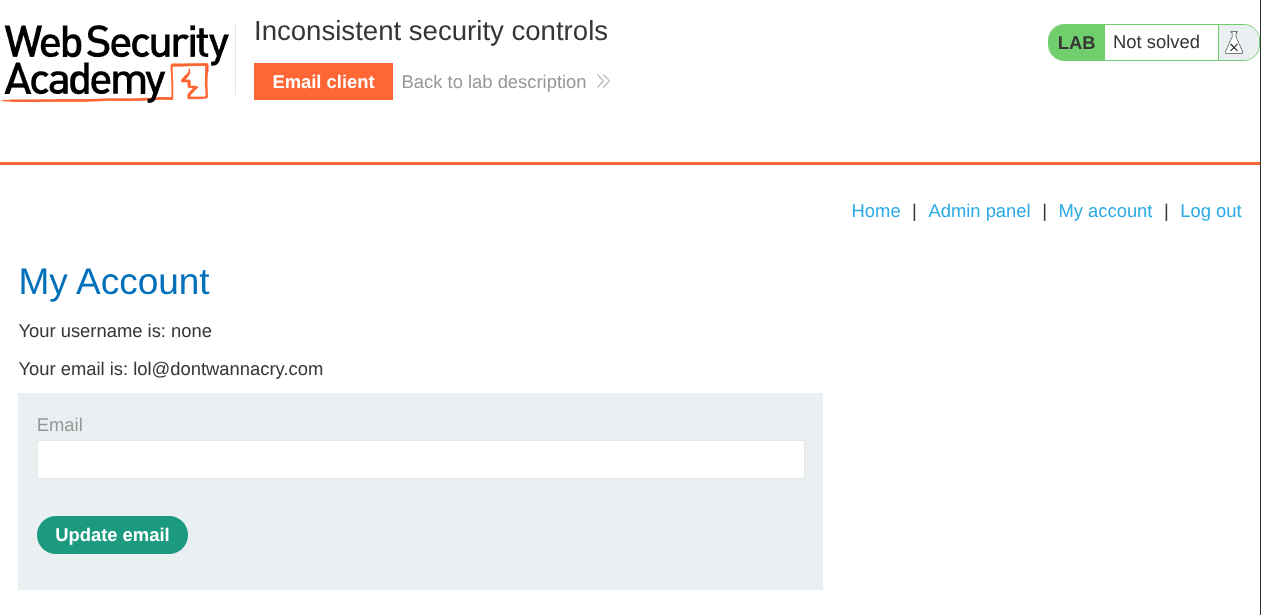
we log in with the new account and go to My account. there is an option to change our email address, and this path does not enforce the company-domain rule, so we change it to an arbitrary @dontwannacry.com address.
Step 5 - access admin and delete carlos#
with a company email now on the account we have access to the admin panel, where we delete the user carlos.
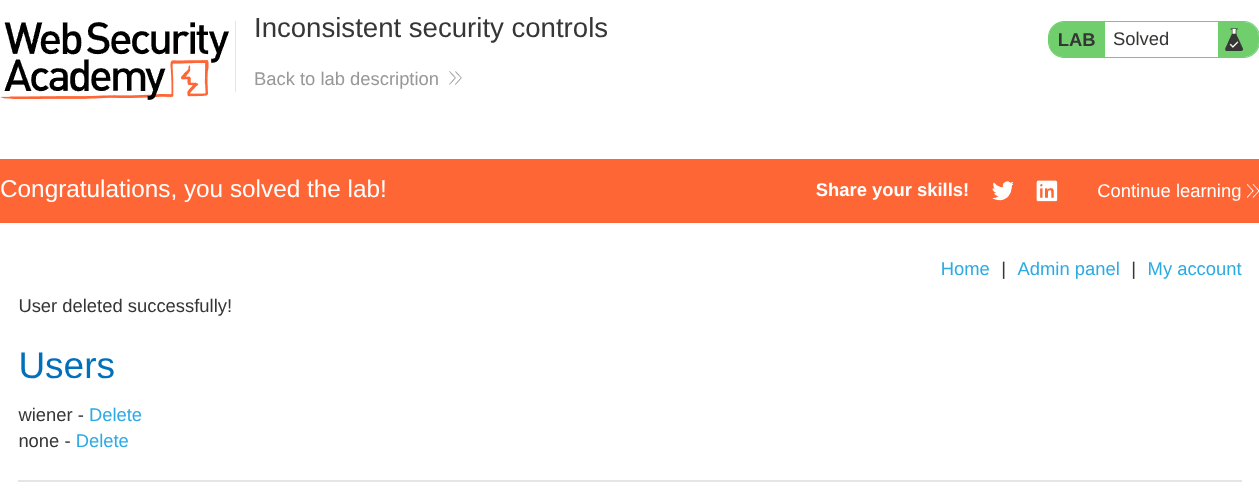
with this, the lab is solved!