
The Lab
Here is how PortSwigger describes it.
This lab contains a simple reflected cross-site scripting vulnerability in the search functionality. To solve the lab, perform a cross-site scripting attack that calls the alert function.
Looking at the Lab#
This one is about as gentle as XSS labs get, so we can move fast here. When we access the lab, the main page has a plain search box sitting on top of the product listing.
Typing anything into it and hitting search sends a request like this.
/?search=test
And whatever we typed gets echoed straight back onto the page, right under the search box, in a line that says something like "0 results for test". That single detail is the whole vulnerability. Our input is going into the page and coming back out without anything being done to it.
What Reflected XSS Actually Means
Before jumping into the payloads it's worth being clear on what's happening since this label gets thrown around a lot.
Reflected XSS happens when the application takes something from the request (query parameter here) and drops it into the HTML response without encoding it first. Encoding is what turns characters like < and > into their harmless equivalents, < and >, so the browser treats them as plain text instead of as HTML tags.
When that encoding step is skipped, and our input lands directly inside the HTML body of the page, the browser doesn't see "text that looks like a tag" anymore. It sees an actual tag, and it renders it. So if we hand the application a <script> tag, we're not just displaying the string <script> on the page, we're asking the browser to parse it as real markup and execute whatever's inside it.
That's the "HTML context" part of the lab's title. Our injection point sits directly in the body of the page, not inside an attribute or a JavaScript block, which makes this one of the simplest contexts to exploit.
Step 1 - Identify the Injection Point#
The injection point is the search box, so let's confirm the reflection first with something harmless.
/?search=xyz
The word "xyz" comes straight back in the response. No encoding, no filtering, nothing stripped out. That confirms our input is being reflected as is into the page
Step 2 - Craft the Payload#
Since the lab tells us upfront that the value is reflected and all we need to do is call the alert function, there's no need to get creative with filter bypasses or obscure event handlers here. The most direct payload does the job.
<script>alert(1)</script>
Because the response drops our value straight into the HTML body, this doesn't stay as a harmless string. The browser parses it as a real <script> element and runs whatever's between the tags.
Step 3 - Trigger the Alert#
/?search=<script>alert(1)</script>
The moment the page loads, the browser hits our injected <script> tag, executes it, and the alert(1) popup fires right there in the browser.
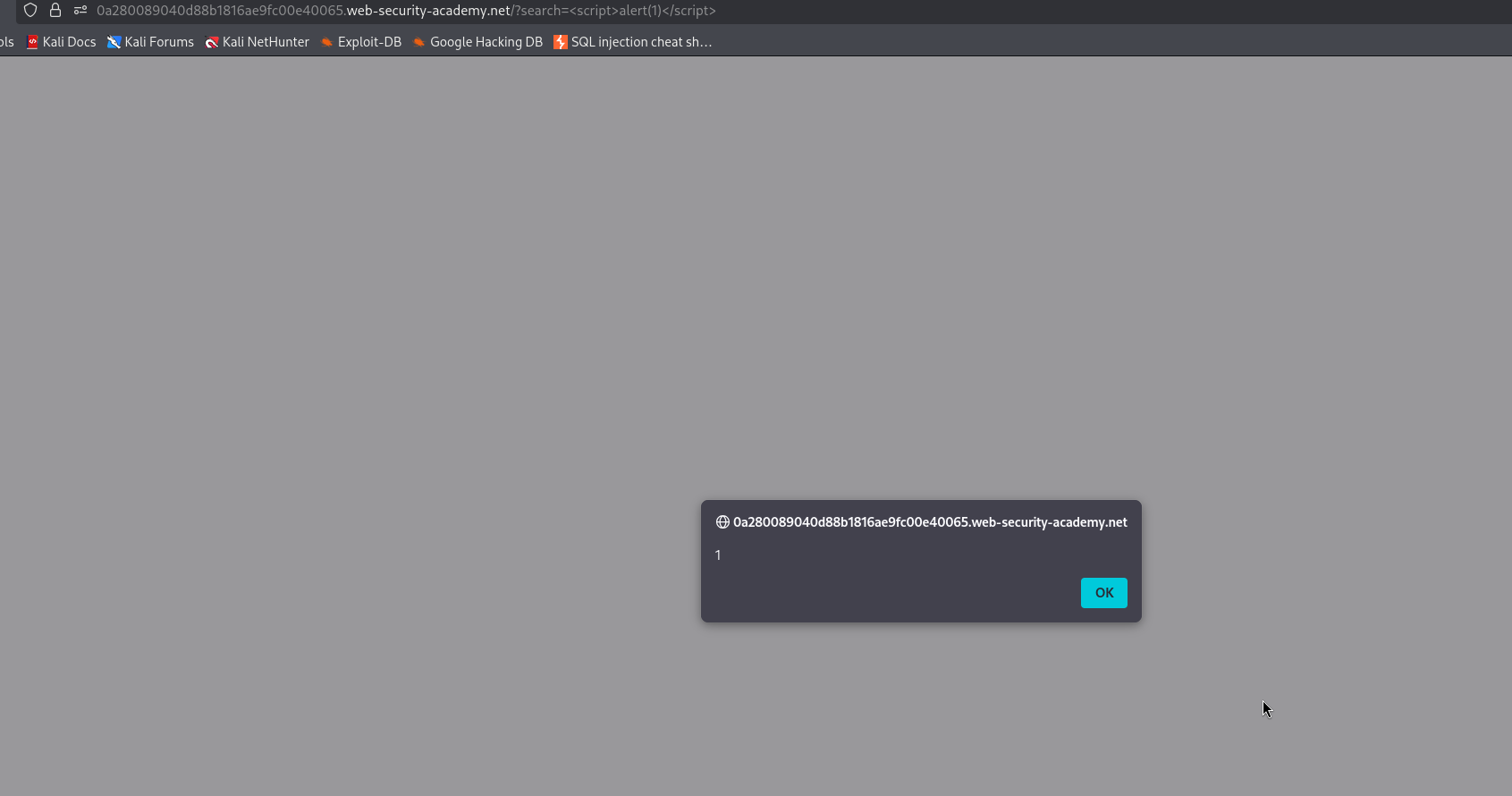
With this, the lab is solved!