
The lab
here is how portswigger describes it
This lab contains a reflected XSS vulnerability with some whitelisted tags, but all events and anchor href attributes are blocked.
To solve the lab, perform a cross-site scripting attack that injects a vector that, when clicked, calls the alert function.
Note that you need to label your vector with the word "Click" in order to induce the simulated lab user to click your vector
after two heavy angularjs labs this one drops back to a plain filter puzzle,every event handler and every anchor href is blocked which rule out both of the usual ways to make a click run code
The idea#
think about how you normally turn a click into javascript. you either hang event handler on something like onclick, or you use an anchor whose link is a javascript: url so that clicking it runs code. this lab has filter to take away both. every on event attribute is blocked, and the href attribute on anchors is blocked too
what we do have is a handful of whitelisted tags, and the useful one is svg. svg is not just shapes, it ships with a little animation system called smil, and its <animate> element can reach out and change another element's attribute while the page is live that is the loophole the whole solve turns on. we are not allowed to write an href, but we are allowed to use <animate>
<animate> can set an href for us after the fact, so the filter never sees a literal href attribute
one more requirement from the lab, it needs a real click from a simulated user, and it will only click something labelled with the word click so whatever we build has to look clickable and carry that label.
Step 1 - Probe the search and map the filter#
starting in the search box, the usual payloads go nowhere a script tag does not run, and an image with an onerror handler does not run either so events are clearly filtered. the response also makes it clear that only certain tags are allowed through and the rest are stripped or rejected
Step 2 - Find which tags and attributes survive#
this is the same enumeration approach as the earlier whitelist labs, feeding a list of tags through burp intruder and watching which come back allowed rather than rejected. the survivors here are svg tags, svg, a, animate, and text among them. and while probing attributes two facts stand out and match the lab title exactly any on event attribute is rejected, and an href placed directly on an anchor is rejected. so we can build svg we can make an anchor but we cannot give that anchor a link or an event
Step 3 - Plan a click vector with no event and no href#
here is the bind. an svg <a> with a javascript:alert(1) link would run on click, which is exactly the shape we want, but the moment we write href= on it the filter kills it. and we cannot fall back on onclick because events are blocked too. so we need to end up with an anchor that has a javascript: href without ever typing an href attribute ourselves.
that is precisely the gap svg animation fills. the <animate> element sits inside our anchor and sets an attribute on its parent, and the attribute it sets can be href. we are not writing an href, we are writing animate element, so the filter waves it through, and yet the browser still finishes with an anchor whose href is whatever value we animated in.
Step 4 - Set the href with animate, label it click, and solve#
here is the payload as it goes in the url
/?search=%3Csvg%3E%3Ca%3E%3Canimate+attributeName%3Dhref+values%3Djavascript%3Aalert(1)+%2F%3E%3Ctext+x%3D20+y%3D20%3EClick%20me%3C%2Ftext%3E%3C%2Fa%3E
decoded, it is this.
<svg><a><animate attributeName=href values=javascript:alert(1) /><text x=20 y=20>Click me</text></a>
reading it from the inside out. <svg> opens the one context that gives us animation, and <a> is our anchor, the thing that will be clicked. the <animate attributeName=href values=javascript:alert(1) /> is the heart of it, it targets the surrounding anchor, and it sets that anchor's href attribute to javascript:alert(1), doing with animation exactly what we were forbidden from doing by hand. the <text x=20 y=20>Click me</text> draws visible text inside the anchor at position 20,20 that reads click me
so the finished element is an anchor that looks like a click me link, whose href has been quietly animated into a javascript: url. when the simulated user clicks it, the browser follows that href, runs alert(1)
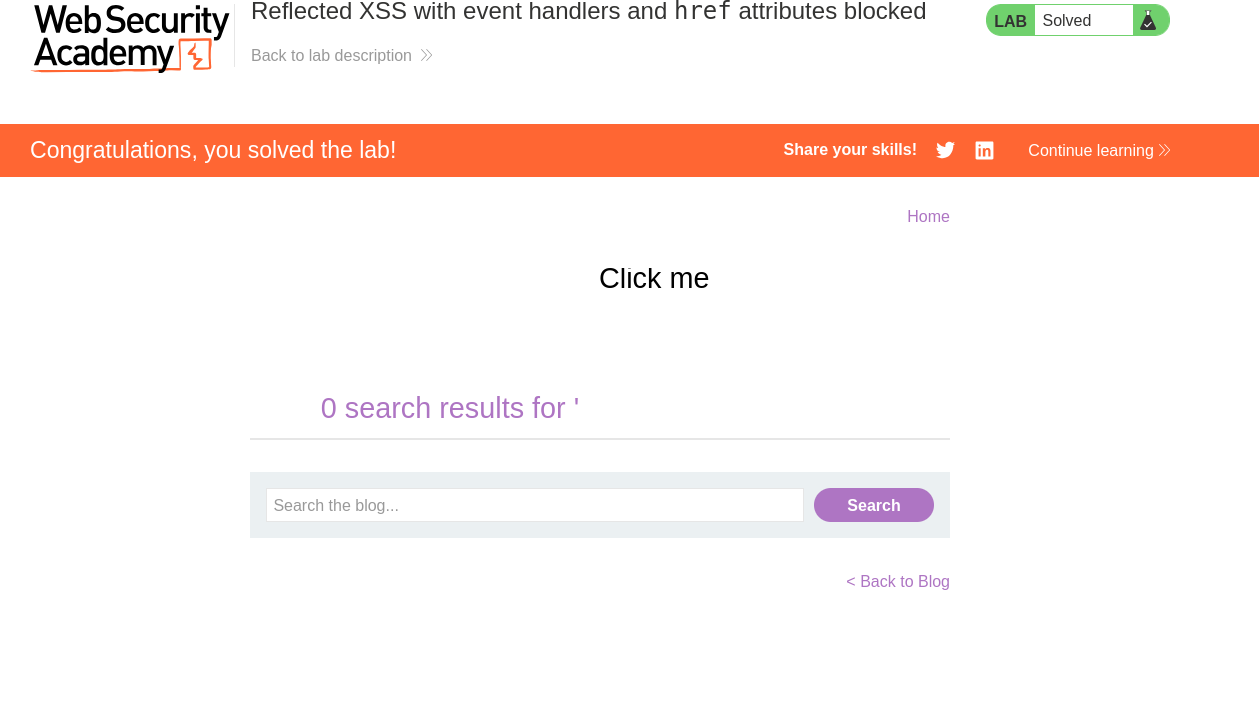
with this, the lab is solved!