
The lab
here is how portswigger describes it
This lab makes a flawed assumption about the user's privilege level based on their input. As a result, you can exploit the logic of its account management features to gain access to arbitrary users' accounts. To solve the lab, access the administrator account and delete the user carlos. You can log in to your own account using the following credentials:
wiener:peter
the change-password endpoint does two jobs with one request, it verifies us with the current-password parameter and it picks whose password to set with the username parameter. the two are not tied together. if we drop current-password the verification is skipped entirely, and because the target is whatever username says, we can point it at the administrator and overwrite their password. we then log in as admin and clear out carlos.
why the shared endpoint breaks this##
the request is trusting its own input to decide both identity and authority. username names the account to modify and current-password is supposed to prove we own that account, but the server treats the password check as optional, present it and it is validated, omit it and it is skipped. so the only thing left deciding whose password changes is a parameter we fully control. nothing binds the request to our logged-in session, the endpoint never asks "is the caller actually this username". that missing bind is the bug, one endpoint serving a privileged path and an unprivileged path with no isolation between them.
Step 1 - drop the current password##
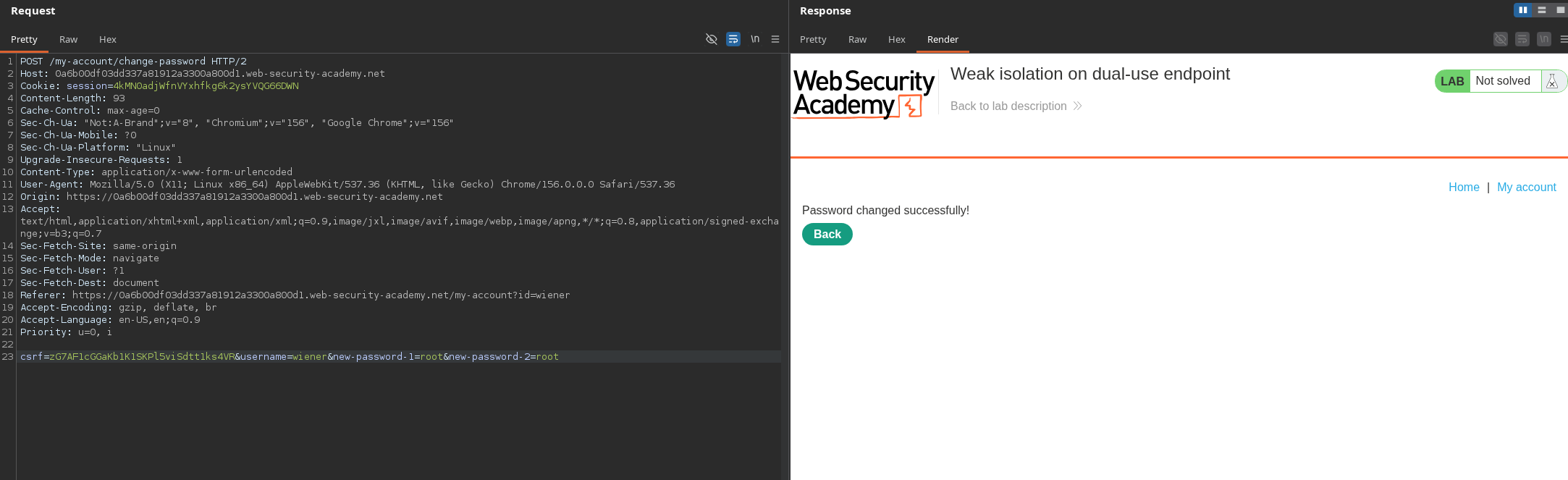
we log in, open our account page, and change our password so the request lands in the proxy. we send the POST /my-account/change-password request to Repeater and remove the current-password parameter entirely. the password still changes successfully, so the check is skipped when the parameter is absent.
Step 2 - retarget to the administrator##
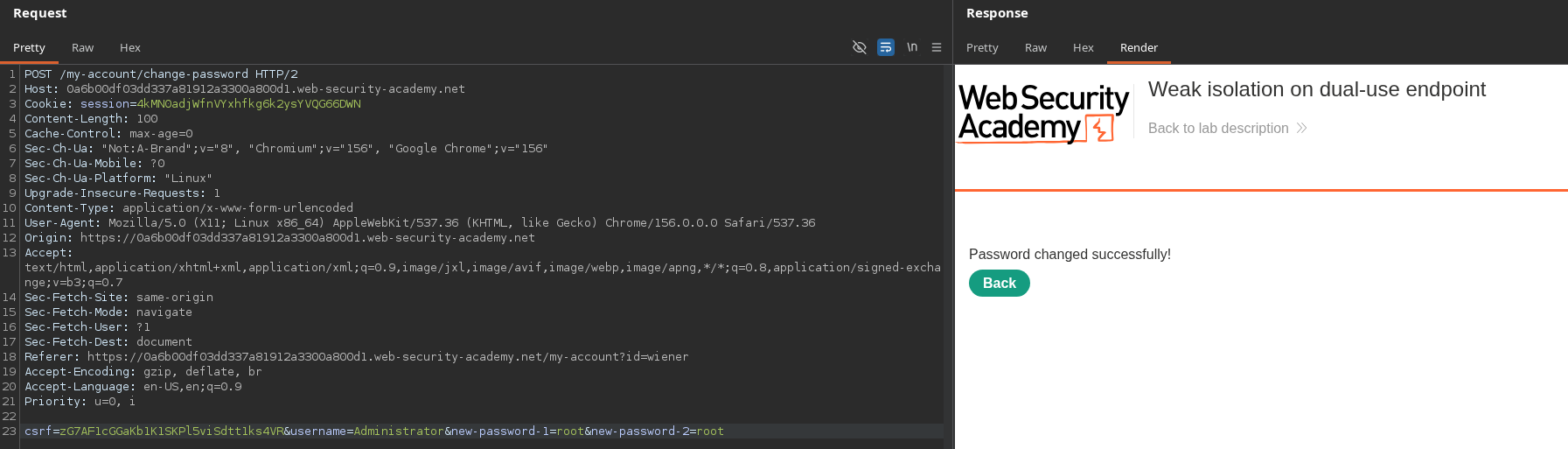
we notice the account being changed is whatever the username parameter says. we set username=administrator, keep current-password removed, pick a new password, and send the request again.
Step 3 - log in as administrator##
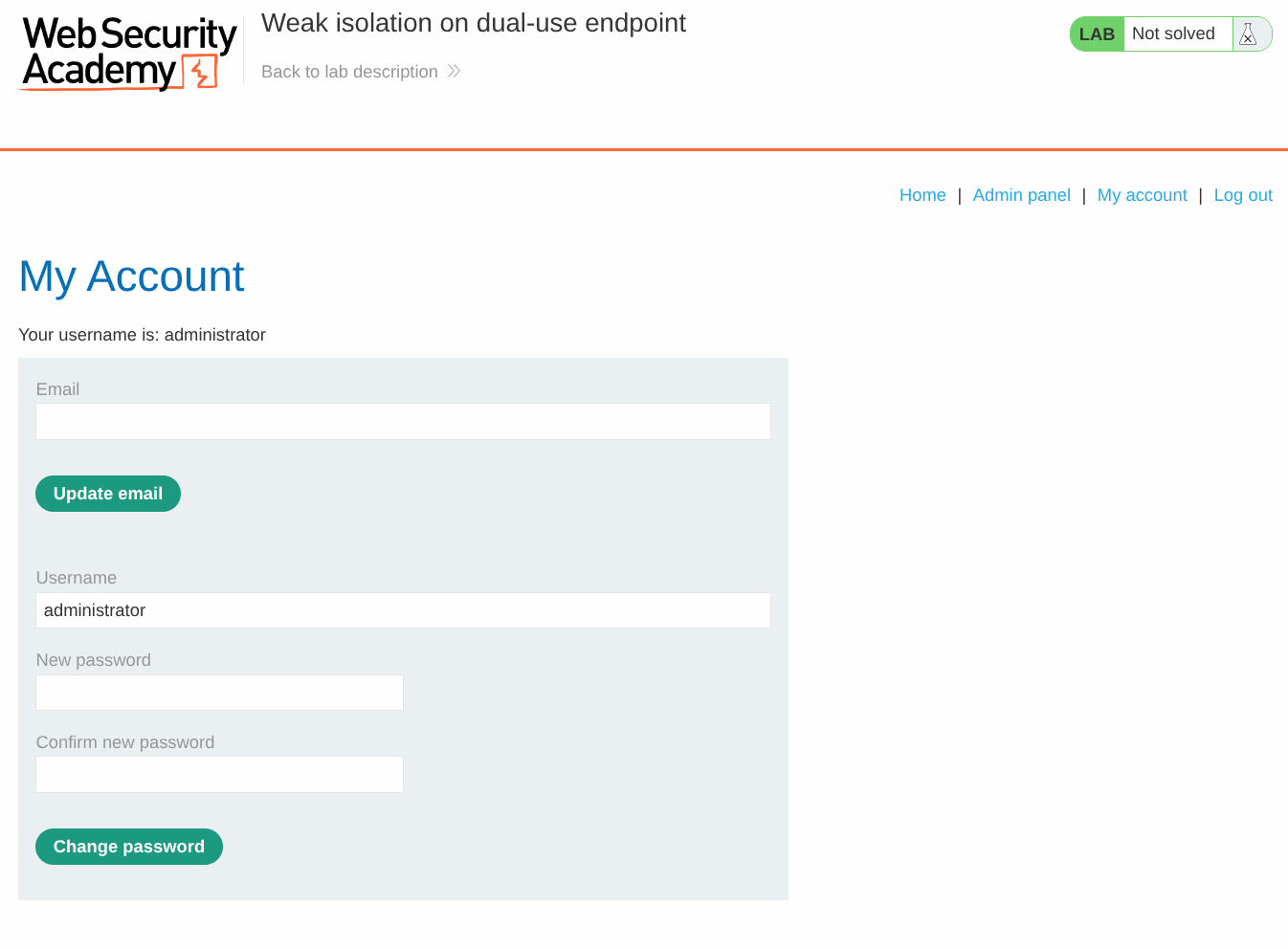
we log out and log back in as administrator using the password we just set, and it works.
Step 4 - delete carlos##
we go to the admin panel and delete the user carlos.
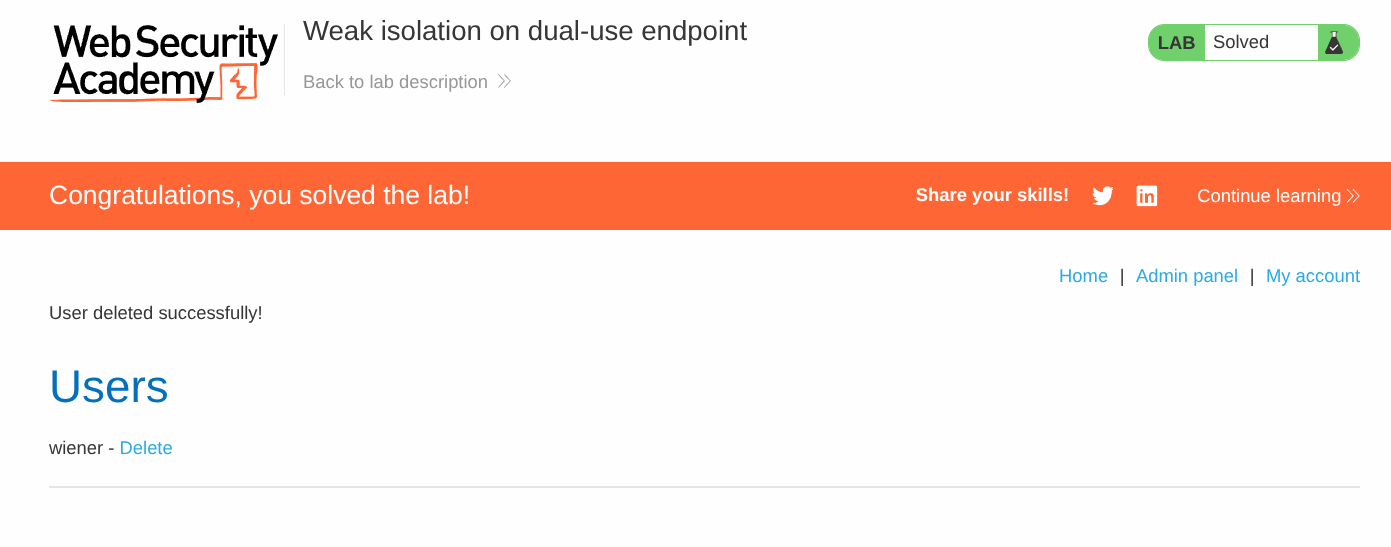
with this, the lab is solved!