
The lab
Here is how PortSwigger describes it
This lab contains a DOM-based cross-site scripting vulnerability in the stock checker functionality. It uses the JavaScript document.write function, which writes data out to the page. The document.write function is called with data from location.search which you can control using the website URL. The data is enclosed within a select element.
To solve this lab, perform a cross-site scripting attack that breaks out of the select element and calls the alert function.
document.write, and breaking out of a select#
DOM XSS turns up whenever the page takes something an attacker can set and feeds it into a spot that builds the page, all inside the browser with the server none the wiser. Here the something is location.search, the query string on the URL, and the spot is document.write.
document.write is blunt. Whatever string you give it gets dropped into the page as raw HTML, exactly as written, with no cleaning on the way in. That is the whole problem. If any part of that string came from the URL, then we get to write HTML into the page, and unlike the reflected labs where angle brackets came back encoded, nothing is encoded here, so a tag we inject stays a real tag.
The one wrinkle is where our input lands. It is written inside a <select> dropdown as one of its options, and a browser will only render a narrow set of things inside a select. So before our payload can do anything useful, we have to climb out of that select first.
Step 1 - finding the sink#
This lab is an online shop, so we click around a little. Opening a product takes us to a URL like this.
/product?productId=1
The product page has a stock checker with a dropdown of store locations. That dropdown is the interesting part, so we read the page source, and there it is.
var store = (new URLSearchParams(window.location.search)).get('storeId')
document.write('<select name="storeId">')
if(store) {
    document.write('<option selected>'+store+'</option>')
}
document.write('</select>')
I trimmed it to the lines that matter. The script pulls a storeId value out of the URL, then uses document.write to build the store dropdown, and if a storeId is present it writes that value into the page as the selected option. It also loops over a fixed list of stores to fill in the rest, but this is the line that should catch your eye, our storeId going straight into document.write with no cleaning at all. The source is location.search and the sink is document.write.
Step 2 - confirming we control an option#
Since storeId is ours to set, let us hand it something we will recognise and watch where it comes out. Add the parameter to the URL.
/product?productId=1&storeId=logicbreaker
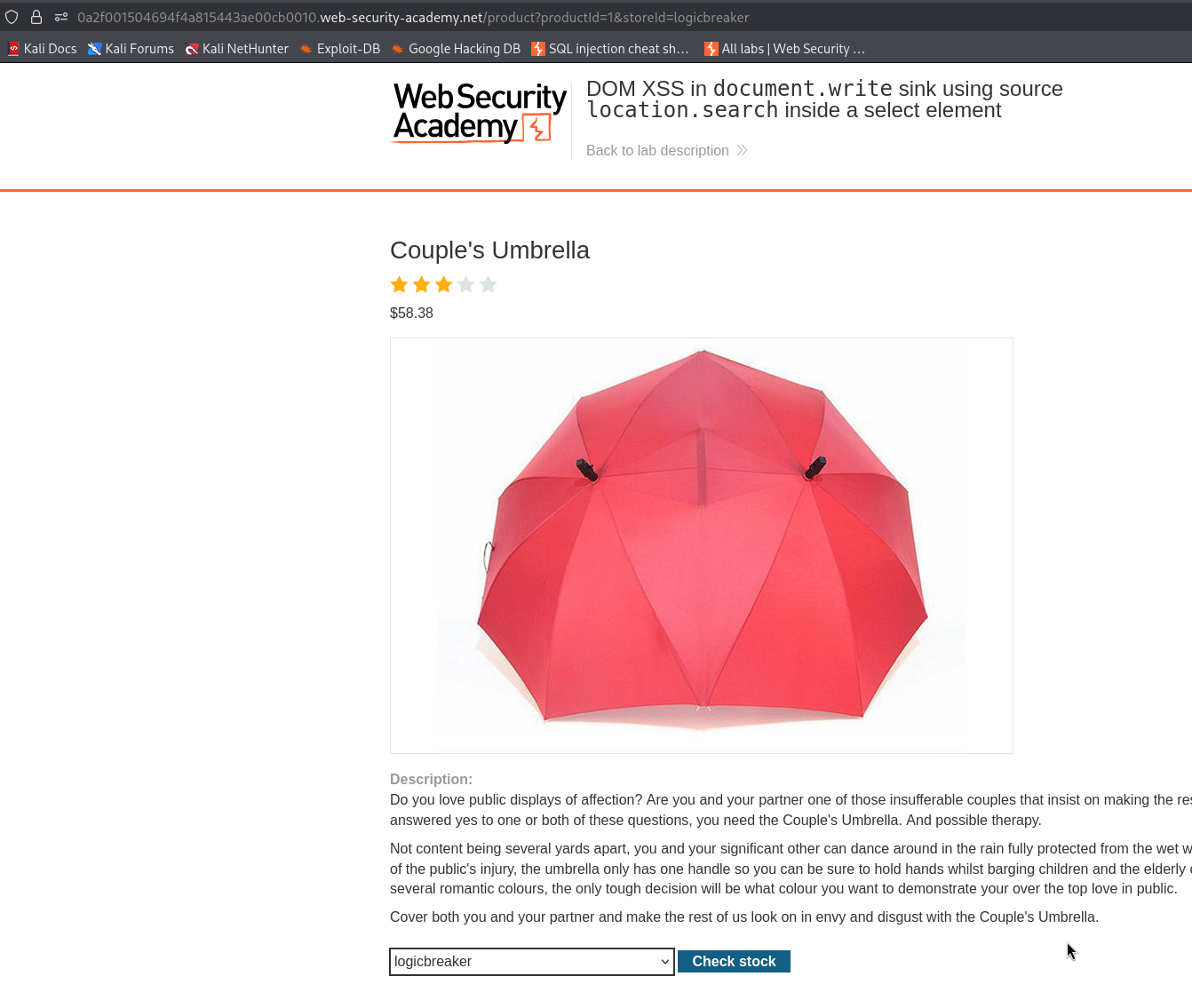
Open the stock checker dropdown and our string is sitting right there as one of the store options.
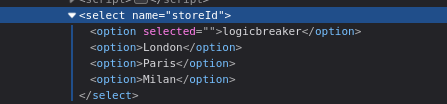
That confirms the whole chain. Our text from the URL is being written into the page inside an <option> tag, so now we know exactly what we are sitting inside and what we have to break out of.
Step 3 - breaking out and firing the alert#
Here is the payload we drop into storeId.
"></select><img src=1 onerror=alert(1)>
No need to overthink it. The "></select> part shuts the dropdown and gets us out of it, so we are no longer stuck inside a select where nothing useful renders. Then <img src=1 onerror=alert(1)> plants an image that points at 1, which is not a real image, so it fails to load, and a failed image runs whatever is in its onerror, which here is alert(1).
So the full URL becomes this.
/product?productId=1&storeId="></select><img src=1 onerror=alert(1)>
Load it, document.write builds the page with our broken out img in place, the image fails to load, and the alert fires.
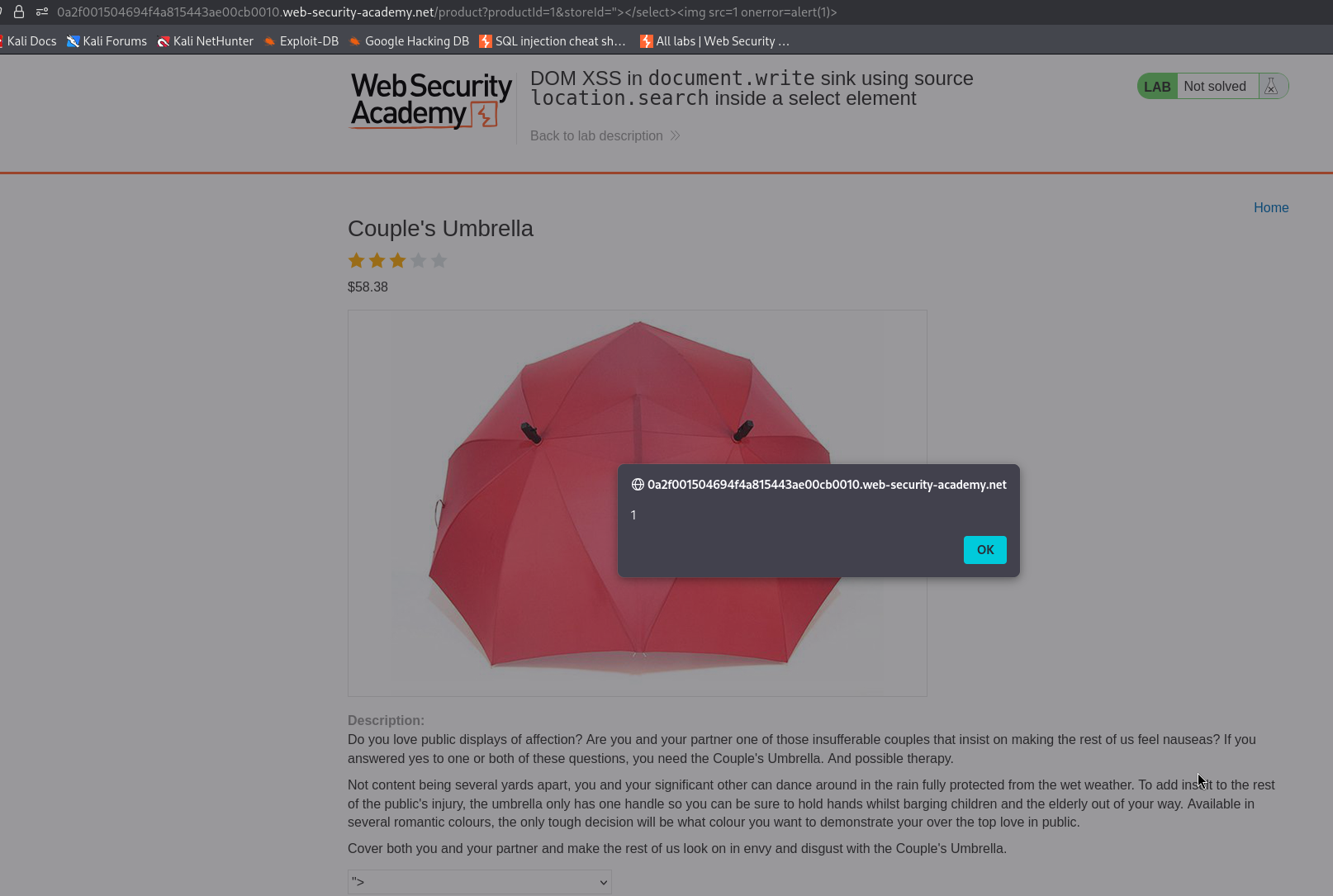
With this, the lab is solved!