
The lab
Here is how PortSwigger describes it
This lab demonstrates a stored DOM vulnerability in the blog comment functionality. To solve this lab, exploit this vulnerability to call the alert() function.
The idea#
Stored XSS is the patient cousin of reflected XSS. Instead of your payload living in a one time request that has to be delivered to a victim, it gets written into the site and kept there, so it goes off on its own every time someone loads the page that shows it. Comments, reviews, profile names, anything the site saves and hands back to other people is a candidate.
The stored DOM flavour adds one more twist. The saved value is not stitched into the HTML by the server, it is a client side script that reads the stored comment back out and writes it into the page. So the source is the comment we left earlier, and the sink is the bit of JavaScript that drops that comment into the DOM. If that script writes our text as real HTML rather than as plain text, we are in.
Step 1 - find the comment section#
There is no search box or anything else obviously interesting on show this time, which actually narrows things down. The lab tells us it is stored, and the one place the site takes something from us and gives it back to everyone is the comment area under each post. So I opened a post and went straight for the comment form, since a stored issue almost has to live wherever user text gets saved and replayed.
I dropped a normal comment in first to confirm it shows up on the post afterwards, and it does. That means whatever I write is being stored and then rendered back onto the page later, which is exactly the setup we want.
Step 2 - understand the broken filter#
The site is not completely careless. It does try to stop XSS by encoding angle brackets, so a naive <img> or <script> should come back defanged. The interesting question is how it does that encoding, because that is usually where these labs hide their mistake.
Here the site leans on JavaScript's replace() to swap the angle brackets for their harmless encoded versions. That sounds fine until you remember how replace() behaves when you hand it a plain string to look for. It only touches the first match and then stops. It does not walk through the whole comment swapping every bracket, it fixes the first one it meets and calls it a day. To catch every occurrence you have to pass a global regular expression instead, and the site is not doing that.
Picture a bouncer who was told to check the very first person in the queue and nobody after. As long as we put someone harmless at the front of the line, everyone behind them strolls in untouched.
Step 3 - bypass with a decoy and fire the alert#
So the plan writes itself. We hand the filter a throwaway set of brackets to waste its one replacement on, then follow it with the real payload whose brackets will sail straight through. Here is the comment.
<><img src=1 onerror=alert(1)>
The empty <> at the front is pure bait. The filter sees that first <, encodes it, sees that first >, encodes it, and now reckons its job is done. Everything after that, our actual <img src=1 onerror=alert(1)>, is left completely alone and gets written into the page as live HTML.
Now, why an image tag and not a plain script. When markup is injected and dropped into the page this way, a <script> block usually will not run, so we reach for a tag that can carry JavaScript another way. The <img> points its src at 1, which is not a real image, so the browser fails to load it and fires the onerror handler we hung off it. That handler is our alert(1), and it runs the instant the broken image gives up.
Because the comment is stored, I posted it and then went back to the post to let the page render the saved comments. As it drew our comment the image failed, the onerror ran, and the alert popped.
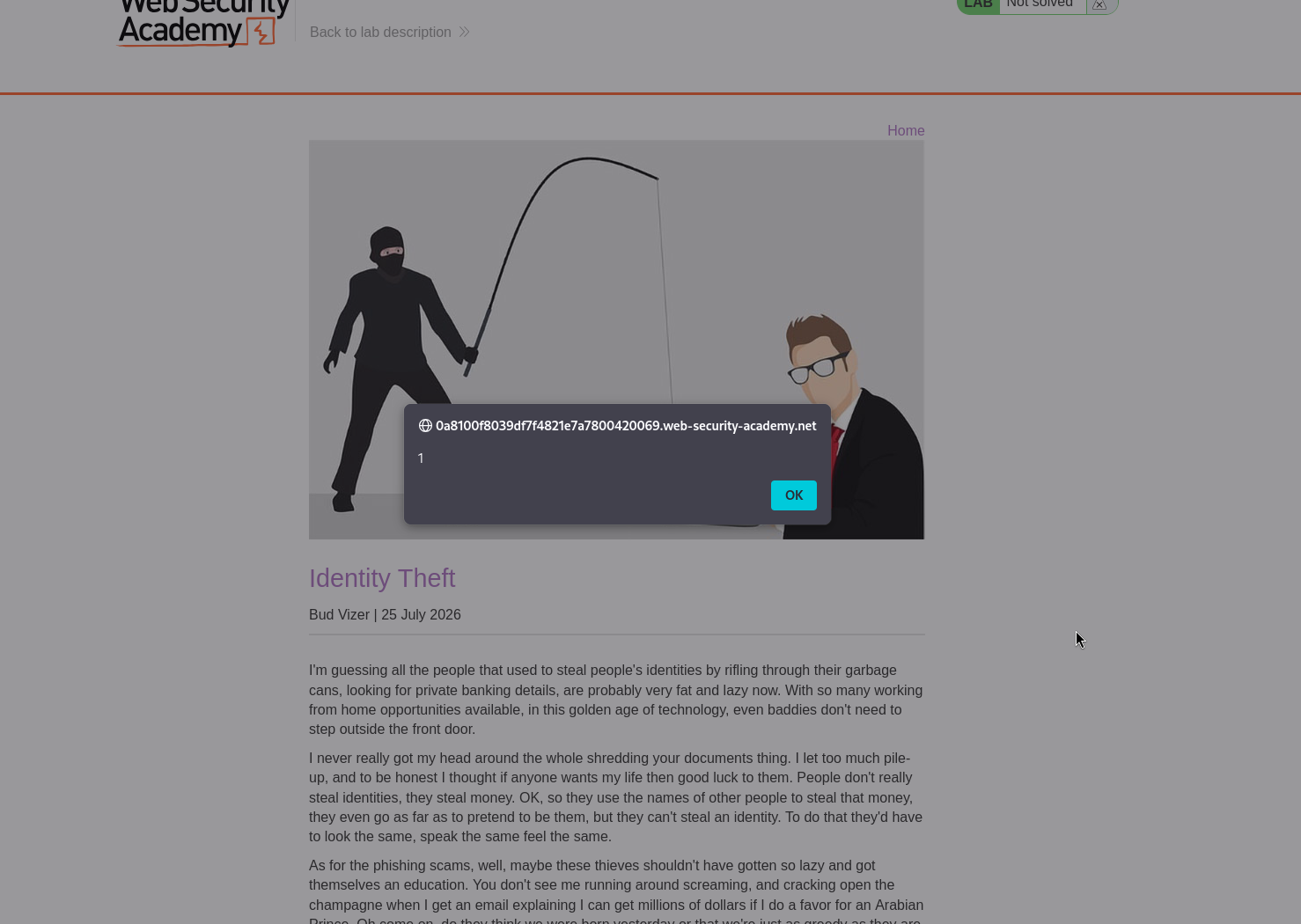
With this, the lab is solved!